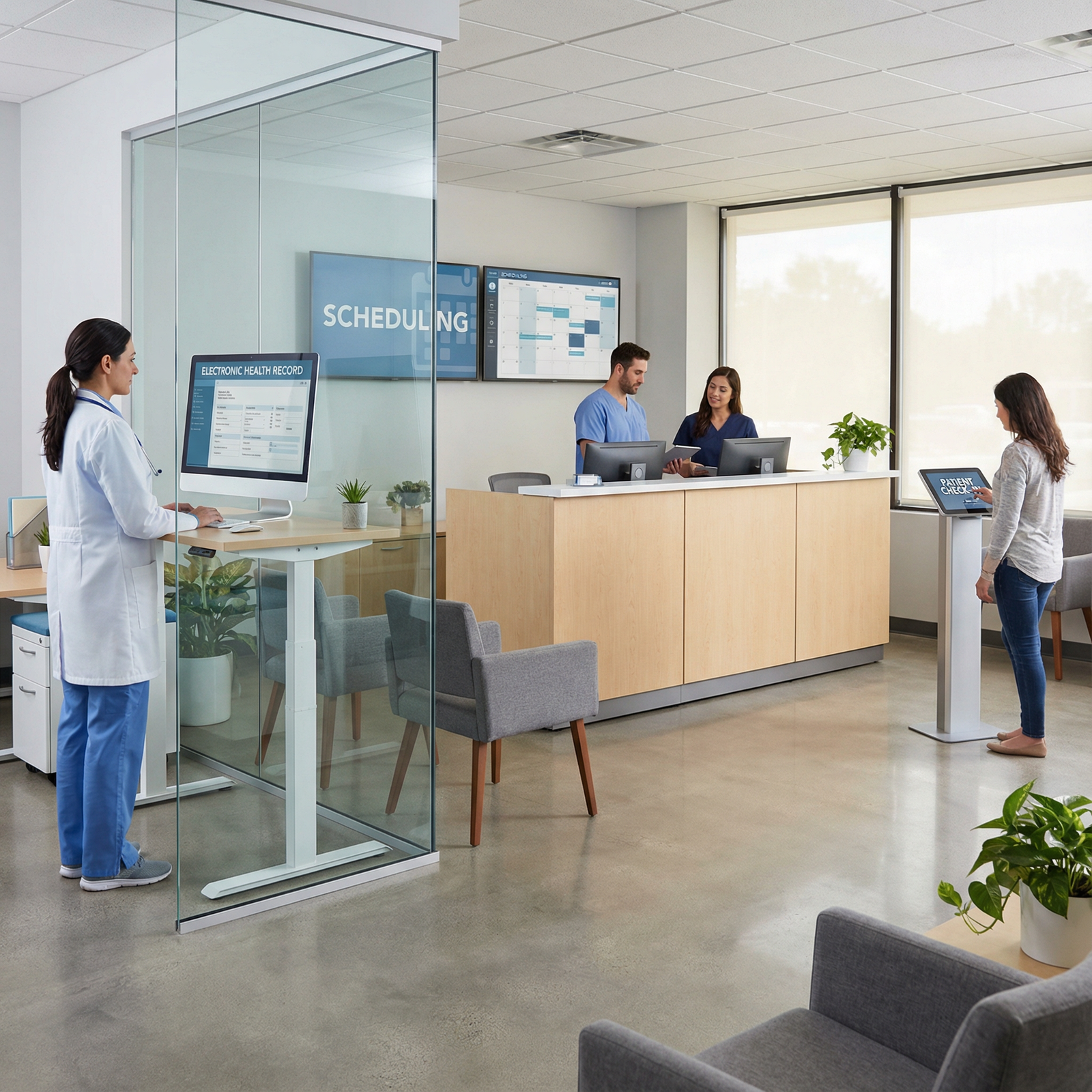
Setting Up Efficient Office Systems for Your New Medical Clinic
Launching a new Medical Clinic after residency is one of the most exciting—and risky—moves in your career. Your training has prepared you for complex diagnoses and high‑stakes decisions, but running a clinic also requires something residency rarely teaches: building efficient Office Systems that support excellent Patient Care and sustainable operations.
Well-designed office workflows are not just a “nice to have.” They directly impact your clinical outcomes, patient satisfaction, staff morale, and bottom line. In the current landscape of value-based care, reimbursement pressure, and staffing shortages, Healthcare Efficiency is a strategic advantage.
This guide walks you through the essential office systems to put in place from Day One, with practical examples tailored for early-career physicians and new practice owners.
Why Efficient Office Systems Are Critical to a New Medical Clinic
Office Systems are the operational nervous system of your practice. They connect your clinical decisions, front-desk activities, billing processes, and communication channels into a coherent whole. Without them, even excellent clinical judgment can get buried under chaos.
How Office Systems Impact Patient Care and Work-Life Balance
Thoughtful systems design is one of the most powerful ways to protect both Patient Care and your personal sanity:
Shorter wait times and smoother visits
Streamlined check-in, clear scheduling rules, and efficient rooming protocols ensure patients move through the clinic with minimal delays.Fewer errors and missed results
Robust EHR Management, standardized documentation templates, and test-tracking workflows reduce the risk of missed diagnoses, duplicated testing, or medication errors.More time for actual medicine
Automation and clear workflows shift low-value tasks off your plate and away from your staff’s already-full days, freeing you to focus on complex decision-making and direct interactions with patients.Predictable days and fewer after-hours burdens
Efficient systems reduce charting after hours, limit last-minute crises, and support realistic scheduling—key for preserving your well-being post-residency.
Business and Regulatory Benefits of Strong Office Systems
Beyond daily clinical flow, Healthcare Efficiency through strong systems leads to:
Better financial performance
Clean claim submission, accurate coding, and consistent follow-up on denials and balances all depend on your billing systems. Good revenue cycle management can be the difference between a thriving practice and constant financial stress.Scalability as you grow
Systems that work for two exam rooms and one provider should be able to adapt to multiple locations or additional clinicians without needing to be rebuilt from scratch.Regulatory and medico-legal protection
HIPAA-compliant processes, audit-ready documentation, and consistent adherence to policies can reduce legal risk and make payer audits less painful.
In short, investing in effective Office Systems early can prevent “practice drift” into burnout, inefficiency, and financial instability later.
Core Office Systems Every New Medical Clinic Should Implement
The most successful new clinics think about systems as an integrated ecosystem rather than a collection of unrelated software products. Below are the critical building blocks to prioritize.
1. Electronic Health Record (EHR) Management System
Your EHR is the central infrastructure of your practice. It’s more than a digital chart; it’s your clinical, operational, and data spine.
Key Features of an Effective EHR for a New Clinic
When evaluating EHR Management options, focus on:
User-friendly interface and workflow fit
- Intuitive charting that matches your specialty
- Quick order sets, favorites, and macros for your most common visits
- Minimal clicks to complete routine tasks
Integrated scheduling and registration
Avoid separate systems where possible. A unified platform reduces duplicate data entry and improves accuracy.Clinical decision support and safety checks
- Drug–drug and drug–allergy interaction alerts
- Health maintenance reminders (e.g., vaccines, screening tests)
- Specialty-specific templates and guidelines
Reporting and analytics
- Track quality metrics, no-show rates, panel size, and visit types
- Identify bottlenecks and opportunities for efficiency or revenue improvement
Choosing the Right EHR for Your Practice
Examples of widely used systems include Epic, Cerner, Athenahealth, eClinicalWorks, and specialty-focused platforms. For independent or small-group clinics, consider:
- Cloud-based vs. on-premise (cloud typically has lower upfront cost and easier updates)
- Contract terms (avoid long lock-ins without a clear exit path)
- Integration options with labs, imaging centers, pharmacies, and patient portals
Actionable tip:
Before signing, do at least two live demos where you “test-drive” common scenarios (e.g., new patient physical, chronic disease follow-up, refill request). Involve at least one MA or nurse who will be using the system daily.
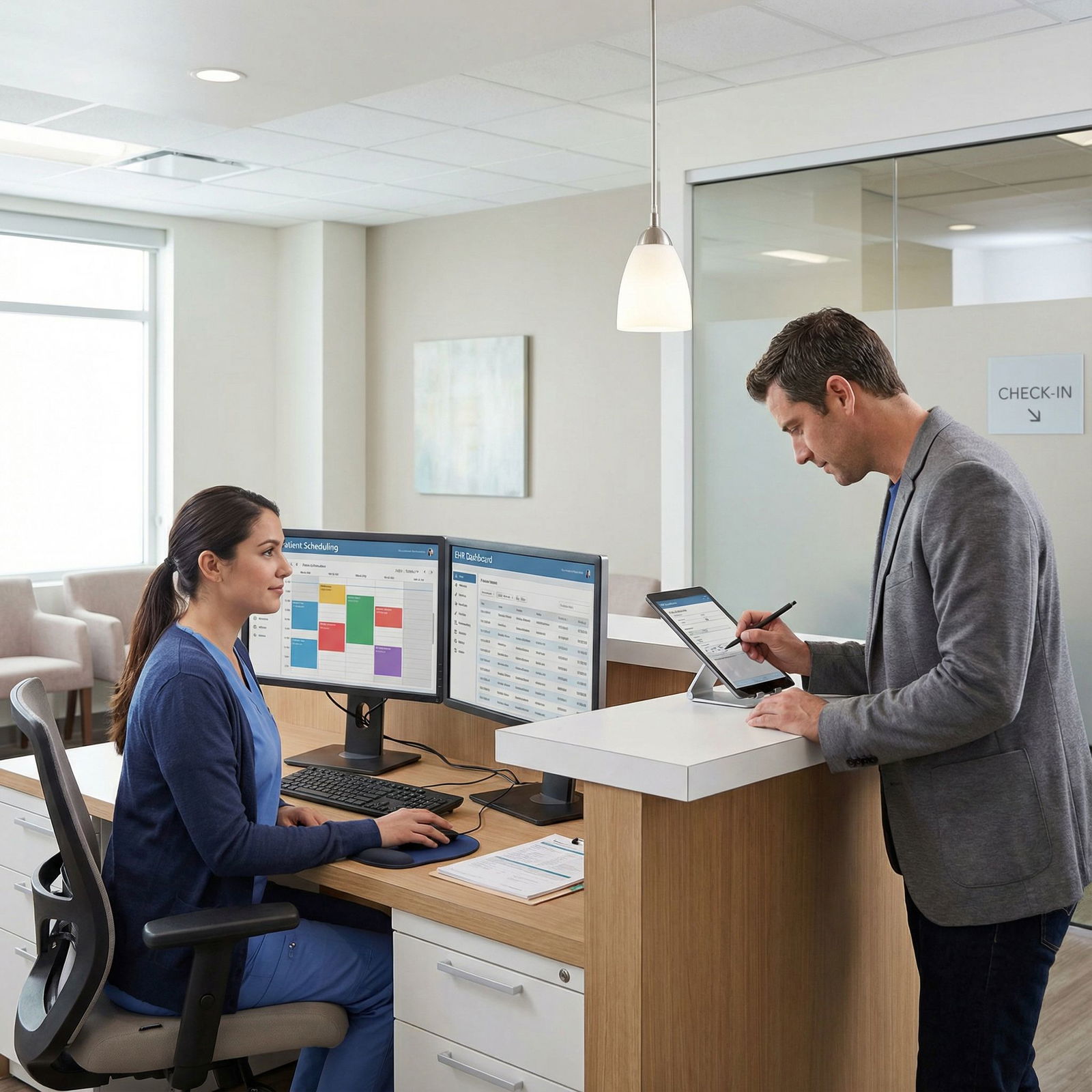
2. Appointment Scheduling and Front-Desk Workflows
Appointment scheduling is where Patient Care and business performance intersect. The way you structure your template and manage the schedule directly affects access, revenue, and burnout.
Components of an Effective Scheduling System
Automated reminders and confirmations
- SMS and email reminders at 48–72 hours and same-day
- Easy confirm/cancel/reschedule links
- Optional phone reminders for older or high-risk patients
Online self-scheduling
Patients increasingly expect to book online. Offer:- New patient appointment types with pre-visit forms
- Established patient slots with defined visit reasons and durations
Rules and templates that reflect your priorities
- Protected same-day or 48-hour slots for urgent issues
- Longer slots for complex chronic care or procedures
- Limits on double-booking to protect quality and your sanity
Visual, integrated calendar
- Color-coded visit types (e.g., new, follow-up, physical, procedure)
- Clear visibility of room availability and provider schedules
Data point:
Many practices report a 20–40% reduction in no-shows after implementing automated reminders and online rescheduling.
Front-Desk Scripts and Check-In Systems
Your front desk sets the tone for the entire visit. Support them with:
- Standardized scripts for phone calls (new patient intake, refill requests, acute complaints)
- Digital check-in (tablets or patient smartphones) for demographics, insurance upload, and consent forms
- Clear policies on late arrivals, cancellations, and copay collection
3. Patient Communication and Engagement Systems
High-quality Patient Care doesn’t begin and end in the exam room. The way you communicate between visits is now a core part of your service.
Secure Patient Portals and Messaging
A strong patient communication system should allow:
Two-way secure messaging
- Non-urgent questions, refill requests, and follow-up clarifications
- Clear triage rules and response time expectations (e.g., within 2 business days)
Access to records and results
- Lab results, imaging reports, visit summaries, and medication lists
- Option to share or download data for other providers
Educational content and care plans
- Condition-specific instructions automatically attached to visit types (e.g., asthma, diabetes, hypertension)
- Post-visit summaries that reinforce key counseling points
Proactive Communication and Patient Retention
Modern Office Systems support ongoing engagement:
- Preventive care reminders (vaccinations, screenings, annual exams)
- Chronic disease management prompts (A1c checks, BP checks, follow-up visits)
- Email newsletters with clinic updates, new services, and seasonal health tips
Practical example:
A primary care clinic automates colon cancer screening reminders for patients aged 45–75. The EHR generates a monthly list, sends secure portal messages, and tracks completion rates—improving screening adherence and quality metrics without manual chart reviews.
4. Billing, Coding, and Financial Management Systems
No matter how strong your clinical skills, your Medical Clinic cannot survive without strong revenue cycle management. Early missteps here can be costly and demoralizing.
Core Components of an Efficient Billing System
Integrated charge capture
- Ensure every visit, procedure, and ancillary service is captured directly from the EHR
- Use templates and macros to support accurate documentation for the level of service billed
Claims submission and clearinghouse integration
- Automatic claim generation and batching
- Real-time eligibility and benefit checks
- Quick visibility into rejections and denials
Payment posting and patient statements
- Electronic remittance advice (ERA) integration
- Clear, patient-friendly statements
- Online payment options and payment plans where appropriate
Real-time financial reporting
- Days in A/R, denial rates, net collection rate, and per-visit revenue
- Payer mix analysis and underpayment detection
Choosing Between In-House and Outsourced Billing
For a new practice, consider:
In-house billing
- More control and potentially lower costs long-term
- Requires hiring or training staff and strong oversight
Outsourced billing company
- Helpful during the first 12–24 months while you grow volume
- Clarify fees (percent of collections vs. flat rate) and performance guarantees
Case insight:
Many small practices report 10–20% improved collections after implementing standardized coding audits and clear documentation templates that match payer requirements.
5. Inventory and Supply Chain Management
From vaccines to sutures to exam table paper, your clinic runs on supplies. Poor inventory systems create waste, lost revenue, and clinical frustration.
Building an Inventory Management System
Key elements include:
Centralized tracking
- Maintain a digital list of all supplies and medications
- Track quantities, expiration dates, and storage locations
Par levels and reorder triggers
- Define minimum and maximum stock levels for each item
- Set automatic reminders or orders when stock falls below par
Vendor and contract management
- Maintain a database of suppliers, pricing, and contract terms
- Periodically compare prices and negotiate based on volume
Regulatory considerations
- Separate and secure storage for controlled substances
- Temperature logs for vaccines and cold-chain supplies
- Documentation for lot numbers and recalls
Efficiency tip:
Assign one staff member (often an MA or office manager) as inventory lead with protected time weekly to review and order. This avoids last-minute shortages and overtime panics.
6. Human Resources and Staff Management Systems
Your team is your most valuable asset. Strong HR systems support staff retention, compliance, and clinic culture.
HR Infrastructure for a New Medical Clinic
Digital HR platform
- Electronic employee files (licenses, certifications, I-9s)
- Time and attendance tracking (clock-in/out, PTO requests)
- Policy acknowledgments and performance evaluations
Recruitment and onboarding workflows
- Standardized job descriptions for each role (front desk, MA, RN, biller)
- Checklists for orientation: EHR training, privacy policies, emergency procedures
- Mentorship or “buddy” system for new hires during the first 60–90 days
Training and compliance
- HIPAA, OSHA, and workplace safety modules with annual refreshers
- Specialty-specific competencies (e.g., spirometry, vaccine administration)
- Clear escalation pathways for patient complaints and safety events
Investing in organized HR systems early can significantly reduce turnover, which is one of the most expensive hidden costs in private practice.
7. Data Security, HIPAA Compliance, and Risk Management
Your office systems must not only be efficient—they must be secure and compliant.
Core Elements of a Secure Environment
Technical safeguards
- Encrypted data storage (at rest and in transit)
- Role-based access controls with unique logins
- Automatic screen locks and session timeouts
- Regular backups and tested disaster recovery plans
Administrative safeguards
- Written policies for data access, sharing, and storage
- Business associate agreements (BAAs) with all vendors handling PHI
- Regular risk assessments and documentation of mitigation steps
Physical safeguards
- Locked areas for charts (if any), servers, and medication storage
- Shredding protocols for paper PHI
- Visitor sign-in policies for back-office and clinical areas
Training and Culture
Compliance is not a one-time checklist; it’s a culture:
- Include HIPAA and data security in new employee orientation
- Run annual refreshers and phishing-awareness exercises
- Encourage staff to speak up when they see process gaps or potential risks
Practical Roadmap: How to Set Up Office Systems for Your New Practice
Creating efficient systems is less overwhelming when you follow a staged, intentional process.
Step 1: Clarify Your Practice Model and Needs
Before buying anything, define:
- Your specialty and scope of services (e.g., procedures, imaging, telehealth)
- Expected patient volume in year 1 vs. year 3
- Number of providers and staff roles
- Payer mix (commercial, Medicare, Medicaid, cash-pay, concierge, or hybrid)
Your system choices should directly support this model—not the other way around.
Step 2: Map Your Ideal Patient Journey
Walk through a typical visit step by step:
- Patient finds your clinic (website, referral, marketing)
- Calls or books online
- Schedules and receives reminders
- Checks in and completes forms
- Rooming, vitals, and HPI
- Physician visit and documentation
- Orders, prescriptions, and patient education
- Check-out, billing, and follow-up scheduling
- Post-visit communication and results
For each step, ask:
- What tools are needed?
- Who is responsible?
- How do we measure if this step is working well?
This becomes your blueprint for selecting and configuring Office Systems.
Step 3: Research, Compare, and Demo Solutions
When evaluating vendors:
- Ask for references from similar-sized practices in your specialty
- Clarify all costs: implementation, training, monthly fees, add-on modules, support
- Test integrations (EHR with billing, patient portal, telehealth, and labs)
- Negotiate contract length and exit clauses
Consider creating a simple comparison matrix with 5–10 must-have criteria and scoring each vendor.
Step 4: Build an Implementation and Training Plan
Once you’ve selected systems:
- Set realistic timelines (most clinics underestimate this)
- Identify “super-users” on your team who get extra training and help others
- Run training sessions in small groups with real-world scenarios
- Soft-launch or pilot where possible (e.g., start online scheduling with a subset of appointment types)
Plan for a temporary dip in productivity during go-live and protect your schedule accordingly.
Step 5: Monitor, Measure, and Continuously Improve
After launch, use both data and feedback:
Quantitative metrics
- No-show rates
- Average days in A/R
- Average visit length and wait times
- Patient portal adoption rates
Qualitative feedback
- Monthly staff huddles to identify friction points
- Short patient surveys on ease of scheduling and communication
- Provider feedback on documentation time and after-hours workload
Be willing to iterate your templates, scheduling rules, and workflows. Small, continuous improvements compound into major efficiency gains over time.

Frequently Asked Questions (FAQs)
Q1: How much does it typically cost to set up office systems in a new Medical Clinic?
Startup costs vary widely based on size, specialty, and location, but for most small outpatient clinics, you can expect:
EHR and practice management software:
- Setup and training: a few thousand dollars
- Ongoing: typically $300–$1,000+ per provider per month, depending on features
Billing solutions:
- In-house: staff salary/benefits plus clearinghouse fees
- Outsourced: usually 4–8% of net collections
HR, inventory, and communication tools:
- Often $50–$300 per month per system for small practices
Build a 3–5 year pro forma that includes not only subscription fees but also hardware (computers, scanners, tablets), internet redundancy, and support/IT costs. When in doubt, choose scalable, cloud-based systems with transparent pricing.
Q2: What is the most critical system to implement first?
Your first priority should usually be an integrated EHR and practice management system (scheduling + billing) because:
- It structures your documentation and clinical workflows
- It determines how you book and manage appointments
- It drives your coding, billing, and collections
From there, add complementary systems—patient communication tools, inventory management, and HR platforms—that either integrate directly or fill clear gaps.
Q3: How can I ensure HIPAA compliance and data security with my new systems?
To support HIPAA compliance:
- Choose vendors that sign Business Associate Agreements (BAAs) and can describe their security practices in detail.
- Confirm they provide:
- Encrypted storage and transmission of PHI
- Role-based access controls and audit logs
- Regular security patches, backups, and disaster recovery plans
- Internally, develop written policies and conduct:
- New hire and annual HIPAA training
- Periodic risk assessments
- Regular review of user access (especially when employees leave)
Consider consulting a healthcare compliance specialist during setup to review your systems and workflows.
Q4: Can I integrate different software solutions, or should I use a single all-in-one platform?
Both approaches can work, but integration is paramount:
All-in-one platforms (EHR + billing + scheduling + portal)
- Pros: Fewer vendors, smoother data flow, simpler support
- Cons: May lack best-in-class features in every module
Best-of-breed mix (separate tools for portal, telehealth, HR, etc.)
- Pros: More customization and depth of features
- Cons: Requires robust integrations and more vendor management
Whichever you choose, verify integration capabilities up front (APIs, supported interfaces) and test critical workflows (e.g., appointments syncing to the EHR, charges flowing to billing).
Q5: What should I do if my staff is resistant to new systems or workflow changes?
Resistance is common and usually reflects anxiety about change rather than opposition to improvement. To address it:
- Involve staff early when selecting systems and designing workflows
- Clearly explain the “why”: how changes will reduce chaos, errors, and after-hours work
- Provide ample hands-on training and written quick-reference guides
- Identify and support “super-users” who can coach peers
- Start with small, achievable changes and celebrate quick wins
Above all, create a culture where staff input is valued. The people doing the work daily often have the best ideas for Healthcare Efficiency improvements.
Well-designed Office Systems are one of the most powerful levers you have as a new practice owner. By intentionally building your EHR Management, scheduling, communication, billing, inventory, HR, and compliance frameworks from the start, you create a Medical Clinic that delivers excellent Patient Care while remaining financially viable and sustainable for you and your team over the long term.