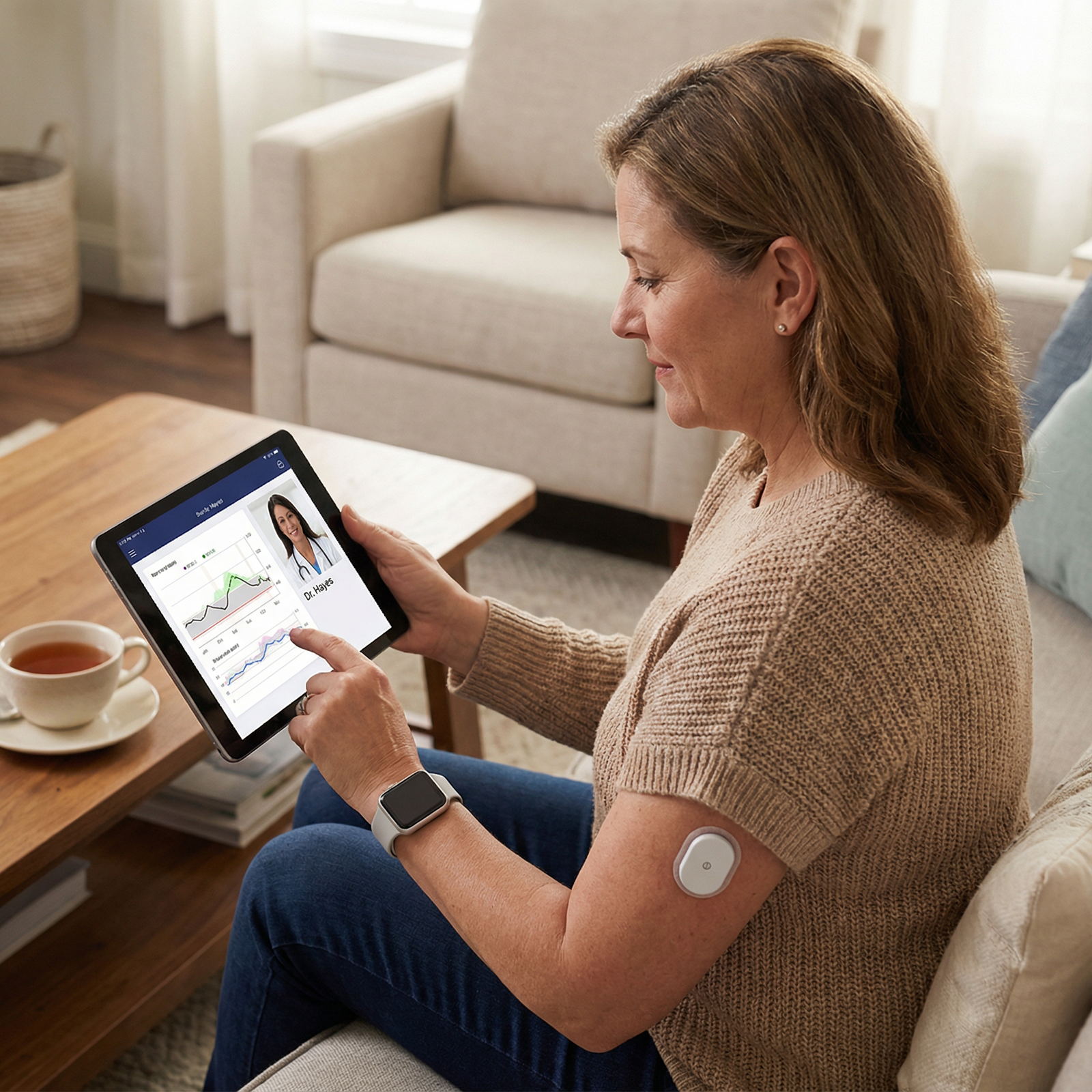
You're standing in the middle of a busy ward, and the continuous glucose monitor (CGM) upload just won't. The little spinning wheel on the screen has been taunting you for five minutes. You refresh, you re-pair, you plead, nothing. The nurse is waiting, your supervising consultant is rounding in half an hour, and the patient's blood sugars have been yo-yoing all morning.
So now the question hits: can you still use the CGM data, or is it dead to you until the system catches up?
I've been there. More than once. And I'll tell you straight: a failed upload is not a clinical emergency, but it can feel like one when you're trying to make a safe call and look competent at the same time. In this article, I'll walk you through exactly what to do when the hospital upload fails, based on real-world messiness, not a textbook that pretends everything works.
This article is for educational purposes only. It is not financial advice, not legal advice, and not tax advice. Figures vary by individual circumstances, so consult a qualified professional before acting.
Problem Setup: Why the Upload Fails and What That Means
Let's get one thing clear off the bat: an upload failure doesn't mean the sensor data is garbage. It simply means the data didn't make the jump from the device or app into the hospital's official record. That's it. The sensor may very well still be humming along, recording perfectly reasonable interstitial glucose values. The problem is logistics, not physiology.
Common culprits? I've seen app pairing break after an iOS update, Bluetooth permissions randomly reset, the patient's own smartphone battery die mid-upload, network outages that make a hospital Wi-Fi port look like it's from 2003, firmware mismatches after a sensor replacement, and the classic "sensor warm-up still in progress" where the system won't transmit yet. Sometimes the hospital's data integration server just decides to take a nap. None of that tells you the CGM is unreliable. It tells you the pipeline is broken.
So don't panic. And definitely don't throw away the trend data you can see on the patient's phone or receiver just because it's not in the EMR. That would be like tossing a map because the GPS signal dropped, there's still plenty of terrain you can navigate if you know where you are.

First Principle: Safety and Clinical Context Come Before Data
Here's where I get a bit blunt. If you're staring at a CGM trace that claims the patient is drifting toward 70 mg/dL and the patient is diaphoretic and confused, you don't stand there wondering about upload protocols. You act. Get a fingerstick, give glucose, and sort out the data mess later. The CGM is a tool, not a deity.
Your first decision rule must be: what's the clinical risk right now? In unstable settings, ICU, labour ward, someone on a rapidly changing insulin drip, recurrent severe hypos, brittle diabetes in pregnancy, dangling your decision on an unverified CGM reading is how trainees get reprimanded and patients get harmed. If the sensor hasn't been calibrated recently, if it's been more than a day since the last successful sync, or if the arrow trend doesn't match symptoms, you default back to standard-of-care monitoring. Fingersticks, lab glucoses, clinical assessment. No shame in that. It's professional, not a sign of technical failure.
I've seen applicants get flustered because they wanted to present the "fancy" data to their attending. But the best presentation is the one that keeps the patient safe and demonstrates clinical judgment. If the CGM upload failed and the patient looks off, just say: "Upload failed, I can't trust unverified trends, I reverted to point checks and here's what I found." That alone shows maturity.
If You Still Have the Data Locally: What You Can Use (and How)
Okay, so the upload to the hospital system crapped out, but you can still see the glucose curve on the patient's phone, receiver, or Dexcom/Libre app. That's not a disaster. In fact, in many clinical environments, this is still usable as supplemental trend information, provided you follow a few steps religiously.
First, verify the session. Look at the start time of the sensor. If it's less than 2 hours old (depending on brand), it may be in warm-up and not transmitting real data yet. Confirm the battery hasn't died, the transmitter is still within range, and the app hasn't logged out. Check the time stamps: if the last reading was 12 hours ago, that's not a current trace, it's a fossil. I've seen people base insulin doses on a 10-hour-old curve and then wonder why the patient went low. Don't be that person.
Next, review the trace's plausibility. Does it make sense with the patient's symptoms, recent meals, insulin timing, and, crucially, any recent point-of-care glucose readings? If the CGM says 180 mg/dL and the fingerstick says 250, you've got a discrepancy. That doesn't automatically make the CGM wrong (interstitial vs capillary lag is real), but it does mean you shouldn't rely on it as gospel. In most non-ICU settings, CGM is fine for trend direction, but you still need a confirmatory point check whenever your local policy demands it, or whenever your gut says something's off.
Document everything. Yes, it's boring. But you'll thank yourself when the consultant asks, "Where did you get that glucose value?" Write down: what failed (hospital upload), where you got the data (patient phone app, LibreLink, etc.), the time window you're referencing, and any confirmatory checks you did. For example: "CGM upload failed due to network error. Data viewed locally on patient's Dexcom app; last sync 10 minutes prior; sensor inserted 6 days ago. Fingerstick glucose 15 minutes earlier was 145 mg/dL, consistent with CGM trend. Used CGM as adjunct to clinical assessment." That covers your back and shows you're thinking critically.
Common Applicant Scenario: "Should I Mention CGM/Biosensor Data in My Application or Case Logs?"
I get asked this all the time by trainees trying to shine in their portfolios or application logs. They want to show they're tech-savvy, that they used novel monitoring. But then the upload failed, and now they're sweaty-palmed about what to write.
Here's my direct take: you don't get bonus points for naming a device that didn't contribute to safety. If you used CGM data responsibly, even if it wasn't uploaded, describe it honestly. "CGM upload failed, but I reviewed the trend on the patient's device, corroborated with two point checks, and used the information to confirm stable glycemia overnight. I documented the gap and notified the night team." That reads beautifully. It shows initiative, safety-mindedness, and transparency.
If the data was completely inaccessible, say so. "CGM upload failure prevented continuous monitoring; standardised q4h capillary glucose checks were performed per ward protocol, and I escalated the IT issue." That still reflects adaptability and a level head. No one expects a broken upload to derail your entire narrative. What they will judge is if you pretended everything was fine or implied you had data you didn't.
Don't over-romanticize the biosensor. The novelty isn't the tech; it's how you handled a real system failure with patient safety at the core. A good application reviewer spots that from a mile away.
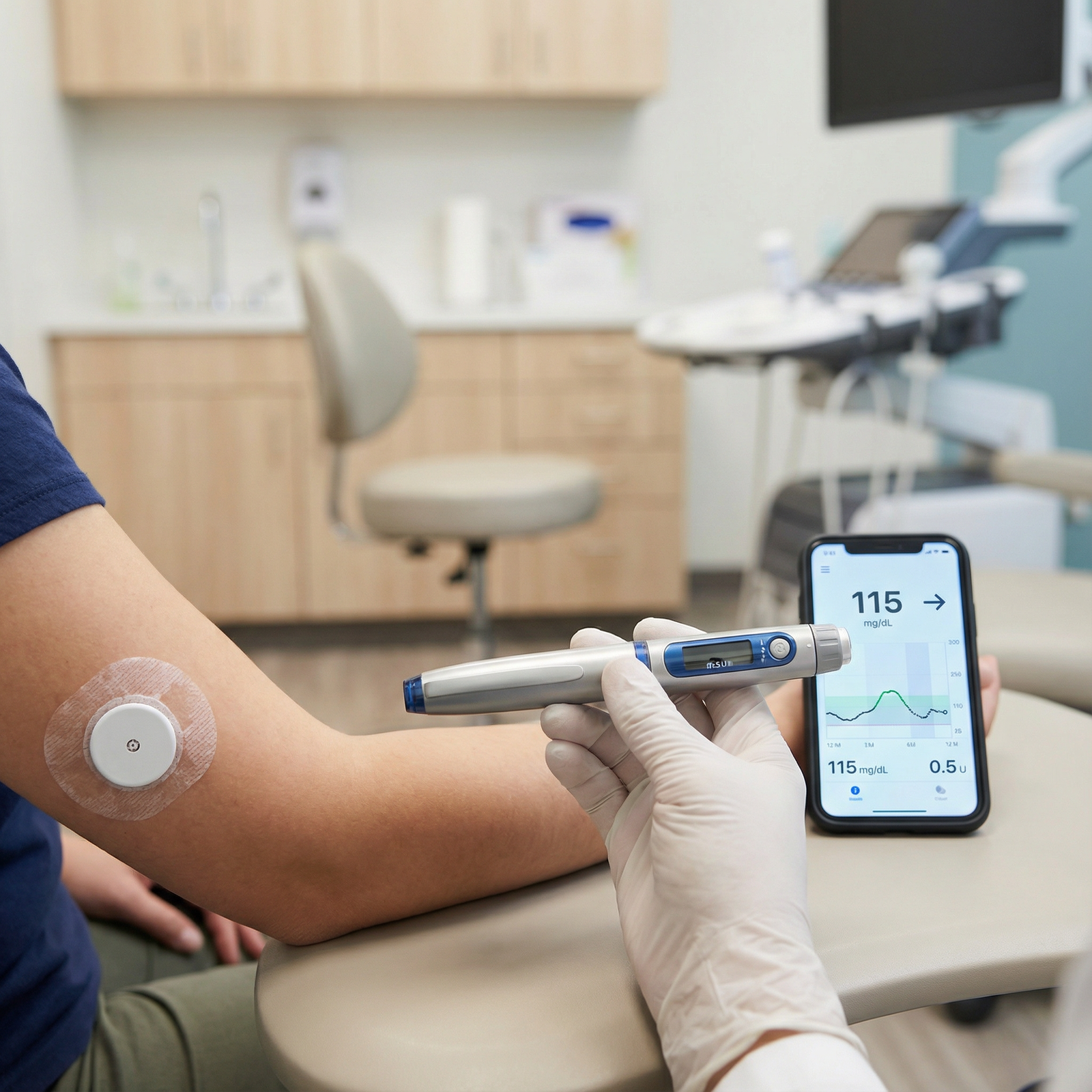
Troubleshooting Fast: What to Attempt Before You Give Up
You've got about 10 minutes before the team starts wondering why you're glued to a loading screen. Here's what you do, fast.
- Re-pair and check basics: Force quit the app, restart Bluetooth, re-pair the device if allowed. On many CGMs, this alone solves half the transient failures.
- Permissions: Location services and storage permissions are sometimes required for app uploads on Android/iOS. If the patient accidentally denied a prompt, the upload stalls forever. Check app settings.
- Network: Switch from hospital guest Wi-Fi to cellular (with patient consent) if allowed. Some hospital networks block certain ports or require VPN, not your job to debug that, but it's worth a quick try.
- Firmware/App updates: If the app says "update available," but you're not sure whether you can update on a hospital device, stop. Check policy. Don't brick the device.
- Sensor timing: If the sensor was just replaced, you may need to wait the manufacturer-recommended warm-up period (usually 1-2 hours). No upload will occur until that completes.
- Account linkage: Make sure the app is logged into the correct account that pairs with the hospital's cloud. A patient's personal account might not be the one the hospital expects, this mismatch is surprisingly common.
If hospital systems are the bottleneck, server-side, IT lockout, data integration platform down, call for backup. Contact your unit's clinical device coordinator, biomed, or hospital IT. Document the ticket number. If your unit allows manual export (e.g., PDF from app), you can print it and place it in the paper chart as a temporary workaround. It's not elegant, but it's functional.
Note: These percentages are rough estimates based on my experience in typical hospital settings; your mileage will vary wildly depending on infrastructure.
Ethics, Consent, and Documentation: Don't Let a Missing Upload Become a Black Box
Let's get into the slightly uncomfortable territory. If the upload failed and you proceeded to use CGM data anyway, you'd better be crystal clear about what you did and why. If something goes wrong, a missed hypo, an inappropriate treatment, you don't want the record to show a gap that you silently filled with unverified data. That's how you end up in a morbidity meeting with nothing to defend yourself but a shrug.
Transparency means explicitly stating the upload failure in the medical record, describing the alternative data source (local app), and noting any corroboration steps. If you didn't corroborate, you should be very clear that the data was used as an observation only, not for treatment decisions, and if policy requires a point check, you did it.
Privacy matters too. Don't take a screenshot of the patient's phone with their name and date of birth and paste it into a shared chat or a case log. Even de-identified screenshots can slip through. Use verbal description or the hospital's own documentation system. If you're in a teaching setting, get explicit consent if you plan to show the trace to a group. Many hospitals have a policy on this; read it before you're in a bind.
Write the failure plainly: "CGM data upload to EMR failed at 14:30 due to Bluetooth disconnection, IT notified. Local CGM trace on patient device reviewed and noted to be consistent with prior trends; confirmatory capillary glucose check obtained at 14:45 (130 mg/dL). Plan to replace sensor if disconnect recurs." That's a complete narrative loop. No missing pieces.
Answering the Core Question: Should You Use CGM/Biosensor Data If the Hospital Upload Fails?
My rule of thumb is as direct as I can make it: yes, you can use CGM data if three conditions are met, you can access it locally, you can verify its plausibility, and your setting's protocol explicitly allows CGM-only or supplemental use. If any of those is missing, you default to standard-of-care monitoring.
In most real-world wards, CGM isn't yet approved for stand-alone treatment decisions, especially not for insulin dosing without point checks. So you'll almost always be using it as a trend supplement. That's fine. But don't cross the line into relying on it as a replacement for a fingerstick when your hospital says you shouldn't. I've seen a junior doctor get slapped down hard for charting insulin doses based solely on a CGM arrow they saw on a patient's phone, ignoring the fact that the unit's policy required capillary confirmation every 4 hours. The insulin dose was right, but the process wasn't, and that mattered.
So when you're in doubt, corroborate. Corroborate with a point check, escalate to your senior, and document the reasoning. The worst outcome is a patient harmed by a guess you dressed up as data.
(For clarity: the quadrant breakdown: if verification done & protocol allows, use with confidence; verification done & protocol doesn't allow, use only as observation; verification not done & protocol allows, verify first before using; verification not done & protocol doesn't allow, avoid and use standard monitoring. The chart above simplifies to two bars, both show use with verification, and avoid without.)
Summary: Practical Take-Home Steps You Can Use Immediately
A failed upload is annoying, not apocalyptic. Remember: the sensor might be perfectly functional. Your job is to check local access, confirm the time stamps and plausibility, corroborate if needed or if protocol demands it, troubleshoot what you can, and document the failure transparently. That's it. You don't need to reinvent clinical care; you just need to handle the gap with common sense and safety at the front.
Next time you're caught with a spinning wheel and a fuming nurse, you'll know the steps. Check the device. Ask yourself if the patient is at risk. Corroborate. Document. Move on. You've got this.