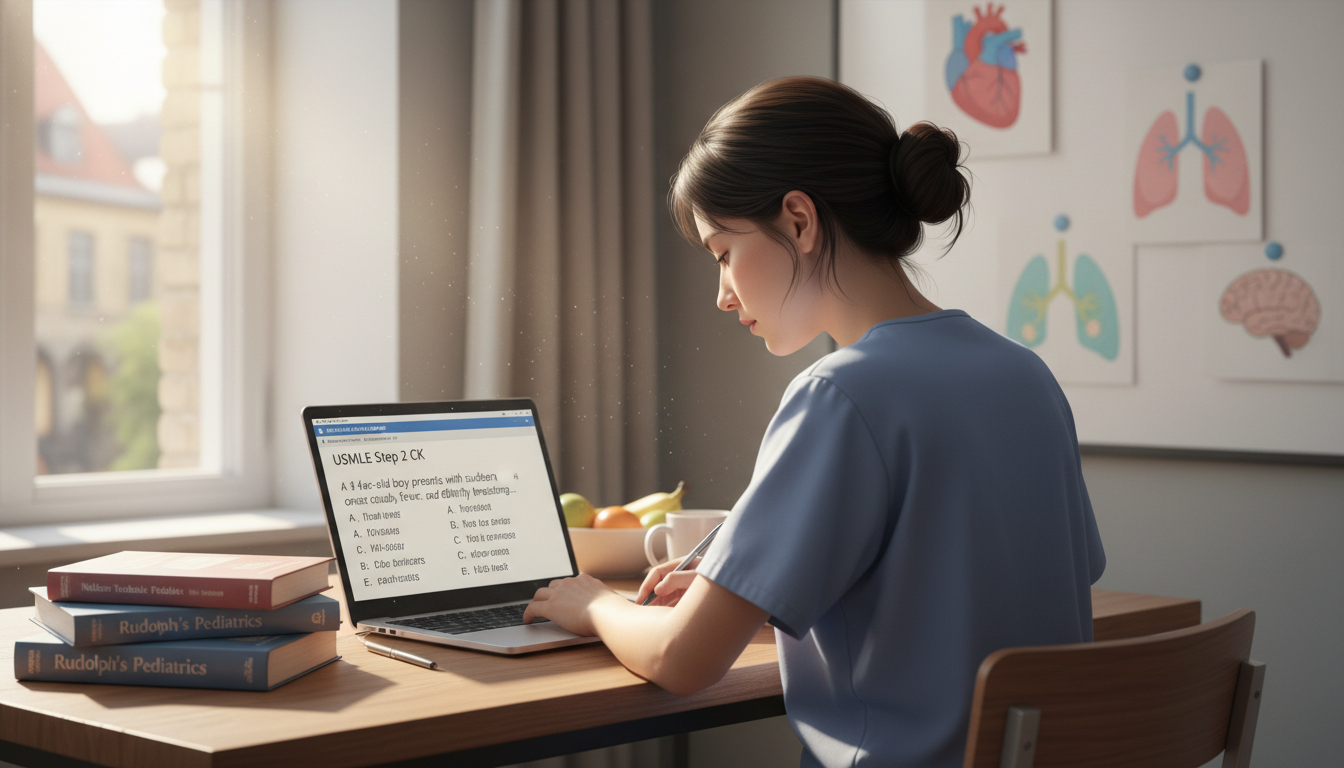


Preparing residency applications can feel like a full-time job on top of an already demanding clinical schedule. Between ERAS, letters of recommendation, personal statements, away rotations, and interview preparation, many medical students report feeling overwhelmed and disorganized.
Used strategically, technology can turn this chaos into a manageable, even systematic process. The right combination of Tech Tools, from document management to interview preparation platforms, can help you streamline your Residency Applications, reduce errors, and free up mental energy for what truly matters: presenting your best professional self.
This guide walks through practical, high-yield tech solutions tailored to medical students and residents in the Residency Match and Applications phase, with concrete examples and workflows you can implement immediately.
Using Technology Strategically in the Residency Application Journey
Technology alone won’t match you into residency—but it can dramatically improve your efficiency, organization, and professionalism throughout the process.
Why Tech Tools Matter for Medical Students
Residency applications come with:
- Multiple overlapping deadlines
- Dozens of programs, each with unique requirements
- Numerous document versions (CVs, personal statements, program-specific letters)
- A high volume of emails and scheduling logistics, especially during interview season
Trying to track all of this in your head—or on scattered paper notes—invites mistakes. Tech Tools provide:
- Centralized organization: Keep everything you need in one accessible ecosystem.
- Version control: Avoid submitting outdated documents or losing tracked changes.
- Time efficiency: Automate reminders, to‑do lists, and repetitive tasks.
- Professional polish: Improve writing, communication, and virtual interview performance.
We’ll walk through six key categories of tools for Residency Applications:
- Document Management Tools
- Collaboration and Communication Platforms
- Scheduling and Task Management Applications
- Writing and Editing Software
- Interview Preparation Tools
- Networking and Professional Development Platforms
Within each category, you’ll find specific apps, workflow tips, and examples directly relevant to medical students.
Document Management Tools: Building a Secure, Organized System
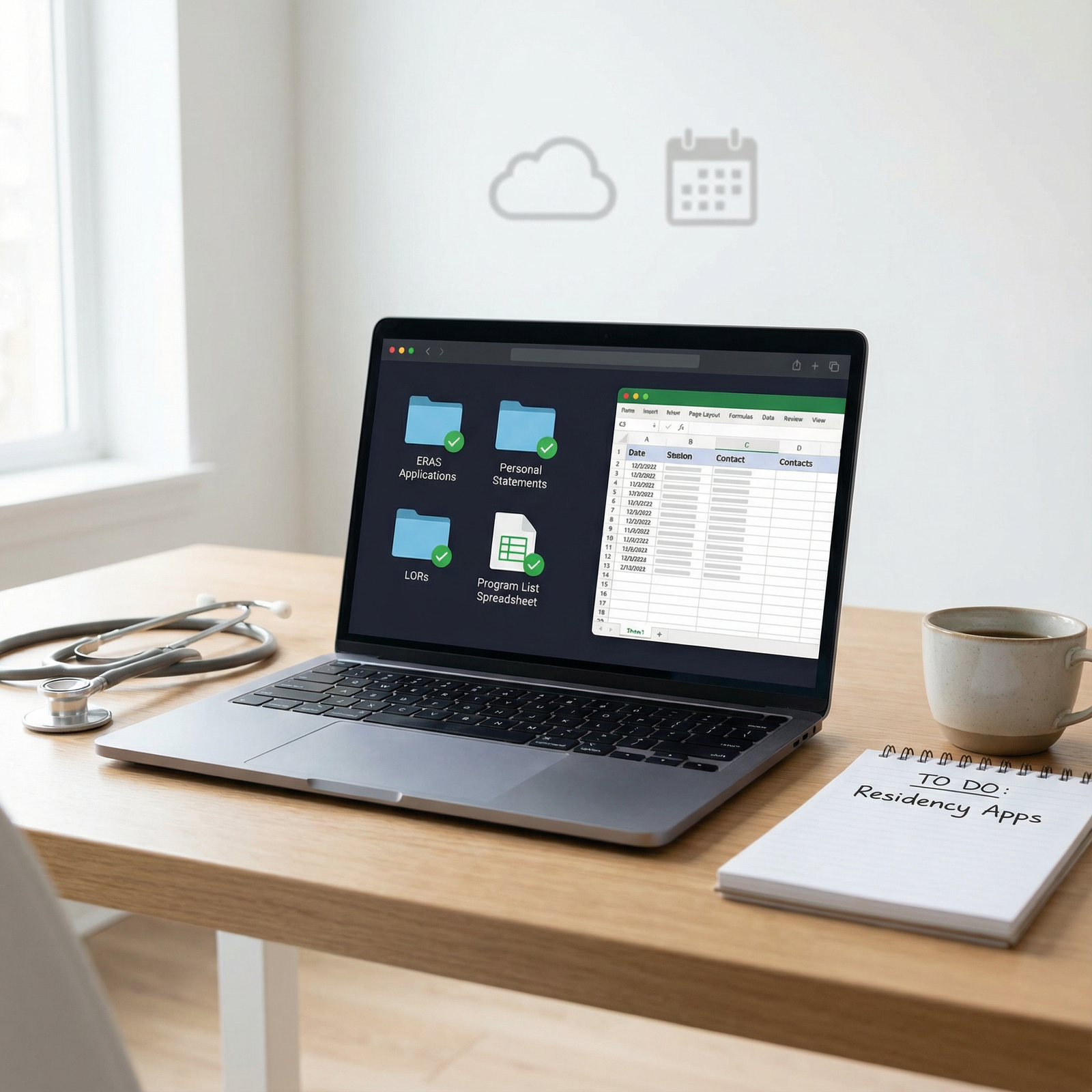
Strong document management is the foundation of a smooth residency application season. Losing track of one file—or one version—can lead to embarrassing errors or last-minute panic.
Google Drive: Your Application Command Center
Google Drive is one of the most versatile Document Management tools available and is ideal for building a centralized “residency hub.”
Recommended folder structure
Create a master folder:Residency_Application_[Year]
Inside it, consider subfolders such as:
01_CV_and_Biography02_Personal_Statements03_Program_Specific_Materials04_Letters_of_Recommendation05_Application_Tracking06_Interview_Season07_Thank_You_Notes_and_FollowUp
High-yield ways to use Google Drive
Personal statements:
- Save separate Docs for each specialty or program-specific essay.
- Use versioning: e.g.,
IM_PS_v1,IM_PS_v2_with_advisor_edits. - Turn on “Suggesting” mode when sharing with advisors so you can clearly see and accept/reject edits.
CV management:
- Maintain a “Master CV” that you update continuously.
- Save ERAS-compatible versions (e.g., “ERAS_CV” vs “Academic_CV”) in the same folder.
Letters of recommendation (LORs):
- Store LOR request templates and bullet-point summaries of your work with each attending.
- Use a Doc titled
LOR_Trackerwith columns: Attending, Specialty, Requested Date, Due Date, ERAS Upload Confirmed, Thank You Sent.
Application tracker:
- Build a Google Sheet to track each program with columns such as:
- Program Name
- City/State
- Type (University/Community)
- Application Submitted (Y/N)
- Supplemental/Secondary Complete (Y/N)
- Interview Offer (Date)
- Interview Date
- Post-Interview Notes
- Rank List Priority
- Build a Google Sheet to track each program with columns such as:
This live, cloud-based system protects you from laptop failures and lets you access everything from clinic, home, or the hospital.
Dropbox and OneDrive: Robust Alternatives and Redundancy
Dropbox and Microsoft OneDrive offer similar cloud Document Management capabilities with strong syncing and backup features.
When they can be particularly useful:
Institutional integration:
- If your school uses Microsoft 365, OneDrive may already be integrated with Outlook and Teams.
- If your research group uses Dropbox, keeping your academic CV and publications there may simplify updating materials.
Program-specific folders:
- Create a
Programsfolder with subfolders for each residency:- Store tailored personal statements, email drafts, and notes after interviews.
- Create a
Offline access and backup:
- Sync crucial files (e.g., CV, personal statements) locally so you can access them even with poor internet during away rotations.
- Use Dropbox/OneDrive as a secondary backup to Google Drive for critical documents.
Security tip:
Avoid storing sensitive patient data in these platforms unless explicitly allowed and configured per institutional policy. For residency application documents, however, these services are ideal.
Collaboration and Communication Platforms: Getting Feedback and Staying Aligned
Residency applications are not a solo endeavor. You’ll communicate with letter writers, advisors, classmates, program coordinators, and mentors. Organized digital communication helps you appear professional and stay on top of everything.
Microsoft Teams: Structured Collaboration with Advisors and Groups
Microsoft Teams is especially powerful if your medical school already licenses Microsoft 365.
How Teams can support your residency season
Dedicated “Residency Application” Team:
- Create channels such as:
#personal-statements#CV_feedback#interview-prep#program-research
- Pin important files (checklists, timelines, spreadsheets) for quick access.
- Create channels such as:
Calendar integration:
- Schedule group mock interviews or advisor meetings.
- Sync with Outlook to avoid double-booking clinical shifts and interviews.
Video conferencing:
- Conduct mock virtual interviews with peers to simulate real conditions.
- Use screen share to workshop CVs and personal statements live.
Slack: Flexible Real-Time Communication for Peer Support
Slack is a popular platform for organizing discussions and Document Management among peers.
Practical Slack channel ideas for medical students
#application-questions: Quick questions about ERAS, supplemental applications, or NRMP.#specialty-specific: Channels for IM, Surgery, EM, etc., to share specialty-focused tips.#interview-updates: Share when programs start sending invitations or changing policies.#resources: Pin helpful guides, spreadsheets, or sample email templates.
Use direct messages for one-on-one feedback or to share drafts with trusted peers.
Email and Professional Communication Tools
While not new, email remains central to Residency Applications—especially for communicating with program coordinators and letter writers.
Tips to professionalize and streamline your email:
- Use a consistent, professional email address (ideally your school or a simple Gmail).
- Create folders/labels such as:
Residency_ApplicationsLORsInterview_Invites
- Use filters to automatically label and prioritize messages with keywords like “Interview Invitation,” “Program Director,” or specific program names.
- Draft and save email templates for:
- LOR requests
- Thank-you messages
- Clarifying logistics with program coordinators
Scheduling and Task Management: Controlling the Timeline, Not the Other Way Around
The residency timeline is unforgiving. Missed deadlines and double-booked interviews can be costly. Tech-based Scheduling and Task Management tools help ensure nothing slips.
Google Calendar: The Residency Application Timeline at a Glance
Google Calendar is an essential ally for any busy medical student.
High-yield calendar strategies
Create separate calendars (color-coded) for:
Applications/ERAS DeadlinesInterviewsClinical DutiesPersonal/Wellness
Key events to track:
- ERAS submission window open/close
- Supplemental application deadlines
- Target completion dates for personal statements and CV revisions
- LOR request dates and follow-up reminders
- Interview invitations and scheduled dates
- NRMP ranking deadlines and match day
Use reminders and notifications:
- Set multiple reminders (e.g., 1 week and 1 day before major deadlines).
- For interviews, include travel/logistics details in the event description (Zoom link, contact number, time zone).
Sharing select calendars with a trusted friend or partner can help prevent accidental double booking and provide accountability.
Todoist, Notion, and Other Task Managers
Task managers like Todoist, Notion, or Microsoft To Do can transform your application season into a clear series of manageable steps.
Using Todoist for residency applications
Create a project:
Residency Application 20XXSub-projects:
ERAS ApplicationPersonal StatementsLetters of RecommendationProgram ResearchInterview PreparationThank-You Emails and Follow-Up
Example task breakdown:
- “Draft core personal statement” (due: June 15)
- “Send LOR request to Dr. Smith” (due: June 1)
- “Complete ERAS demographic section” (due: July 1)
- “Research 10 IM programs in Northeast” (due: July 7)
- “Mock interview with peer” (due: October 1)
Labels and priorities:
- Use labels like
@time_sensitive,@on_rotation,@weekendto fit tasks to your schedule. - Use priorities to highlight non-negotiable items, such as hard deadlines.
- Use labels like
Notion can be particularly useful if you like more robust systems—it allows you to create program databases, Kanban boards (e.g., “To Apply,” “Applied,” “Interviewed”), and embedded documents all in one place.
Writing and Editing Software: Polishing Your Professional Voice
Your written materials—CV, personal statements, email communication—form a large part of how programs perceive you. Tech tools can significantly elevate your writing quality and clarity.
Grammarly: Real-Time Writing Assistant for Clarity and Professionalism
Grammarly goes beyond simple spell-check; it evaluates tone, conciseness, and grammar.
Best uses for residency applications
Personal statements and essays:
- Catch subtle errors and awkward phrasing.
- Adjust tone to sound confident and professional, not casual or overly complex.
CV and experiences:
- Ensure verb tenses are consistent and descriptions are concise.
- Avoid repetitive language in bullet points.
Emails to programs and letter writers:
- Quickly review for professionalism before sending.
- Avoid typos in critical communication.
Always combine Grammarly with human feedback from mentors—especially for content, narrative flow, and specialty-specific expectations.
Hemingway Editor: Improving Readability and Impact
The Hemingway Editor highlights long, complex sentences, passive voice, and vague adverbs.
How Hemingway can help Residency Applications
- Paste your personal statement text into Hemingway.
- Identify:
- Sentences that are too dense or difficult to read.
- Overuse of adverbs or passive voice that weaken your narrative.
Aim for clear, active sentences that reflect confident, direct communication—attributes programs value in residents.
Additional Writing Tools and Tips
Google Docs “Outline” function:
- Use headings to structure longer essays or supplemental questions before filling in details.
Citation managers (Zotero, Mendeley):
- Useful if you’re listing publications or abstracts and need accurate citation formats for your CV or academic portfolio.
Plain text first drafts:
- Consider drafting your personal statement in a simple environment (Notes app, plain text) to focus on content before formatting.
Remember: Tech Tools assist your writing process, but your authenticity, reflection, and insight are what ultimately make your application stand out.
Interview Preparation Tools: From Practice to Polished Performance
Virtual interviewing has become the norm for many specialties. That means your tech setup, communication style, and comfort on camera can significantly affect your impression.
Mock Interview Platforms and Apps
Several platforms, such as Big Interview, InterviewPrep, or school-based services, offer tools specifically for Interview Preparation.
Features that are especially useful for medical students:
Residency-specific question banks:
- Practice common questions like “Why this specialty?” or “Tell me about a challenging patient encounter.”
Video recording and playback:
- Record yourself answering questions and review body language, eye contact, and filler words.
- Identify distracting habits (e.g., fidgeting, looking away, speaking too rapidly).
Feedback options:
- Some platforms provide AI-based feedback on pacing and clarity.
- You can also share recorded responses with mentors or peers for targeted advice.
General Video Conferencing Tools (Zoom, Teams, Webex)
For Interview Preparation, practice using the same platforms programs might use.
Key steps for optimizing your setup:
Technical checks:
- Test your camera, microphone, and internet connection in advance.
- Use a wired connection if possible to reduce risk of drops.
Environment:
- Choose a quiet, well-lit room with a clean, neutral background.
- Elevate your laptop so the camera is at eye level.
Dress rehearsal:
- Do at least one full mock interview wearing your actual interview attire.
- Record the session to review your overall presence and professionalism.
Question Banks and Note-Taking Tools
Use note apps like Evernote, Notion, or OneNote to:
- Maintain a running list of questions you encounter in prep.
- Store concise bullet-point responses (not scripts) to common questions.
- Track “stories” (clinical experiences, leadership, challenges) you can adapt to different questions.
After each real interview, add brief notes:
- People you met
- Program culture impressions
- Unique strengths/weaknesses of the program
- Any follow-up you promised
These notes become invaluable when you build your rank list.

Networking and Professional Development Tools: Building Your Digital Professional Presence
Residency programs increasingly review applicants’ online professional footprints. Thoughtful use of Tech Tools for networking can strengthen your candidacy and help you better understand your specialty community.
LinkedIn: Your Public Professional Profile
LinkedIn is an underrated but powerful tool for Residency Applications.
Optimize your profile for residency
Headline:
- Example: “Fourth-Year Medical Student | Aspiring Internal Medicine Resident | Clinical Research in Health Disparities”
About section:
- Briefly summarize your interests, clinical experiences, and long-term goals.
Experience and education:
- Align with your CV: research projects, leadership roles, teaching activities.
Featured section:
- Include links to publications, posters, or talks where appropriate.
Practical ways to use LinkedIn
- Connect with:
- Alumni from your school in your target specialty.
- Residents and faculty at programs you’re considering.
- Follow:
- Professional societies in your specialty.
- Program pages for updates and insights into culture.
Use LinkedIn for career exploration and mentorship, not for aggressive self-promotion.
Specialty Societies, Online Communities, and Webinars
- Join official specialty societies’ student or resident sections (e.g., ACP, AAFP, ACEP).
- Attend virtual webinars on Residency Applications and Interview Preparation.
- Use platforms like Twitter/X (with caution) to follow academic leaders and stay current on specialty trends.
Always maintain professionalism in public online spaces. Assume programs may see your public posts.
Frequently Asked Questions (FAQ)
Q1: What are the most essential tech tools I should set up first for residency applications?
A1: Start with a solid foundation for organization and time management. At minimum, set up:
- A structured Google Drive (or equivalent) folder system for Document Management
- Google Calendar (or similar) for tracking deadlines and interviews
- A task manager like Todoist or Notion for breaking the process into manageable steps
Once those are in place, layer in writing tools (Grammarly, Hemingway) and Interview Preparation platforms as you enter later phases.
Q2: How can tech tools help with letters of recommendation without overstepping boundaries?
A2: Tech Tools should support, not pressure, your letter writers:
- Create a LOR tracker (Google Sheet or Notion database) with request dates, due dates, and confirmation of upload.
- Store LOR request email templates and tailored bullet-point summaries of your work with each attending in Google Drive.
- Use your calendar or task manager for gentle, timely reminder tasks (e.g., “Follow up with Dr. Lee if no response by [date]”).
You should not ask to see confidential letters or try to manage content—focus on organization and communication instead.
Q3: What’s the best way to avoid tech-related issues on the day of a virtual residency interview?
A3: Reduce risk through rehearsal and redundancy:
- Test your internet connection, camera, and microphone on the same platform (Zoom, Teams, Webex) in advance.
- Have a backup device (tablet or phone with app installed) and charger ready.
- Keep program contact details saved in your calendar event in case of technical failures.
- Close unnecessary apps and tabs to avoid notifications and lag.
- Log in 10–15 minutes early to handle any login or audio issues calmly.
Q4: Can using AI writing tools hurt my application if my personal statement sounds too generic?
A4: Residency programs want authenticity and clear evidence that your essay reflects your own voice and experiences. Tools like Grammarly or Hemingway are best used for:
- Grammar, spelling, and clarity
- Highlighting overly complex or unclear sentences
You should always: - Write your first draft yourself, based on your real experiences.
- Have mentors or advisors review content for authenticity and impact.
- Avoid fully automated content generation that might remove your unique perspective and introduce generic phrasing.
Q5: How do I prevent burnout while using all these tech tools during application season?
A5: Tech is meant to reduce stress, not add to it. To prevent burnout:
- Keep your system simple and consistent—don’t adopt every new app.
- Schedule protected, device-free breaks and wellness time in your calendar.
- Use task managers to set realistic daily goals instead of endless to-do lists.
- Turn off nonessential notifications during focused work and clinical time.
A streamlined tech setup that you trust can actually decrease anxiety by giving you clear visibility and control over the application process.
Leveraging modern Tech Tools for Residency Applications—across Document Management, Scheduling, Interview Preparation, and networking—can transform a stressful, chaotic season into a structured, intentional process. Choose a small set of tools that fit your style, build simple but robust systems, and let technology handle the logistics so you can focus on what matters most: demonstrating the skills, values, and potential that will make you an excellent resident.