
You finish a hard case. You did the exposure, handled the key dissection, closed confidently, and the attending let you own more of the operation than usual. Good day. A day that should count.
Then a month later you look at your case log and realize the case is sitting there under the wrong category. Or worse, marked as assistant when you were the clear primary surgeon trainee for the critical portions. I have seen this happen more times than it should. Quietly. Repeatedly. And the damage is not abstract.
This is how autonomy gets shaved down without anyone announcing it. Not with a dramatic confrontation. With bad fields, lazy labels, and vague sign-off habits.
In surgical training, your log is not clerical fluff. It is the paper trail that tells faculty whether you are progressing, tells committees whether you are ready, and tells future schedulers whether you should be trusted with the next level of case ownership. If your cases are misclassified, your progression metrics lie. Documentation errors, assignment bias, and sloppy procedure categories distort the story of what you actually did.
Educational disclaimer: This article discusses training metrics that can influence scheduling, advancement, and, indirectly, future compensation or career opportunities. It is for educational purposes only and is not legal, financial, tax, or credentialing advice. Program rules, board requirements, hospital policies, and employment implications vary, so consult your program leadership, GME office, credentialing staff, or a qualified professional for case-specific guidance.
So this is a repair guide. Practical. No hand-waving. I am going to show you how to find the errors, correct them fast, and build a log that actually reflects your autonomy instead of quietly stealing it.
Scenario: When “Just a Case” Becomes a Takeaway You Didn’t Choose
The pattern is ugly because it looks harmless. A resident logs a laparoscopic appendectomy as general abdominal surgery without proper procedure tagging. Another logs a colectomy as “assistant” because no one clarified whether performing the critical dissection counted as primary participation. Someone else marks a robotic inguinal hernia under an open hernia bucket because that was the fastest dropdown option.
None of that feels catastrophic in the moment. It is. Because small errors accumulate into a false training profile.
Your program director may review quarterly totals and conclude you need “more exposure” before being offered higher-autonomy cases. A competency committee may see weak primary numbers in bread-and-butter cases and decide you are not yet consistent. A chief making next month’s assignment grid may give that prime gallbladder or hernia to someone whose log looks cleaner. Not better. Cleaner.
That is the point. Misclassification punishes the resident who did the work but did not defend the record.
You do not need a perfect system to fix this. You need a repeatable one. Audit your cases. Match the log to the operative reality. Correct the high-impact errors first. Then build a habit so the same nonsense does not happen next block.
What “Misclassified” Really Means in Surgical Case Logging (and Why It Costs Autonomy)
Misclassified does not just mean “wrong CPT” or “typo.” In training, it usually shows up in five predictable ways:
- Wrong role
- Primary logged as assistant
- Assistant logged as primary
- Wrong procedure category
- Hernia placed in a generic general surgery bucket
- Bowel resection logged under the wrong module
- Wrong approach
- Open vs laparoscopic vs robotic confused
- Wrong side or level
- Laterality omitted
- Segment, spinal level, or vessel level missing
- Incomplete case context
- Complexity not captured
- ASA class or notable modifiers absent
- No attending confirmation
Why does this cost autonomy? Because the pathway is brutally simple:
Case log -> rotation evaluation -> competence narrative -> credentialing thresholds -> future case allocation
That chain is real. If your log under-reports your role or over-simplifies your case mix, evaluators do not see progression. And when evaluators do not see progression, they do not hand you more ownership. They become conservative. Risk-averse. Protective of the OR. That is how one mislabeled month turns into three thinner months.
Use a simple audit lens on every disputed case:
- Specificity – Is the procedure named correctly?
- Ownership – Is your role described correctly?
- Context – Is the approach, laterality, and complexity accurate?
- Confirmation – Is there attending sign-off or a supporting note?
If one of those four is wrong, your log is leaking autonomy.

The First Fix: Run a 15-Minute Autonomy Audit (Find the Bleeds Fast)
Do not start by arguing with the whole system. Start by finding where your numbers are bleeding.
Here is the 15-minute audit I recommend:
Export your last 60 to 90 days of cases.
- Use CSV or PDF if that is all your platform allows.
- Do not audit the entire year first. That is how people procrastinate.
Filter for cases labeled “primary.”
- These are your highest-value entries.
- Also pull a second list of high-likelihood primary candidates that were logged as assistant.
Cross-check procedure code and category.
- Compare the logged category to the operative note title and procedure section.
- Watch for generic buckets swallowing specialty-specific procedures.
Check approach and laterality.
- Open, laparoscopic, robotic.
- Left, right, bilateral.
- Level, segment, vessel, or quadrant when relevant.
Look for missing attending confirmation.
- If your system requires sign-off and it is absent, flag it immediately.
Build a Mismatch List.
- Use three columns:
- Case ID
- What the log says
- What the op note shows
- Use three columns:
If the op note is vague, add a fourth column:
- Supporting source
- Attending recall
- Resident backup note
- Rounding note
- Schedule screenshot
- Prioritize by volume impact.
- Fix common procedures first.
- Appendectomy, cholecystectomy, hernia, colectomy, endoscopy categories. The workhorses.
- Do not spend an hour fighting over a rare edge case while twenty bread-and-butter cases stay wrong.
This is not glamorous. Good. Most useful systems are not. The goal is simple: identify the errors most likely to distort how your autonomy is judged this month, not next year.
10 Ways Misclassified Cases Cut Your Primary Autonomy—Fix Your Log
Here are the ten failure modes that matter most. For each one: symptom -> why it matters -> fix protocol.
1) Primary work logged as assistant
Symptom: You performed critical portions, but the case is logged as assist.
Why it matters: This is the most damaging error. It directly suppresses your primary count, which is the metric everyone glances at first.
Fix protocol:
- Pull the operative note.
- Highlight the sections showing your role in exposure, dissection, resection, anastomosis, or closure.
- Send a short correction request:
- “For Case ID 24-1187, I am requesting role correction from assistant to primary trainee participation for critical portions performed under supervision, consistent with the operative note and your intraoperative assignment.”
- Attach:
- operative note excerpt
- date of case
- current log screenshot
- Keep:
- sent email
- corrected entry screenshot
- sign-off timestamp
2) Assistant work logged as primary
Symptom: You are tempted to leave an inflated primary tag in place.
Why it matters: Bad idea. Inflated logs destroy trust fast. Once faculty suspect your role labels are soft, even valid primary claims get discounted.
Fix protocol:
- Correct it yourself if your system allows.
- If not, request a role downgrade immediately.
- Use language like:
- “The current role field overstates my participation. I assisted but did not function as primary for the critical steps.”
- Keep a note that you self-corrected. That builds credibility later.
3) Procedure logged under the wrong category
Symptom: A specific case gets dumped into a broad or unrelated bucket.
Why it matters: Category-specific thresholds often shape future assignments. If your hernia numbers are buried under generic general surgery, you will look underexposed in hernia.
Fix protocol:
- Match the procedure title to the approved program taxonomy.
- Include both the current category and the requested category in your correction.
- Ask the coordinator:
- “Can we standardize this label going forward to prevent category drift for similar cases?”
- Keep a personal reference sheet of common procedures and your program’s accepted categories.
4) Approach mismatch: open vs lap vs robotic
Symptom: A robotic colectomy is logged as laparoscopic, or a converted lap case remains tagged as minimally invasive only.
Why it matters: Approach-specific experience changes what cases you get next. Faculty do not hand out robotic console time based on vague logs.
Fix protocol:
- Check the op note header and intraoperative narrative.
- If conversion occurred, document both the starting approach and conversion.
- Suggested wording:
- “Please update approach from laparoscopic to laparoscopic converted to open,” or
- “Please update from laparoscopic to robotic-assisted.”
- Save the final corrected entry because approach errors tend to recur.
5) Missing laterality, level, or segment
Symptom: The log says “inguinal hernia repair” but not left/right. Or “lumbar decompression” without level.
Why it matters: Missing specificity weakens case credibility and may block counting for certain review processes. It also makes your experience look less mature than it is.
Fix protocol:
- Pull the operative note and implant records if relevant.
- Correct the exact field:
- laterality
- level
- segment
- vessel
- If the system lacks a dedicated field, put the detail in the comments and notify the admin.
- Keep a running list of cases where specificity is commonly lost. Those are recurring hazards.
6) Complexity mismatch
Symptom: A difficult reoperative abdomen or high-adhesion case is logged like a standard straightforward case.
Why it matters: Complexity matters because autonomy is not just about count. It is about progression through harder work. If every difficult case looks routine, your growth curve disappears.
Fix protocol:
- Do not editorialize. Use objective markers.
- Attach evidence such as:
- prior surgery history
- dense adhesions noted
- intraoperative complication management
- added procedural components
- Message example:
- “Requesting complexity field update to reflect reoperative case with extensive adhesiolysis documented in the operative note.”
- Keep your own case complexity tracker for high-value cases.
7) Missing attending confirmation
Symptom: The case is otherwise accurate, but no attending sign-off is attached.
Why it matters: Unsigned cases are weak currency. In many systems, if it is not confirmed, it barely exists.
Fix protocol:
- Request confirmation within 72 hours of spotting the omission.
- Make it easy:
- include case ID
- exact date
- your proposed fields
- one-click or one-reply ask
- Message example:
- “Could you please confirm the attached case entry as logged: procedure, role, and approach listed below.”
- Track unsigned cases weekly. Do not let them pile up into a semester-long mess.
8) Partial ownership not documented
Symptom: You did the key dissection and closure, but the system only allows blunt labels and no one records which portions you owned.
Why it matters: This is where residents lose nuance. A binary field hides meaningful progression. And that hidden progression is often what should earn you the next primary case.
Fix protocol:
- Use comment fields aggressively but cleanly.
- Document specific operative portions:
- “Performed port placement, exposure, critical dissection to target structure, specimen extraction, fascial closure.”
- Align with your program’s accepted language.
- Ask attendings to confirm the described portions, not just the case generally.
9) Duplicate or overlapping entries
Symptom: The same case appears twice, or portions of one case are logged across mismatched entries.
Why it matters: Duplicate logs look sloppy and can trigger scrutiny. Scrutiny slows approval and makes committees question the rest of your data.
Fix protocol:
- Identify duplicates by date, attending, MRN-free case ID, and procedure title.
- Delete or merge according to program policy.
- Keep a screenshot before and after correction.
- If two procedures occurred in one operation, label them clearly instead of splitting them into confusing partial records.
10) Delayed corrections
Symptom: You notice the error, then wait three months because you are busy.
Why it matters: Delay kills memory, sign-off speed, and leverage. Attendings forget. Admins change rotations. Notes become harder to retrieve. Next month’s assignments are already built from bad data.
Fix protocol:
- Use a hard rule: submit correction requests within 72 hours of discovery.
- Batch similar corrections in one message when appropriate, but do not create a giant unreadable email.
- Follow up:
- 3 business days
- 10 business days
- final escalation to program coordinator if still pending
- Keep a correction tracker:
- case ID
- submitted date
- who received it
- status
- date resolved
Correction Workflow That Actually Gets Signed Off (No More Waiting Months)
Most correction requests fail because they are vague, emotional, or lazy. Do not send: “Hey, I think a bunch of my cases are off.” That goes nowhere.
Use this workflow instead:
Step 1: Gather evidence
Collect:
- operative note excerpt
- procedure report
- current log screenshot
- sign-off status
- your proposed corrected wording
Step 2: Submit within 72 hours of discovery
Not “when things calm down.” They do not calm down.
Step 3: Use a concise template
Try this:
Subject: Case log correction request: Case ID [####]
Message:
Dr. [Name],
I am requesting correction of the following case log fields for Case ID [####], date [MM/DD]:
- Current entry: [procedure / role / approach]
- Proposed correction: [procedure / role / approach]
- Support: operative note documents [brief phrase].
If you agree, please confirm or forward for update. I have attached the current entry screenshot and relevant note excerpt.
Thank you.
Step 4: Follow up on schedule
- First follow-up: 3 business days
- Second follow-up: 10 business days
- Then escalate to coordinator or education office if needed
Step 5: Reduce future friction
Ask for system fixes, not just one-off favors:
- standardized procedure labels
- consistent approach terminology
- expectation for attending confirmation timing
- defined role language for primary vs assistant
That is how you stop living in correction purgatory.
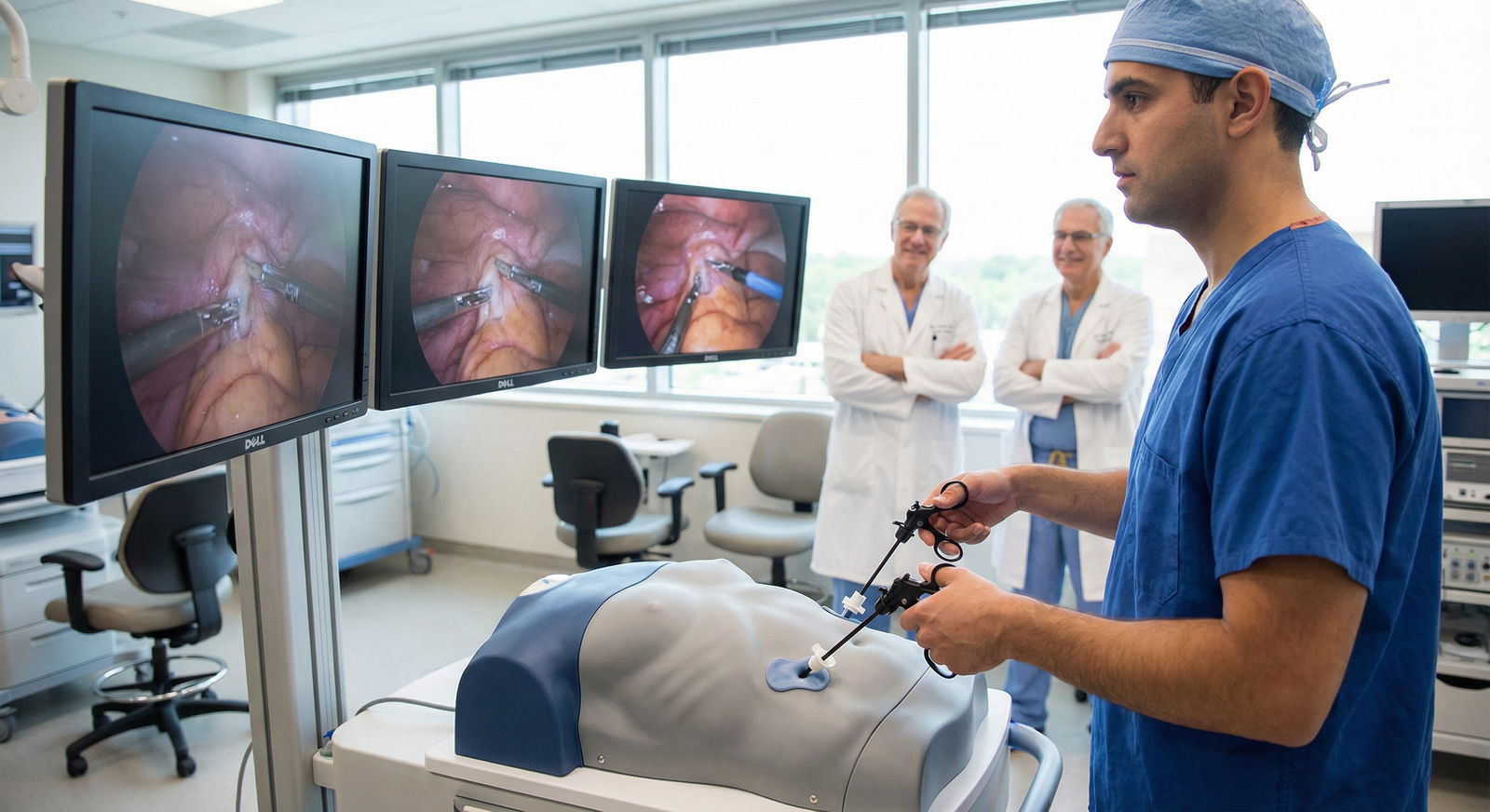
Build a “Primary Autonomy-Proof Log” for Next Rotation (SOP to Prevent Recurrence)
You do not need a heroic yearly cleanup if you stop creating a mess every week. Build a simple SOP and follow it religiously.
The 24-hour post-op logging SOP
After each case, within 24 hours, record these four anchors:
Role
- Primary
- Assistant
- Shared critical portions, if your system permits detail
Critical steps you performed
- exposure
- dissection
- control of key structures
- resection
- anastomosis
- closure
Approach
- open
- laparoscopic
- robotic
- converted case if applicable
Laterality or level
- left/right/bilateral
- level, segment, or region as relevant
Then do two more things that people skip because they think they will remember. They will not.
- Store a backup screenshot or export
- Add unresolved cases to a pending clarification list
Use uniform vocabulary
Your language should match what your program recognizes. Pick terms that are concrete and repeatable:
- “Performed skin incision to closure” only if true
- “Performed critical dissection phase”
- “Completed anastomosis under supervision”
- “Led fascial and skin closure”
- “Assisted exposure; attending performed key vascular control”
Blurry language invites downgrades. Precise language protects you.
Set quality gates
Do not mark a case as primary unless one of these supports it:
- operative note language
- attending confirmation
- program-defined role standard
If there is ambiguity, resolve it immediately. Same day if possible. I have seen residents lose a half-year of apparent growth because they kept telling themselves they would sort it out later. Later is where documentation goes to die.
Keep one live dashboard
Even a simple spreadsheet works. Track:
- total cases
- primary cases
- unsigned cases
- pending corrections
- category-specific counts
- recurring error types
That dashboard tells you where to intervene before the next review meeting does it for you.
Your Next Moves
Start today. Not after the rotation. Not at semiannual review.
- Export the last 60 to 90 days of cases.
- Run the 15-minute autonomy audit.
- Build your Mismatch List.
- Correct the highest-volume errors first.
- Submit evidence-based requests within 72 hours.
- Create a 24-hour post-op logging SOP for the next case.
- Track unsigned and pending corrections every week.
Here is the blunt truth: misclassification is not harmless paperwork. It changes who gets trusted. And trust drives autonomy in the OR.
Fix the log. Protect the record. Make your actual work visible.