
You’re dressed up. Your family is there. Someone’s holding flowers. Another person is already filming because they want the envelope-opening reaction. You reach for your phone one last time—maybe to silence it, maybe to check where your classmates are—and there it is.
A banner preview. A lock-screen notification. A smartwatch buzz with just enough text to give it away.
That’s all it takes.
I’ve seen applicants get spoiled in the hallway outside the ceremony room. Not because they were reckless. Because they assumed they’d “just not open the email.” Bad plan. Modern devices are built to show you things before you mean to see them. Subject lines. Preview text. Mirrored alerts. A tablet at home still logged in. A laptop with the inbox tab already open. Tiny mistakes. Big damage.
And yes, it matters. People like to act casual about this, but Match Day is one of the most emotionally loaded moments in medical training. You only get one first reveal. If your phone hands it to you in a notification banner while your parents are adjusting their camera, that moment is gone. For you. For them. For everybody standing there trying to celebrate with you in real time.
Here’s the central warning: most Match Day leaks are accidental, boring, and completely preventable. Not dramatic hacks. Not rare glitches. Default settings. Linked devices. Lazy preparation.
This article is about the common failure points that ruin the surprise early:
- inbox alerts
- lock-screen previews
- smartwatch and tablet mirroring
- auto-loading email previews
- backup accounts and secondary devices
Don’t make this mistake. A ten-minute settings audit can protect a moment you’ve spent years earning.
Why Match Emails Leak Before the Ceremony
The biggest mistake applicants make is thinking the danger begins when they tap the email. Wrong. The leak often happens before you ever open anything.
Here are the usual culprits.
1. Push notifications
Your email arrives, and your phone does exactly what it was designed to do: it tells you. Fast. Loud. On-screen. Sometimes with a subject line and the first line of the message.
That little preview is enough. One glance. Ceremony spoiled.
2. Lock-screen previews
This is the classic trap. You think, “I won’t unlock my phone, so I’m safe.” No, you’re not safe if the lock screen displays message content. I’ve seen people get burned just by picking up their phone to check the time.
Bad setting. Fix it before Match Day.
3. Smartwatch mirroring
This one is sneakier because people forget the watch entirely. Your phone may be in your bag, but your watch is strapped to your wrist like a tiny spoiler machine. Buzz. Wrist raise. Subject line visible. Done.
If you wear an Apple Watch, Garmin, Samsung watch, Fitbit, or anything else that mirrors notifications, assume it can ruin the reveal. Because it can.
4. Tablet and laptop sync
A lot of applicants focus on the phone and ignore the rest of their device ecosystem. Another mistake.
Your email may also be logged in on:
- an iPad
- a MacBook with mail app notifications enabled
- a desktop Outlook client
- a browser tab on Chrome or Safari
- a family computer
- a partner’s shared tablet
All it takes is one screen waking up at the wrong time.
5. Preview panes in desktop email clients
Outlook, Apple Mail, Gmail in browser, hospital mail systems—many show a preview pane automatically. So if your inbox is open and sync refreshes, you may see enough of the message without meaning to.
That’s the kind of “I didn’t even click anything” disaster people never anticipate.
6. Shared devices and shared spaces
This one gets ugly fast. Maybe your phone is on the kitchen counter. Maybe your spouse is holding it for photos. Maybe your parent glances down when it lights up. Maybe your laptop is open in the hotel room and someone sees the subject line before you do.
Don’t assume the only eyes involved are yours.
7. Browser autofill and wrong-inbox refreshes
Applicants sometimes use multiple emails during application season:
- ERAS-related email
- school email
- personal Gmail
- backup account
Then Match Day morning gets chaotic. You log into “just the non-match account,” but the browser auto-switches or the app is linked underneath. Or you refresh the wrong inbox and expose the message yourself.
That’s not bad luck. That’s poor containment.
8. Time-zone confusion
This sounds minor until it isn’t. If you’re traveling, if the ceremony is in a different time zone, or if you’re checking messages while moving between locations, you can absolutely misjudge when the email may hit.
Never rely on “I think it won’t arrive yet.” Match Day is not the time for guessing.
9. Auto-fetch and wearable duplication
Some devices don’t just notify once. They notify in layers:
- phone banner
- lock-screen alert
- watch vibration
- tablet popup
- laptop corner notification
One email. Four leak points.
That’s why “no one will see it” is a fantasy. Somebody will see something if you leave the system unchanged. Maybe you. Maybe your mother. Maybe your classmate peeking over your shoulder in line. Doesn’t matter. The reveal is still blown.
The Mistakes Applicants Make Most Often
Let me be blunt. The same avoidable mistakes happen every year.
Leaving previews on
This is the number one unforced error. If your phone shows email content on the lock screen, you have not protected the moment. You’ve outsourced it to default settings.
Default settings don’t care about your Match Day.
Forgetting the watch
People remember to mute the phone and completely ignore the wearable. Then they get the result on their wrist while walking into the venue. I’ve seen this happen. The reaction is always the same: immediate regret, then the weird effort to pretend they didn’t really see it.
You saw it.
“I’ll just test my email once”
This is the harmless-check trap, and it’s a terrible idea. Applicants do this to “make sure everything is working,” as if email were a spacecraft that needs a systems check. You open the app once. The inbox refreshes. The message appears. Now you’re standing there stunned because your own little test spoiled the ceremony.
Do not test the thing you are trying not to see.
Staying logged in everywhere
Phone, tablet, laptop, browser, old iPad, school computer. This is sloppy. If your inbox lives on six devices, you have six leak points.
Sign out of what you don’t need.
Confusing mute with protection
Muting the phone is not enough. This mistake is so common it deserves ridicule. Silent mode stops noise. It does not stop:
- banners
- lock-screen previews
- badge counts
- watch mirroring
- desktop popups
A silent spoiler is still a spoiler.
Ignoring social media and group chat exposure
If you share your screen, cast photos to a TV, or let group chat notifications pile up on your lock screen, you’re adding chaos. Some applicants get congratulatory texts or loaded comments the second others hear rumors or start speculating. Even if nobody knows your result, a visible email banner in the middle of a group selfie is enough.
Protect the whole digital environment, not just one app.
Relying on willpower instead of settings
This is the big one. “I’ll be careful” is not a plan. It’s wishful thinking dressed up as maturity.
A real plan changes the conditions:
- no previews
- no banners
- no mirrored alerts
- no logged-in backup devices
- no accidental inbox exposure
If the setup still allows a leak, then you haven’t actually solved the problem.
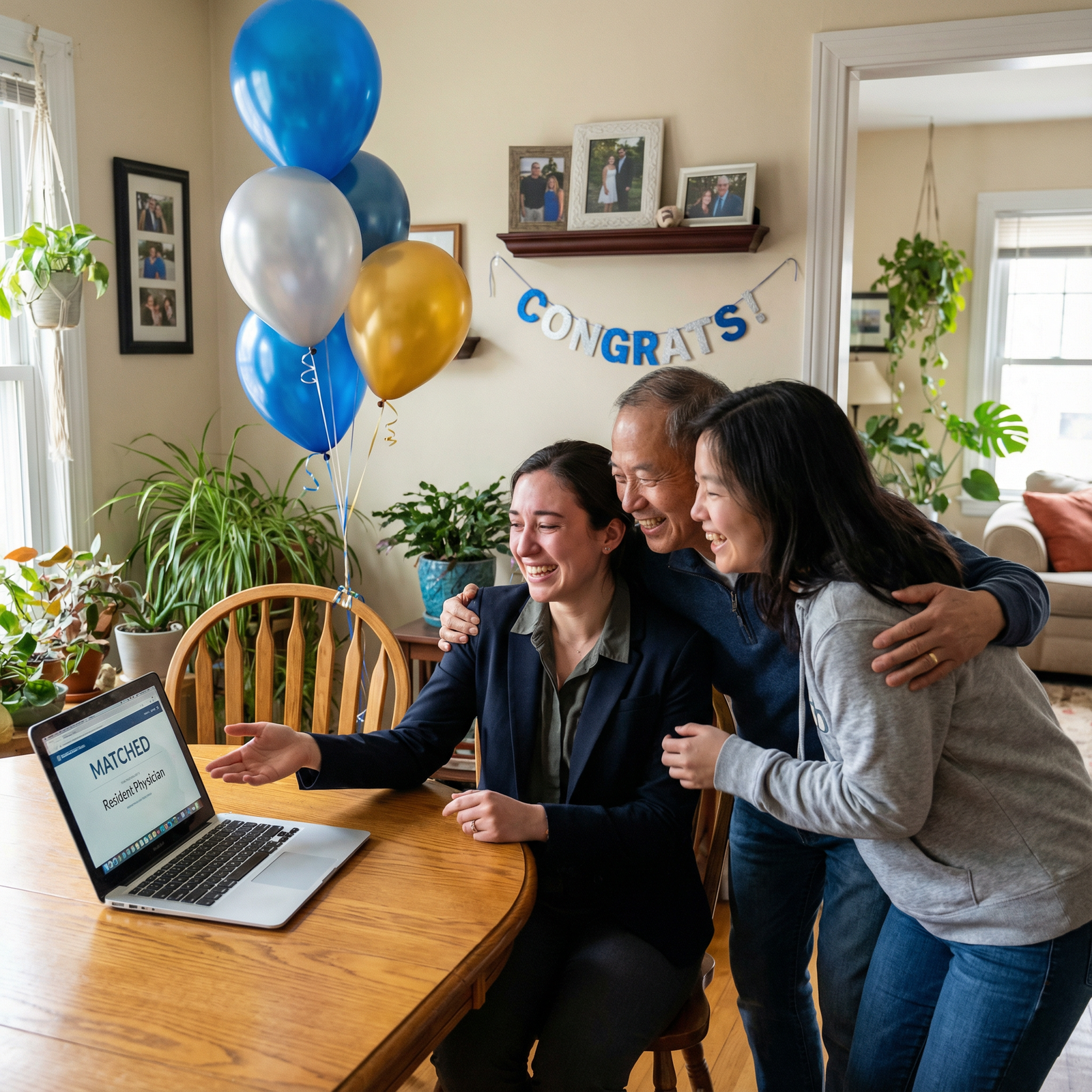
How to Prevent the Early Spoiler: A Match Day Email Protection Checklist
This is the part that saves people. Do this the night before, not in the parking lot, not while your aunt is asking for photos, and definitely not two minutes before the ceremony starts.
Your Match Day email protection checklist
1. Disable lock-screen previews
On every device that receives email, hide notification content from the lock screen.
Your goal: if the email arrives, the screen shows nothing useful. Ideally not even the sender.
2. Turn off email notifications completely
Do this on:
- your phone
- your smartwatch
- your tablet
- your laptop
- any desktop mail client you use
Best practice is simple: no email alerts on Match Day morning. None.
3. Disable notification mirroring on wearables
This deserves its own step because people skip it. Don’t just mute the watch. Turn off mirrored notifications for your mail apps specifically, or turn on a mode that blocks them entirely.
If you’re keeping the watch on for time or fitness tracking, fine. But make it dumb for the morning.
4. Remove email widgets from home and lock screens
Widgets are sneaky. They surface unread counts, sender names, and previews even when you think you’ve hidden everything else.
Delete them temporarily. You can restore them later.
5. Sign out of nonessential devices
Log out of email on anything you do not absolutely need that morning:
- old tablets
- personal laptops
- shared family devices
- browser sessions on public or school computers
- secondary phones
Don’t leave your inbox sprinkled across your digital life.
6. Close desktop mail apps and browser tabs
A sleeping laptop with Gmail open is a trap. A desktop Outlook preview pane is a trap. Close them fully. Better yet, shut the device down.
7. Check all linked accounts
A lot of applicants forget that one app may aggregate multiple inboxes. Your school email, personal Gmail, and backup account may all feed into one notification stream.
Review every account connected to:
- Mail app
- Gmail app
- Outlook app
- smartwatch mirroring
- browser profiles
If one linked account still pushes alerts, your system is still vulnerable.
8. Make a family rule: no one touches the phone
This sounds dramatic until it saves you. Tell your supporters clearly:
- don’t check my phone
- don’t hand me my phone unless I ask
- don’t read notifications out loud
- don’t try to “help” by screening messages unless we agreed on a plan
Well-meaning relatives cause a lot of unnecessary damage.
9. Create a trusted-person backup plan
If you must keep your phone with you, assign one trusted person to handle it if needed. Someone calm. Someone who follows instructions. Not the cousin who clicks everything.
Give them one job: protect the device from accidental viewing.
10. Use Do Not Disturb or Focus mode
This is good, but don’t stop there. Focus mode can help suppress banners and interruptions, but it’s not foolproof if your settings still allow some visual notifications through.
Check the exact behavior. Don’t assume.
11. Consider airplane mode strategically
If you do not need connectivity right before the ceremony, airplane mode is clean and effective. Crude, yes. Also excellent.
Just be practical:
- use it when you no longer need calls or directions
- confirm that turning it on won’t interfere with event logistics
- remember that reconnecting later may trigger queued notifications, so wait until you’re ready
12. Do a final settings audit the night before
Don’t trust memory. Verify.
Ask yourself:
- If an email arrived right now, would any screen show it?
- Would my watch buzz?
- Is my inbox open anywhere else?
- Are any widgets exposing mail?
- Is a backup account still connected?
If the answer to any of those is yes, you’re not done.
13. Watch out for alternative or forwarding accounts
This is a nasty blind spot. Some people have forwarding rules, university account sync, or a backup Gmail that mirrors the same messages. Then they disable one inbox and get spoiled by another.
Check:
- forwarded mail rules
- notification settings on alternate accounts
- linked app inboxes
- old email clients still fetching messages
One hidden duplicate can undo all your careful prep.
14. Keep the phone physically out of sight
Not in your hand. Not face-up on a chair. Not balanced on the podium table. Put it away. A bag, a zipped pocket, or with a trusted person.
Visibility creates temptation and risk.
The short version
If you want the safest setup possible, do this:
- Turn off email notifications everywhere.
- Disable lock-screen previews.
- Silence or disconnect your watch notifications.
- Remove email widgets.
- Log out of extra devices.
- Put the phone away until the ceremony moment.
That’s the strong plan. Not glamorous. Very effective.
What to Do If the Email Pops Up Anyway
Even with good preparation, mistakes happen. If the email appears, your next move matters.
First: stop immediately
Do not keep reading. Don’t scan for clues. Don’t tell yourself you’ll “just check the sender.” That’s how a partial leak becomes a full reveal.
Close the device. Turn it over. Hand it to your trusted person if necessary.
Second: say nothing
Don’t confirm what you think you saw out loud. Not to your partner. Not to your parents. Not to the classmate standing next to you. Once you verbalize it, the ceremony changes for everyone.
Protect the room from your accidental preview.
Third: don’t decode the subject line
People do this dumb little forensic analysis:
- “Maybe that wording means good news.”
- “Maybe the subject line sounds generic.”
- “Maybe I didn’t really read it.”
Stop. You are not helping yourself. Preserve what remains of the moment.
Fourth: use damage control
If you only saw a fragment, the day is not necessarily ruined. You can still preserve the formal reveal if you shut the device down and step away from further exposure.
Organizers and applicants should also think ahead about:
- screen privacy
- designated phone-free moments
- device collection or bag-drop plans
- clear tech boundaries before the envelope opening
One accidental pop-up does not have to destroy the whole day. But reading further usually does.
Closing Summary: Protect the Reveal, Protect the Moment
Match Day should not be spoiled by a lazy notification setting. That’s the whole point.
The biggest risks are boring and predictable:
- lock-screen previews
- push notifications
- smartwatch mirroring
- open inbox tabs
- extra devices still logged in
- backup accounts you forgot about
The fix is just as predictable:
- disable previews
- turn off notifications
- silence wearables
- remove widgets
- log out of extra devices
- do a full audit the night before
Don’t wait until you’re walking into the ceremony. That’s how people make preventable mistakes and then spend the day pretending it didn’t matter. It mattered. Protect the reveal early, carefully, and on purpose.