
You're doing a last review before submitting ERAS. Maybe it's 11:40 p.m. Maybe you already submitted and someone just pointed it out. You look at your USCE verification letter and then your ERAS entry, and there it is: the dates don't match.
Not by much. Maybe a few days. Maybe the month is flipped. Maybe the letter says June 1 to June 28, and ERAS says May 29 to June 30 because that's what you thought the block was. Feels small. It isn't.
This is exactly the kind of sloppy inconsistency that makes reviewers wonder what else is off. I've seen applicants lose control of the story over something this dumb. The good news: most date mismatches are fixable if you move fast and stop guessing.
You just noticed the mismatch, here's what to do in the next 24 hours
First, don't spiral. Triage it.
Most ERAS/USCE date mismatches come from a handful of boring failure points:
- you entered the wrong start or end date in ERAS
- the verification letter used scheduled dates, not actual worked dates
- someone typed the wrong month or switched DD/MM and MM/DD
- the site wrote "rotation started" when you're listing "rotation completed"
- the site name or department changed slightly between documents
Your first job is not to fix it. Your first job is to identify exactly what's wrong.
Here's your 24-hour checklist:
Pull every relevant document right now
- ERAS experience entry
- USCE verification PDF
- any acceptance email or rotation contract
- attendance log, schedule, badge record, or calendar entries
- LOR if the writer mentions dates
Capture proof
- screenshot the ERAS entry
- save the USCE letter PDF
- make a folder with timestamps
- write down the discrepancy exactly
Name the mismatch clearly Don't say, "the dates are kind of off." Say:
- ERAS says 2024-06-03 to 2024-06-28
- letter says 2024-06-01 to 2024-06-30
- duration in ERAS says 4 weeks, letter implies 4.3 weeks
- site listed as "St. Mary Internal Medicine Clinic" in one place and "Saint Mary Medical Center Outpatient IM" in another
Decide the goal Usually it's one of three:
- correct the ERAS entry
- correct or replace the verification letter
- add a clarifying statement if the documents can't be fixed fast enough
My blunt advice: if you can do both, do both. Align ERAS and the verification letter. Half-fixes leave fingerprints.
- Time-box the outreach If submission season is active, don't wait two days because you're "drafting the perfect email." Bad move. Contact the site and any relevant coordinator the same day. If this was arranged through a school office, VSLO-type process, or third-party coordinator, include them early.
This is not a "whenever they reply" issue. Treat it like a same-day administrative problem.
Understand the mismatch types (so you fix the right thing)
Before you start emailing people, classify the problem. This matters, because the wrong fix creates a second problem.
Type A: ERAS dates are incorrect
This is the cleanest one. The letter is right. You're wrong. Maybe you typed July instead of June. Maybe you used the orientation date instead of the first clinical day. Maybe you remembered "the whole month" and entered rough dates.
If that's the situation, stop improvising and make ERAS match the verification exactly.
Type B: The USCE verification letter is incorrect
This happens more than applicants think. Coordinators often generate letters from schedule templates, not attendance reality. I've seen letters state the planned 4-week block even when the student started two days late because of onboarding. I've also seen attendings sign letters without checking the dates at all.
That's not malicious. It's just lazy admin work. But it becomes your problem.
Type C: Duration mismatch
This one is sneaky. The start and end dates might look close enough, but the listed duration doesn't make sense.
Example:
- ERAS: 6 weeks
- letter dates: August 1 to August 28
That's not 6 weeks. Anyone can count. Reviewers notice nonsense like this.
Type D: Institution or supervisor naming mismatch
The dates might be fine, but the institution name, department, or supervisor name differs across documents.
Examples:
- "Jackson Park Hospital" vs "Jackson Park Clinical Elective Program"
- "Dr. Khan" on your application, but the letter is signed by an administrator with no attending named
- department listed as Internal Medicine in ERAS, but Family Medicine on the letter
These don't always kill you, but they stack up. Enough little inconsistencies and your file starts feeling unreliable.
Type E: Overlap or gap flags
This is where reviewers mentally raise an eyebrow.
Examples:
- one rotation ends on June 30 and another starts June 15
- your ERAS timeline leaves a random blank month you didn't intend
- you appear to be in two institutions in two cities at once
Sometimes there's a harmless explanation. Virtual onboarding. Weekend overlap. Administrative issue. Fine. But if it looks messy, you need a clean explanation.
Here's the fastest way to verify what's true:
- compare the exact ERAS entry
- compare the USCE letter PDF
- compare LOR dates if relevant
- check your personal calendar, emails, attendance confirmation, badge activation, or schedule screenshots
You're looking for the most defensible factual date range. Not the most convenient one. Defensible wins.

Fast fix path A: Correct ERAS entry (if you entered it wrong)
If the verification letter is accurate, this is your easiest fix. Don't overthink it. Update ERAS to match the letter exactly.
That means:
- same start day
- same end day
- same month format
- same site name if possible
- same department wording if applicable
If the letter says 2024-07-01 to 2024-07-26, don't get clever and enter 2024-06-29 to 2024-07-28 because "that's basically when I was involved." No. Use the verified dates.
A lot of applicants create new problems by "adjusting" a date a few days to make the duration look better. That's dumb. If you need to adjust anything, confirm it with the site first.
If you haven't submitted yet
Great. Fix the ERAS entry now and move on. Then recheck every single field tied to that experience:
- institution
- department
- city/state
- supervisor
- duration description
When people edit in a rush, they accidentally alter something else. I've seen applicants fix the end date and somehow change outpatient to inpatient. Chaos.
If you already submitted
Still fix it as soon as the system permits. Programs may see the updated version depending on timing and workflow. You don't control that, so stop worrying about what you can't control and correct what you can.
Also keep your own record:
- screenshot before and after
- note the date/time you made the correction
- save the verification letter you used as the source
If a program later asks, you want a calm, factual answer: "I noticed a transcription error in the ERAS experience date and corrected it to match the official verification letter on [date]."
That's clean. That's believable. That's enough.
Common pitfalls to avoid
- entering only month/year when the system or letter supports exact dates
- mixing DD/MM with MM/DD
- changing the site name while editing and creating a naming mismatch
- "rounding" to four weeks when the actual dates say otherwise
Here's the simple rule: ERAS should echo the document that can verify you.
Fast fix path B: Get the USCE verification corrected (if the letter is wrong)
If the letter is the bad document, you need a corrected version from the same source that issued it. Don't ask random people. Go through the chain of command that produced the original letter.
Usually that means one of these:
- program coordinator
- clinical education office
- department coordinator
- medical student office
- supervising attending's office
- elective/observership administrator
Start with whoever sent the original PDF or whose signature block appears on it.
What to request
Ask for a corrected letter that includes:
- exact start and end dates
- your full name
- department/service
- institution/site name
- supervising physician name if applicable
- signature
- issue date
- letterhead if they use it
Be specific. Vague requests die in inboxes.
Bad email: "Hi, there may be an issue with my letter. Can you help?"
Good email: "Hi Ms. Lopez, thank you again for issuing my USCE verification letter. I noticed the letter lists my rotation dates as June 1-30, 2024, but my actual participation dates were June 3-28, 2024. Would you please issue an updated PDF reflecting the correct dates?"
That works because it tells them exactly what to fix.
Ready-to-send template
Use this and move on:
Subject: Request for corrected USCE verification letter
Dear [Coordinator Name],
Thank you for providing my USCE verification letter for my rotation in [Department] at [Institution].
I noticed a date discrepancy in the letter. The current letter lists my rotation dates as [incorrect dates], but my actual participation dates were [correct dates].
Would it be possible to issue an updated signed PDF with the corrected dates? For consistency, it would help if the revised letter includes:
- my full name
- department/service
- institution/site name
- supervising physician name (if applicable)
- corrected start and end dates
- signature and date
I've attached the current letter and highlighted the date correction needed.
Thank you very much for your help and time-sensitive assistance.
Sincerely, [Your Full Name] [Email] [Phone number if appropriate]
That's it. Professional. Specific. No drama.
If they don't respond fast
Follow up in 24 hours if the deadline is tight. Then call if a number exists. Email alone is often too passive when the clock is ticking.
A lot of applicants are weirdly timid here. Don't be. You are not being rude by asking an office to correct its own factual error.
If they can't or won't reissue the letter
Then ask for one of these:
- a signed addendum on letterhead
- a short email from the issuing office confirming the correct dates
- a separate signed statement verifying the actual participation range
This is second-best, but still useful.
What you should not do:
- ask them to "just make it a full month"
- request dates you didn't actually work
- create a polished explanation that hides the discrepancy without fixing it
That's how small admin errors become credibility problems.
Time strategy when deadlines are close
Do two things in parallel:
- update ERAS to the most accurate defensible dates you can support
- request the corrected letter immediately
Don't hold one hostage to the other. If the letter takes five days, at least your ERAS entry isn't still wrong in the meantime.
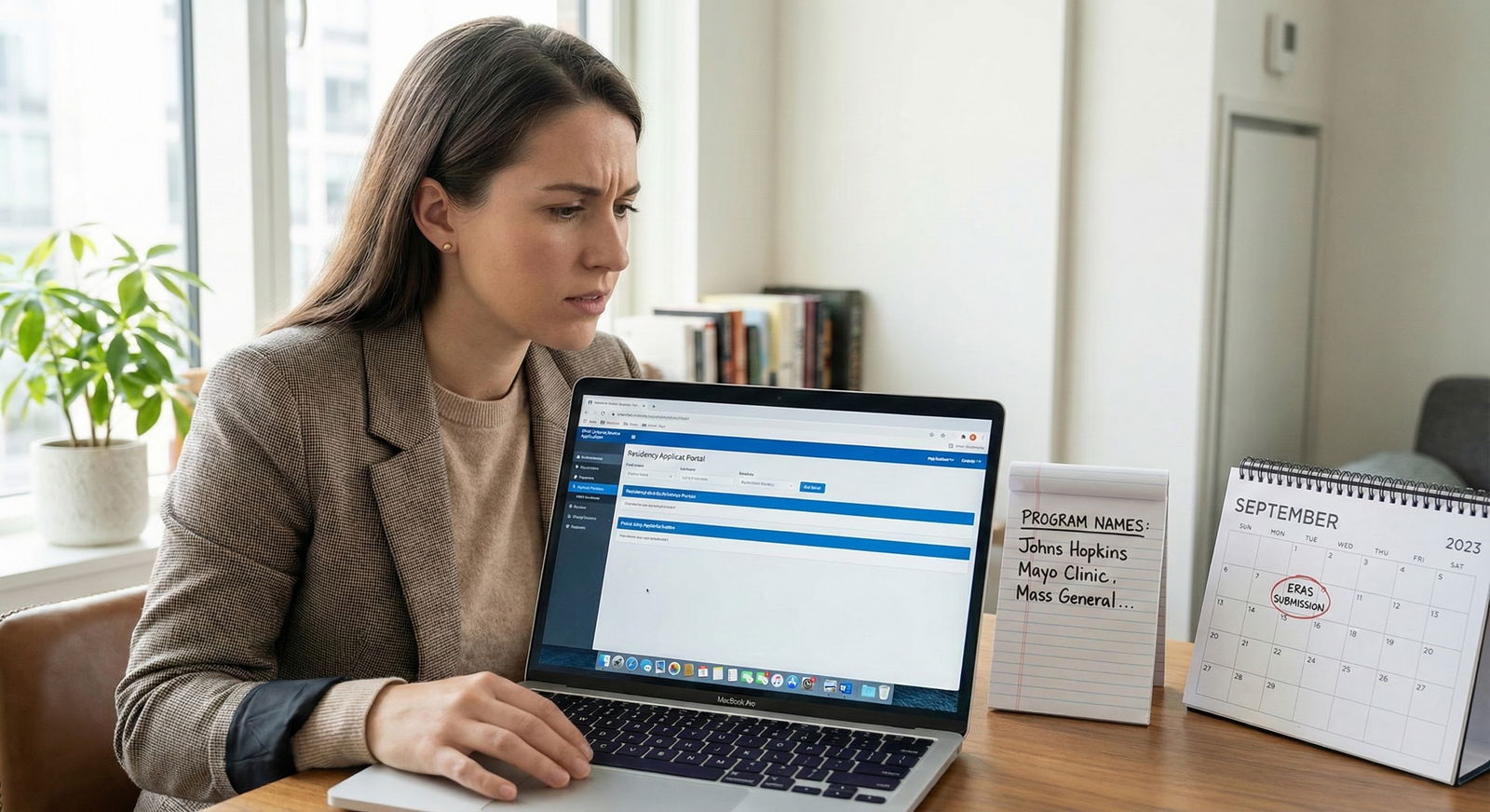
Fast fix path C: When you can't fix either document in time, what to do next
Sometimes the site disappears. Sometimes the coordinator is on vacation. Sometimes your deadline hits before anyone helps you. Annoying. But not fatal.
Use the most accurate evidence you have:
- schedule confirmation emails
- onboarding approval
- badge access dates
- attendance logs
- your calendar with corroborating messages
- email confirmation from the supervisor or office
Pick the lowest-risk version of the truth. That usually means you update ERAS to match the most reliable source you can defend if questioned.
If communication channels allow, you can add a short factual note. Keep it boring. Boring is good.
Example: "Rotation dates listed reflect actual participation dates. Official verification update requested from issuing office due to administrative date discrepancy."
Short. No blaming. No long explanation. No emotional essay.
And let's be crystal clear about what not to do:
- don't fabricate attendance
- don't inflate the duration
- don't submit contradictory versions and hope nobody notices
- don't guess because "it was around that time"
That kind of sloppiness is exactly what gets applicants in trouble. If you're stuck, be accurate first and elegant second.
Prevent the next mismatch: a verification workflow before you submit ERAS
The best fix is not needing one.
Every USCE rotation should have its own tiny documentation packet. Not a giant mess in your downloads folder. A clean packet.
For each rotation, keep:
- verification letter
- acceptance or schedule email
- supervisor name
- department
- institution/site
- exact participation dates
- issue date of the letter
- any addendum or correction
I strongly recommend a master spreadsheet. Nothing fancy. Just organized.
Your columns should include:
- institution
- department
- supervisor
- city/state
- start date
- end date
- duration
- letter received?
- dates match ERAS?
- name match exact?
- notes
And standardize your dates in one format: YYYY-MM-DD. It cuts down on stupid MM/DD vs DD/MM mistakes fast. Then convert only when needed for forms.
My rule is simple and non-negotiable: three-way match before submission.
Check:
- your calendar or attendance record
- the USCE verification letter
- the ERAS entry
If all three don't align, you're not done.
Then do one final "date-only review" 24 hours before you finalize ERAS. Not your whole application. Just dates. That focused review catches a shocking number of errors because your brain isn't distracted by personal statement edits and program lists.
This sounds obsessive. It is. Good. Residency applications punish preventable admin mistakes way too hard, so being obsessive here is smart.
Final word: fix the mismatch now, not later
If your ERAS rotation dates don't match your USCE verification, don't minimize it and don't freeze. Figure out which document is wrong, correct the ERAS entry if needed, get the letter fixed if possible, and document every step.
Your goal is simple: exact alignment. Dates. Site. Supervisor. Department. Clean and consistent.
If you're in this situation today, give yourself the next 24 hours and handle it like a professional. Open the files. Mark the discrepancy. Send the email. Make the correction. Then recheck every other rotation before this one little mistake multiplies.
That's how you stop a dumb admin problem from becoming an application problem.


