
Residency in any specialty is demanding, but managing residency work hours in clinical informatics introduces a unique blend of challenges and opportunities. As you split time between direct patient care, health IT projects, data analytics, and system optimization, your schedule can quickly become complex. Understanding how to manage duty hours, protect your wellbeing, and still excel in a clinical informatics fellowship track (or combined pathway) is essential for long‑term success.
This guide walks through how work hours are structured, what to expect in a clinical informatics context, and specific strategies to maintain resident work life balance while building a strong career foundation in health IT.
Understanding Residency Work Hours and Duty Hour Rules
Before you can manage your time effectively, you need to understand the framework you’re operating within.
ACGME Duty Hour Basics
Most U.S. residency and fellowship programs are governed by ACGME duty hour standards. Details can vary by specialty, but the core rules typically include:
- 80-hour work week limit, averaged over 4 weeks
- Minimum 1 day off in 7, free of clinical and educational responsibilities
- Adequate rest between shifts (often 10 hours between duty periods, ≥14 hours after 24 hours of in-house call in many specialties)
- In-house call generally no more than every third night, when used
- New PGY-1 restrictions on continuous duty duration in many programs
These rules apply regardless of whether you’re on traditional clinical rotations or spending time in health IT training and informatics activities. Informatics work still counts as duty hours if it is:
- Required by the program
- Related to patient care responsibilities or educational goals
- Conducted in the context of your role as a physician trainee
How Clinical Informatics Alters the Traditional Schedule
Clinical informatics pathways differ from classic clinical training:
Hybrid schedules
- You may alternate between blocks of direct patient care and informatics rotations.
- Some tracks use “half-and-half” models: mornings in clinic, afternoons in informatics, or vice versa.
Nontraditional “call”
- Less overnight patient call, more “project call”: urgent EHR issue, go-live support, data extraction for safety reviews.
- On-call responsibilities might be remote, but remote work still counts as duty time.
Fewer classic 28‑hour call shifts
- Informatics roles may involve longer days during major projects (e.g., EHR go-live), but usually not traditional overnight inpatient call.
More meetings, fewer pages
- Your “pages” become email, Teams/Zoom messages, JIRA tickets, or informatics consults.
- Time can disappear into unstructured tasks if you don’t intentionally manage it.
Understanding that all of this still falls under duty hours is crucial. You cannot “volunteer” extra EHR build time or analytics work off the books if it’s tied to your role as a trainee.
How Work Hours Typically Look in Clinical Informatics Training
Clinical informatics training can happen in different ways:
- Within a primary residency (e.g., internal medicine or pediatrics with a strong informatics track)
- As a dedicated clinical informatics fellowship after primary board certification
- As a combined research/informatics pathway (e.g., physician–scientist or QI/informatics tracks)
Each model shapes your schedule differently.
Example 1: Primary Residency with Strong Informatics Track
Imagine you are an internal medicine resident with a designated informatics pathway:
Clinical months
- Typical inpatient schedule (6–6, 7–7, or similar)
- Night float and weekend call
- 60–75 hours/week on average, depending on rotation
- Informatics activities mostly “sprinkled” in:
- Project meetings during elective time
- EHR optimization committees as part of scholarly work
Informatics/elective months
- 40–60 hours/week more typical
- Mornings: rounds/ambulatory clinics (10–20 hours/week)
- Afternoons:
- EHR build meetings
- Data dashboards review
- Quality improvement (QI) design
- User testing and workflow mapping
Key impact on work hours:
Your peak workload often shifts from acute overnight call to cumulative meeting fatigue and project deadlines.
Example 2: Dedicated Clinical Informatics Fellowship
In a formal clinical informatics fellowship, hours tend to be somewhat more predictable, but the mix of responsibilities is different:
Clinical time (20–40% FTE, depending on program)
- Outpatient clinics, hospitalist shifts, ED coverage, or specialty practice
- Often scheduled in blocks (e.g., 7 on/7 off hospitalist, or 1–2 clinics/week)
Informatics time (60–80% FTE)
- Project work: order set design, CDS build, user interface redesign
- Committee meetings: IT governance, safety/quality, EHR steering committees
- Education: didactics, journal club, independent study, data science courses
For many fellows, total duty hours come in around 45–60 hours/week, with spikes during:
- Major go-lives or upgrades
- System downtime or safety incidents involving IT systems
- Large-scale quality initiatives
“Hidden” Time Sinks Unique to Informatics
Informatics has several subtle ways your week can balloon beyond intention:
- Email and messaging overload from clinicians, analysts, and leaders
- Scope creep in projects (“While you’re in there, can you also fix…”)
- Shadow IT work: helping colleagues with ad-hoc data pulls or documentation tips
- After-hours “just checking” EHR updates or build environments from home
To maintain a sustainable resident work life balance, you need explicit strategies to control these.
Strategies to Manage Duty Hours in Clinical Informatics
You will not succeed in informatics training by simply “working more.” Instead, you must work deliberately. Below are concrete strategies tailored to clinical informatics.
1. Treat Your Calendar Like Clinical Orders
Your calendar is the equivalent of a treatment plan for your time:
Block fixed commitments first
- Clinics, inpatient shifts, call/night float
- Required didactics and conferences
- Standing project and governance meetings
Then block “deep work” time
- 2–3 blocks per week of 90–120 minutes for focused tasks:
- Data analysis
- Writing specifications or protocols
- Preparing presentations
- Mark these as “busy / no meetings” and protect them as fiercely as you would protected study time.
- 2–3 blocks per week of 90–120 minutes for focused tasks:
Leave buffer space
- At least 10–15 minutes between meetings to:
- Document key decisions
- Send follow-up emails
- Reset your focus
- Without buffer, small tasks bleed into evenings and violate the spirit (if not the letter) of duty hour limits.
- At least 10–15 minutes between meetings to:
Practical tip:
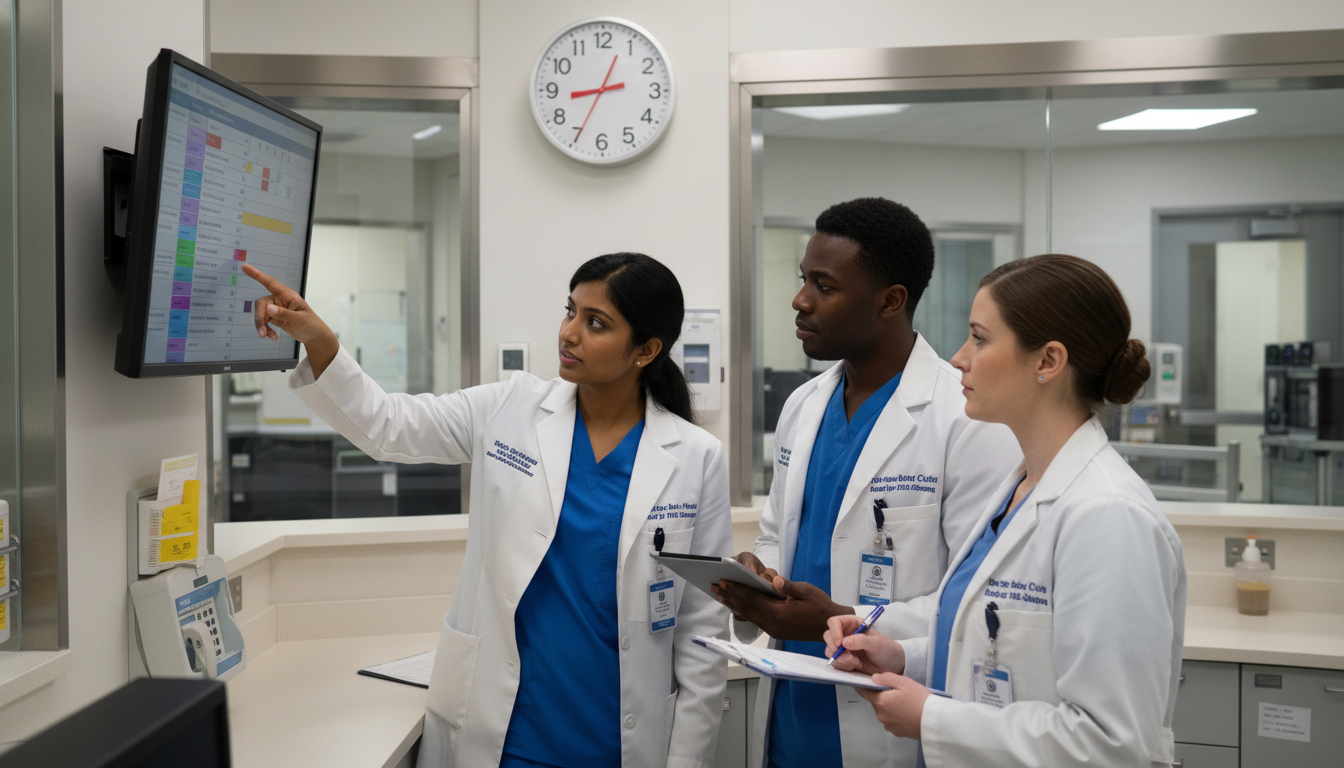
Use color coding: one color for clinical tasks, another for informatics/IT work, another for personal time. This makes imbalance instantly visible.
2. Set Explicit Boundaries With Stakeholders
As a clinical informatics trainee, you interact with many groups:
- Attending physicians and clinical teams
- IT analysts and project managers
- Hospital administration
- Nursing and allied health staff
- Vendors and consultants
All of these may see you as the “go-to” person for health IT training, problems, and requests. Without boundaries, your role will sprawl.
Concrete boundary-setting tactics:
Script your limits in advance.
Example:“I’m happy to help, but as a trainee my duty hours are limited. Can we schedule time during my informatics block next week, or loop in the on-call analyst for anything urgent?”
Clarify your role at the start of projects.
- What is your official responsibility?
- What is excluded?
- What is the expected time commitment per week?
Use shared project tools.
- Route non-urgent requests into ticketing systems (e.g., JIRA, ServiceNow) so they’re visible and prioritized—not just dropped into your inbox.
3. Avoid “Shadow Volunteering”
Informatics naturally attracts problem-solvers who enjoy building and tinkering. The downside: you may be tempted to log in late at night to “just fix one thing” or explore a dataset. This is duty time.
To manage this:
Agree on transparent time tracking with your program director or fellowship director.
- If you work on a weekend, log it and adjust weekday hours.
Create a personal rule:
- No informatics build or EHR projects outside logged duty hours unless:
- It’s a true emergency; or
- It’s purely educational and unrelated to your institutional role (e.g., a personal SQL course).
- No informatics build or EHR projects outside logged duty hours unless:
Turn off notifications outside scheduled work blocks.
- Email, messaging apps, and EHR alerts can disrupt recovery time, even if you don’t respond.
4. Use Project Management Principles
You don’t need a PMP certification to apply the basics of project management to your schedule:
Define clear deliverables for each week.
- Instead of “Continue EHR optimization,” use:
- “Finalize draft of sepsis order set v3”
- “Review 3 months of ED boarding data and summarize in 1-page memo”
- Instead of “Continue EHR optimization,” use:
Break work into task lists
- Use tools like Trello, Asana, Notion, or even a structured paper planner.
- Assign approximate time estimates (e.g., 30 min, 1 hr, 2 hrs) to help you see if your plan exceeds realistic duty hours.
Apply a “stop rule”
- At a pre-defined time each day (e.g., 6:30 pm), you stop creating new tasks and shift to closure mode—finishing or documenting the status of work in progress.
5. Integrate Learning Into Your Workday
One advantage of clinical informatics is that much of your learning can be integrated into active projects, rather than done “after hours.”
Examples:
Health IT training while on duty
- Learn SQL by querying your own institution’s training database under supervision.
- Practice clinical decision support (CDS) principles while building real alerts or order sets.
- Apply human factors and usability concepts in usability testing sessions.
Micro-learning during natural lulls
- 10–15 minutes between meetings: skim recent JAMIA or JAMIA Open articles.
- Listen to informatics podcasts while commuting, not during designated personal downtime.
By integrating training into the workday, you reduce the urge to extend your duty hours for “extra” learning.
Protecting Resident Work Life Balance and Wellbeing
Clinical informatics may involve fewer overnight calls than traditional hospital rotations, but burnout is still a real risk—especially because work can quietly expand to fill all available hours.
Recognize Informatics-Specific Burnout Risks
Common patterns among clinical informatics trainees:
- Cognitive overload from constant context-switching (patient care → meeting → coding → teaching → back to patient care)
- Moral distress when you see system design flaws impacting patient care, but change is slow
- Boundary erosion when peers and staff constantly seek tactical IT help (“Can you fix my order sets?”)
- Invisible labor: you spend hours in meetings or analysis work that is not always recognized as “real clinical work”
Recognizing these patterns allows you to plan proactively.
Build Recovery and Non-Work Routines
Your schedule will never fully stabilize, but you can build anchors:
Protected non-work time
- At least one half-day each week where you do not open email or project tools.
- One full weekend day (aligned with duty hour requirements) truly off.
Simple, consistent recovery habits
- 15–20 minutes of physical activity most days (walk, light run, home workout).
- Regular meals away from your screens when possible.
- Short “transition rituals” at end of day:
- Shut down computer and EHR
- Quick reflection: what went well, what can wait
- Physically leave the hospital space, if on site
Use Program Resources Early
Many residents think they should “tough it out” until crisis:
Meet with your program or fellowship director if:
- You consistently exceed 80 hours/week, even with good-faith effort.
- Informatics projects routinely breach boundaries (e.g., go-live + full clinical load).
- You feel you cannot meet expectations without violating duty hours.
Involve GME leadership or wellness offices
- They can help rebalance duties, adjust project scopes, or provide formal support.
Remember: duty hour protections exist for patient safety and your long-term career sustainability, not as arbitrary bureaucracy.
Coordinating With Your Program: Advocacy and Communication
Managing residency work hours in clinical informatics isn’t a solo activity; it requires coordination with your program and institutional leadership.
Clarify Expectations Up Front
At the start of each rotation or project:
Ask for explicit expectations:
- Expected weekly time commitment
- Off-hours responsibilities (if any)
- Typical peaks (e.g., go-live week) and how they are compensated (post-call day, lighter clinic, etc.)
Confirm how duty hours are interpreted for:
- Remote meetings or project work
- EHR build done from home
- Self-directed learning assigned by the program
Use Duty Hour Logs as a Tool, Not a Threat
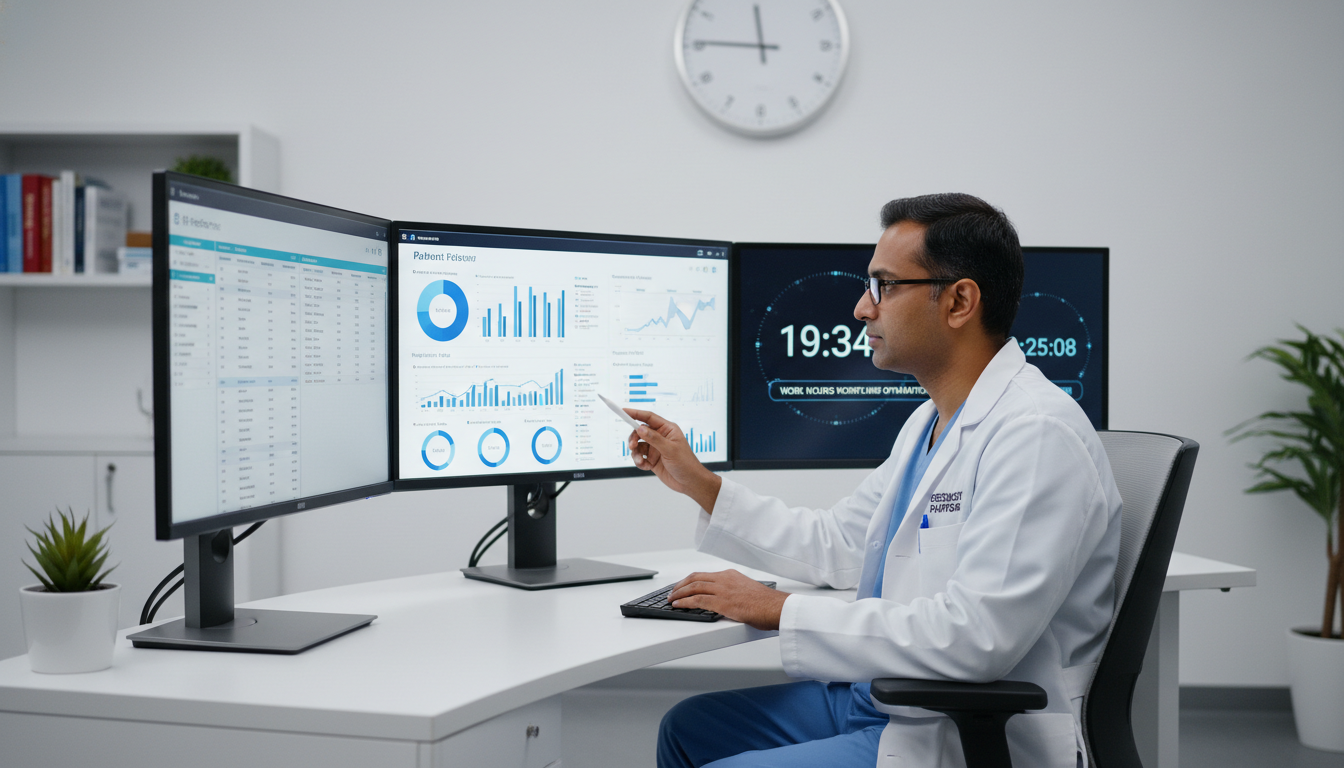
Duty hour logging is often seen as a chore. In informatics, it can be a critical diagnostic tool:
Track not only total hours, but how they’re distributed:
- Direct patient care
- Informatics/IT project work
- Meetings/committees
- Education and coursework
When the 80-hour limit is at risk:
- Bring the pattern (not just the number) to your program director.
- Collaboratively adjust:
- Shift project tasks to analysts
- Reprioritize or delay non-critical objectives
- Temporarily reduce non-essential committees
Advocate for Sustainable Informatics Design
Because you sit at the intersection of clinical work and IT, you can influence how others work too:
- Promote user-centered design that reduces clinician burden, rather than adds clicks.
- Encourage realistic go-live timelines that don’t require unsustainable all-hands weeks.
- Share resident/fellow perspectives on sustainable training during committees, so new systems don’t inadvertently expand duty hours.
When you advocate for sustainable workflows, you’re not just protecting yourself—you’re improving the entire clinical environment.
Practical Day-in-the-Life Examples
To bring all this together, consider two different “days in the life” of a clinical informatics trainee and what good work-hour management looks like.
Example A: Clinical Inpatient Day With Informatics Responsibilities
Schedule
- 6:30–7:00: Arrive, pre-round on 6 patients
- 7:00–9:30: Rounds with team
- 9:30–10:00: Documentation catch-up
- 10:00–11:00: Newly scheduled EHR consult meeting added (order set issue)
- 11:00–12:30: Admissions and cross-coverage issues
- 12:30–13:00: Noon conference + quick lunch
- 13:00–16:30: Ongoing patient care, discharge planning, notes
- 16:30: Official sign-out
- 16:30–18:30: Resident stays late working on EHR project, then catches up on emails at home until 20:00
Problem:
Total day >14 hours of work-related activity, with unlogged evening project time.
Improved version
- 10:00 EHR consult meeting: resident asks to reschedule to an elective/informatics week, explaining patient care and duty hour constraints.
- 16:30 sign-out:
- Resident sets a 30-minute limit to complete essential documentation and then leaves.
- EHR project work moved to next official informatics block.
- Evening is protected personal time.
Result: Patient care remains safe, informatics work still progresses on a realistic schedule, and duty hour rules are respected.
Example B: Informatics Rotation Day With Clinics
Schedule
- 8:00–10:00: Outpatient clinic (4 patients)
- 10:00–10:15: Buffer; document last note, quick email triage
- 10:15–12:00: Protected “deep work” block:
- Draft CDS logic for new anticoagulation alert
- Review last month’s bleeding events data
- 12:00–12:30: Lunch + brief walk
- 12:30–14:00: IT governance committee meeting
- 14:00–15:00: Data analyst working session (SQL queries, dashboard review)
- 15:00–15:15: Short break, notes on meeting decisions
- 15:15–16:30: Education block (assigned reading on usability + short online course segment)
- 16:30–17:00: Daily shutdown routine; update task list, close laptop
This day falls well within reasonable duty hours, includes both clinical care and health IT training, and maintains balance and recovery time.
Frequently Asked Questions (FAQ)
1. Do informatics projects really count toward duty hours if I do them remotely?
Yes. If the work is part of your formal role as a resident or fellow—including EHR build, data analysis, meeting preparation, or informatics committee work—those hours count as duty hours, even if done from home. You should log them accurately and discuss any chronic overages with your program leadership.
2. Are work hours lighter in a clinical informatics fellowship than during residency?
Often, but not always. Many clinical informatics fellowships average 45–60 hours/week, which is usually less intense than the most demanding PGY-1 or inpatient rotations. However, specific periods—like EHR go-lives or major safety incidents—can temporarily increase workload. The 80-hour per week average limit and other duty hour rules still apply.
3. How can I maintain resident work life balance while still building a competitive informatics CV?
Focus on high-impact, well-scoped projects rather than sheer volume. A few strong, well-executed initiatives (e.g., a major order set redesign with measurable outcomes, a successful QI project using data analytics, a peer-reviewed publication) are far more valuable than scattered side projects done at the expense of your wellbeing and duty hour compliance. Organize your work using project management techniques, protect your off time, and integrate learning into your workday.
4. What should I do if my informatics responsibilities and clinical duties together push me over 80 hours/week?
Document your hours accurately for several weeks, noting how much time is spent on clinical work vs. informatics vs. education. Then:
- Schedule a meeting with your program or fellowship director to review the data together.
- Identify tasks that can be:
- Delegated to IT analysts or project managers
- Deferred to a later block/rotation
- Consolidated into fewer, more focused projects
- If needed, involve GME leadership or your program’s wellness committee to ensure that duty hour policies and your wellbeing are protected.
Managing residency work hours in clinical informatics is ultimately about intentional design—of your schedule, projects, and boundaries. With deliberate planning, clear communication, and realistic expectations, you can thrive in health IT training, build a strong clinical informatics fellowship profile, and safeguard your resident work life balance for the long term.