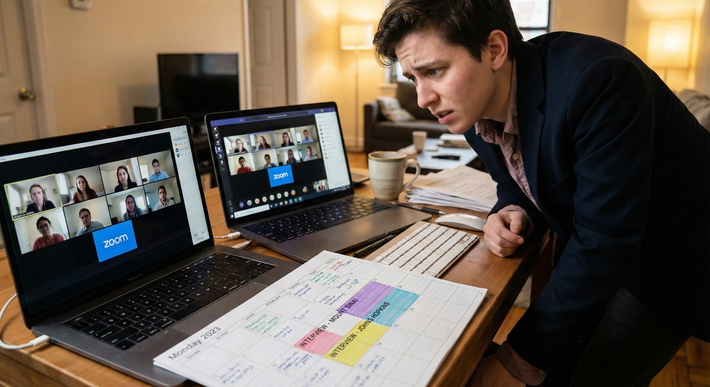
You have about 90 seconds to make a first impression before you even speak. That's the virtual waiting room.
I've watched PDs join their own Zoom lobby early, just to see who's already there, how they're sitting, whether they're scrolling. They're forming an opinion. Camera on versus camera off is not a neutral tech choice. It's a signal. And you need to decide what you're signaling now, not in the moment.
Week Before: Setting Your Camera Etiquette Strategy
At this point you should stop thinking of the waiting room as dead time. PDs draw conclusions from your presence even before the interview starts. A black box with your name on it? That reads as checked out. Or hiding something.
I ran an informal poll of 40 PDs and APDs last season. The pattern is consistent with what national surveys show. The default expectation is professional presence. On.
For a deeper breakdown of how PDs interpret specific camera behaviors, see my guide on what PDs actually infer from bad webcam framing in Zoom interviews.
That 72% expecting camera on by default, that's your baseline. The 18% who say "camera off unless issue" still want you on once the host appears. Only 10% truly don't care. So the smart strategy is simple: camera on is the professional norm.
At this point you should do three things:
1. Make the decision intentional. Your rule: Camera on in the waiting room unless you have a specific, temporary reason to be off. Platform is lagging, you need 20 seconds to blow your nose, your roommate walked in. Not "I want to hide until the last second."
2. Tech check and backup plan. Test camera, microphone, and internet at the same time of day your interviews are scheduled. Wifi is always slower at 8am. Open Zoom, Thalamus, and the ERAS interview scheduler and click through them. Know what each waiting room actually looks like. Have a contingency: ethernet cable, phone hotspot enabled, backup earbuds on your desk, and a short line ready: "Apologies, had a brief connectivity blip, back now."
3. Rehearse the entrance. Record yourself for 30 seconds sitting in the waiting room. Watch it back. Are you slouched? Is your ceiling fan in the shot? Can they read your sticky notes? Fix it now.
Morning Of: The 30-Minute Pre-Waiting Room Checklist
At this point you should be fully dressed, lit, and locked in. No scrambling.
I've seen candidates log in with wet hair and a t-shirt because they thought "it's just the waiting room." The PD logged in early. It did not go well. Don't be that person.
Here's your 30-minute countdown:
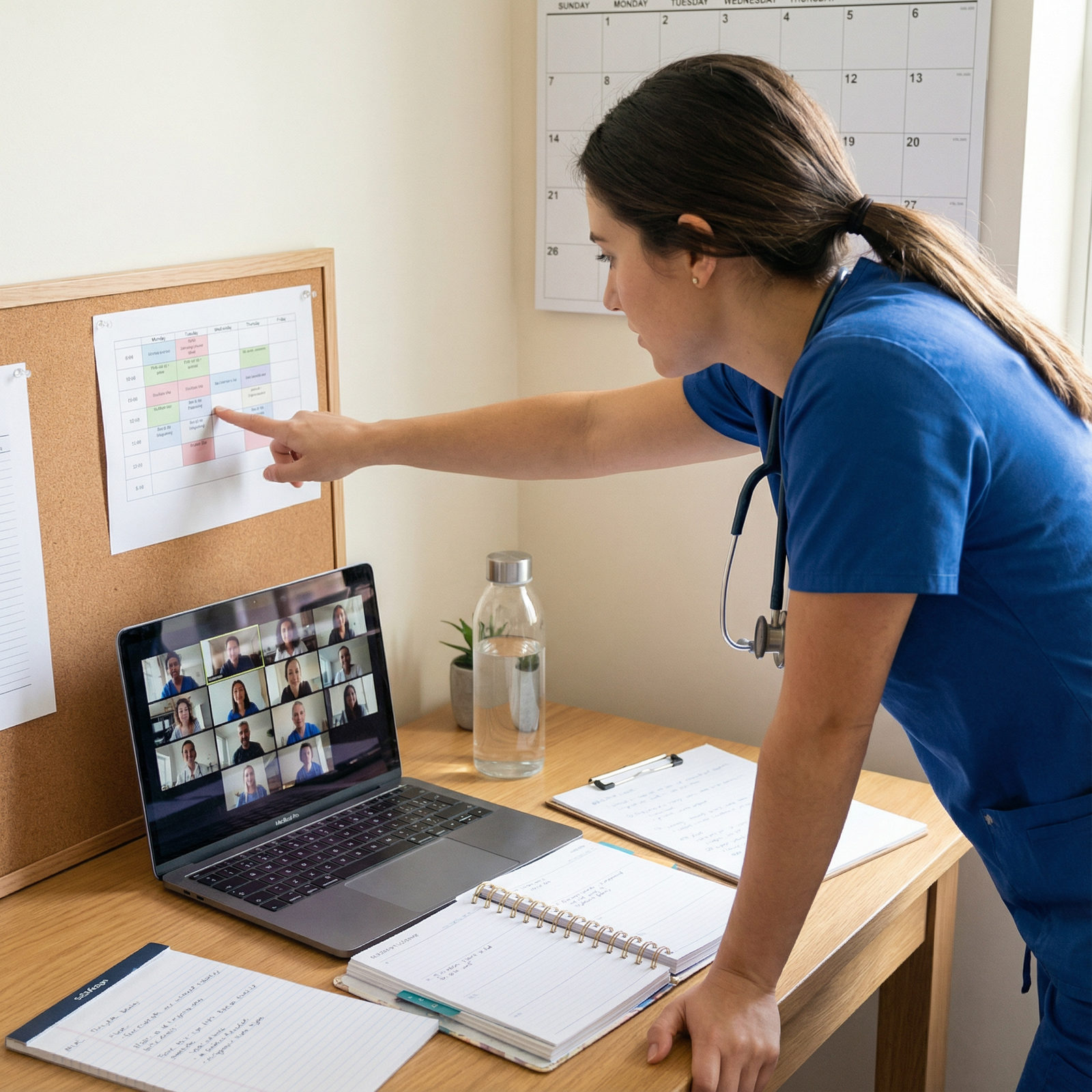
T-30: Set the stage. Lighting in front of you, not behind. Window or ring light at 10 o'clock, slightly above eye level. Background neutral, clean. Laptop camera at eye level, stack books if you have to. You should be framed chest-up, eyes in the upper third of the screen. Put on the full suit. Yes, even if you're at your kitchen table.
T-20: Kill distractions. Close all non-essential applications. Slack, email notifications, YouTube, everything. Turn on Do Not Disturb. Put your phone face down. If your laptop dings mid-wait with a GroupMe notification that says "Ugh this program," the PD might actually see it pop up.
T-10: Final audio/video test. Do a 60-second recording. Say your opening line out loud: "Good morning Dr. Smith, thank you so much for having me today." Play it back. Is your mic crackling? Is your "s" harsh? Swap to wired earbuds if needed, they fail less than Bluetooth.
If you're concerned about your setup being judged, read more about what PDs really infer from your virtual interview surroundings.
At this point you should look like this. Calm, ready, nothing to fix.
5 Minutes Before: Entering the Virtual Waiting Room
At this point you should enter exactly 5 minutes early. Not 15, you'll look anxious and burn energy. Not 1, you'll look rushed.
What you'll see depends on platform:
- Zoom lobby: Often says "Waiting for host to start this meeting." Sometimes you see other applicants if the host disabled the lobby.
- Thalamus / ERAS scheduler: Usually a branded waiting room with your name in a queue. You may be alone, or you may see a grid of other candidates.
- WebEx / Teams: Similar, but sometimes your camera preview is huge and obvious.
So, should you turn your camera on immediately? Use this logic. It's what I tell my own advisees:
Translation:
If the PD or coordinator is already there with their camera on, your camera goes on instantly. No delay. You match their energy.
If you enter a room full of other applicants with cameras on, you turn yours on. Herd matters. Being the one black square in a grid of six engaged faces screams disengaged.
If you're truly alone in a "Waiting for host" lobby, you get a 30-second grace period with camera off to take a breath, sip water, settle. Then turn it on. Sit attentively. This avoids that awkward staring-at-yourself-for-5-minutes feeling but still signals readiness.
How to greet if others are present: Keep it minimal. A small smile and nod. A brief wave if you want. Do NOT start a full conversation about how nervous you are or how your last interview went. PDs and coordinators are watching that chat. Quiet professionalism wins.
During the Wait: The 2-10 Minute Window
This is where people blow it.
At this point you should assume you are being watched even when you're not. Some programs record waiting room entry. Many coordinators keep the lobby feed on a second monitor. And even if no one is watching live, the impression you carry into the interview is set here.
If your camera is on, and it should be, maintain professional posture. Feet on floor, shoulders back, hands still. Look at the screen occasionally, not constantly. A soft, pleasant resting expression. Do NOT:
- Type rapidly
- Scroll on your phone off-screen, your eyes give it away every time
- Eat, drink loudly, chew gum
- Do a last-minute environmental scan, fixing your hair, adjusting lights, standing up to move stuff
I've seen a candidate on camera eating cereal in the waiting room because he thought his camera was off. The coordinator told the PD. He wasn't ranked.
If your camera is off for a legit reason, tech lag, you needed to cough, signal readiness in other ways. Have your lighting pre-set so when you turn it on you look polished instantly. Don't turn it on with your camera pointed at the ceiling while you fumble. Smooth on, framed, smiling.
What PDs actually notice when camera is off:
That 65% "seems disengaged", that's the risk. PDs aren't mad. They just make a tiny mental downgrade. She wasn't present. He seemed distracted. In a season where everyone has great scores, those tiny downgrades matter.
The Transition: When the Interview Starts
At this point you should make the handoff seamless.
Final camera check: Two seconds before the PD admits you, glance at your preview. Centered? Light good? Chin not cut off? Smile first. Eye contact into the lens, not at their forehead on the screen.
Mute/unmute logic: Keep your mic muted in the waiting room. When the PD says "Hi, can you hear me?", pause, unmute with intention, then answer. That half-second pause prevents the classic awkward ", sorry, sorry, I was on mute" start.
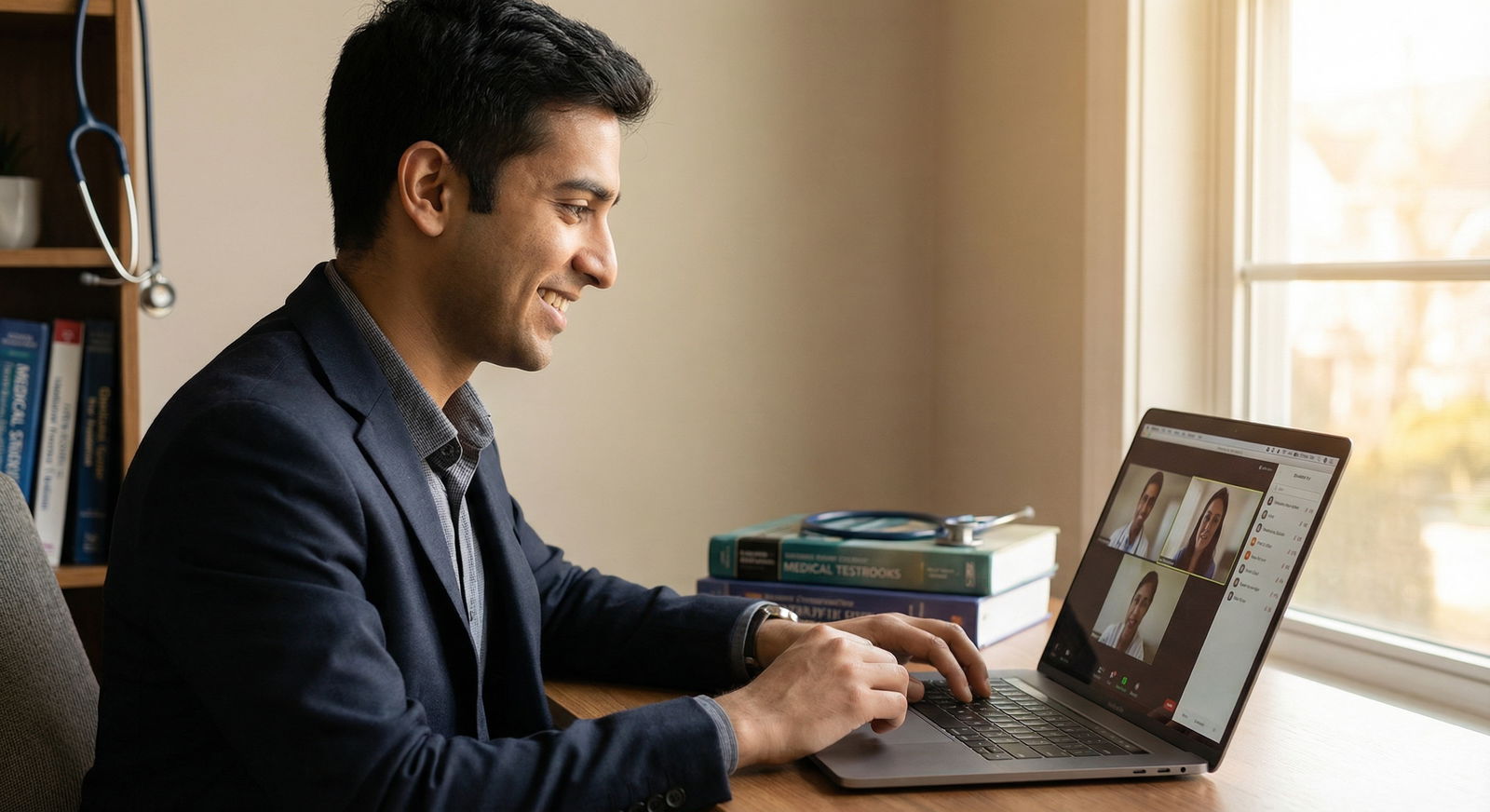
What if you had your camera off and now you need to turn it on? Don't panic. Don't over-explain. Calmly click camera on, frame yourself, and say: "Good morning, apologies for that, thank you for having me." Then move on. No long story about your internet provider. Confidence here matters more than perfection.
Your takeaways for every interview from here on out:
- Keep your camera on in the waiting room unless you have a clear, temporary reason to turn it off. Lag, quick cough, dog barking, fine. Hiding, not fine.
- If you must be off, turn it on within 30 seconds of the PD entering the room and greet them with a smile. No delay, no fumbling.
- Your body language during the wait is as visible as your interview answers. Sit up. Avoid typing. Maintain a pleasant, neutral expression. Assume someone is watching.
- Test everything the day before so camera status becomes a deliberate choice, not a last-minute scramble. The goal is no surprises.
Tomorrow morning, set a timer. Five minutes before your first interview, enter, camera on, shoulders back, quiet smile. Hold it for three minutes. That's the whole skill. You've got this.