
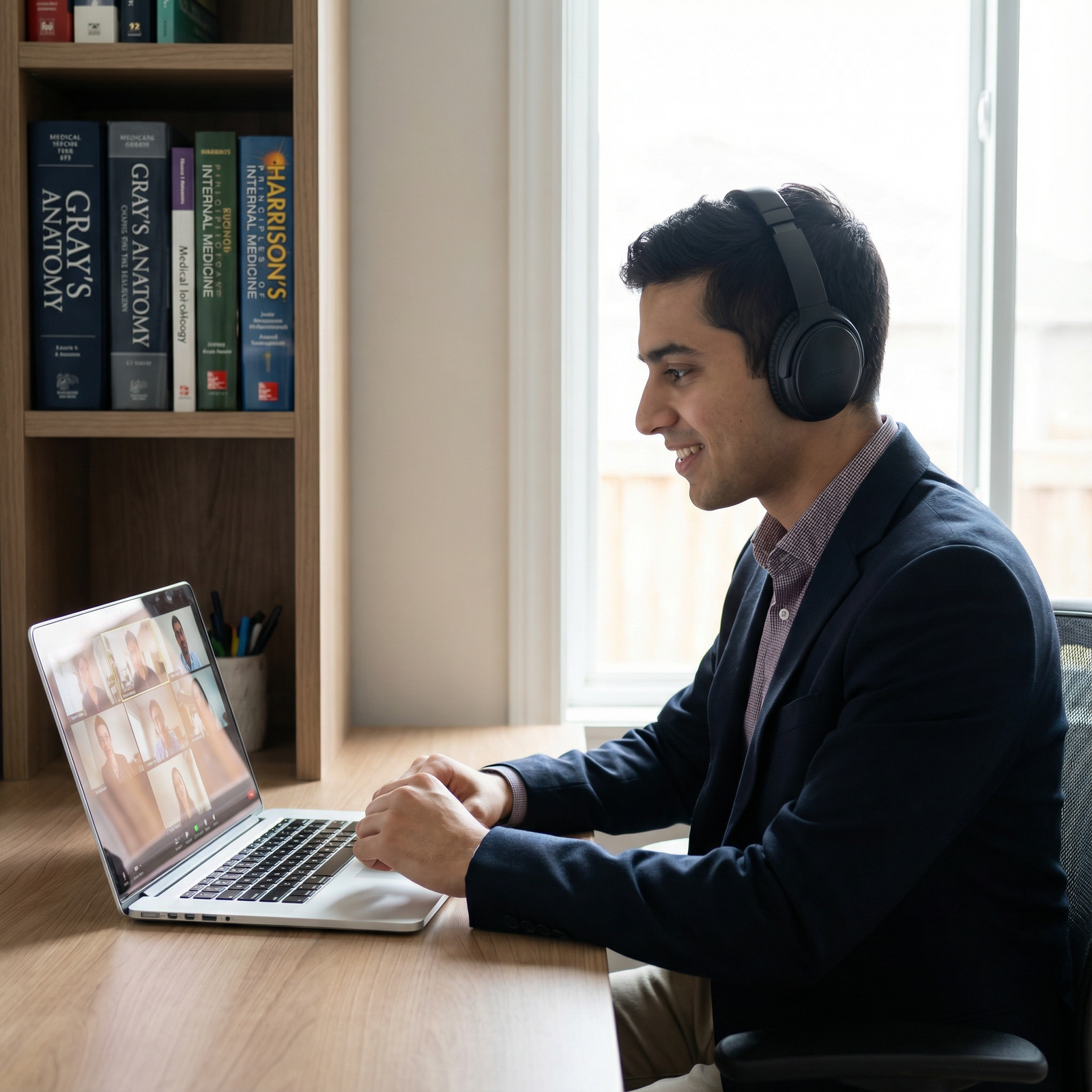
Practicing for Virtual Interviews: Tools, Techniques, and Strategies for Residency Success
Virtual Interviews have become a central component of the Medical Residency application process. What started as a pandemic-driven necessity has now evolved into a standard format across many specialties and institutions. This shift means that performing well on screen is no longer optional—it is a core residency Interview Preparation skill.
The good news: you can systematically improve your virtual performance. With the right tools, structured practice, and attention to detail, you can communicate your strengths clearly, build rapport remotely, and avoid preventable technical or behavioral missteps. This guide walks you through practical, step-by-step strategies to master virtual residency interviews and stand out—even through a webcam.
Why Practicing for Virtual Residency Interviews Matters
Virtual Interviews are not just “in‑person interviews on Zoom.” Remote Communication changes the dynamics of how you are seen, heard, and remembered. Small technical or communication issues can quickly affect how your professionalism and fit are perceived.
Key Differences from In‑Person Interviews
Reduced Nonverbal Feedback
- In person, you can “read the room” more easily—body language, subtle nods, and group dynamics.
- On screen, facial expressions and gestures are limited by camera framing, and audio delays can make interactions feel slightly off. You must work harder to project warmth, engagement, and clarity.
Technology as a “Third Person” in the Room
- Video platforms, microphones, and internet connections can all fail at exactly the wrong moment.
- Practicing helps you troubleshoot issues quickly and recover without losing composure.
Your Environment Becomes Part of Your Professional Image
- Interviewers now see into your space—background, lighting, sound, and posture all contribute to their impression of your professionalism.
- Practicing in your actual interview setup allows you to optimize it and minimize distractions.
Why Practice is Essential
Adaptability
Regular practice in a virtual setting helps normalize the experience, reducing anxiety around both technology and performance. You’ll learn how to handle delays, glitchy audio, and unexpected interruptions while remaining calm and composed.Technical Competence
Program directors expect residents to be able to communicate effectively in virtual settings—for telemedicine, team meetings, and didactics. Demonstrating comfort with Remote Communication platforms signals that you’re ready for modern medical practice.Stronger Professional Impression
Interviewers are evaluating not just what you say but how you say it on screen: eye contact, posture, tone, lighting, and sound quality. Intentional practice allows you to refine these elements so you come across as confident, organized, and engaged.
Essential Tools for Practicing Virtual Residency Interviews
Before focusing on content and delivery, build a solid technical foundation. Quality tools won’t win you a spot alone, but poor tools can absolutely hurt your chances.
1. Video Conferencing Platforms You Must Know
You don’t need to master every platform on the market, but you should be highly comfortable with the major ones commonly used for Medical Residency interviews:
Zoom
- Widely used across academic institutions.
- Key features to practice:
- Joining and renaming yourself appropriately (“First Last, MD Candidate”).
- Muting/unmuting quickly.
- Turning video on/off.
- Navigating waiting rooms and breakout rooms (often used for multiple mini-interviews or social hours).
Microsoft Teams
- Common in hospitals and health systems.
- Key features:
- Joining via invite or calendar link.
- Screen layout options and self-view.
- Handling chat while staying focused on the conversation.
Google Meet
- Used by many programs with Google Workspace.
- Key features:
- Managing audio/video permissions in your browser.
- Using captions if helpful (but ensure they don’t distract you).
Practice Tip:
Create short mock meetings with friends or classmates on all three platforms. Simulate “day-of” conditions: join from the device, location, and internet connection you plan to use for the real interviews.
2. Recording Software for Self-Review
Recording your practice sessions allows you to identify habits you never notice in real time—filler words, fidgeting, looking away, or overly long responses.
Useful tools include:
Built-in Platform Recording (Zoom/Teams/Meet)
- Often the easiest option: hit record during mock interviews and watch afterward.
- Note: Always inform others you’re recording.
OBS Studio
- Free, powerful software for advanced users.
- Lets you record webcam + audio with flexible layouts and settings.
- Helpful if you want to simulate the exact interview framing and lighting you’ll use.
Smartphone or Tablet Camera
- If tech feels overwhelming, set your phone near your laptop and record from the side.
- This still captures posture, gestures, and voice tone without needing screen-capture software.
When reviewing recordings, take structured notes: what to keep, change, and eliminate in your performance.
3. Audio and Video Hardware that Elevate Your Presence
You do not need studio-level equipment, but a few targeted upgrades can dramatically improve how you come across.
Microphone
- Built-in laptop mics are often echoey and distant.
- Consider:
- A basic USB condenser microphone.
- A wired headset or earbuds with an inline mic (simple and effective).
- Test for:
- Volume: Are you too quiet or too loud?
- Clarity: Any static or echo?
- Consistency: Does your voice cut out when you move?
Webcam
- A decent external webcam often provides sharper, more natural video than many laptop cameras.
- Key points:
- 720p or 1080p is sufficient.
- Place it at eye level to avoid the “looking down” or “up the nose” angle.
4. Mock Interview Platforms and AI-Based Tools
Targeted practice can accelerate your progress:
Mock Interview Services
- University career offices, specialty interest groups (e.g., EMRA, AMSA), or alumni networks often provide mock residency Virtual Interviews.
- Private coaching services (e.g., specialty-specific advisors) can give nuanced feedback on clinical experiences, red flags, or gaps in training.
AI Interview Tools
- Platforms similar to HireVue or other AI-driven simulators can:
- Time your answers.
- Flag excessive filler words.
- Analyze eye contact and facial expressiveness.
- Use them as supplements, not substitutes, for human feedback.
- Platforms similar to HireVue or other AI-driven simulators can:
5. Technical Setup Checklist
Create and rehearse a pre‑interview checklist so it becomes automatic:
Internet
- Prefer wired Ethernet if possible; otherwise, sit close to your router.
- Turn off heavy bandwidth use (video streaming, large downloads) in your home.
Environment
- Neutral, uncluttered background (blank wall, bookshelf, or tidy office).
- Avoid busy décor, personal posters, or anything that could distract or raise questions.
Lighting
- Face a window with natural light when possible.
- If needed, use a ring light or desk lamp positioned behind your webcam for even lighting.
Audio
- Silence phone notifications and computer alerts.
- Use headphones or earbuds to prevent echo.
Backup Plan
- Keep a phone nearby (on silent) with the program’s contact information ready.
- Have a secondary device (tablet/phone) ready to join if your laptop fails.

Techniques for Effective Virtual Interview Practice
Once your tools are in place, the real work is deliberate practice—rehearsing not just what you say, but how you show up on screen.
1. Conduct Structured Mock Interviews
Aim to simulate the actual interview format as closely as possible:
Peer Mock Interviews
- Partner with classmates also applying to residency.
- Rotate roles:
- One as the interviewer.
- One as the applicant.
- (Optional) One observer focusing solely on delivery and presence.
- Use real residency-style questions:
- “Tell me about yourself.”
- “Why this specialty?”
- “Tell me about a time you had a conflict on a team.”
- “Describe a clinical situation that did not go as planned.”
After Each Session:
- Ask for concrete, behavior-based feedback:
- “When you answered the weakness question, your response felt vague.”
- “You looked away from the camera frequently during difficult questions.”
- Write down 2–3 specific goals for the next session.
Professional or Faculty Mock Interviews
If available, seek at least one mock interview with:
- A faculty mentor.
- A program director or assistant program director.
- A career advisor familiar with Medical Residency expectations.
They can provide insight into specialty-specific expectations, how your application may be perceived, and any red flags you should address proactively.
2. Record, Review, and Refine
Simply practicing is not enough; you must also analyze your performance.
Focus on:
Body Language
- Are your shoulders relaxed and open, or hunched?
- Do you nod or show active listening when interviewers speak?
- Are your facial expressions aligned with your words (e.g., engaged when discussing passions, serious when describing challenges)?
Eye Contact
- For virtual interviews, “eye contact” means looking into the camera, not the image of the interviewer on your screen.
- Practice glancing at the interviewer’s face on your screen, then returning your gaze to the camera while speaking.
Voice and Pace
- Are you speaking clearly and at a natural pace?
- Are you rushing when nervous, or pausing excessively?
- Record yourself answering one question, then deliberately answer again 20% slower and compare.
Content and Structure
- Use the STAR method for behavioral questions:
- Situation – Brief context.
- Task – Your role.
- Action – What you did.
- Result – Outcome and what you learned.
- Practicing this structure keeps answers focused, concise, and impactful.
- Use the STAR method for behavioral questions:
Create a simple reflection template for each recorded mock interview:
- 3 things you did well.
- 3 things to improve.
- 1 specific goal for the next practice.
3. Optimize Your On‑Screen Presence
Small visual details significantly shape first impressions in a virtual Job Interview context.
Camera Framing
- Aim for a medium close-up: top of your head to mid‑chest visible.
- Leave some space above your head; don’t cut off your chin or forehead.
Posture
- Sit upright with your back supported and both feet on the ground.
- Lean slightly forward to show engagement, but not so much you appear cramped.
Lighting and Visual Distractions
- Eliminate backlighting (e.g., window directly behind you).
- Remove clutter from view: laundry, food containers, unrelated posters.
Attire
- Dress as you would for an in-person residency interview:
- Solid-color or subtle-pattern professional attire.
- White coat generally not needed unless explicitly requested.
- Avoid busy patterns or bright white that can reflect too much light on camera.
- Dress as you would for an in-person residency interview:
4. Build and Practice Your Personal Narrative
Residency programs want to understand who you are, not just what you’ve done.
Develop Key Themes
Reflect on:
- Why you chose medicine, and why this specialty.
- Defining clinical moments—patient encounters, rotations, or mentors that shaped you.
- How your background (research, leadership, service, previous careers) adds value to a residency program.
Identify 3–4 core themes that you want interviewers to remember about you, such as:
- Commitment to underserved communities.
- Strength in team-based care and communication.
- Curiosity and love for teaching or research.
- Resilience and adaptability through personal or professional challenges.
Craft a Strong “Elevator Pitch”
Prepare a 60–90 second answer to “Tell me about yourself” that:
- Briefly summarizes your path to medicine.
- Highlights 1–2 major strengths or themes.
- Connects naturally to why you are applying to this specialty now.
Practice this pitch on video multiple times until it feels natural and conversational, not memorized.
Handling Unexpected Scenarios in Virtual Interviews
Even with good planning, things can go wrong. Interviewers know this. What matters most is how you respond.
Technical Glitches
If Your Internet Drops
- Immediately attempt to rejoin.
- If you can’t reconnect within a couple of minutes, use your phone or backup device.
- Send a brief, professional email to the coordinator if needed:
“I’m experiencing unexpected connectivity issues and am working to rejoin as quickly as possible. Thank you for your patience.”
If Audio or Video Fails Mid‑Interview
- Calmly state the issue:
“I’m sorry, I’m having trouble hearing you. Would you mind repeating that last question?” - Try switching:
- From Wi‑Fi to mobile hotspot.
- From computer audio to phone dial-in, if available.
- Calmly state the issue:
Remaining composed under pressure is itself a positive signal about your professionalism.
Environmental Disruptions
Noise (sirens, construction, neighbors)
- Pause briefly if needed, then say:
“I apologize for the background noise; it should pass in a moment.” - Resume once sound subsides.
- Pause briefly if needed, then say:
Unexpected Entrances (pets, family, roommates)
- Briefly excuse yourself, mute, and resolve the issue.
- Return and say calmly:
“I’m sorry for the interruption—thank you for your understanding.”
Interviewers are human and understand real-life situations; your calm, respectful handling is what they will remember.
Building Confidence and Managing Interview Stress
Virtual Interviews can feel more awkward and isolating than in-person ones, especially when you can’t see other applicants or feel the “energy” of the day. Intentional habits can help.
Pre‑Interview Routine
Develop a consistent routine you can repeat before every interview:
Sleep and Nutrition
- Aim for sufficient sleep the night before.
- Eat a light, balanced meal 1–2 hours prior—enough for energy, not so much that you feel sluggish.
Warm‑Up
- Do a brief vocal warm-up: read a paragraph aloud, practice your elevator pitch, or answer one practice question.
- Do 2–3 minutes of stretching or deep breathing to release tension.
Mindset
- Remind yourself:
- You have already impressed this program on paper.
- This is a two-way conversation; you’re also evaluating their fit for you.
- Remind yourself:
During the Interview Day
- Keep water nearby.
- Use small pauses before answering tough questions—this reads as thoughtful, not unprepared.
- Take brief notes (if allowed) but avoid staring down at your paper.
After Each Interview
- Write down:
- Questions you were asked.
- How you answered and what you might refine.
- Your impressions of the program (culture, teaching style, red flags).
- This not only improves performance over time, but also helps with later ranking decisions.
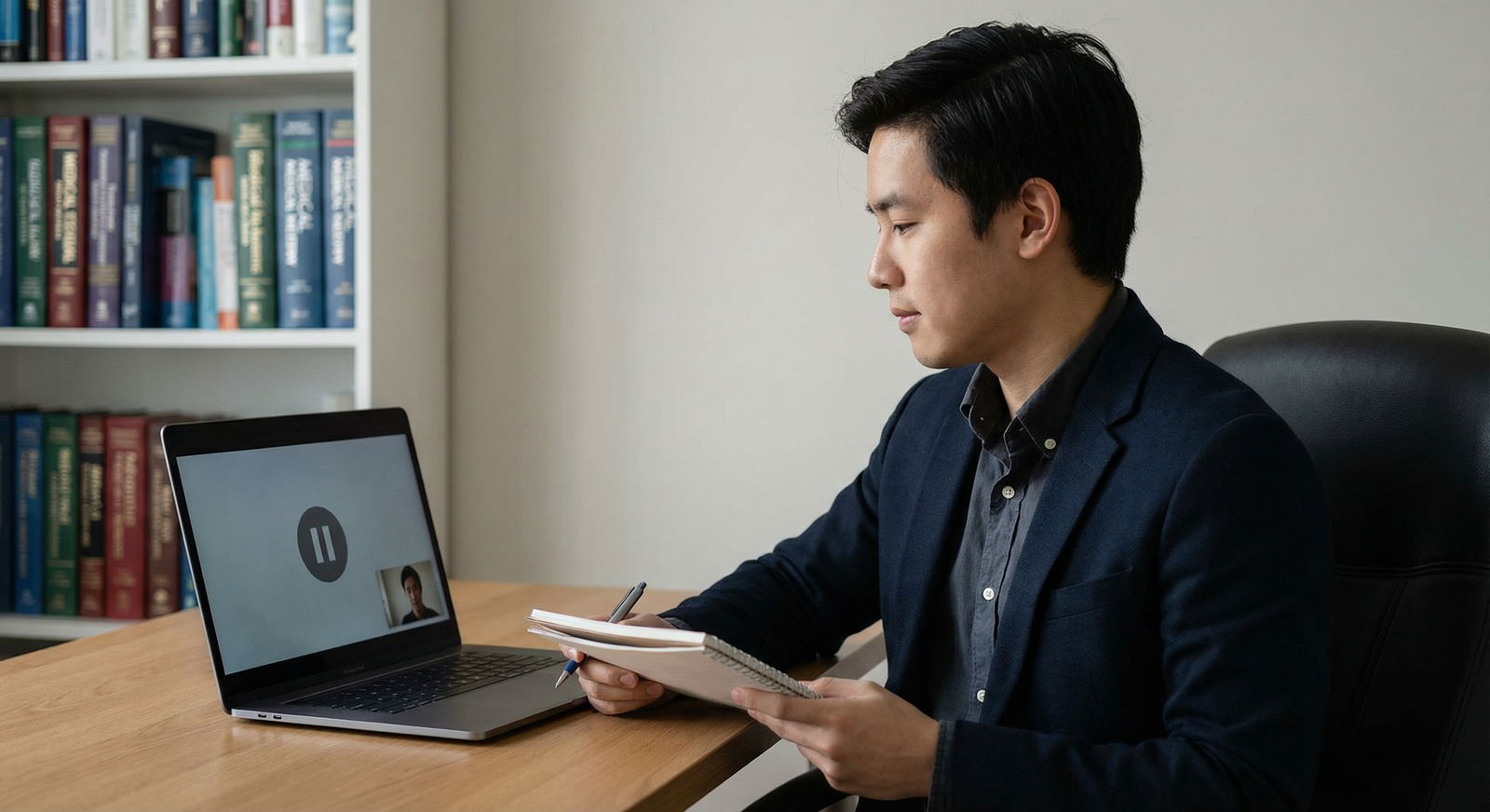
Frequently Asked Questions About Practicing for Virtual Residency Interviews
1. What technology setup is ideal for virtual residency interviews?
Aim for a setup that maximizes clarity and minimizes distractions:
- A reliable laptop or desktop with an updated operating system.
- High-speed internet (ideally wired or strong Wi‑Fi near the router).
- A clear webcam (built-in or external) positioned at eye level.
- A good microphone or headset with clear audio.
- Neutral, well-lit background free of clutter.
You don’t need expensive equipment, but you should test your full setup repeatedly before interview day and keep a backup device and plan ready.
2. How can I reduce distractions and interruptions during my virtual interview?
- Choose a private room where you can close the door.
- Inform roommates or family members of your interview times in advance.
- Silence phones, alarms, and notifications (including on your computer).
- Close unrelated browser tabs and programs that may produce pop-ups or sounds.
- If you live in a noisy area, consider using headphones and scheduling interviews during quieter times when possible.
3. What should I do if I experience technical problems during the interview?
- Stay calm and professional.
- If you lose connection:
- Rejoin as quickly as possible.
- If needed, switch to a phone hotspot or alternate device.
- If you can’t rejoin quickly, email the program coordinator briefly explaining the issue and your attempt to reconnect.
- Once back, apologize briefly but don’t dwell:
“Thank you for your patience—my connection briefly dropped, but it should be stable now.”
Programs understand that technology fails; your composure and communication in the moment are what matter most.
4. How can I practice effectively if I don’t have access to formal mock interviews?
You can still do high-quality Interview Preparation with limited resources:
- Record yourself answering common questions using your laptop or phone.
- Use free video conferencing tools with a friend or family member acting as the interviewer.
- Join online study groups or social media communities for applicants to arrange peer mock interviews.
- Time your responses and focus on refining one aspect at a time (e.g., eye contact, pacing, answer structure).
Consistency is more important than having a formal coach; regular, deliberate practice yields real improvement.
5. How can I manage anxiety and present confidently in a virtual format?
- Practice in your actual interview environment until it feels familiar and comfortable.
- Rehearse your opening (“Tell me about yourself”) until it flows naturally.
- Use relaxation strategies before you log on—deep breathing, short walks, or mindfulness exercises.
- Reframe the interview as a conversation: you are exploring mutual fit, not just being judged.
- Remind yourself that small imperfections are normal and that interviewers are looking for authenticity, not scripted perfection.
By combining the right tools, structured practice, and thoughtful reflection, you can turn Virtual Interviews from a source of stress into a controlled, predictable part of the residency application process. Mastering Remote Communication now will not only improve your chances in the Medical Residency Match, but also prepare you for telehealth, interdisciplinary collaboration, and modern clinical practice throughout your career.



