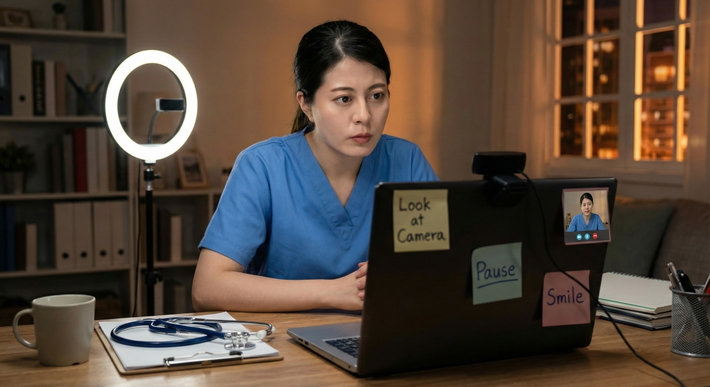
When an interviewer says, "Can you turn your camera on?" that is not a trick question. It's a live professionalism check, and the right move is simple: respond fast, solve the issue, and get the interview back on track.
I've seen applicants lose ground in the first 20 seconds because they froze, over-explained, or acted like the request was intrusive. Wrong instinct. In residency interviews, camera-on is standard unless there's a real barrier. The good news? This is fixable. Quickly.
Why They Ask: What "Turn On Camera" Really Checks
Programs are not asking you to turn on your camera because they want to judge your cheekbones or your wall art. They're checking three things.
1. Identity confirmation
At the most basic level, they want to know the person on the call is the applicant. That's not paranoia. It's normal. Residency interviews are high-stakes, and programs are protecting the integrity of the process.
2. Professionalism under live conditions
Anyone can sound polished in email. Live video is different. It shows whether you can adapt in real time, handle a minor request without spiraling, and present yourself like someone they'd trust with patients, nurses, consultants, and families.
This matters more than applicants want to admit. Residency is full of tiny friction points:
- the patient is upset
- the attending asks for a change
- the family wants clarity
- the consultant pushes back
- the tech isn't working
The camera request is a tiny version of that. Not a crisis. Just a moment to show you can deal with one.
3. Clear communication
Video reduces ambiguity. On audio alone, interviewers miss:
- eye contact
- facial responsiveness
- whether you're following the question
- whether there are long pauses because of lag, distraction, or confusion
When your face is visible, communication gets easier for both sides. That's the real point.
And let's be blunt: camera-on is often a proxy for engagement. Not appearance. Engagement.
If your first thought is, "But I don't look perfect," stop there. Perfect is not the goal. Present, attentive, and professional is the goal. Big difference.
A decent setup beats a perfect face every time:
- neutral expression with occasional natural smile
- eyes near the camera
- shoulders visible
- stable lighting
- uncluttered frame
That's enough.
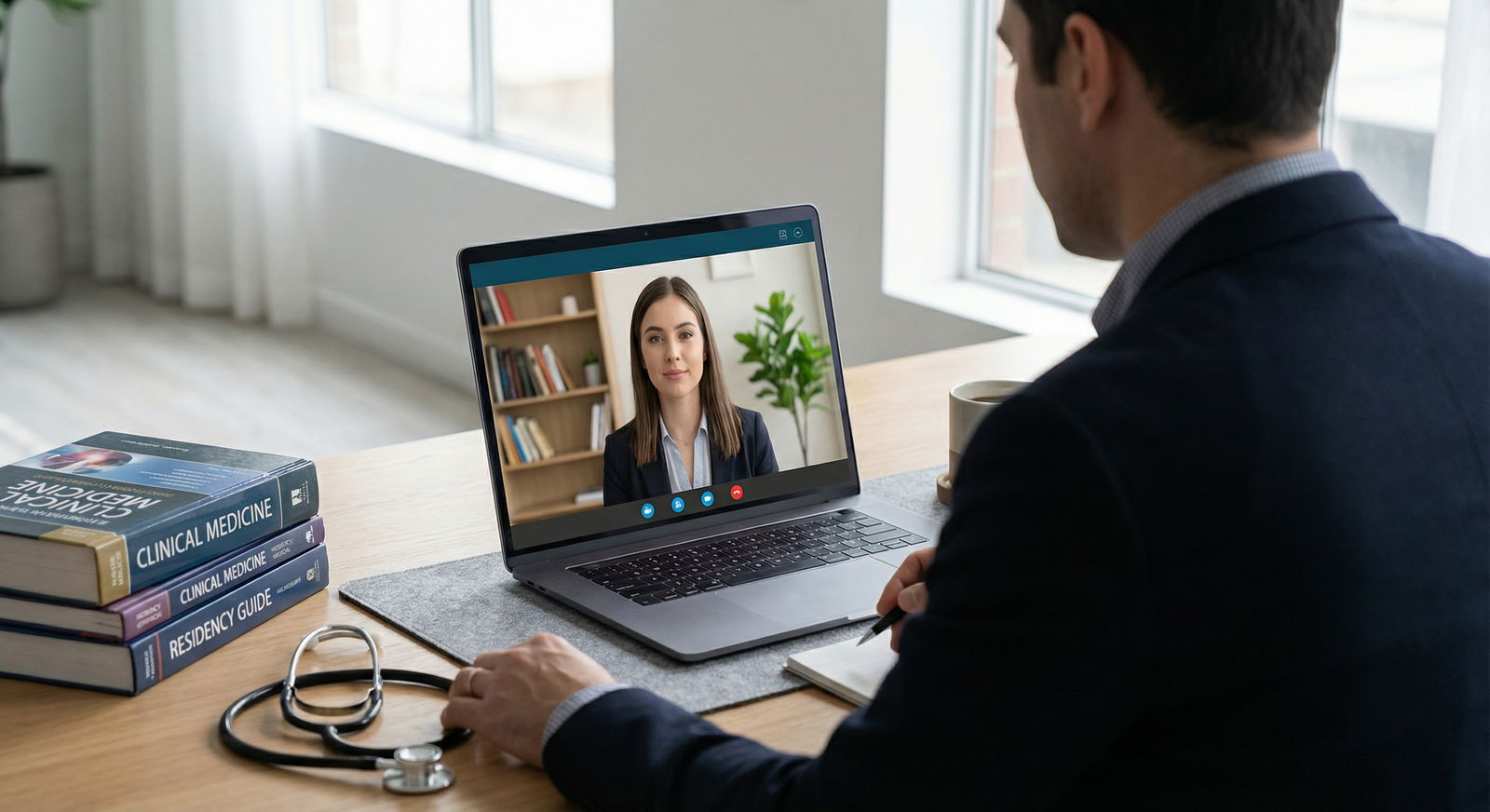
The 10-Second Reason: How It Affects the Interviewer's Read of You
A lot changes the second your camera comes on.
Interviewers immediately get a read on your presence. Not your beauty. Your presence.
Here's what improves fast:
- Eye contact: Even imperfect webcam eye contact feels more direct than voice-only conversation.
- Facial engagement: Nodding, brief smiles, alert expression. These cues tell the interviewer you're listening.
- Reduced uncertainty: Without video, people wonder: Are you distracted? Looking at notes? In a chaotic environment? Half paying attention?
That uncertainty works against you. Every time.
Video also helps with the basic mechanics of conversation:
- Turn-taking becomes smoother. People can see when you're about to speak.
- Comprehension checks are easier. A slight nod says, "I'm following."
- Confidence cues come through better. Calm posture reads as control.
This is why applicants who resist camera use often get read as less engaged, even when they're perfectly nice people. Fair? Maybe not. Real? Absolutely.
And there's another truth nobody says out loud: audio-only makes it easier for an interviewer to emotionally detach. They connect faster when they can see you. That matters in a crowded interview season when everyone starts to blur together.
So if they ask, don't debate it. Don't make it weird. Turn it on, make one quick adjustment, and keep moving.
If You Don't Turn On: The Common Failure Modes (and What to Do Instead)
Let's talk about what usually goes wrong.
If you don't turn on your camera after being asked, interviewers often make one of three assumptions:
- You're not fully prepared
- You're not fully engaged
- There's something off about your setting or professionalism
Maybe none of that is true. Doesn't matter. That's where their mind goes.
The common failure modes are predictable:
Failure mode 1: You lose rapport
A voice without a face is harder to warm up to. You miss the fastest trust-building tool available.
Failure mode 2: They start wondering why
Once the interviewer starts mentally troubleshooting your choice, attention shifts away from your answers. Bad trade.
Failure mode 3: You sound defensive
Applicants often say too much:
- "Sorry, my room is messy."
- "I wasn't expecting camera."
- "I look terrible today."
- "I usually don't do video."
All of that weakens your position. None of it helps.
Here's the better approach: give a one-sentence solution and act.
What to do instead
If you can turn it on now
Do it immediately. Then check:
- head and shoulders visible
- light in front of you, not behind you
- camera stable
- neutral background
If you need 10-30 seconds
Say so once. Then fix it.
- switch browser
- enable camera permissions
- plug in external webcam
- use your phone as backup
If privacy is the issue
Offer a professional compromise:
- blur background
- frame face and upper torso only
- angle away from the room
That shows judgment. Not resistance.
The Fast Script: Exact Phrases to Use in the Moment
You do not need a speech. You need a clean line and a clean action.
Here are scripts that work.
Scenario 1: Normal enable
Use this when there's no real issue.
- "Absolutely, turning it on now."
- "Yes, of course. One second."
- "Certainly, camera on now."
Short. Done. No apology spiral.
Scenario 2: Delayed enable
Use this when you need a brief moment to fix lighting, permissions, or device selection.
- "Yes, I'm enabling it now; give me about 10 seconds."
- "Absolutely. I need a few seconds to switch the camera input."
- "Yes, camera coming on now; I'm just adjusting the setting."
Then actually move. Don't narrate your suffering.
Scenario 3: Connection or device problems
This is where applicants often make a mess by sounding panicked. Don't.
Use one of these:
- "I'm getting a camera/connectivity issue resolved; give me about 30 seconds. Can we continue while it loads?"
- "My camera isn't connecting properly, I'm switching devices now and should be back on video shortly."
- "I'm troubleshooting the video feed now. If needed, I can rejoin from my phone in under a minute."
Notice the structure:
- identify the problem briefly
- state the fix
- give a timeframe
- keep the interview moving
That's leadership. That's what you want to project.
Scenario 4: Privacy or shared-space concerns
This comes up more than people admit. Maybe you're in a call room, family home, temporary housing, hotel, or borrowed office. Fine. Solve it.
Use:
- "I can turn the camera on with the background blurred, would that work?"
- "I'm in a shared space, but I can angle the camera to show only my face and upper body."
- "I may not be able to show the full room, but I can be on camera with a tight frame if that works for you."
That sounds mature. Because it is.
What not to say
Avoid these completely:
- "Do I have to?"
- "I'd rather not."
- "My room is embarrassing."
- "I wasn't planning on video."
- "I don't look good today."
- "Can we just do audio?"
That last one is especially bad unless there's a genuine technical barrier. It signals reluctance, not resourcefulness.

The best tone is calm and matter-of-fact. You're not asking for mercy. You're fixing a minor operational problem.
Camera-Ready Setup in 60 Seconds (So It Doesn't Happen Again)
Here's the practical fix. Use this one-minute setup before every interview. Every single one. Don't wing it. Winging it is how you end up lit like a suspect in a documentary.
The 60-second pre-interview routine
1. Fix lighting first
Bad lighting makes everything worse.
Do this:
- face a window or lamp
- keep the light source in front of you
- avoid strong backlight from a window behind you
- use one soft light if possible, not harsh overhead glare
If your face is visible and evenly lit, you've already won half the battle.
2. Set framing
The target frame is simple:
- top of head near the upper edge
- head, neck, and upper shoulders visible
- camera at or slightly above eye level
- leave a little space above your head
Too low is terrible. Up-the-nose webcam angles make even confident people look awkward and unprepared.
3. Clean the background
You do not need a designer office. You need no distractions.
Best options:
- blank wall
- bookshelf without clutter
- tidy desk area
- blurred background if needed
Remove:
- laundry
- food containers
- unmade bed
- random people walking through
Yes, interviewers notice. They may pretend they don't. They do.
4. Check audio before video
If I had to pick one backup priority, it's this: protect audio quality.
Use:
- wired earbuds if possible
- tested Bluetooth only if it's reliable
- quiet room with door closed
- phone on silent
Good audio plus decent video beats great video plus choppy audio every time.
5. Test your platform
Do a one-minute test call before interview day and again 10-15 minutes before the actual interview.
Check:
- camera permissions in browser or app
- correct microphone selected
- correct webcam selected
- mute/unmute working
- background blur functioning if you plan to use it
Quick troubleshooting protocol
If video won't start:
- close and reopen the platform
- check browser/app permissions
- switch from Safari to Chrome or vice versa if needed
- disconnect and reconnect external webcam
- close apps using the camera
- restart the computer if time allows
- rejoin from phone as backup
If video freezes:
- stop other downloads or streaming
- turn off HD video if the platform allows it
- close extra tabs
- move closer to the router or switch networks
- keep audio active and say what you're doing in one sentence
Use this line:
- "My video froze, I'm reducing bandwidth and reconnecting the camera now."
Again: brief, direct, controlled.
Your audio-first backup plan
Always have one.
Keep ready:
- phone fully charged
- meeting link accessible by text/email
- earbuds nearby
- phone stand or stable prop
- hotspot option if home Wi-Fi fails
That backup has saved applicants more times than I can count. I've watched a laptop fail two minutes before start time, and the candidate who calmly switched to phone video looked more professional than the candidate with the "perfect" desktop setup who panicked.
The rule that keeps you out of trouble
If they ask for camera, your job is not to explain why this is inconvenient.
Your job is to do one of these:
- turn it on
- give a one-sentence fix
- offer a clean workaround
That's it.
Key Takeaways
- Camera-on is usually an engagement and communication check, not an appearance contest.
- Fast response matters. The first few seconds shape the interviewer's read of your professionalism.
- If there's a problem, use a one-sentence solution script and fix it immediately.
- Privacy concerns are manageable if you offer a tight frame or blurred background.
- A 60-second pre-interview setup prevents almost all of this.
If you want the simplest rule, here it is: don't make the interviewer work to trust you. Make it easy. Show up. Turn the camera on. Solve problems fast.
If you've got interviews coming up, practice your camera-on script today and do one test call tonight. Not later. Today. That tiny rep can save your first impression when it actually counts.