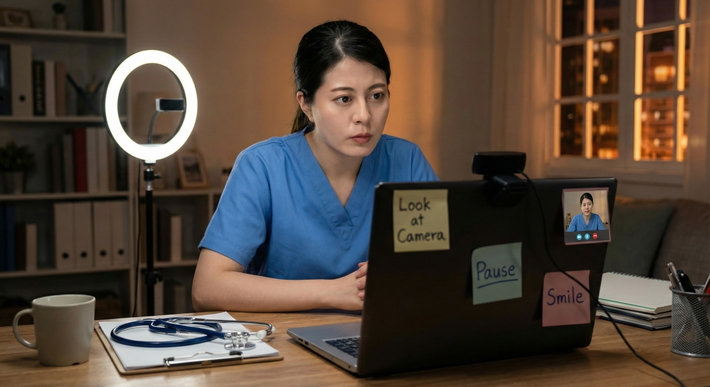
You know the moment.
The Zoom room opens. Maybe the coordinator says, "We'll just do a quick camera and audio check before the PD joins." Maybe the program director appears earlier than expected. Maybe your screen flickers, your own face pops up, and suddenly you're wondering something absurdly specific: Do I turn the camera on fast and settle in, or do I lock in hard eye contact to look confident?
Here's the answer: quick turn-on usually wins.
Not because eye contact doesn't matter. It does. But the camera-verification moment is not a staring contest. It's a readiness check. They want to know five basic things, fast:
- your camera is on
- your face is visible
- your audio works
- your setting isn't chaotic
- you seem like a normal, prepared human being
That's what "camera verification" usually means in PD communication. Nothing mystical. No secret ritual. Just a fast check that you're present, professional, and technically functional.
The real choice is this:
- Quick turn-on = efficient, composed, ready to engage
- Full staring = deliberate eye contact, but with real risk of looking tense or unnatural
I've seen applicants sabotage an otherwise solid first impression by popping on screen too abruptly, looking disheveled, or doing the opposite, freezing into an unblinking webcam stare that reads less "confident" and more "hostage video."
You don't need guesswork here. You need a simple framework, a short script, and a recovery plan if anything goes sideways.
What PDs Actually Need From Camera Verification
Program directors are not using camera verification to judge whether you can imitate a news anchor. They're looking for operational basics and trust cues.
Here's what they actually need:
Identity confirmation
- Is the applicant clearly visible?
- Does the face on screen match who's expected?
- Is the setting appropriate enough to proceed?
Technical readiness
- Can they hear you clearly?
- Are you actually present and responsive?
- Will this interview be smooth, or are they about to spend five minutes troubleshooting your mic?
Baseline professionalism
- Are you composed?
- Do you look prepared?
- Do you seem respectful of the format?
That's it. Not a performance. A check.
The trust cues that help you immediately:
- stable posture
- relaxed, lens-adjacent gaze
- clear audio
- a visible face with good lighting
- no weird background motion
- quick, normal responsiveness
The hidden stuff matters too. More than applicants realize.
The details PDs notice fast
- Can they see your eyes? If your face is dim, you look less engaged.
- Is the camera angle reasonable? A low-angle laptop-on-lap shot looks careless.
- Did you enter calmly? A frantic pop-on with hair fixing and screen shuffling is bad.
- Do you look frozen? Overstaring doesn't read as confidence. It reads as strain.
That last point matters. A lot.
Applicants often think sustained direct camera gaze will make them look strong. Usually it does the opposite. It can signal anxiety, overcontrol, or inability to settle into normal conversation. Real confidence looks easy. It blinks. It breathes. It doesn't glare at a webcam like it owes you money.
Quick Turn-On: When It Works, What It Communicates, and How to Do It Cleanly
Quick turn-on means this: your camera comes on promptly, your face is centered, your audio is checked, and within seconds you're in a normal interview-ready posture.
This is the default. Use it unless you have a very good reason not to.
When quick turn-on works best
It's especially effective when:
- the platform is glitchy or unfamiliar
- the call starts earlier than expected
- there's any risk of audio lag
- you're already seated and prepared
- the verification moment is brief and transactional
Quick turn-on communicates three useful things immediately:
- I'm ready
- I know how virtual interviews work
- I won't create unnecessary friction
That matters more than trying to look dramatically intense.
How to do it in 30-45 seconds
Use this sequence:
Before you unmute or appear, sit still
- Back straight
- Shoulders relaxed
- Chin level
- Face already in frame
Turn the camera on
- Don't fidget into frame
- Don't lean in too close
- Don't start adjusting your hair on camera
Check the essentials fast
- Face centered
- Eyes visible
- Audio selected correctly
- Neutral expression with a slight softening around the eyes
Use a brief natural gaze hold
- Look toward the lens for 1-2 seconds
- Blink normally
- Stay relaxed
Speak
- Short greeting
- Quick audio confirmation
- Ready posture
The best micro-script
Use this:
"Hi Dr. [Last Name], thanks for confirming. Can you hear me clearly? Great, I'm here and ready."
It's clean. It does the job. No rambling.
Guardrails
Don't ruin a good strategy with bad execution:
- Don't turn the camera on while still arranging yourself
- Don't appear with a messy background if you had time to fix it
- Don't go silent for too long after appearing
- Don't stare blankly as if waiting for permission to become a person
That blank stare is common, and it's terrible. You think you're being attentive. You're actually broadcasting panic.
Full Staring: When It Works, and When It Costs You
Let's define it clearly.
Full staring is sustained direct eye contact right at camera verification, usually longer than normal conversational gaze. Some applicants do this because they've been told to "look straight into the camera." They take that advice too literally, then overcook it.
Can it work? Yes. Sometimes.
When full staring can work
It's most useful when:
- the PD opens with direct remarks and pauses for your acknowledgment
- the verification window is very short
- the tone is formal and structured
- you can hold eye contact without looking rigid
If you naturally have relaxed on-camera presence, a brief direct gaze can signal confidence. Brief. That's the key.
When it goes wrong
This is where applicants get into trouble:
- you look tense
- your blinking gets weird
- your expression goes flat
- you stop listening because you're busy performing eye contact
- you freeze
I've seen this in mock interviews. Good applicant. Strong file. The camera turns on and suddenly they become a statue. Eyes locked. Face immobile. No warmth at all. It's unsettling.
That's the dirty little truth: too much eye contact on webcam can feel stranger than too little.
If you choose it, do it with relaxed cadence
If you want to use stronger direct gaze, do it like this:
- hold eye contact for about 2-3 seconds
- keep your face soft, not severe
- blink normally
- use a tiny nod when they finish a line
- then shift into normal conversational gaze
That's all. Don't maintain fixed eye contact indefinitely. This isn't a courtroom drama.
A good rule: If your eye contact feels effortful, it already looks effortful.
Decision Framework: Which Style Should You Use in the Moment?
Here's the simplest rule-set I can give you.
Default decision
Choose quick turn-on unless all of the following are true:
- your setup is stable
- you're emotionally calm
- the PD's style is formal and direct
- you can hold brief eye contact without stiffness
If any one of those is off, quick turn-on is safer and better.
Fast decision nodes
Ask yourself:
- Is the tech reliable?
- If no, quick turn-on. Prioritize function.
- Are you under time pressure?
- If yes, quick turn-on.
- Are you anxious?
- If yes, quick turn-on with normal gaze.
- Is the PD clearly cueing strong direct attention?
- If yes, allow a brief 2-3 second hold, then relax.
My algorithm
- Prepare before activation
- lighting
- posture
- framing
- Turn on camera quickly
- Confirm audio/video
- Use normal conversational gaze
- Adjust only if the PD's style calls for more direct eye contact
That's the whole thing.
Recovery strategy if you misread it
If you over-stare, look away awkwardly, or freeze:
- straighten posture
- blink once, gently
- re-establish natural lens-adjacent gaze
- speak a reset sentence
Use: "I'm here, sorry about that. Can you hear me okay?"
That line fixes a lot.
What to Say and Do: A 60-Second Script + Checklist
This is the practical part. Use it.
The pre-verification checklist
Before the session starts, make sure you've handled:
- Lighting: light in front of you, not behind you
- Camera height: eye level or slightly above
- Background: simple, quiet, not distracting
- Audio: tested mic, backup headphones nearby
- Posture: upright, still, hands out of frame
- Framing: head and upper shoulders visible
- Face: neutral-to-pleasant expression, not blank
Nonverbal choreography that actually works
These little details matter:
- Head angle: level, not tilted down at the laptop
- Shoulders: square but not military-rigid
- Hands: out of frame unless you naturally gesture later
- First look: into the lens, soft focus
- First blink: normal; don't try to suppress it
- Mouth: relaxed, slight readiness, not clenched
People really do mess this up by trying too hard. They pin their eyes open, tighten their jaw, and look terrifying. Don't do that.
A simple 60-second timeline
0-15 seconds: Setup
- Camera on
- Face centered
- Quick internal check: light, frame, shoulders
15-30 seconds: Verification
- Unmute
- Listen for cue
- Confirm audio
30-50 seconds: Connect
- Offer greeting
- Ask if they hear you clearly
- Show you're ready
50-60 seconds: Transition
- Acknowledge next step
- Settle into conversation posture
Scripts you can use
Pick one and rehearse it.
Script 1: Standard "Hi Dr. [Last Name], thanks for confirming. Can you hear me clearly? Great. I'm here and ready."
Script 2: Slightly warmer "Good morning, Dr. [Last Name]. Thanks for checking. Can you hear me okay? Wonderful, I'm glad to be here."
Script 3: If there was a slight delay "Hi Dr. [Last Name], thanks for your patience. I'm here now. Can you hear me clearly?"
All three work because they do three jobs:
- greet
- confirm function
- transition smoothly
Common mistakes
Let's be blunt. These are bad:
- Turning the camera on too early while still adjusting yourself
- Looking only at your own screen tile instead of near the lens
- Waiting too long to speak after appearing
- Talking while muted
- Starting with a flustered apology when nothing actually went wrong
- Trying to compensate with intense eye contact
A short silence is fine. A long silent stare is not.
If you need a rule: camera first, verify second, connect third.
Troubleshooting: If Your Camera Looks Off, Sounds Bad, or You Freeze
Things go wrong. That's normal. What matters is whether you correct them without spiraling.
If the camera is shaky
- stabilize the laptop or stand
- adjust your chair, not the whole desk
- avoid repeated on-camera repositioning
One quiet adjustment is acceptable. Five is chaos.
If the lighting is dim or backlit
- turn toward a window or lamp
- move the light in front of your face
- keep the fix fast and minimal
If verification has started, say: "Let me make one quick adjustment so you can see me better."
Then do it. Quickly.
If audio crackles or echoes
- switch to headphones
- reselect the correct microphone
- mute and unmute once if needed
- don't spend two minutes narrating your tech problem
Use: "I'm going to switch audio quickly so you can hear me clearly."
If you freeze or over-stare
This is the most salvageable problem, by the way.
Do this:
- blink
- exhale
- reset posture
- speak
Say: "I'm here, sorry about that. Can you hear me okay?"
That breaks the freeze and restores normal rhythm.
If the PD seems uncomfortable
Back off the intensity immediately.
- shift to normal conversational cadence
- soften your gaze
- listen actively
- stop trying to "win" eye contact
You are not supposed to out-stare the program director. Ridiculous strategy.
Summary: What Works Most Often, and the One Rule to Remember
Here's the answer you're looking for.
Quick turn-on with relaxed conversational gaze works most often. It's the best default because it signals readiness, keeps you natural, and lowers the odds that you'll freeze. Full staring is not the standard. It's a tool. Use it briefly, and only if you can do it without looking tense.
The one rule to remember:
Prioritize warmth and clarity over intensity.
That's what PDs need during camera verification. Not eye-contact endurance. Readiness.
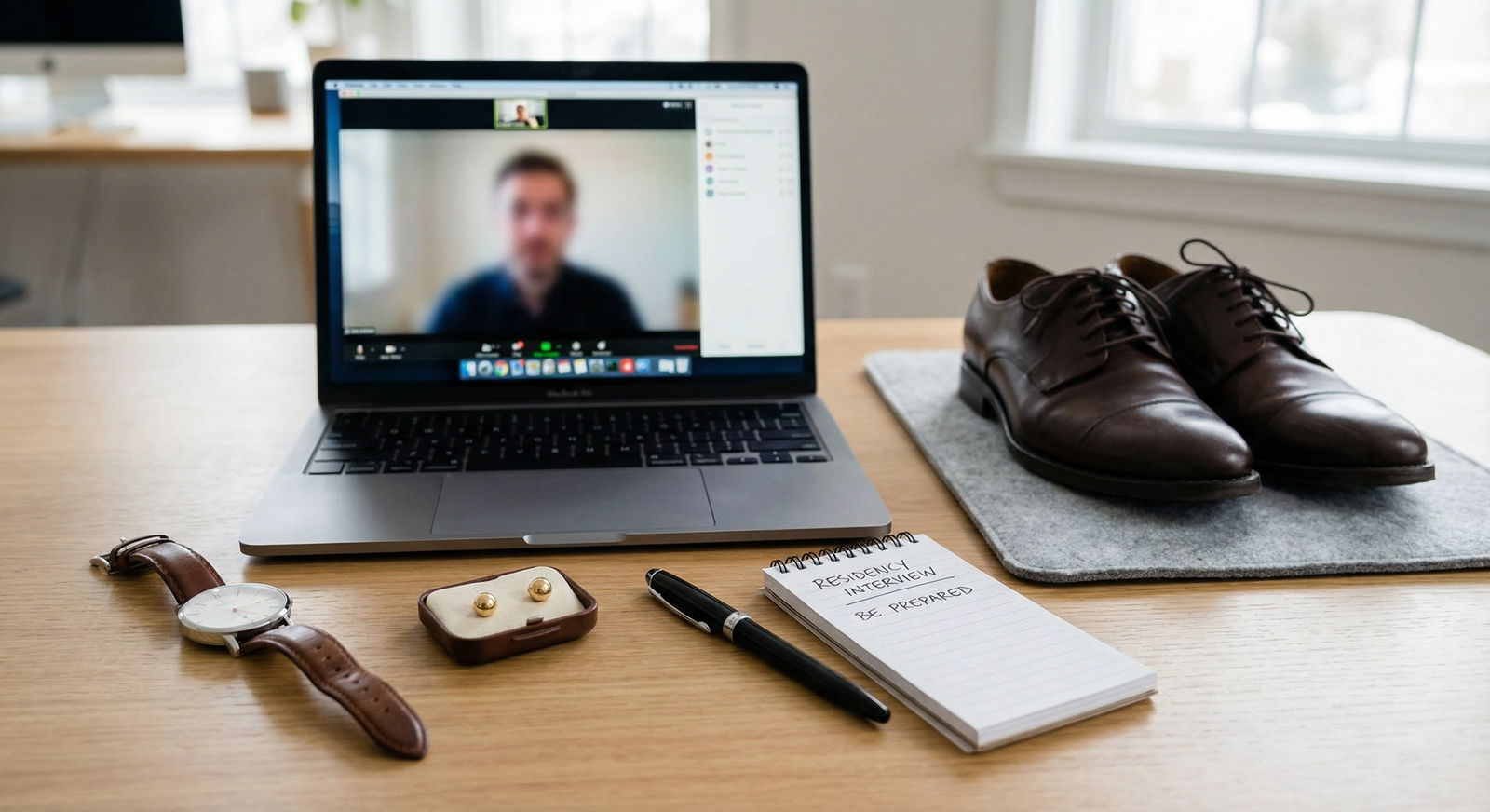
Do a few dry runs with your real setup. Same chair. Same lighting. Same camera angle. Time your first 10 seconds. You'll catch most problems before they matter.
Final cue: Center, confirm, connect, then let the conversation set the eye-contact rhythm.