Are We All Doomed to Stay Until 9 PM Fixing Notes?
I'm going to say the quiet part out loud: some nights I genuinely wonder if I chose the wrong career. Not because of the patients, never the patients. But because of the soul-crushing, endless, never-finished mountain of EMR charting that waits for me after rounds, after didactics, after everything else.
Here's the terrifying math that keeps me up at night. I see sixteen patients on a typical floor day. Each one needs a progress note. If I'm typing manually, I'm spending maybe fifteen to twenty minutes per note if I'm being thorough. That's four to five hours of pure documentation. Add in the admissions, the discharges, the phone calls, the pages, the pharmacy clarifications, and suddenly it's 8:47 PM and I haven't eaten anything since that granola bar at 6 AM.
And the fear. Oh god, the fear. The fear of falling behind by three days and having your attending send that passive-aggressive email CC'ing the program director. The fear of the EMR dashboard turning from green to yellow to that horrifying red flag that screams "delinquent." The fear of being that resident, the one everyone whispers about because their notes are a disaster and their inbox is a graveyard.
So we lie awake at 2 AM, scrolling through Reddit threads and resident forums, desperately searching for the answer. Is manual typing the problem? Is dictation the solution? Or are we just so fundamentally broken that no technology can save us from this documentation doom spiral?
Let me tell you what I've learned. And let me tell you what I'm still terrified of.
Manual Typing: The Safety Blanket or a Massive Time Sink?
I'll admit it. I was a manual typist for my entire intern year. Why? Because I was petrified of dictation. Absolutely petrified.
The thought of speaking medical terminology into a microphone and having it come out as gibberish made my stomach turn. I've seen the horror stories. "Patient has a benign mass" becomes "patient has a malignant mass." "Metastatic workup negative" becomes something incomprehensible about metaphysics. One wrong word, one missed proofreading error, and suddenly you've documented something that could harm a patient or land you in a peer review committee.
Manual typing felt like control. It felt safe. Every keystroke was intentional. Every sentence was crafted by my own fingers. I could stare at the screen and know exactly what I was committing to the permanent medical record.
But here's what I actually gave up.
I was losing roughly three hours a day to pure mechanical typing. Not thinking. Not synthesizing clinical information. Just transcribing. Clicking endlessly through drop-down menus that some EMR developer designed in 2004. Formatting problem lists. Copying lab values one by one because the auto-populate function broke during the last software update. Reformatting bullet points because the template decided to spontaneously combust.
And the worst part? The absolute worst part? I was missing things during rounds because I was too busy typing.
There's a specific moment I remember with crystal clarity. My attending was discussing a subtle change in our patient's abdominal exam, something about shifting dullness that I should have caught. But I was staring at my laptop, frantically typing the HPI from the morning's events, trying to remember what the night float team told me six hours ago. I looked up. The team had moved on. I'd missed the teaching point entirely. I'd missed the clinical nuance. I was a transcriptionist, not a doctor.
The data doesn't lie. Manual typing is eating us alive. Three and a half hours a day is conservative, on busy ICU rotations, I've seen residents hit five or even six hours of pure documentation. That's not sustainable. That's not even survivable. And yet we keep doing it because the alternative feels like stepping off a cliff.
Medical Dictation and AI Scribes: Will They Get Me Fired for a HIPAA Violation?
Okay. Let's talk about the thing that actually makes my heart race. HIPAA. Compliance. The nightmare scenario where some ambient listening AI accidentally records a patient's protected health information, beams it to a server in who-knows-where, and suddenly I'm standing in front of a hospital disciplinary committee trying to explain why I trusted a piece of software with my entire career.
This fear is real. And it's not irrational.
I've spent way too many nights reading about data breaches, about third-party vendors who weren't actually HIPAA-compliant, about residents who got burned because they used the wrong app on their personal phone. The anxiety is paralyzing. What if the dictation tool picks up a conversation in the hallway? What if it records a family member saying something they didn't want documented? What if the ambient listening feature never actually turns off?
Here's the reality check I had to give myself. Hospital-approved dictation tools, the ones integrated into the EMR, the ones vetted by compliance, the ones with business associate agreements in place, these are not the same thing as downloading some random voice-to-text app from the app store.
Traditional dictation services, like the ones where you call a phone number and a human transcriptionist types your note, have been around for decades. They're secure. They're boring. They work. The downside? Turnaround time. You might dictate a note at 10 AM and not see the typed version until 4 PM. That's not helpful when you're trying to leave the hospital at a reasonable hour.
Then there's the new wave. AI-powered ambient clinical documentation. Tools like DAX Copilot, Abridge, Nabla. These things sit in the exam room, or on your phone, and listen to the entire patient encounter. They generate a draft note based on the actual conversation. You review it, edit it, and sign it.
I know. I know. It sounds terrifying. It sounds like a privacy violation waiting to happen. But here's the thing: these tools are designed with compliance in mind. They don't store audio. They process the conversation, generate the note, and delete the recording. They're integrated with the major EMRs. They've been through the legal wringer.
Am I saying they're perfect? No. I'm saying they're the best option we've got right now. And I'm saying that the alternative, spending half your waking hours as a data entry clerk, is worse.
The workflow difference is staggering. When you dictate in real time, or let an AI scribe capture the encounter, you're not sitting down at 7 PM trying to reconstruct what happened at 10 AM. The note is already there. It's a draft, sure. It needs editing. But the skeleton exists. The ROS is populated. The assessment and plan are captured in your own words. You're not starting from a blank screen with a blinking cursor mocking you.
And yes, the fear of the software misinterpreting medical terminology is real. "Benign" versus "malignant." "Hyperkalemia" versus "hypocalcemia." These are terrifying possibilities. But here's the cold truth: you should be proofreading every note you sign anyway. Manual typing doesn't eliminate errors, we've all made typos, copied forward outdated information, or accidentally left a template placeholder in a signed note. The error rate isn't the problem. The process is.
The Ultimate Verdict: How to Stop Chasing Your Tail and Finish Notes
Here's what I actually did. And here's what I'd tell any terrified intern who's drowning in documentation.
First, find out what your institution actually supports. I mean actually supports, not what some senior resident told you they use, not what you saw on a TikTok ad. Go to your EMR training team. Go to compliance. Ask: "What dictation tools are approved, integrated, and covered by our business associate agreement?" The answer might surprise you. Most academic medical centers already have enterprise licenses for Dragon Medical One or a similar product. You just didn't know because nobody told you.
Second, start small. Don't try to dictate an entire complex discharge summary on your first attempt. Start with the easy stuff. The ROS. The physical exam. The simple progress note updates. Get comfortable with the punctuation commands. "New paragraph." "Period." "Comma." These become muscle memory faster than you think.
Third, build templates that match your attending's preferences. Every attending has their weird thing. This one wants the problem list at the top. That one wants the assessment in ALL CAPS. Another one insists on a specific format for antibiotic durations. Instead of manually formatting every note, build a macro or a dot phrase that structures the note their way. Then dictate into that structure. You get the speed of voice with the precision of a template.
Fourth, proofread everything. I cannot say this enough. Dictation is a draft generator. You are the doctor. You are the one signing the note. Read every word before you hit sign. This is non-negotiable. It's also the thing that will save you from the nightmare scenario of a mis-heard medical term.
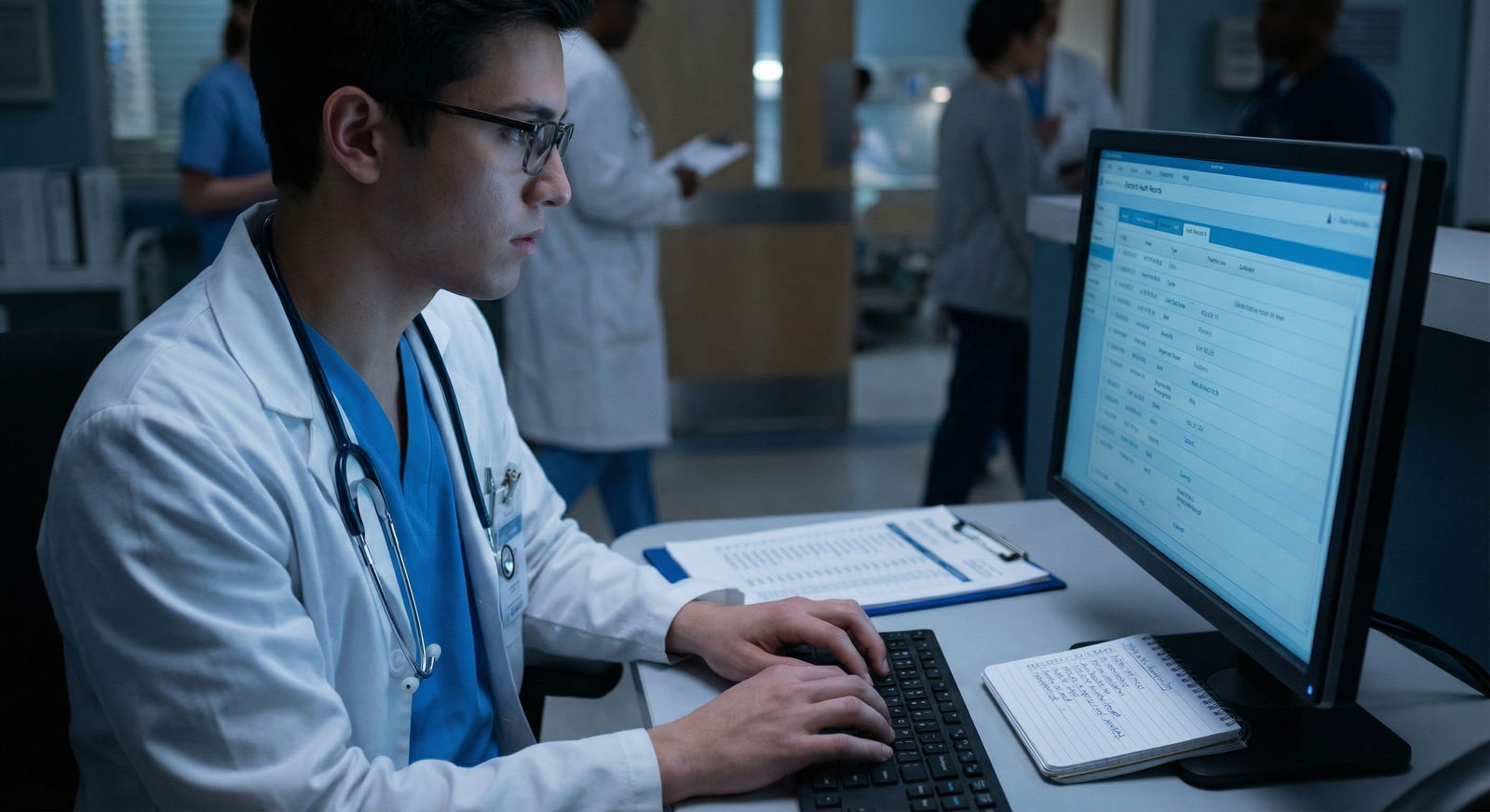
And here's the thing nobody tells you. Every senior resident you look up to, the ones who seem to have it together, who leave at reasonable hours, who actually know their patients, they've all figured out some version of this. They're not superhuman. They're not faster typists. They just stopped trying to muscle through a broken system and started using the tools that actually work.
You will find your rhythm. The first week of dictation feels awkward. You'll stumble over your words. You'll feel self-conscious. You'll produce notes that look like they were written by a slightly drunk robot. But by week three, you'll be faster than you ever were typing. By week six, you'll wonder why you ever did it the old way.
And one day, maybe a Tuesday, maybe a random call day that should have been terrible, you'll look at the clock and realize it's 5:00 PM and your notes are done. Actually done. Not "done enough to finish from home." Not "done but I'll proofread tomorrow." Done. Signed. Closed. And you'll walk out of the hospital while the sun is still up, and you'll remember that you became a doctor to take care of patients, not to be a data entry clerk.
You'll survive this. I promise.