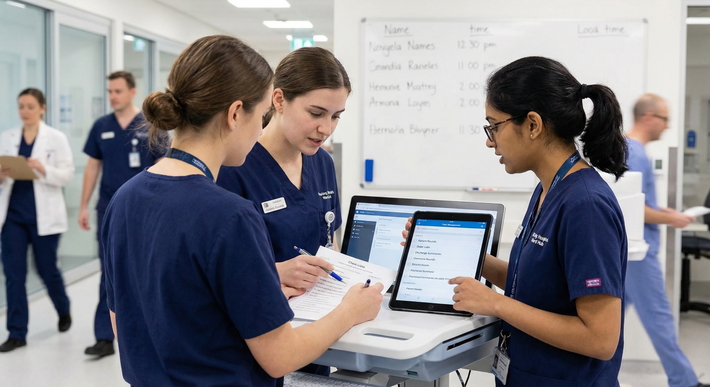
Residency is a marathon run at sprint speed. Long shifts, rapidly changing clinical responsibilities, board prep, research, and personal life all compete for your time and energy. Used intentionally, Digital Tools can transform that chaos into a more manageable, even sustainable, system.
This guide breaks down practical, high-yield digital resources that support productivity, learning, communication, and health management—so you can survive and thrive during Medical Residency.
Why Digital Tools Matter in Residency Life
Technology in Medicine is no longer optional; it’s built into how hospitals, clinics, and training programs operate. For residents, the right digital tools are not just “nice to have”—they can meaningfully affect performance, safety, and well-being.
Key Benefits of Digital Tools for Residents
Increased efficiency and productivity
Automating, batching, or systematizing tasks (sign-outs, to-do lists, study schedules) frees up cognitive bandwidth for higher-level clinical thinking and patient care.Better communication and coordination
Modern care teams span multiple services, sites, and professions. Smart communication platforms help keep everyone aligned while reducing information loss and miscommunication.Improved organization under pressure
Digital Systems help you track patients, consults, procedures, deadlines, evaluations, and conferences in one place—critical when you’re post-call and sleep-deprived.On-demand learning and decision support
Evidence-based references, videos, and question banks give you point-of-care answers and structured pathways to mastery, from daily cases to board exams.Support for mental and physical health
Well-designed health management apps—sleep, nutrition, meditation, and fitness—are some of the most powerful survival tools in Residency Life and Challenges.
Principles for Choosing the Right Tools
Not every app or platform will work for you. Make choices based on:
- Simplicity: Less friction = more consistent use.
- Security & HIPAA compliance: Especially for any patient data or clinical communication.
- Cross-platform availability: Ideally works on phone, tablet, and desktop.
- Offline access: Useful for hospital basements and dead Wi-Fi zones.
- Integration with your existing systems: Plays nicely with your EHR, email, and workflow.
Core Productivity and Organization Tools for Residents
These tools help tame the daily chaos—tasks, notes, time, and priorities—so you can function at your best.
1. Task Management Apps: Turning Chaos into a Clear Plan
Examples: Trello, Asana, Todoist, Microsoft To Do
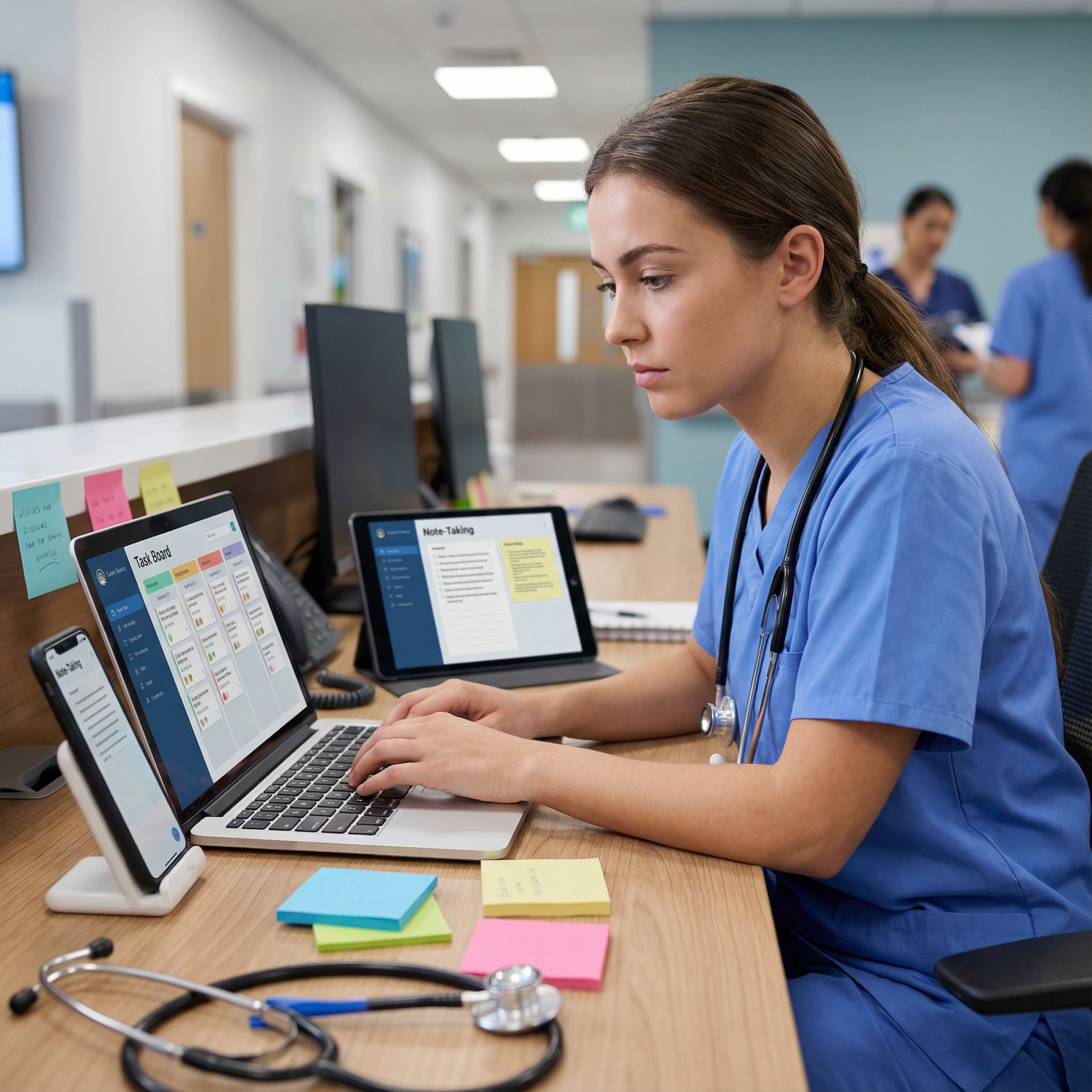
Task managers are essential for handling the constant stream of responsibilities in residency: follow-ups, consults, discharges, lab checks, teaching points, and personal tasks.
How to Use Task Managers as a Resident
Create boards or projects for:
- Each rotation (e.g., “MICU July,” “Cardiology Consults”)
- Academic tasks (“Research Project,” “Board Prep,” “Presentations”)
- Personal life (finances, errands, housing, family commitments)
Use lists and cards for clinical workflow:
- Lists such as “New Admissions,” “Active Patients,” “Discharge Planning,” “Follow-up After Discharge”
- Individual cards for each patient or task with:
- Brief clinical summary
- To-do checklists (labs, imaging, consults, notes)
- Due dates and priority labels
Practical example:
On a busy medicine ward rotation, you can have:- A “Today” list for time-sensitive tasks (e.g., adjust insulin regimen, discuss goals of care, follow-up CT results)
- A “This Week” list for less urgent items (e.g., M&M prep, journal club article, feedback meeting with attending)
Consistency is more important than the specific platform—pick one and use it every day.
2. Digital Note-Taking: Building Your Personal Clinical Knowledge Base
Examples: Notion, Evernote, OneNote, Apple Notes
Digital notes become your customizable textbook, call-room cheat sheet, and research archive.
High-Yield Ways to Use Note-Taking Apps
Create structured templates, such as:
- Admission H&P templates by specialty
- ICU progress note frameworks
- Sign-out templates
- Pre-op or pre-rounding checklists
Organize content by tags and folders:
- By system (cardio, pulm, renal, neuro)
- By scenario (sepsis, chest pain, hyperkalemia, transplant follow-up)
- By exam/topic (in-training exam, board prep, procedures)
Capture learning moments immediately:
- After rounds, jot down:
- “Teaching points from Dr. X on GI bleeds”
- “Management of DKA in pregnancy”
- “Key drugs to avoid in renal failure”
- Link or paste guideline snippets or algorithms for quick review later.
- After rounds, jot down:
Sync across devices so you can review on your phone between consults, on your tablet during conferences, or at your laptop after work.
Over time, you build a powerful, personalized clinical reference tailored to how you think and learn.
Clinical and Educational Technology in Medicine
Beyond organization, some digital tools are core to safe, evidence-based bedside care and continuous learning.
3. Medical Reference Tools and Clinical Decision Support
Examples: UpToDate, DynaMed, Medscape, Epocrates, MDCalc
These are your go-to Digital Tools for point-of-care clinical decision-making.
Why They’re Essential
UpToDate / DynaMed
- Evidence-based, continually updated clinical summaries
- Treatment algorithms, management pathways, and guideline overviews
- Great for:
- Reviewing management of complex conditions (e.g., vasculitis, transplant complications)
- Clarifying controversies when attendings disagree
- Preparing for pre-rounds or case presentations
Medscape
- Drug information, clinical news, and specialty-specific updates
- Integrated learning modules and CME (useful later in your career)
- Networking opportunities through professional communities
Epocrates / Lexicomp / Micromedex
- Fast drug look-up for dosing, renal adjustment, interactions, and side effects
- Helpful when writing orders at 3 a.m. and you need accurate dosing quickly
MDCalc
- Clinical calculators (CHA₂DS₂-VASc, Wells score, MELD, APACHE II, etc.)
- Standardizes risk stratification and helps guide evidence-based decisions
Pro tip:
Create quick-access folders on your phone and hospital browser with these apps bookmarked, and log in ahead of time so you’re not resetting passwords on rounds.
4. Clinical Communication Platforms and Team Coordination
Examples: Microsoft Teams, Slack, secure texting platforms, hospital-native messaging
Most hospitals now use some form of secure digital communication. Learning to use these well is part of modern residency professionalism.
How Communication Tools Help Residents
Streamlined team communication
- Group chats for day teams, night floats, ICU teams, specialty consults
- Channels for specific topics (e.g., “Cardiology Fellows,” “Q2 Call Schedule Changes,” “M&M Cases”)
Reduced email overload
- Quick questions and clarifications that don’t require formal emails
- File sharing (handouts, protocols, sign-out templates)
Better cross-coverage
- Shared sign-out documents or pinned messages for important updates
- Real-time notifications for urgent patient issues (within HIPAA-secure platforms only)
Always confirm your institution’s policy on what apps are HIPAA-compliant. Never send identifiable patient information through personal or non-secured platforms.
5. Digital Learning Platforms for Board Prep and Lifelong Education
Examples: Osmosis, OnlineMedEd, MedPage Today MedSchool, AMBOSS, UWorld-style Qbanks
These tools help you integrate daily clinical experience with structured learning for exams and long-term knowledge retention.
How to Use Digital Learning Tools Strategically
Osmosis / OnlineMedEd / MedPage Today MedSchool
- Short, high-yield videos for core concepts
- Great for reinforcing conditions you see on service or preparing for new rotations
AMBOSS, UWorld, and other Qbanks
- Use in “tutor mode” to learn during lower-acuity calls
- Tag tricky questions by topic and review regularly
Micro-learning integration
- Study 10–15 minutes between cases instead of trying to do 3 hours at once post-call
- Use spaced-repetition flashcard apps (e.g., Anki) to retain key facts and algorithms
Tie your learning to your clinical cases: after an interesting admission, watch one video or do 5–10 questions on that topic the same day. This massively improves retention.
Tools for Health Management and Personal Sustainability
Residency Life and Challenges are not just academic and clinical—they’re deeply physical and emotional. Technology can help you protect your health in a realistic, time-efficient way.
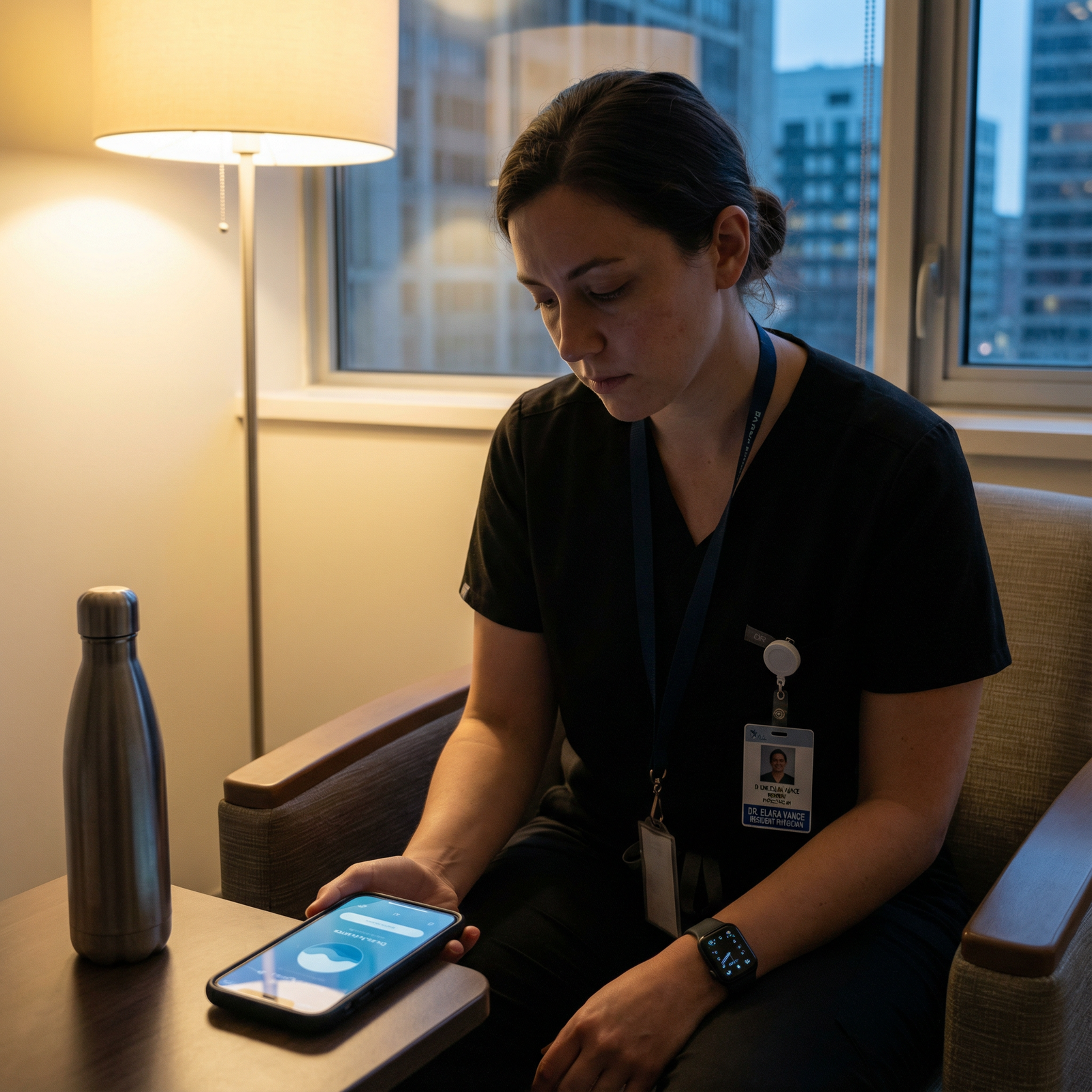
6. Personal Health Management Apps: Mind, Sleep, and Stress
Examples: Headspace, Calm, Insight Timer, Sleep Cycle
Burnout, anxiety, poor sleep, and emotional fatigue are common in residency. Digital wellness tools can help you build realistic, sustainable habits.
Practical Uses During Residency
Guided meditation and mindfulness
- 5–10 minute sessions during:
- Pre-shift “mental warm-up”
- Post-code decompression
- Mid-call breaks
- Topics include stress relief, performance anxiety, difficult conversations, and sleep
- 5–10 minute sessions during:
Sleep optimization
- Sleep tracking apps to understand your patterns over weeks
- Wind-down programs before post-call sleep (relaxation audio, breathing exercises)
On-demand coping tools
- Brief breathing exercises you can do in a call room, stairwell, or empty conference room
- Emergency calm sessions for high-intensity situations (bad outcomes, conflict, moral distress)
These tools don’t replace therapy or professional support when needed, but they are powerful adjuncts that fit into a resident’s unpredictable schedule.
7. Time Management and Focus Tools: Getting The Most from Limited Hours
Examples: Forest, Pomodoro timers, Focus To-Do, RescueTime
Efficient use of limited time might be the highest-yield skill in residency.
Techniques and Apps That Work
Pomodoro Technique
- 25 minutes focused work + 5 minutes break, repeated
- Ideal for:
- Prepping for conference
- Doing Qbank questions
- Writing research manuscripts
Forest app
- Gamifies focus: you “plant a tree” and it grows while you don’t touch your phone
- Especially useful for:
- Avoiding social media scrolling when you intended to study
- Brief, focused reading blocks on night shifts
Time-tracking tools (e.g., RescueTime, toggl)
- Help identify where your time actually goes
- Can be eye-opening in revealing lost minutes between tasks that add up to hours
Even 45–60 minutes of truly focused, distraction-free time can be more productive than three hours of half-distracted studying.
8. Nutrition, Fitness, and Energy Management Tools
Examples: MyFitnessPal, Mealime, Yummly, Fitbod, Nike Training Club
Your brain is only as good as its fuel and rest. These tools make healthy choices easier under grueling schedules.
Nutrition Support for Residents
MyFitnessPal
- Track macros and calories if helpful for you
- Identify patterns (e.g., low protein on call days, too much sugar overnight)
Mealime / Yummly
- Quick, simple recipes that can be prepped in batches
- Filter by time, budget, and dietary needs
- Plan 1–2 big cooking sessions per week to avoid constant takeout
Movement and Fitness
Home workout apps
- 10–20 minute routines require no equipment and can be done in small spaces
- Realistic for pre-call mornings or post-call evenings
Step tracking
- Most residents easily exceed step goals; still, use wearables to:
- Encourage short movement breaks on long charting sessions
- Track trends in activity levels over rotations
- Most residents easily exceed step goals; still, use wearables to:
Think of these tools as part of your personal “health management plan,” just as you’d design one for your patients.
Advanced Technology Integration: Wearables and Telemedicine
As Technology in Medicine evolves, residents are increasingly expected to be comfortable with more advanced digital interfaces.
9. Wearable Technology: Real-Time Feedback on Your Own Health
Examples: Apple Watch, Fitbit, Garmin, Whoop
Wearables can give you objective data about your health during intense rotations.
Helpful Features for Residents
Sleep tracking
- See how call schedules affect your sleep architecture
- Use data to advocate for better schedules or adjust your personal routines
Heart rate monitoring
- Identify periods of prolonged stress
- Use as a cue to take 2–3 minutes for breathing or a brief walk
Activity goals
- Set realistic goals (e.g., 20–30 minutes of intentional movement 3 times per week)
- Track your progress across months and rotations
Wearables can also integrate with mental health and productivity apps, giving you a fuller picture of your well-being.
10. Telemedicine Platforms: Preparing for the Future of Clinical Care
Examples: Doxy.me, Amwell, Teladoc, institution-specific telehealth portals
Telehealth has moved from novelty to mainstream. Understanding how to use these Digital Tools is now part of core clinical competence.
Why Telemedicine Skills Matter for Residents
Expanding access to care
- As a resident, you may participate in:
- Virtual follow-up visits
- Chronic disease management
- Post-discharge check-ins
- As a resident, you may participate in:
Developing new communication skills
- Learning efficient virtual history-taking
- Conducting limited but meaningful physical exams via video
- Using shared screens to discuss imaging and lab results
Practical preparation
- Familiarize yourself with:
- How to schedule and start visits
- Consent procedures
- Privacy and security requirements
- Practice with colleagues to refine camera positioning, lighting, and audio
- Familiarize yourself with:
Competence with telemedicine tools will be a long-term asset no matter your specialty.
Networking, Career Development, and Professional Presence
Residency is also the time to build your professional identity and network in medicine.
11. Professional Networking Platforms
Examples: LinkedIn, Doximity, ResearchGate, institution-specific alumni portals
These platforms help you connect beyond your current hospital walls.
Smart Ways to Use Networking Tools
LinkedIn
- Maintain an up-to-date profile with:
- Residency program and PGY year
- Clinical and academic interests
- Publications, presentations, leadership roles
- Join groups focused on:
- Your specialty
- Physician wellness
- Health policy, informatics, or research if relevant
- Maintain an up-to-date profile with:
Doximity (where available)
- Connect with other physicians and trainees
- Explore residency ratings and career paths
- Share and read specialty-specific content
ResearchGate / Google Scholar
- Showcase your research output
- Track citations
- Connect with co-authors and collaborators
Small, consistent efforts (updating your profile, posting about a presentation, connecting with a mentor) accumulate into a strong, visible professional presence.
Practical Tips for Maximizing Your Digital Ecosystem
Technology is only helpful if it reduces friction rather than adds to it. A few principles make the difference.
1. Design a Simple, Sustainable Digital System
- Limit the number of tools to avoid fragmentation:
- 1 task manager
- 1 note-taking app
- 1–2 primary clinical references
- 1–2 wellness tools
- Keep your phone’s home screen clean:
- First page: clinical, productivity, and health apps
- Social media on later pages or behind folders
2. Build Weekly and Daily Routines Around Your Tools
Weekly (15–20 minutes)
- Review upcoming calls, clinics, and deadlines
- Re-prioritize your task lists
- Plan study goals linked to upcoming rotations or exams
Daily (5–10 minutes)
- Morning: scan tasks, flag 3–5 non-negotiable priorities
- Evening: quick review—What did you complete? What needs to move to tomorrow?
3. Protect Privacy and Maintain Professionalism
- Use only institution-approved, HIPAA-compliant tools for anything patient-related.
- Lock your devices and use strong passwords or biometric access.
- Be mindful of professionalism on public platforms (LinkedIn, Twitter/X, etc.).
4. Experiment, Then Commit
- Trial a few apps for a week at a time.
- Once you find what works, commit for at least a month before switching.
- The power is in habit, not in having the “perfect” app.
Frequently Asked Questions (FAQs)
1. What are the most essential digital tools to start with as a new resident?
Begin with a minimal core stack:
- One task manager (e.g., Trello, Asana, or Todoist)
- One note-taking app (e.g., Notion, OneNote, or Evernote)
- One or two clinical reference tools (e.g., UpToDate plus a drug reference like Epocrates)
- One time/focus tool (e.g., Forest or a Pomodoro timer)
- One wellness app (e.g., Headspace or Calm)
Once you’re comfortable with these, layer in more specialized tools like telemedicine platforms or research organizers.
2. How can digital tools realistically reduce stress during residency?
Digital tools help by:
- Reducing cognitive load: Task managers and note apps keep track of details so your brain doesn’t have to.
- Preventing avoidable crises: Clear reminders for labs, follow-ups, and deadlines mean fewer last-minute scrambles.
- Supporting emotional regulation: Meditation, breathing, and sleep apps give you quick interventions during stressful shifts.
- Improving control and predictability: When your schedule and responsibilities are visible and organized, you feel less overwhelmed.
They won’t remove stress completely, but they can make it more manageable and less chaotic.
3. How do I avoid spending more time setting up apps than actually using them?
- Start with simple defaults—avoid over-customizing in the beginning.
- Give yourself a 15-minute setup limit per app.
- Focus on one problem at a time (e.g., “I need a better to-do system,” not “I need to fix my whole life”).
- Re-evaluate monthly and adjust only what clearly isn’t working.
If an app feels like more work than it’s worth after 2–3 weeks, simplify or switch.
4. Are there any digital tools I should avoid using for patient information?
Yes. Avoid using:
- Standard SMS texting, WhatsApp, or non-secure messaging for identifiable patient information.
- Personal cloud storage (e.g., Google Drive, Dropbox) for patient-related documents unless explicitly approved and secured by your institution.
- Personal email accounts for sending PHI (protected health information).
Always rely on hospital-approved EHR messaging systems, secure messaging apps, and institutional email for clinical communication.
5. How can I integrate board prep into my daily clinical work using digital tools?
- Keep a Qbank app (e.g., AMBOSS, UWorld) on your phone and do 5–10 questions during low-acuity downtime.
- After a notable case, quickly:
- Look up the topic in UpToDate or a learning platform
- Add key points to your digital notes
- Tag the notes by system and exam topic
- Use Pomodoro timers to carve out 25-minute focused blocks a few times per week.
- Set weekly study goals in your task manager (e.g., “Complete 50 questions on heart failure,” “Review 2 videos on mechanical ventilation”).
By intentionally choosing and integrating these Digital Tools into your Residency Life and Challenges, you can transform technology in medicine from a source of distraction into a powerful ally—for your patients, your performance, and your long-term health and career.