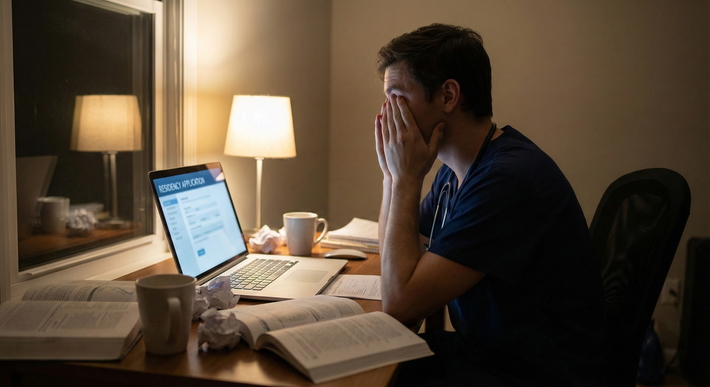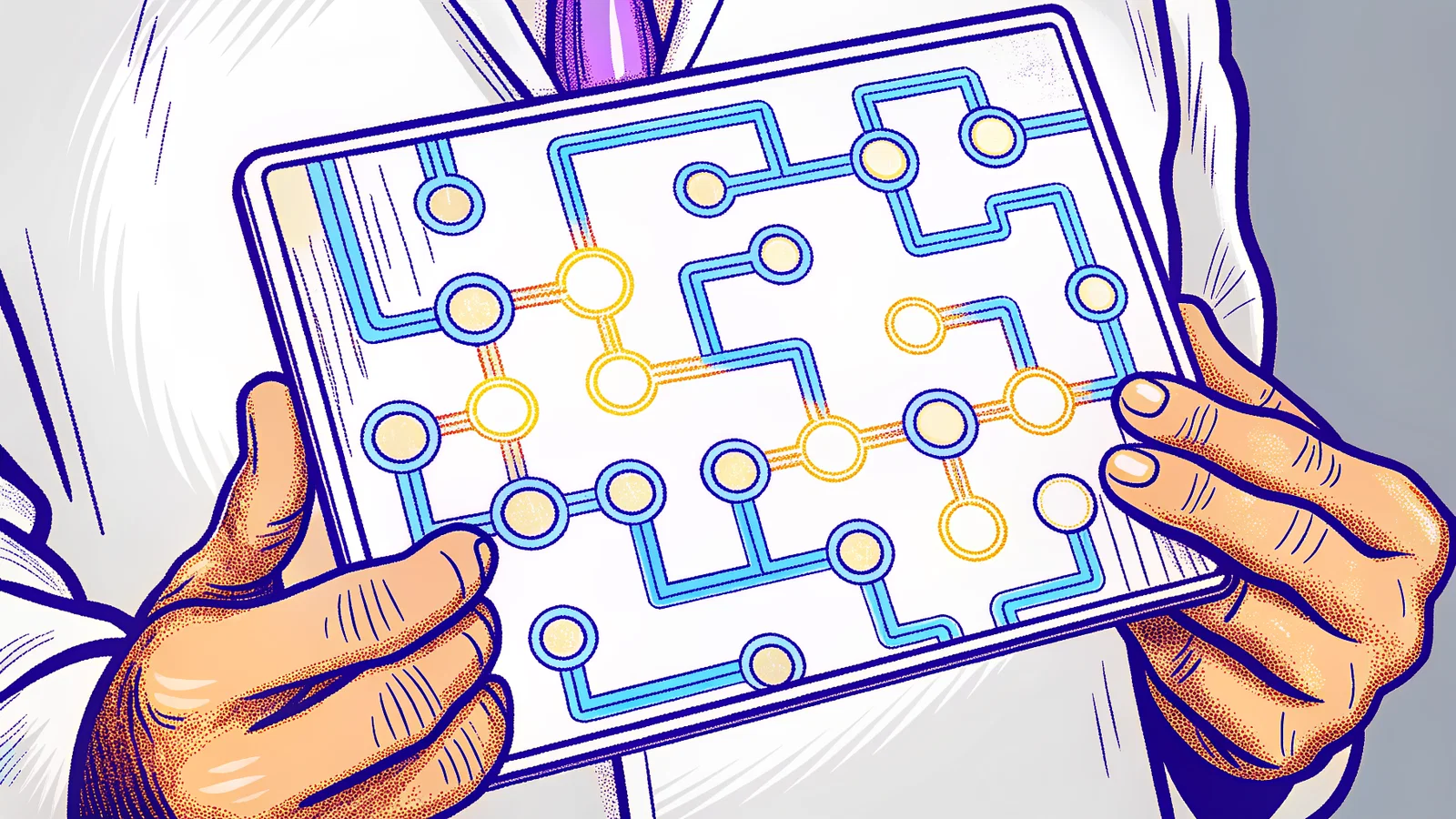
Let me be blunt. SOAP does not reward the most qualified candidate. It rewards the most operationally ready candidate.
I have watched board scores in the 250s lose a spot to a candidate with a 220 because the 220 candidate's browser actually refreshed. Because their phone did not send the program coordinator to voicemail. Because their personal statement did not paste as wingdings.
Before you begin, ensure you have reviewed strategies for avoiding common SOAP mistakes to ensure your technical preparation isn't overshadowed by avoidable errors.
This is the technical void. That 15-minute window where you are eligible, interested, and completely invisible to programs because your workflow failed. You did not get rejected. You were never seen.
SOAP success is 60% administrative precision and 40% clinical readiness. Most students flip that ratio. They spend 90% of their time rewriting their personal statement for the fifth time and 10% thinking about how their laptop will actually submit it.
The R3 system is not designed for fairness. It is designed for speed and accuracy. It is a high-throughput transaction system. When you click submit, it does not care about your story. It cares about whether your file parsed, your session is active, and your timestamp beat 400 other applicants. The passive observer mindset, sitting back, hitting refresh occasionally, waiting for an email, is how you get eliminated in Round 1.
Here is where that elimination happens.
The Anatomy of a Missed SOAP Opportunity
A missed SOAP opportunity rarely looks like a dramatic failure. No error message. No rejection letter. It looks like silence.
You applied to 45 programs in Round 1. You heard from two. You assume it was your scores. In reality, 12 of those programs never received a readable document from you. Your phone carrier flagged an incoming program call as spam. Your ERAS token expired at 9:04 AM because you left the tab open overnight.
This is what I mean by technical void. Programs in SOAP are operating with 2-3 staff members reviewing 500+ applications in 3 hours. They have zero time to hunt for you. If your file requires an extra click, if your phone number bounces, if your application timestamp shows a formatting error, you are filtered out automatically. Not maliciously. Systematically.
The R3 system rewards the fast and the accurate. Fast means your applications are in the first wave, not the last 10 minutes of the window. Accurate means no metadata corruption, no blank fields, no corrupted PDFs. Every program coordinator I know has a story about calling a candidate 4 times and getting a full voicemail box. That candidate was marked as unreachable. Offer went to the next name.
You cannot control how many unfilled positions exist in your specialty. You can control whether you are technically capable of being seen when they appear.
If you are concerned about your candidacy, learning why SOAP isn't just for failing applicants can help you maintain the confidence needed to execute your technical plan.
Mistake 1: The 'Refresh-Lag' Fallacy and Browser Management
Most candidates SOAP on the same laptop they used for UWorld. Same Chrome profile with 32 tabs open, Honey, Grammarly, AdBlock, and a VPN running. That setup will cost you a position.
Two problems: cache and connection.
The SOAP portal in the R3 system is not like Gmail. It does not push real-time updates to you. Your browser caches the program list. If you sit on the same page without a hard refresh, you are looking at stale data. Programs that just listed 10 minutes ago will not appear. Offers that have expired will still show as active. I have seen candidates waste 40 minutes crafting an application to a program that had already filled in Round 1 because their browser never refreshed.
Second, Wi-Fi jitter kills you. SOAP is a series of hard deadlines. Round 1 starts at 11:00 AM ET sharp. If you are on shared apartment Wi-Fi or hospital guest internet, your request latency can be 200-400ms higher than a hard-wired connection. Multiply that across 45 submissions. You are not first in queue. You are last.
Here is how you audit and lock down your browser environment, 48 hours before Monday of Match Week:
- Dedicated wired connection. Find an Ethernet port. Library, office, friend's apartment. If you cannot, tether your laptop to your phone via USB, not Wi-Fi hotspot. Test your speed. You want <50ms ping and >20 Mbps upload. No excuses.
- New Chrome profile. Create a brand new Chrome Person profile named "SOAP". Zero history. Zero extensions. This is not the time for Grammarly to autocorrect your personal statement into something unreadable.
- Disable everything. In that new profile, go to Extensions and turn everything off. Ad blockers in particular interfere with ERAS pop-up windows and file uploaders.
- Cache protocol. Do not use auto-refresh extensions. They can trigger R3 rate-limiting. Manually hard refresh (Ctrl + Shift + R) every 2-3 minutes during active rounds. Inactive periods, every 15 minutes to keep your session alive.
Strategic configuration is not paranoia. It is equipment check. You would not go into a code with a dead defibrillator battery.
Mistake 2: Communication Infrastructure Failure
Relying on email alone during SOAP is a fatal error. Period.
Program coordinators do not email first. They call. The entire SOAP interview offer workflow is phone-first, email-second. If your phone is on Do Not Disturb, if your voicemail is full, if your carrier flags unknown numbers as "Potential Spam", you miss the offer. The program moves on in under 5 minutes. They have a list of 30 other people who will answer.
This happens more than you think. I coached a candidate last year who missed three offers on Tuesday because his iPhone was set to "Silence Unknown Callers." He saw three missed calls hours later. All three programs had filled.
You need dual-channel redundancy.
Phone protocol:
- Turn off Silence Unknown Callers. Turn off all spam filters. For four days, every unknown number is a program director.
- Set up a professional voicemail greeting in under 15 seconds: "You have reached [First Name Last Name], residency applicant. Please leave a message and I will return your call immediately." No music. No jokes.
- Keep your phone plugged in and on loud, on a desk in front of you. Not in your pocket. Not on vibrate. Loud.
- Second device: Have a backup phone or tablet logged into Google Voice or similar that mirrors calls. One device can die, overheat, lose signal.
Email and contact block: Your email signature and ERAS contact block must be machine-readable. Program coordinators copy-paste. If your phone number is written as (555) 123-4567 ext. 123 with spaces and parentheses and text, some hospital phone systems misdial.
Format it like this: John A. Smith - AAMC ID: 12345678 Phone: 555-123-4567 Email: [email protected]
Put that exact block at the top of every document, in your ERAS profile, and in a plain text file on your desktop. Make it impossible to misread.
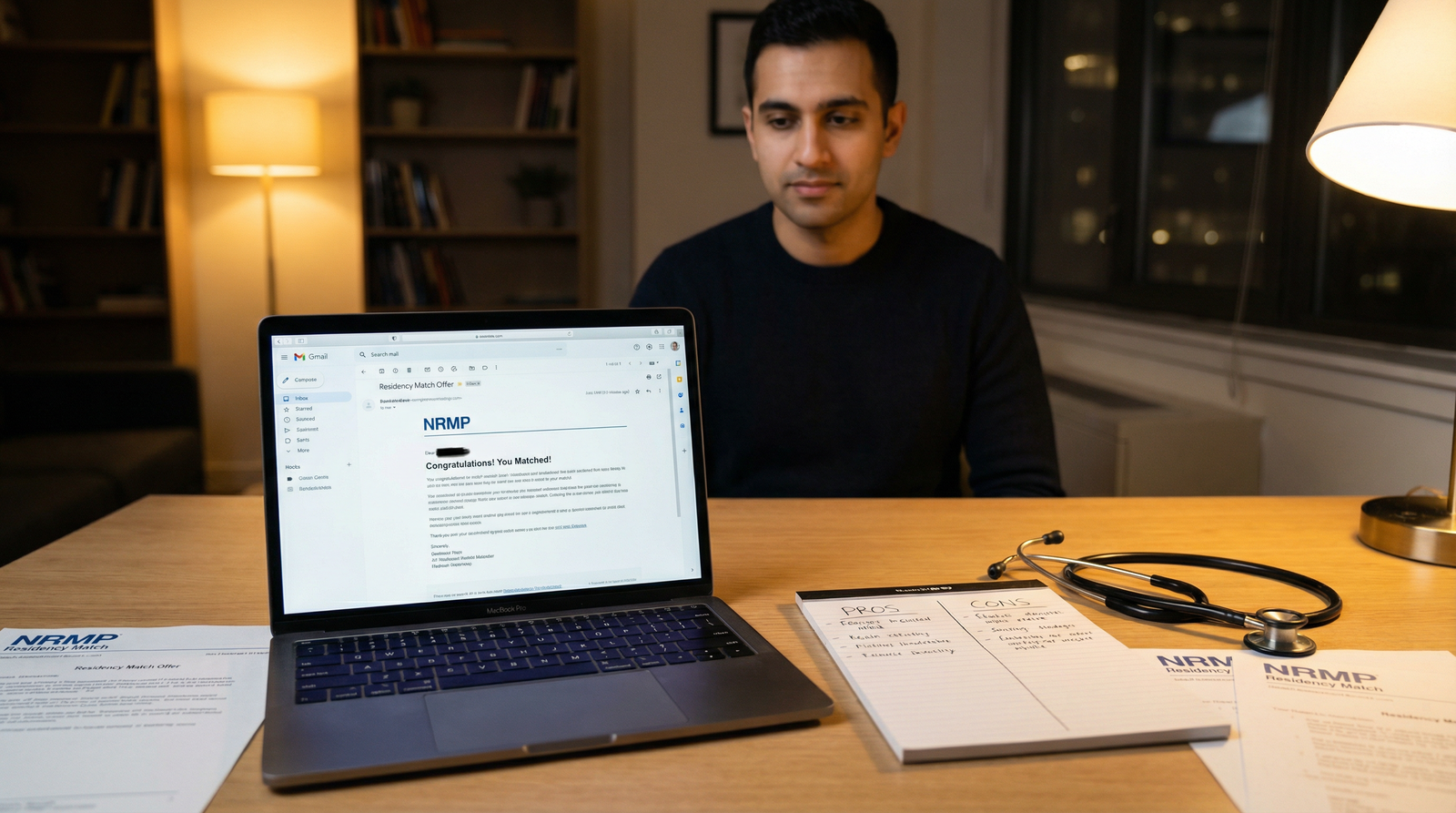
This is not about being reachable. It is about being instantly reachable by a stressed coordinator who has 90 seconds to fill a slot.
Mistake 3: The 'Copy-Paste' Trap in Application Uploads
Copy-pasting from Microsoft Word directly into the ERAS / R3 text boxes is the single most common technical self-inflicted wound.
Word uses smart quotes, em dashes, hidden formatting, non-ASCII spaces. The R3 parser does not. It renders them as �, or as blank squares, or it truncates your entire paragraph after the first curly apostrophe. I have reviewed personal statements that started strong and then, after a single copy-pasted paragraph, became unreadable gibberish for the next 500 words.
Programs do not email you to say your personal statement is corrupted. They just move on.
Same risk with PDFs. A PDF exported from Pages with a custom font that is not embedded will open blank on a PC in a program office. A file named PS FINAL FINAL v3 - copy (2).pdf gets lost among 600 files named similarly. A coordinator cannot find you again.
Here is the fix I force all my students to use: The Golden Folder.
Create a folder on your desktop and in Google Drive named SOAP_GOLDEN_2026. Inside, 5 files only. Sanitized, finalized, locked:
LastName_FirstName_PersonalStatement.pdf- Stripped. Pasted into Notepad first, then reformatted with plain ASCII only. No italics, no bold, no special characters.LastName_FirstName_CV.pdf- One page, searchable text, not a scanned image.LastName_FirstName_LOR_Combined.pdf- If allowed by your school.LastName_FirstName_MSPE.pdfContactBlock.txt- Your phone, email, AAMC ID in plain text for rapid copy-paste.
Naming convention matters. Name_DocType.pdf is searchable. Programs sort alphabetically. Make their job easy.
Pre-verification step: Open each PDF in a different browser, on your phone, and on a library computer. If it opens clean everywhere, it is safe. If it prompts for a font download anywhere, it will fail.
Candidates who use standardized naming and sanitized PDFs have an error rate under 5%. Those who drag files from their desktop at the last minute? Over 90% encounter at least one corruption or mislabel.
Mistake 4: Mismanaging the 'Preference Signal' Workflow
SOAP is not Match. In Match, you rank based on desire. In SOAP, you apply based on market reality.
Mistake number four is emotional workflow. Candidates apply to their dream programs first, even if those programs have 1 spot and 400 applicants. They batch-submit 45 applications at 11:03 AM and then sit idle.
Wrong approach.
The R3 system shows you live availability. You need to triage.
Round 1 (Monday): You get 45 applications. Do not use them all in the first hour on the same specialty that rejected you. Split them: 70% to realistic core specialty programs with multiple spots, 30% to adjacent specialties or preliminary positions. Track which programs opened.
Stagger, do not batch. Submit your first 20 highly-targeted applications in the first 15 minutes. Then pause. Watch. Which programs start downloading applications? Which ones are silent for 90 minutes? If a program has not downloaded any applications after 2 hours, it may have already informally filled or is not actively reviewing. Cut your losses. Reallocate that slot to a program that just listed.
The Final Hour surge. Every SOAP round ends with a panic upload in the last 20 minutes. The system slows. Uploads fail. Program coordinators stop checking. Your best applications should be submitted with at least 45 minutes left in the round. That last hour is for 2-3 strategic last-ditch applications, not your entire list.
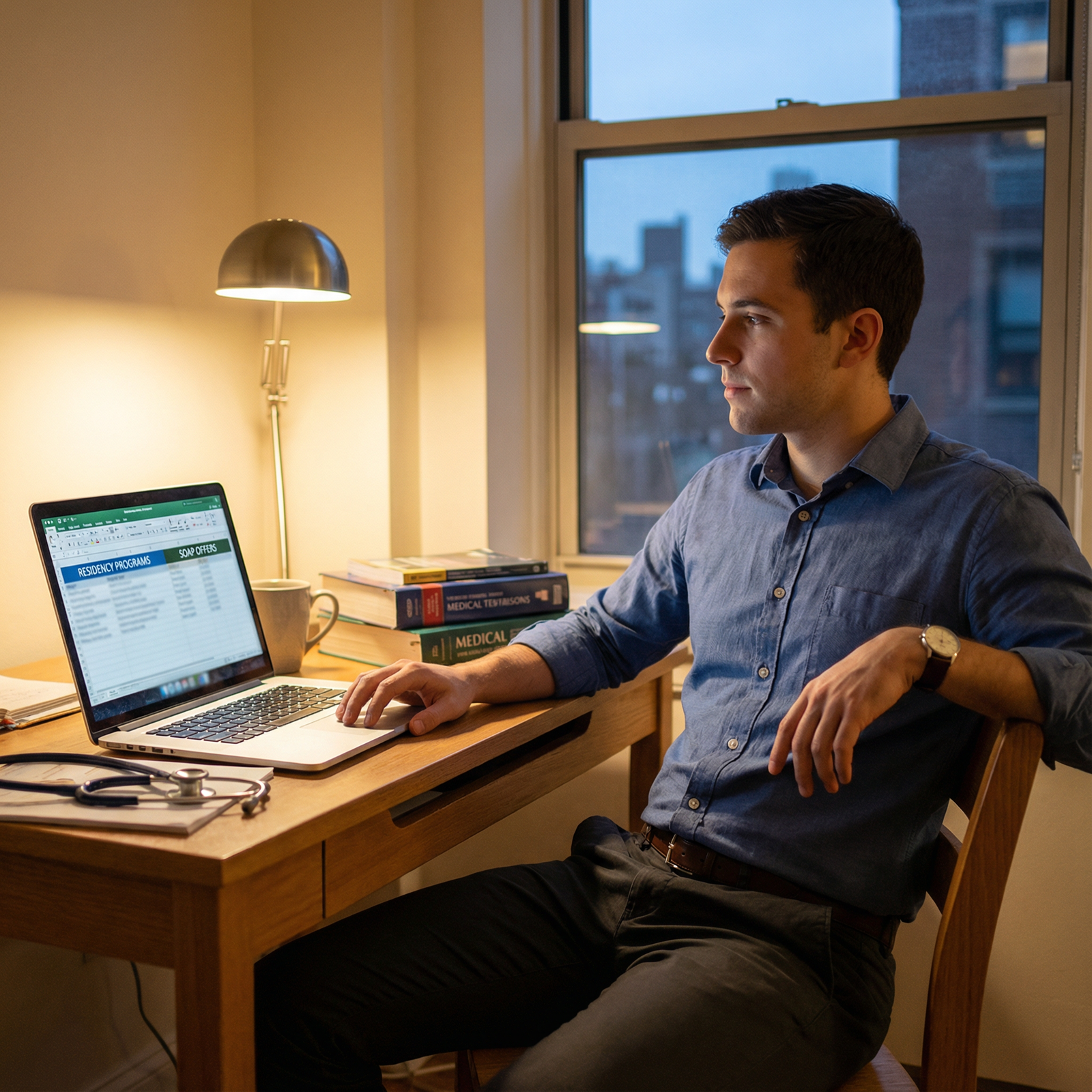
Think like triage. Most salvageable first. Not most desirable first.
Mistake 5: Neglecting Technical Fail-Safes and Backup Devices
If you SOAP on a single laptop with 18% battery and no charger in a house that loses power every thunderstorm, you are gambling with your career.
Hardware fails at the worst moment. Laptops overheat under load. Windows forces an update at 10:58 AM ET. Blue screen of death at 10:59 AM.
You need redundancy logic. Not maybe. Mandatory.
- Secondary device logged in and ready. A second laptop, a tablet with keyboard, even a powerful phone with the ERAS app. Both logged into ERAS, R3, email, with Golden Folder synced via Google Drive or Dropbox. Not "I can log in if needed." Already logged in, session active.
- System snapshotting. Keep your CV and personal statement text in three places: your primary device, cloud storage, and a printed hard copy. If copy-paste fails, you can retype from print.
- Power stability. UPS. An uninterruptible power supply costs $60. That $60 keeps your router and laptop alive for 30 minutes during a blackout. That 30 minutes is an entire SOAP round. Alternatively, know where your laptop charger is, keep your phone at 100%, and have a portable battery pack rated for laptop charging.
- Physical runbook. Write, handwrite, on a single sheet of paper: ERAS username, password, AAMC ID, NRMP ID, R3 login, your dean's cell, your advisor's cell, IT helpdesk number. Tape it to your laptop. If your password manager locks you out or your browser forgets credentials, you do not have time to reset via email link.
I tell students: SOAP week is a clinical shift. You would not run a code with one IV and no backup airway. Do not run SOAP with one device.
Technical readiness is invisible until it fails. And when it fails in SOAP, there is no make-up exam.
Your action steps starting today:
- Build your Golden Folder. Sanitize every document through plain text.
- Create the clean Chrome profile and test your wired connection.
- Disable Silence Unknown Callers and record a professional voicemail.
- Set up your secondary device and UPS.
- Print your runbook.
Do it now. Not Monday morning at 10:55 AM ET.