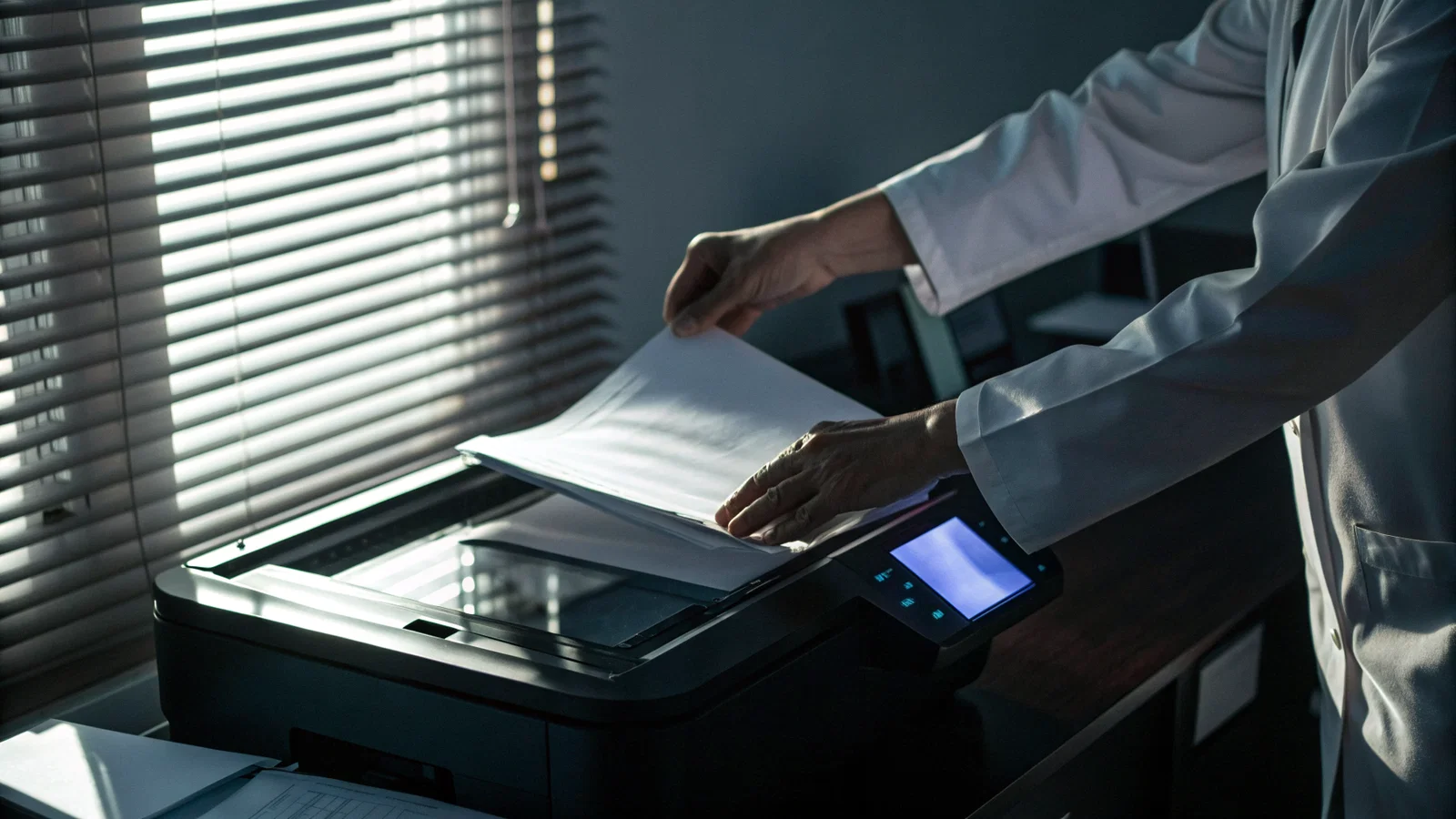
A patient walks up to your desk, holds out a stapled packet, and asks a seemingly innocent question: "Can you make a quick copy of this for me?"
It feels like basic customer service. You have a scanner right behind you. Pressing two buttons takes six seconds. Refusing feels cold, unhelpful, or bureaucratic.
Don't push start yet.
I've watched experienced clinical staff walk straight into regulatory landmines over a five-page paper request. When a patient asks you to duplicate a document, you aren't just handling paper. You are touching protected health information (PHI), legal records, and third-party documents that your facility may not have the legal authority to reproduce.
Consider the standard daily requests that hit a clinic floor:
- School physical and immunization forms brought in from home.
- Disability paperwork containing employer-attested job requirements.
- Complex immigration medical files.
- Consultation notes written by an outside specialist at a competing health system.
- Form letters from insurance carriers or legal teams.
Every one of these documents carries a different legal footprint. Respecting patient autonomy means helping them access their care records, but autonomy doesn't override confidentiality, document ownership, clinical accuracy, or institutional liability.
At this point you should stop, step back from the machine, and answer four immediate questions:
- What is the document?
- Who created it?
- Who owns the original record?
- Why does the patient want a copy right now?
This article is provided for educational purposes only and does not constitute official policy or legal counsel. This content is not legal advice, not financial advice, and not tax advice. Real-world compliance requirements and regulatory figures vary by jurisdiction and practice setting, so consult a qualified professional or your facility's risk management department for specific guidance.
What Makes Copying Risky: Privacy, Consent, Ownership, and Accuracy
Copying documents feels mechanical, but legally, duplicating a record is an act of creation and disclosure. Once a page leaves your scanner, you have created a new physical artifact tied to your facility.
The risks fall into four distinct categories:
1. Privacy Violations
When you scan or photocopy a multipage packet without auditing every sheet, you run the risk of exposing PHI beyond the HIPAA minimum necessary standard. A patient hands you a ten-page stack of outside records. Tucked on page seven is an unredacted psychiatric evaluation or a substance use history from an outside treatment facility. If you copy that entire stack and hand it back, or worse, upload it unvetted into your EHR, you may have executed an unauthorized disclosure.
2. Implied vs. Actual Consent
Patients assume that because they own the piece of paper in their hand, they have an absolute right to have you copy it. That isn't how record law works. A patient bringing you an outside specialist's surgical report doesn't automatically give your clinic permission to duplicate, certify, or re-disclose that specialist's intellectual property.
3. Ownership and Provenance
You must distinguish between three classes of records:
- Your clinic's records: Created by your staff, owned by your practice, subject to formal record release rules.
- Patient-owned personal documents: Birth certificates, personal logs, driver's licenses.
- Outside third-party records: Notes, labs, or imaging reports generated by a different hospital or provider.
If your facility didn't generate the record, you generally should not act as the official source of record for it.
4. Accuracy and Alteration
I've seen patients bring in partial records, out-dated lab sheets, or documents where critical warning sections were accidentally, or intentionally, omitted. If you copy a incomplete record and place your clinic's fax header or stamp on top, you have implicitly validated a misleading clinical record.
At this point you should pause and check whether the request is for a raw copy, a official medical summary, a signed legal attestation, or a formal release of records.
The Practical Framework: A Step-by-Step Way to Respond Safely
When a patient hands you a document, run this exact six-step chronological protocol. Do not skip steps.
Step 1: Identify the Document Category (Minute 0)
Inspect the pages. Is this your clinic's progress note? An outside MRI report? A state disability form? A personal letter? Never put paper onto a glass scanner scanner bed until you know who authored it.
Step 2: Check Policy and Jurisdiction (Minute 1)
Know your institutional rules. Most hospital systems explicitly prohibit staff from copying outside health records for patients, directing those requests back to the originating facility. Know whether your state or provincial law treats third-party records as part of the legal health record (LHR) or isolates them.
Step 3: Ask the Explicit Use Case (Minute 2)
Ask: "What do you need this copy for today?" The answer changes everything. If they need it for an ongoing specialist appointment in your building, that's an internal clinical handoff. If they need it for a court date, an insurance appeal, or a school district accommodation, a simple photocopy won't suffice anyway, they likely need a certified record or a formal summary.
Step 4: Redact Nonessential Sensitive Data (Minute 4)
If you are authorized to make the copy, check for extraneous sensitive information that shouldn't be duplicated (e.g., social security numbers on non-billing attachments, third-party family health histories, or sensitive psychiatric notes not covered by the baseline release).
Step 5: Document the Transaction (Minute 6)
Log the action. If you hand a patient a copy of a five-page progress note, write a brief administrative note in the chart or logging system detailing what was copied, who requested it, and why.
Step 6: Escalate Uncertain Cases Immediately (Minute 7)
If something feels off, or if the patient is demanding copies of notes marked "confidential" or "legal hold," walk away from the machine. Hand the issue off to your compliance officer, risk management lead, or health information management (HIM) department.
How to Say It: Scripts, Boundaries, and Documentation
Saying no, or saying "not right now", is tough when a patient is standing across the counter looking at you expectantly. You need pre-scripted lines so you don't stumble or sound defensive.
Script 1: For Standard Outside Records
"I can definitely help you get the right records, but because this document came from [Outside Facility], our legal policy prevents us from re-issuing their copies. The safest and fastest way is for you to request it directly from their records team, or I can help you sign an authorization so our medical records department can request it formally."
Script 2: For Risky or Incomplete Document Requests
"I can't copy or release this specific document today until I confirm our privacy requirements with our compliance team. I want to make sure everything is handled correctly so there aren't any issues with your [insurance/school/legal process]. Let me take your number and follow up with you by tomorrow afternoon."
Script 3: When Directing to Official Records Handoff
"To make sure you get a complete and official copy that [Agency/Doctor] will accept, this has to go through our Health Information department. Here is the one-page release form. Once you sign this, they can email or mail you the official stamped records."
What to Log in the Record
When you make a copy or refuse a request, document it. Keep it brief, objective, and clear:
- Date/Time: 10/24/2026 at 14:15
- Requested Item: Patient requested copies of outside neurology consult dated 08/12/2025.
- Action Taken: Patient informed of third-party record policy. Directed to outside facility for official records. Signed HIPAA release obtained to request records for internal chart.
- Staff Member: J. Doe, RMA
When You MUST Decline
Decline the request immediately if:
- The document contains sensitive third-party PHI without an explicit authorization.
- The record is flagged under a legal hold or active court order.
- The patient is asking you to copy an incomplete or modified draft of a form to make it look "official."
- Your health system's policy explicitly restricts front-line clinical staff from acting as a records distribution office.
At this point you should slow down, verify authority, document your decision, and route complex requests to HIM or privacy leadership.
Close: A Reliable Habit That Protects Patients and Staff
Handling document copy requests isn't a clerical chore. It is a risk-management checkpoint.
A single unchecked photocopy can leak sensitive data, compromise legal proceedings, or misrepresent clinical care. The fix isn't to become a rigid gatekeeper who refuses every patient request. The fix is to build a predictable, repeatable routine.
Your Daily Habit Checklist
- Pause before touching the machine. Never auto-copy out of habit or social pressure.
- Check the author. If your clinic didn't write it, think twice before duplicating it.
- Verify the purpose. Make sure a photocopy actually solves the patient's problem.
- Apply policy. Follow your health system's HIM guidelines every single time.
- Log the outcome. Document what was handed over, what was declined, and why.
- Escalate early. Send edge cases to your privacy officer before the paper leaves the office.
Build this habit today. Before you press start on that machine, ask one extra question and perform one extra check. That five-second delay will save you, your practice, and your patients from completely avoidable legal and ethical harm.