
Educational note: This article discusses hospital operations, vendor deployment decisions, and downstream financial implications of underperforming AI systems. It is for medical education only and is not legal, tax, financial, or contracting advice. Hospitals and clinicians should consult qualified compliance, legal, financial, and operational professionals for institution-specific decisions.
The ugly surprise in hospital AI is this: the tool looked excellent in the pilot, leadership approved the rollout, the vendor demo was polished, and then real life hit it in the face.
That is where most failures begin.
I have seen it happen with sepsis alerts, readmission risk scores, deterioration models, documentation assistants, and imaging triage tools. In the pilot, the data were cleaner, the users were more motivated, the informatics team was standing by, and everyone was on their best behavior. After go-live, the model collided with rushed note-writing, inconsistent vital-sign entry, odd local workflows, delayed lab feeds, buried EHR buttons, and clinicians who had six other alerts screaming for attention. Performance dropped. Trust dropped faster.
This is not usually proof that AI is useless. It is proof that the deployment plan was incomplete.
The most common post-launch failure modes are painfully predictable:
- Alert fatigue
- Poor EHR integration
- Data drift
- Unclear ownership
- Staff workarounds that quietly bypass the tool
None of those problems are solved by a glossy launch email.
Here is the fix: treat post-launch AI failure like any other clinical operations problem. Diagnose it. Contain the damage. Assign ownership. Redesign the workflow. Then relaunch under monitoring. That is what this article is for. Not theory. A practical recovery plan.
This article is for educational purposes only. It is not financial advice, not legal advice, and not tax advice. Figures vary by individual circumstances, consult a qualified professional before acting.
Launch Is Not the Finish Line: Why AI Tools Fail in Real Hospital Workflow
Hospitals keep making the same mistake. They treat AI launch as the finish line, when it is actually the start of the hard part.
A model can perform well in validation and still fail in routine care because routine care is messy. Clinicians click through screens in different orders. Nurses document under time pressure. Residents copy forward notes. Units develop their own unofficial workarounds. The emergency department behaves nothing like an inpatient floor. A high-performing algorithm dropped into that environment without workflow design is not innovation. It is clutter.
The usual post-launch problems are not mysterious:
- The alert fires too often, so clinicians start ignoring it.
- The output appears in the wrong place in the EHR, so nobody sees it at the moment of decision.
- The underlying data shift, often because of new documentation habits, coding changes, or a different patient mix.
- No one owns the tool after launch, so thresholds, exceptions, and complaints pile up with no action.
- Users invent shortcuts, which is what people do when technology slows them down.
That last one matters. If your AI tool adds friction, staff will route around it. Quietly. Efficiently. Permanently.
The right framing is simple: most struggling hospital AI tools do not need hype or blame. They need operational repair. If the deployment plan stopped at technical validation, it was incomplete from day one.
The 5 Most Common Reasons Hospital AI Breaks After Go-Live
1. Data drift and local patterns wreck performance
This is the classic failure. The model was trained on one population, one note style, one order pattern, one hospital rhythm. Then you deploy it somewhere else and act surprised when it behaves differently.
Maybe your ICU uses different shorthand in notes. Maybe your ED admits a different case mix. Maybe a documentation template changed after launch. Maybe one service enters vitals promptly and another lags by an hour. The model does not care about your intentions. It responds to the data it actually receives.
I have seen deterioration tools become erratic after something as boring as a workflow change in nursing documentation. Not a dramatic software failure. Just a quiet operational shift. That is enough.
2. Integration fails even when the model works
A good prediction delivered too late is a bad product.
If the AI output appears after the clinician has already made the decision, it has no value. If the user must click through three tabs to find it, adoption will crater. If the recommendation lands in a generic inbox nobody checks, you built digital wallpaper.
Bad integration shows up as:
- Too many clicks
- Slow loading
- Alerts outside the decision moment
- Recommendations detached from action options
- No clear next step
Prediction without workflow is decoration.
3. Alert overload destroys trust
Trust is hard to earn and easy to lose. One week of low-value alerts can poison the tool for months.
When clinicians get hammered with false positives or trivial nudges, they stop believing the system can distinguish signal from noise. Once that happens, even the good alerts get ignored. This is how tools die in practice. Not with a formal decommissioning. With collective indifference.
If your AI keeps interrupting clinicians without changing care for the better, it is not helping. It is stealing attention.
4. Governance gaps leave the tool ownerless
Many hospitals are strangely casual about this. A model goes live, but no one has explicit authority to do the following:
- Adjust thresholds
- Review exceptions
- Audit algorithm performance across patient subgroups and care settings
- Decide when to pause use
- Retire the model
That is not governance. That is abandonment.
Every clinical AI tool needs a named accountable owner and a defined oversight group. If ownership is spread vaguely across IT, quality, and "the vendor," nobody will act quickly when the tool starts slipping.
5. Change management stops after training day
One launch webinar and a PDF tip sheet do not count as adoption support.
Real-world use exposes problems no training session can predict. Users need a way to report issues, ask for refinements, and see that feedback leads to changes. If they do not get that, they disengage. Fast.
This is where leaders get cynical and say, "The clinicians are resisting innovation." Usually wrong. Clinicians resist tools that waste time, misfire, or create liability. That is not resistance. That is pattern recognition.
What to Measure in the First 30, 60, and 90 Days
For a practical framework on interpreting clinical AI outputs at the bedside, see how much you should trust AI risk scores in treatment decisions.
Hospitals obsess over model accuracy and ignore operational reality. That is backwards. The first 90 days should focus on whether the tool works in care delivery, not just whether its ROC curve once looked pretty.
Track these metrics from day one:
- Adoption rate: How often eligible users actually engage with the tool
- Time-to-action: How long between AI output and clinician response
- Override rate: How often users reject the recommendation
- Alert volume: Total alerts per user, per shift, per unit
- Time saved or lost: Does the tool reduce work or create more of it?
- Outcome alignment: Are predictions matching what later happens clinically?
- Subgroup performance: Are certain units or patient groups getting worse results?
A simple 30-60-90 day framework works well.
First 30 days
Focus on operational friction.
- Are users seeing the output?
- Is it arriving in time?
- Are there obvious UI failures?
- Are certain units ignoring it entirely?
First 60 days
Look for pattern failure.
- False positives rising?
- Overrides clustered in one specialty?
- Delays linked to a specific EHR workflow?
- Complaints repeating the same issue?
First 90 days
Judge whether the tool is actually stabilizing.
- Adoption improving?
- Response times dropping?
- Calibration holding?
- Any subgroup burden emerging?
Just as important, build a frontline feedback loop that speaks the language of workflow. Do not ask only, "Was the prediction accurate?" Ask:
- Where were you when the alert fired?
- What did you need at that moment?
- Did the tool save a step or add one?
- What made you ignore it?
Then triage every issue into one of four buckets:
- UI issue
- Data issue
- Model issue
- Policy or governance issue
That classification prevents dumb fixes. Too many teams start tuning the model when the real problem is that the alert appears after rounds are over.
A Practical Fix-It Protocol: How to Stabilize a Struggling AI Tool
This is the part hospitals need most. Not another white paper. A protocol.
Step 1: Pause and classify the failure before touching anything
Do not start randomly adjusting thresholds because people are angry. That is panic, not management.
First, classify the failure:
- Data problem: Missing, delayed, inconsistent, or changed input data
- Workflow problem: Output arrives too late, in the wrong place, or without a usable next step
- UI problem: Confusing display, poor visibility, excessive clicks
- Model problem: Poor calibration, low specificity, subgroup bias, unstable performance
- Governance problem: No owner, no escalation path, no review cadence
You need a root-cause map before you make any technical changes.
Step 2: Assign one accountable owner and a real review team
Not five partial owners. One accountable owner.
That person should have enough authority to coordinate action across informatics, clinical operations, and leadership. Around that owner, build a review group with:
- IT / informatics
- Clinical leadership
- Frontline users
- Quality and safety
- Compliance and privacy as needed
- Vendor representatives if applicable
Meet weekly during stabilization. Short, focused, and uncomfortable if necessary. The point is action.
Step 3: Reduce noise immediately
If the tool is generating harmful clutter, contain it fast.
You can do this by:
- Tightening thresholds
- Limiting the tool to a narrower use case
- Restricting deployment to one unit
- Suppressing low-value alert categories
- Temporarily turning off non-actionable prompts
This is not failure. This is damage control. If clinicians are drowning in junk alerts, your first job is to stop the bleeding.
I strongly favor narrowing scope rather than forcing broad use of a noisy system. A sepsis tool that works well in one monitored population is far better than a hospital-wide alert machine everyone hates.
Step 4: Fix what the root-cause review actually found
Now do the repair work. Match the fix to the problem.
If it is a data problem:
- Audit missingness by field and unit
- Check feed latency from source systems
- Review mapping errors after EHR updates
- Clean mislabeled historical data
- Recalibrate based on local data patterns
If it is a workflow problem:
- Move the output closer to the decision point
- Embed recommendations inside existing order or review pathways
- Reduce clicks
- Add role-specific routing so the right person sees the alert
If it is a model problem:
- Reassess thresholds
- Recalibrate probability outputs
- Retrain on local or updated data if justified
- Run subgroup analyses before redeployment
If it is a governance problem:
- Define who can change thresholds
- Create exception review rules
- Set a formal audit schedule
- Establish sunset criteria
The key principle: do not overcorrect. Many teams break a struggling model further by making too many changes at once. Fix one class of failure, test it, then move to the next.
Step 5: Relaunch with monitoring and a rollback plan
For trainees and clinical teams thinking through escalation when a deployment goes wrong, see how to respond if your hospital rolls out a risky AI tool.
A relaunch without monitoring is just a second mistake.
Before restarting broader use, define:
- Success metrics
- Daily or weekly monitoring cadence
- Escalation rules for safety concerns
- Trigger points for threshold review
- A rollback plan if performance worsens
That rollback plan matters. Every clinical AI tool should have a clear answer to this question: What do we do if this starts hurting workflow or safety again next Tuesday?
If there is no answer, the tool is not ready.
How to Prevent the Next Failure Before the Next Launch
The best recovery plan is still prevention. And prevention is not glamorous. It is checklists, local testing, pilot discipline, and leadership restraint.
Use a pre-launch readiness checklist that includes:
- Real workflow simulation with frontline staff
- Local validation on your own patient population
- Bias and subgroup review
- Alert burden estimation
- Defined fallback workflow if the tool is unavailable
- User sign-off from the actual clinical area
Also, stop rolling these tools out hospital-wide on day one unless you enjoy operational chaos. Pilot in one unit. Prove value. Fix the ugly parts. Then scale gradually.
Set expectations clearly: AI is decision support, not autonomous care. If leadership markets it as a near-magical fix, clinicians will judge it against that fantasy and reject it harder when it behaves like a flawed support tool. Which it is.
Finally, put maintenance on the calendar before launch:
- Monthly drift checks early on
- Quarterly performance reviews
- Threshold review triggers
- Annual reassessment of continued value
- Sunset criteria for retirement
Yes, sunset criteria. Some tools should be retired. Keeping a low-value AI system alive because money was spent on it is bad governance and worse medicine.
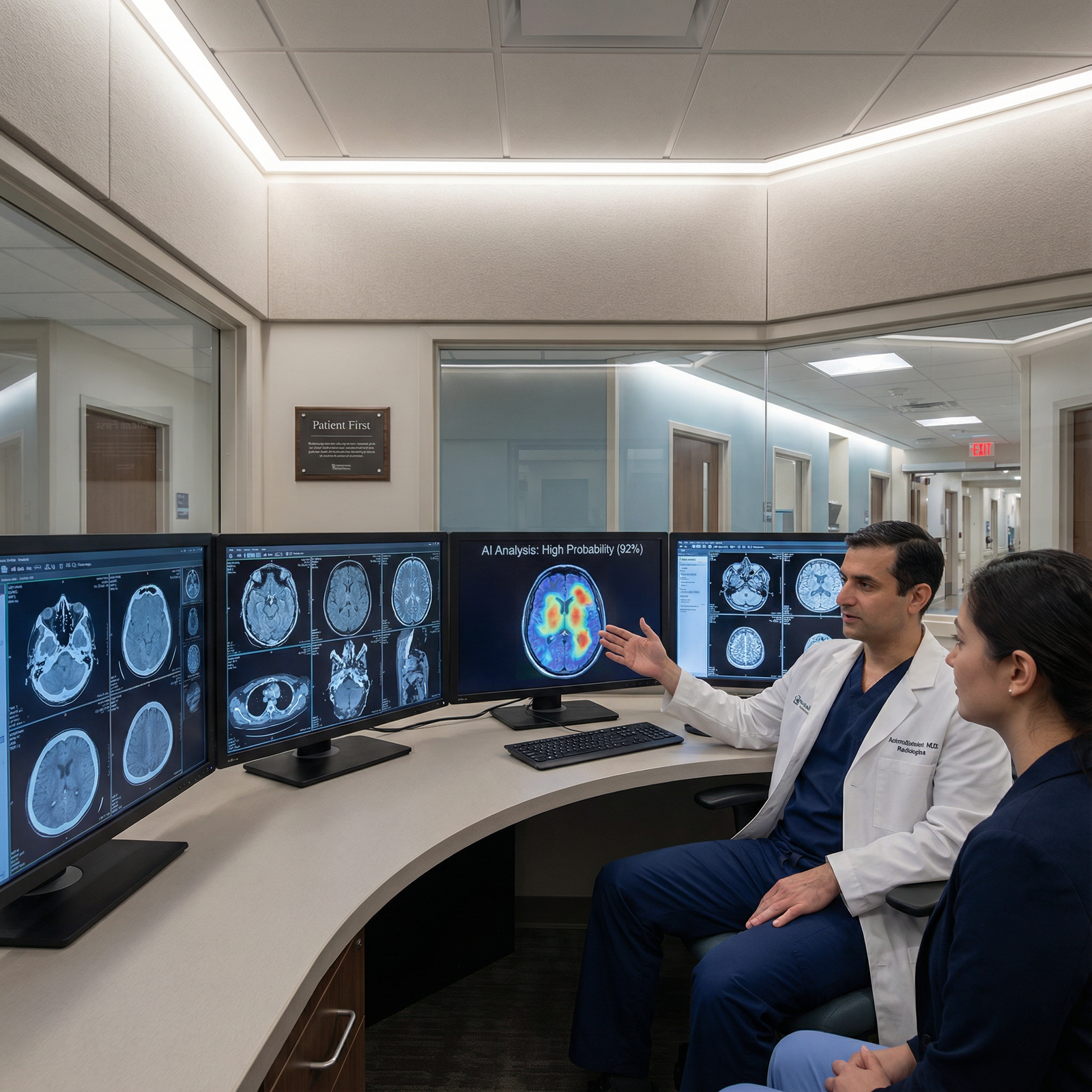
Bottom Line: Treat AI Like a Clinical Program, Not a One-Time Product
Here is the blunt truth: post-launch AI failure is usually a systems problem, not a final verdict on the technology.
If your hospital tool is underperforming, do not default to either extreme. Do not declare AI a fraud. Do not keep defending a broken rollout because the vendor promised transformation. Do the grown-up thing. Audit the failure. Triage it. Reduce noise. Fix the root cause. Relaunch under clear ownership.
That is how mature hospitals handle clinical programs, and AI should be treated no differently.
If you lead an AI-enabled service line, start now. Pull a list of your live tools. Identify the owner of each one. Review the first-line metrics. Confirm there is a threshold policy, a drift check schedule, and a rollback plan. If any of those are missing, your problem is already underway.