
You're halfway through rounds. Your phone has already buzzed twice. The intern wants help with a discharge. A nurse is asking whether the potassium should be replaced now or after repeat labs. And in 12 minutes, your residency interview starts.
That's not a rare scenario. It's normal. Plenty of applicants interview while on electives, inpatient blocks, ICU months, night float, or clinic-heavy rotations. The mistake is treating this like a normal Zoom call you can just squeeze in between tasks. Bad idea. If you wing it, you risk looking scattered, breaking privacy boundaries, getting pulled into patient care mid-answer, or joining from some terrible corner of the hospital with unstable Wi‑Fi and a beeping pump in the background. I've seen people try to interview from workrooms. Don't. That's amateur hour.
The first 60 seconds matter more than people realize. Before you click "join," stop and assess: Can you actually step away? Are you in a private space? Is your signal stable? Can you speak without patient names, overhead pages, or staff traffic behind you? If the answer is no, don't force it from the nearest hallway like you're doing damage control. Move. Fast, but deliberately.
The goal isn't perfection. It's control. You want the program to meet the professional version of you, not the chaotic version of you trying to mute a pager with one hand while answering "Why our specialty?" with the other.
Step 1: Build a Duty-Day Interview Plan Before the Interview Starts
If your interview day overlaps with clinical duty, the plan starts before interview day. Not that morning. Before.
Pull up your schedule and match it against the interview block. Know the exact time the session opens, whether there's a pre-interview welcome, how many breaks exist, and whether the format is one long room or multiple breakout rooms. Then compare that with your actual clinical responsibilities, not the fantasy version where everything runs on time.
Ask yourself:
- Will I be on rounds at the start?
- Will clinic still be running?
- Am I responsible for new admissions?
- Is there a known bottleneck, like noon conference, sign-out, or afternoon staffing?
- How long would it realistically take me to get from the unit to a private room?
That last one matters. A lot. A "quick step away" in a hospital can still mean seven minutes of elevator delays, badge access, and discovering that the conference room you planned to use is occupied by pharmacy.
Build a backup location list. Not one option. A list.
Good options include:
- a call room
- an empty office with permission
- a conference room you've confirmed is available
- a quiet admin space
- your parked car, if it's private, quiet, and has reliable signal
- another approved private room away from patient care areas
A parked car isn't glamorous, but it's often better than a loud resident room with three people dictating notes and someone microwaving fish. I'm serious. Choose privacy and stability over aesthetics.
Now coordinate coverage. Tell your senior, attending, chief, or coverage partner ahead of time. Briefly. Professionally. No drama.
Try something simple:
- "I have a residency interview from 1 to 3 PM on Thursday. I've arranged to finish my notes and hand off urgent tasks beforehand. Can we make sure I'm covered if something runs long?"
- "I'll step out for my scheduled interview at 12:45. I'll update you on active issues before I go."
This is not asking for a favor at 12:58 while logging into Zoom in a stairwell. People are much more willing to help when you've acted like an adult and planned ahead.
Then test your tech in the real setting if possible. Not just at home. In the actual place you may need to use.
Check:
- camera angle
- lighting
- microphone quality
- headphone connection
- hospital Wi‑Fi strength
- hotspot backup
- whether the interview platform is blocked by institutional security settings
- whether you need a charger within arm's reach
You do not want to discover five minutes before the interview that your hospital computer won't allow camera permissions or that the call room Wi‑Fi drops every 90 seconds.
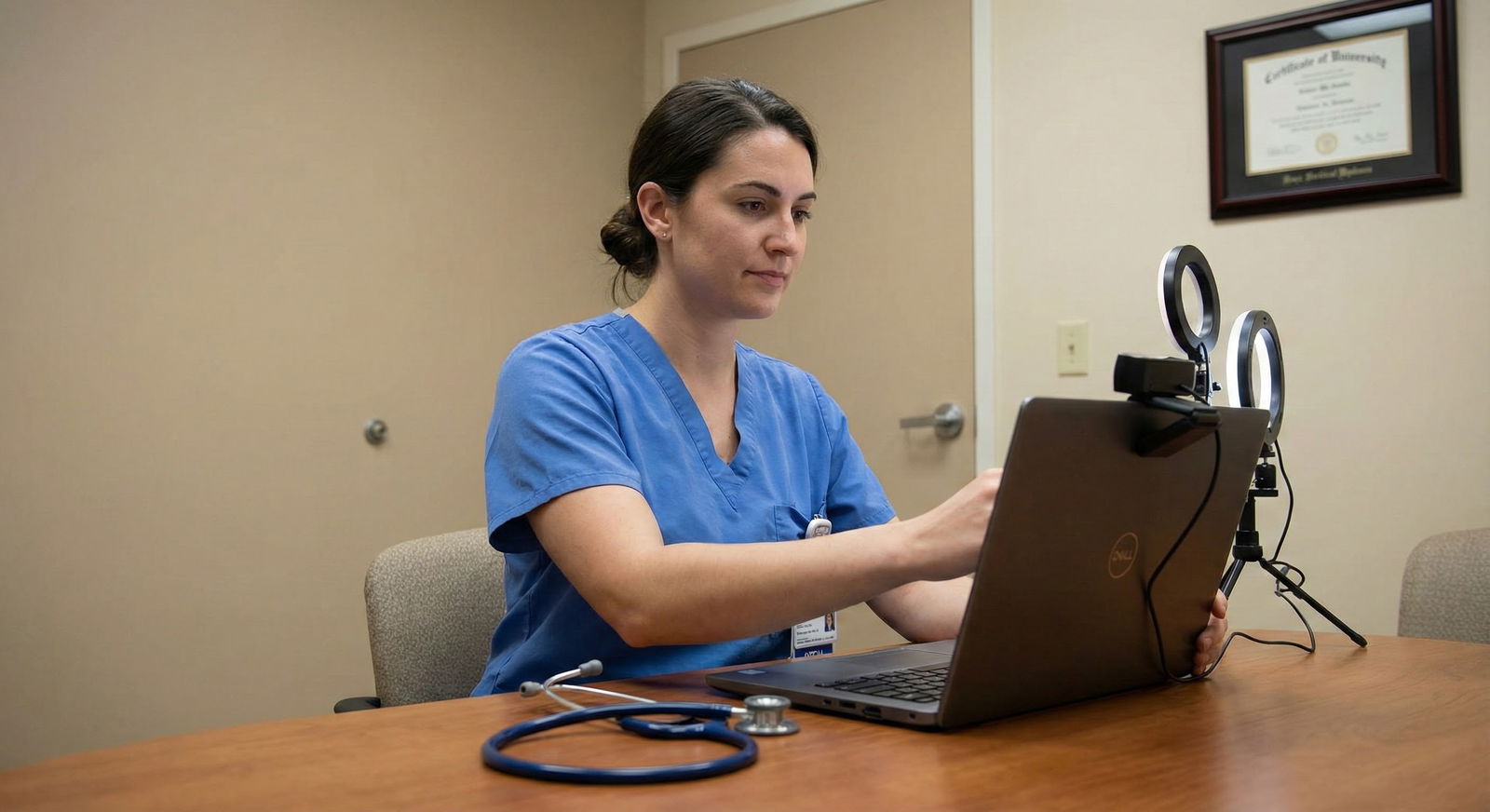
The cleanest interview days are boring on purpose. That's the goal. Boring logistics. Predictable setup. No surprises.
Step 2: Protect Patient Care and Professional Boundaries
Here's the rule: patient care comes first, but "patient care" is not an excuse for sloppy planning. You can respect both responsibilities if you set it up right.
Tell your team in advance that you have a scheduled interview and may need a short protected break. Don't make it a speech. Don't overshare. Just communicate clearly.
A good version sounds like:
- "I have a virtual residency interview this afternoon from 2 to 4. I'll wrap active issues before then and hand off anything time-sensitive."
- "I may be briefly unavailable during that block unless there's an urgent patient issue."
Before you leave, tie up loose ends. That means:
- responding to time-sensitive messages
- updating your senior on unstable patients
- writing down pending tasks
- clarifying who's covering pages
- avoiding the classic disaster of disappearing while a patient workup is half-done and nobody knows what you were thinking
Don't leave an unresolved patient issue just because your interview link opened. That's bad medicine and bad professionalism.
And let's be blunt about privacy: never do the interview in an open patient care area. Not a hallway. Not the workroom if charts are visible. Not outside a room where names, diagnoses, or monitor alarms can be heard. HIPAA isn't optional just because you're under pressure.
Also:
- close patient charts
- remove sign-out sheets from camera view
- silence alerts when appropriate
- use headphones
- make sure nobody can walk behind you reading patient labels off a whiteboard
If an urgent patient issue hits in the middle of the interview, don't freeze and don't pretend it's nothing. Handle it directly. If it's truly urgent, step away and take care of it. Then notify the interviewer as soon as you can.
A professional script:
- "I'm sorry, I need to step away briefly for an urgent clinical issue. I'll return as soon as I'm able."
- "Thank you for your patience. I had to address an urgent patient matter. I'm ready to continue."
That's enough. Short. Honest. Controlled.
What programs notice isn't that you're on duty. They know people are on duty. What they notice is whether you handled it like a future colleague or like a disorganized applicant.
Step 3: Look and Sound Interview-Ready Even in a Work Environment
You do not need a perfect studio setup. You do need to look intentional.
If possible, wear interview-ready attire over or instead of scrubs. At minimum, your visible top half should look polished. A blazer or clean professional top does a lot of work here. If you're in scrubs because that's unavoidable, make sure they're neat and your overall presentation is sharp. Wrinkled scrub top, ID badge flopping into the camera, hair doing battle with humidity? No.
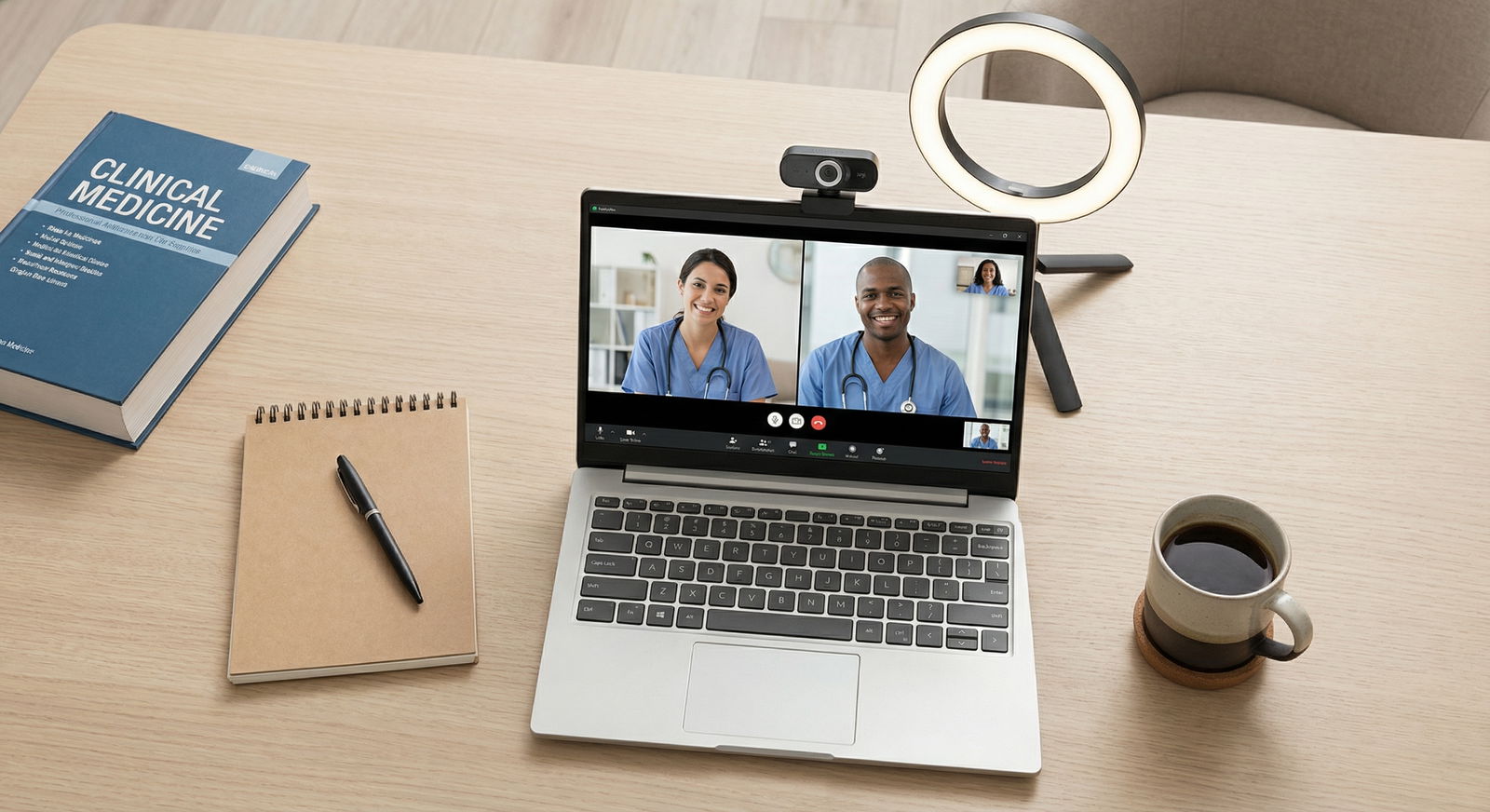
Set the camera at eye level. Not lap level. Nobody wants to look up your nostrils while you answer behavioral questions. Stack books, use a laptop stand, improvise with a box. Just fix the angle.
Your background should be:
- neutral
- uncluttered
- private
- free of whiteboards, patient documents, and random call-room chaos
If the room is ugly but private, fine. Use a blurred background if needed. Don't overexplain. The interviewer doesn't need a tour of why the room is bad.
For audio and connectivity, keep it simple and reliable:
- use wired earbuds if you have them
- keep a hotspot ready
- close unnecessary tabs
- plug in your charger
- keep a power bank nearby
- log in early enough to fix issues before people start talking
Hospital Wi‑Fi is famous for acting confident and then collapsing when you need it most. Have backup. Always.
And then there's presence. This matters more than applicants think.
Look at the camera, not your own face box. Speak a little slower than you think you should. Don't multitask. Don't type while someone is talking. Don't scan Epic on another screen "just in case." People can tell. Your attention becomes thin. Your answers get weaker. You start seeming evasive or distracted.
Calm reads as competent. Rushed reads as unprepared.
Step 4: Use a Strategy for Delays, Interruptions, and Timing Problems
This is where having scripts saves you.
Common problem: you join late because sign-out ran over. Say:
- "Thank you for your patience. I was delayed by a clinical responsibility and appreciate your flexibility."
Common problem: your audio isn't working. Say in the chat:
- "My audio is reconnecting now, thank you for your patience." Then switch devices or earbuds immediately. Don't narrate the whole tech crisis.
Common problem: you get paged. Say:
- "I apologize, I may need one brief moment to silence a clinical page." Then do it and move on.
Common problem: actual patient emergency. Say:
- "I'm sorry, I need to step away for an urgent patient issue. If needed, I'm happy to reconnect as soon as possible or work with the coordinator on next steps."
Know when to keep going and when to stop. If the disruption is brief, private, and manageable, continue. If you cannot protect privacy, cannot hear, cannot be heard, or cannot safely focus because clinical demands are active, ask to pause or reschedule. That is not weakness. Forcing a bad interview in a chaotic environment is worse.
After an interruption, reset quickly:
- acknowledge it once
- thank them for their patience
- answer the question
- move on
Don't spend two full minutes apologizing. Over-apologizing makes people uncomfortable and keeps the attention on the disruption.
Also, save the essentials somewhere instantly reachable:
- program coordinator email
- coordinator phone number if available
- interview platform link
- meeting ID/passcode
- full interview schedule
If the platform crashes and you're hunting through old emails while your pager goes off, you've already made the day harder than it needed to be.
A practical way to think about that chart:
- Team page: silence or delegate if appropriate, then continue.
- Bad Wi‑Fi: switch to hotspot or backup location fast.
- Noise/privacy problem: move immediately.
- Room double-booked: relocate to your preplanned backup.
- Patient emergency: stop, communicate, and handle care first.
Step 5: Follow Up Like a Strong Resident After the Interview
Once the interview ends, don't just slam the laptop shut and mentally erase it.
Send a brief thank-you note. Brief means brief. Thank them for their time, mention one specific part of the conversation, and move on. You do not need to write a dramatic paragraph about how you interviewed between pages and clinic responsibilities. If there was a major interruption, you can acknowledge it once, lightly, if needed. Otherwise, let your professionalism speak for itself.
Example:
- "Thank you for taking the time to speak with me today. I enjoyed learning more about your program's mentorship structure and resident culture. I appreciate the conversation and your consideration."
Then document the interview for yourself while it's fresh:
- interviewer names
- what each person emphasized
- program strengths/concerns
- follow-up items
- any red flags
- your gut reaction
Do this the same day if you can. Interviews blur together fast, especially during a busy rotation.
Then reset for your next shift. Return fully to work. Not halfway. Don't spend the rest of the afternoon replaying every answer while pretending to round. And don't discuss interview details around patients or casually broadcast your rank list thoughts to the team. Keep boundaries tight. The hospital isn't your group chat.
Here's what handling this well actually signals: maturity, reliability, judgment. Programs aren't just evaluating your answers. They're evaluating whether you seem like someone who can function under pressure without becoming chaotic, careless, or self-important.
That matters. A lot.
If you've got a virtual interview during clinical duty, don't hope the day will magically cooperate. It won't. Build the plan, protect patient care, control your setting, and keep your scripts ready. That's how you turn a messy situation into a manageable one.
And if you've got another interview coming up on a workday, make your plan today, not the hour before. That's the difference between surviving it and actually performing well.