It is 9:30 p.m. in a shared study room. You are a first‑year medical student, staring at a jumble of screenshots, random Word files labeled “data_final_REAL2.xlsx”, and a lab notebook with half the pages blank and the other half filled with barely legible scribbles. Your PI just emailed: “Can you send me the exact inclusion criteria and analysis steps from the pilot experiment we did last summer?”
You vaguely remember doing it. You definitely did not document it in a way that future‑you can retrieve in 30 seconds.
This is the moment where you discover whether your “research notebook” is actually a system that scales, or just a stack of paper and files that worked until your project became real.
(See also: Responding to Reviewer Comments for more details.)
Let me break this down specifically: as a premed or medical student, the way you document your research will determine three things very directly:
- How credible your work looks to serious investigators.
- How painful or painless writing your first manuscript or abstract will be.
- How useful your research experience actually is when you list it on ERAS or talk about it in an interview.
The good news: building an effective research notebook does not require fancy software or a $300 course. It requires understanding what has to be captured, how to structure it, and how to make it scale from “one summer project” to “multiple concurrent studies across years”.
What “Good” Research Documentation Actually Means
Most students think “research notebook” = “record what I did in lab that day.” That is the absolute minimum level. It is not what serious labs or clinical research groups rely on for reproducible work.
For your stage (premed or early medical student), a good documentation system:
- Captures every decision that could affect results.
- Is searchable within 30–60 seconds.
- Survives when you change computers, rotations, or even countries.
- Lets someone else reproduce your work without emailing you.
Think of your future self in 18 months, trying to:
- Answer a reviewer asking: “How exactly were missing data handled?”
- Apply to a research fellowship and need to describe your role precisely.
- Convert a “cool project we did on inpatient medicine” into a publishable retrospective cohort study.
Your research notebook is not just a legal or ethical artifact. It is your memory prosthesis and story generator.
The three layers of a scalable system
To build something that scales, you need three layers that fit together:
- Project registry – a bird’s‑eye list of all projects you touch, with quick links.
- Project‑specific notebook – day‑to‑day experimental / clinical / analytic documentation.
- Data and code structure – systematic organization of files so the notebook can point to something stable.
Most students build only layer 2 (a lab notebook) and ignore layers 1 and 3. That is why things fall apart when they have more than one project or when someone else tries to pick up their work.
We will walk through each layer and show how to design it for a typical premed or medical student in:
- Wet lab or bench research.
- Clinical or chart review projects.
- Retrospective database or basic computational work.
Choosing Your Medium: Paper, Digital, or Hybrid
Before structure, you have to pick the medium. This is not trivial, because labs and clinical sites have very real constraints.
Paper notebooks: when and how they work
Paper lab notebooks are still standard in many wet labs for good reasons:
- They satisfy institutional requirements for raw documentation.
- They are hard to accidentally delete.
- They capture quick sketches (gel layouts, instrument positions, device setups).
If your PI or institution requires a bound lab notebook with numbered pages, use it. However, you must design around its limitations:
- Searching is weak (unless you build a good index).
- Linking to digital data is awkward.
- Sharing with collaborators is difficult.
A practical pattern for students:
- Use paper for: experiment timelines, quick calculations, equipment settings, sketches, noting reagent lots, troubleshooting notes.
- Use digital for: protocols, data analysis logs, versioned code, extended rationales, literature notes, and anything that needs to be searchable.
This is your first example of a “hybrid” system.
Digital notebooks: options that scale
For digital notebooks, you want three properties:
- Cross‑platform access (lab computer + your laptop).
- Easy linking to files, PDFs, and code repositories.
- Strong search.
Common tools that meet these at your level:
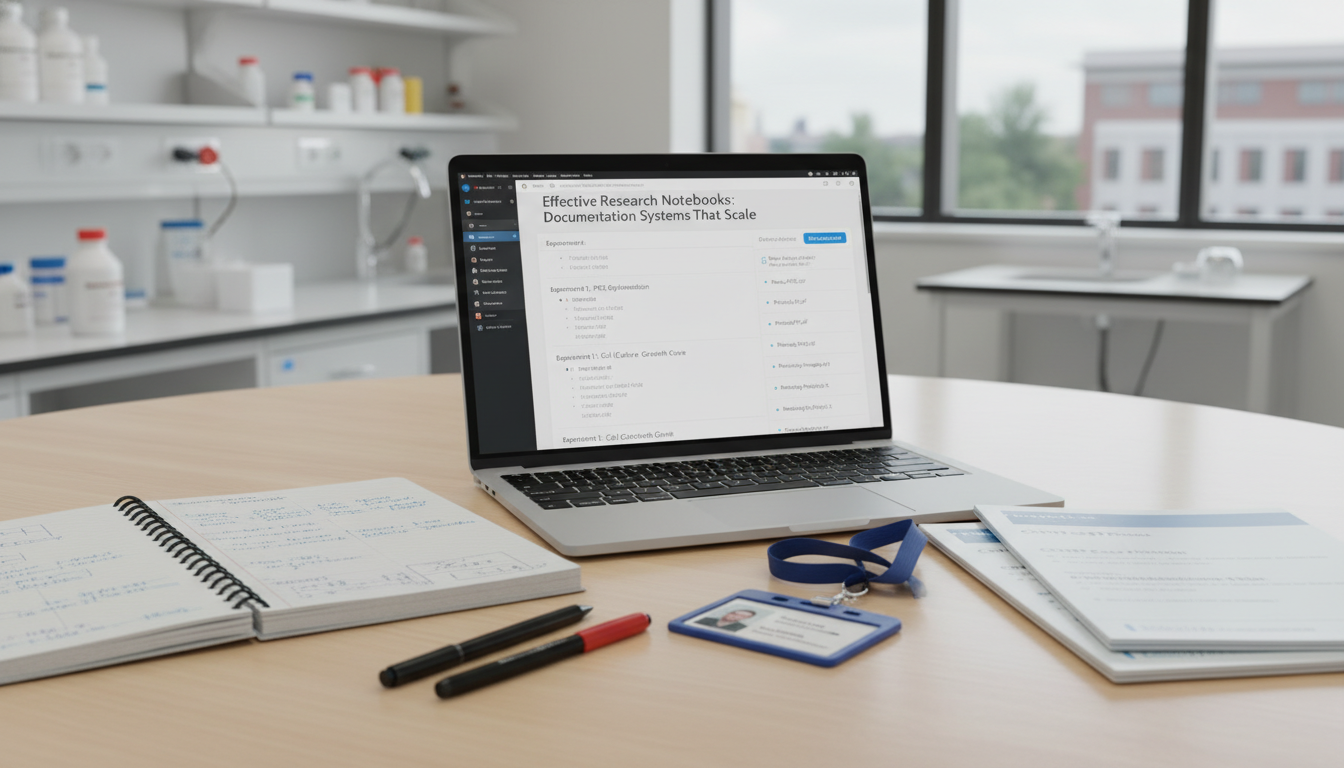
- OneNote – especially good if your institution uses Microsoft 365. Supports sectioned notebooks (by project), embedded images, tables, and direct links to files on OneDrive.
- Notion – flexible and relational, great for a project registry plus individual project pages. Slightly more complexity but very scalable.
- Obsidian – markdown‑based with local files, great for people comfortable with a bit of tech and who care about data ownership.
- Google Docs – better for shared protocols and manuscripts than as a primary notebook, but workable in lower‑security settings.
You do not want:
- A scattered collection of Word files labeled “notes_final2.docx”.
- Only email threads as your “documentation” of decisions.
The “hybrid” rule that works in almost any setting
A robust pattern, especially for regulated or clinical environments:
- Primary legal record: paper notebook or institution‑approved ELN (electronic lab notebook) if required.
- Working digital notebook: OneNote / Notion / Obsidian where you maintain the structured, searchable view of your work, with links to data and analysis.
You can photograph or scan paper pages weekly and upload them to your digital notebook as image attachments, tagged with the date and experiment ID.
The Project Registry: Preventing Chaos Before It Starts
Picture yourself in MS2, involved in:
- A QI project on ED wait times.
- A neurology chart review.
- A basic science summer project that is now becoming a poster.
- A side systematic review with a resident.
Most students keep track of this with memory plus a few email searches. Then they lose track of deadlines, IRB numbers, and roles.
You need a project registry—a single, always‑updated page or table listing all research projects you touch.
Minimum columns for your stage:
- Project Name (short but specific: “ED Wait Times – SMC 2025”).
- PI / Primary Mentor.
- Type (bench, retrospective chart review, prospective cohort, database, QI, etc.).
- Status (idea, data collection, analysis, manuscript draft, submitted, published).
- Your role (data extraction, analysis, first author, etc.).
- Key identifiers: IRB number, protocol ID, REDCap project ID, etc. if applicable.
- Links: primary project notebook page, data folder, manuscript draft.
- Deadlines or next major milestone.
Store this registry where you will actually open it: OneNote home section, Notion homepage, or a pinned Google Sheet. Update it at least weekly.
Why this matters:
- When you write your CV or ERAS experiences, the registry gives you dates, roles, and outcomes.
- When a mentor asks, “What else are you working on?” you have a clean overview.
- When one project explodes with opportunity (or problems), you understand its context among your other commitments.
The Project‑Level Notebook: A Stable Template You Reuse
Now to the heart of the system: the project‑specific notebook.
Instead of inventing a new set of pages each time, create a template structure you reuse for every project, whether it is bench, clinical, or database.
A robust template for most medical student research:
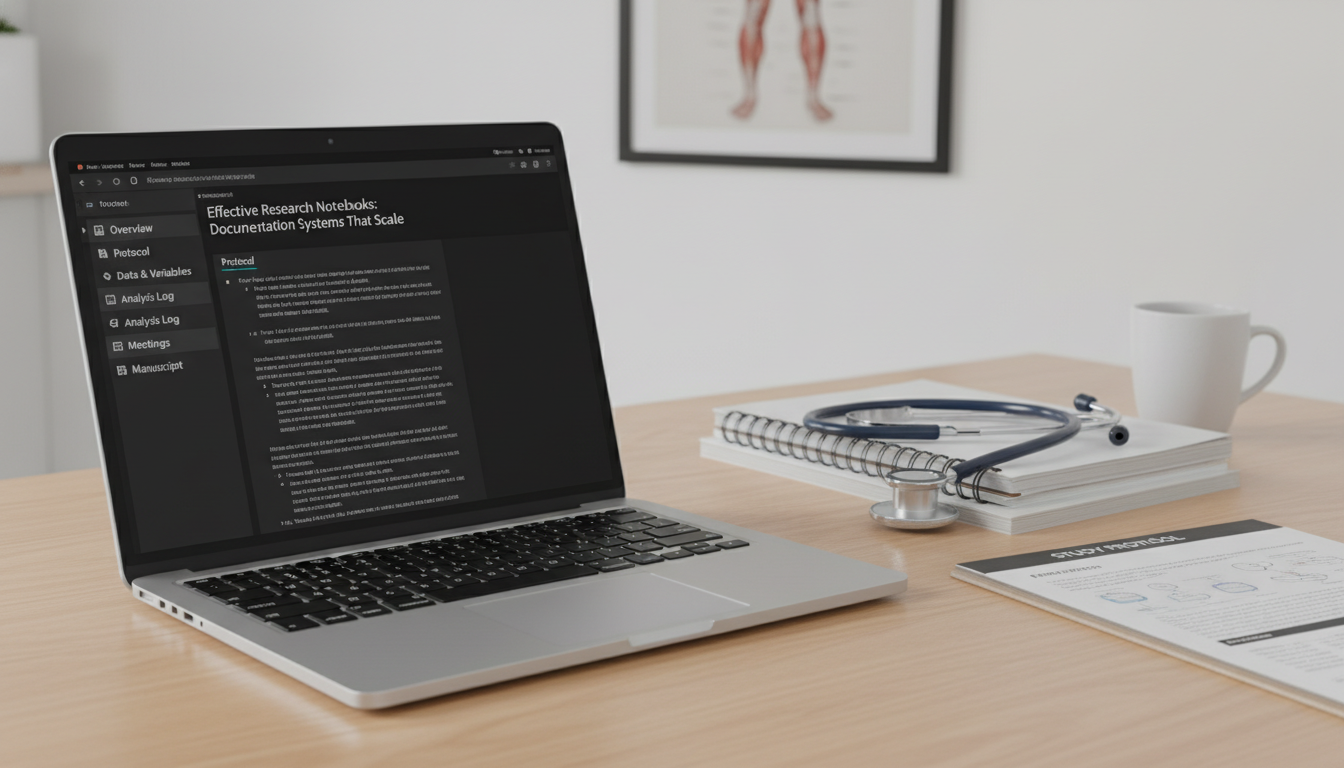
- 00_Overview
- 01_Protocol & Design
- 02_Data & Variables
- 03_Analysis Log
- 04_Literature & Background
- 05_Meetings & Decisions
- 06_Manuscript & Outputs
- 99_Archive / Misc
Let’s break these down concretely.
00_Overview
This is what you want open when a resident says, “Remind me what the main question is?” at 7:30 a.m.
Include:
- One‑sentence research question.
- Primary outcome and main exposure(s) or intervention.
- Study design (e.g., retrospective cohort using 2021–2023 EMR data).
- Population: inclusion/exclusion in one short paragraph.
- Your role in 1–2 sentences.
- Current status and immediate next steps.
Example:
“Primary question: Among adult patients admitted with acute ischemic stroke at University Hospital (2018–2023), is early initiation of high‑intensity statin therapy within 24 hours associated with lower 90‑day readmission rates?
Design: Retrospective cohort using EMR data.
My role: Data extraction protocol, variable definition, primary analysis in R, and first draft of methods and results.”
Aim for clarity that a stranger could understand in 1 minute.
01_Protocol & Design
For clinical projects, this is often tied to an IRB or formal protocol. For bench work, it may be more flexible but still needs structure.
Capture:
- Study aims and hypotheses.
- Detailed inclusion/exclusion criteria.
- Definitions of key terms (what counts as “readmission,” “major complication,” etc.).
- Power/sample size calculations if they exist (or notes about why they do not).
- Links to the official IRB / protocol documents.
- For bench: stepwise protocol with versioning and dates when changes were made.
The critical element is versioning. When the team changes the exclusion criteria mid‑project, log:
- Date of change.
- What changed.
- Why the change was made.
- Who agreed.
This is exactly the kind of detail that will be needed when you are writing methods or responding to reviewers, yet it is almost always lost in emails unless you capture it here.
02_Data & Variables
Think of this as your “data dictionary plus data management notes” section.
Include:
- List of all variables with:
- Variable name in dataset (e.g.,
statin_24h). - Definition (high‑intensity statin initiated within 24 hours of admission).
- Type (continuous, binary, categorical).
- Source (what field in the EMR, what lab assay, what survey question).
- Handling of missing values or outliers.
- Variable name in dataset (e.g.,
- Notes on derived variables and how they are calculated.
- Links to the actual data location (with path, not just “on Z drive”).
For bench research:
- Sample IDs and how they map to experimental conditions.
- Reagent lot numbers.
- Storage locations (freezer, shelf, box positions).
- QC steps and pass/fail criteria.
When something feels painfully tedious to write out here, remember: these are exactly the details that will otherwise vanish in 3 months.
03_Analysis Log
This is where most student systems fail. They have:
- An “analysis script_final.R” file, and
- A vague memory of why they chose a specific regression model.
Your analysis log should be chronological and explicit. For each major analytic step:
- Date.
- Brief description of what you did.
- File name and location of the script or notebook used.
- Key results (including failure modes).
- Rationale for analytic choices.
Concrete example entry:
2025‑02‑14
Tested association betweenstatin_24hand 90‑day readmission using multivariable logistic regression, adjusting for age, sex, baseline NIHSS, prior stroke, and diabetes.
Script:analysis/03_logistic_statin24h.Ron GitHub repostroke-statin-ms1.
Results: OR 0.82 (95% CI 0.68–0.99), p=0.041.
Notes: Initial model failed convergence when including both NIHSS and mRS; removed mRS due to collinearity and NIHSS being more clinically relevant at baseline. Team agreed on 2025‑02‑13 meeting (see Meetings & Decisions).
For bench:
2025‑06‑05
Analyzed qPCR data for experiment E17 (dose‑response of Drug X).
Excel file:data/raw/E17_qPCR_raw.xlsx; processed inanalysis/E17_curvefit.R.
Observed plateau at 50 nM. Excluded outlier in sample S4 (pipetting error documented on 2025‑06‑03).
This style means someone else—or you in 12 months—can reconstruct what you did with high fidelity.
04_Literature & Background
Instead of a stack of random PDFs, use this section to capture:
- Key background studies with:
- Citation.
- 2–3 sentence summary.
- Relevance to your project.
- Notes on conflicting findings and how your project addresses a gap.
- Any search strategies if you performed a focused literature review (search terms, databases, date).
Do not turn this into a 50‑page mini‑thesis. Keep it functional: just enough that you can write an introduction and discussion without starting from zero.
05_Meetings & Decisions
Every lab or clinical team meeting generates new decisions. Most of them are lost within hours.
For each meeting:
- Date.
- Attendees.
- Brief agenda / context.
- Key decisions, with explicit wording.
- Assigned tasks and deadlines.
One or two short paragraphs is adequate, but be specific.
Example:
2025‑03‑07 – Stroke statin project: weekly check‑in
Attendees: Dr. Lee (PI), Dr. Campbell (stroke fellow), me.
Decisions:
- Use ICD‑10 codes to define ischemic stroke admissions, then verify with radiology reports for a 20% random sample.
- Exclude patients discharged against medical advice (AMA); add this as an exclusion criterion in the protocol.
- Plan to use multiple imputation for missing LDL values; I will draft a proposed imputation strategy.
Tasks:- I will update the protocol and data dictionary by 2025‑03‑10 and email to the team.
When writing your methods or responding to reviewer comments about analytic choices, this log becomes priceless.
06_Manuscript & Outputs
Centralize all “outputs” of the project:
- Manuscript drafts (with versioning notes: who edited what and when).
- Abstracts and conference submissions.
- Posters or slide decks.
- Figures, tables, and captions.
Do not store the actual draft files inside the notebook tool if your group uses something else (Word on a shared drive, Overleaf for LaTeX, Google Docs). Instead, store:
- Links to the current version.
- Clear notes on version progression (Submitted to AHA 2025, revised 2025‑11 after reviewer comments, etc.).
This is what turns your documentation system into a career log: it tracks not just activities, but products.
99_Archive / Misc
Stuff that does not fit elsewhere, but you do not want to delete:
- Old versions of the protocol.
- Abandoned analysis paths.
- Notes on ideas that were not pursued.
You will be grateful not to have thrown these away the first time a reviewer or PI asks, “Did we ever check XYZ?” and you can say, “Yes, on 2025‑02‑03; we documented why it was not feasible.”
Data and File Organization: The Other Half of the System
Your notebook is only as good as the files it points to. A perfect analysis log that references final_data.csv in an unknown folder is almost useless.
For premeds and medical students, you do not need a dev‑ops‑level system. You do need boring, consistent structure.
A simple but scalable folder structure
At the project level, on your institution‑approved storage or shared drive:
project-name/docs/– IRB, protocol, consent forms, data use agreements.data/raw/– unmodified original data exports.processed/– cleaned datasets used for analysis.
analysis/scripts/– R, Python, Stata, or SAS scripts.notebooks/– Jupyter notebooks, RMarkdown, etc.results/– exported tables, model outputs, etc.
figures/– graphics, images for manuscripts.manuscript/– Word docs, LaTeX, or Overleaf export.misc/– temporary or non‑critical items.
Link these key folders in your project notebook’s Overview section.
Naming conventions to adopt early
Good naming should communicate:
- Date.
- Content.
- Version.
Examples:
2025-03-10_IRB-approved-protocol_v2.docx2025-04-01_raw_export_EMRstroke.csv2025-04-05_cleaned_stroke-cohort_v1.csv2025-04-07_logistic-regression_base-model.R2025-04-12_table1_baseline-characteristics_v3.docx
In your analysis log, link directly to these paths or at least reference the filename explicitly.
For bench:
E17_2025-06-03_qPCR_raw.xlsxE17_2025-06-05_curvefit-analysis.R
The research notebook and the folder structure are interlocked: each analysis entry points to specific script and data versions.
Bench vs Clinical vs Computational: Tailoring the System
The overall structure is constant, but the emphasis shifts by project type.
Bench / wet lab projects
Key constraints:
- Institution or PI may require physical notebooks.
- Experiments are day‑to‑day and fine‑grained.
- Reproducibility hinges on exact conditions.
Your system should:
- Use the physical notebook for daily logs: reagent prep, timing, temperatures, unexpected deviations (“centrifuge malfunctioned at step 3”).
- Use the digital notebook for:
- Experiment indices (E01–E50 with summaries and outcomes).
- Data dictionaries, mapping notebook experiment IDs to digital files.
- Consolidated outcome summaries across experiments.
- Manuscript prep and literature tracking.
Think of your paper notebook as a “raw stream,” and your digital notebook as the structured, searchable representation.
Clinical / chart review projects
Here the critical elements are:
- IRB / regulatory compliance.
- Precise definitions of variables.
- Clear separation of identified vs de‑identified data.
Your documentation system should:
- Explicitly reference IRB protocols and data use agreements.
- Detail inclusion/exclusion criteria, variable definitions, and abstraction rules.
- Record how discrepancies were resolved (e.g., conflicting documentation in the EMR).
- Document any training or calibration sessions for data abstractors (if it is not just you).
In many institutions, you will also need to document:
- Where PHI (protected health information) is stored.
- Which files are de‑identified.
- How access is controlled.
Capture these in your 01_Protocol & Design and 02_Data & Variables sections.
Computational / database projects
If you are working with large public databases (e.g., NHANES, SEER, NIS) or biobank‑type data, your challenges are:
- Multiple data pulls over time.
- Complex code for cleaning and analysis.
- Reproducibility of computational environments.
Your notebook must:
- Record data source versions explicitly (e.g., NIS 2019 vs 2020).
- Document the software environment (R version, package versions, etc.).
- Link to code repositories (GitHub, GitLab, institutional Git).
Example entry in Analysis Log:
2025‑05‑02
Set up R environment using renv; snapshot of packages saved inanalysis/renv.lock.
Used NIS 2019 core analytic files downloaded from HCUP.
All code in GitHub repoAFib-NIS-ms2(private, linked here).
Even if you are early and not fully comfortable with git, start labeling scripts and noting environments. Your future collaborators will care.

How This System Pays Off at ERAS and Interviews
All of this structure is not just to satisfy your PI.
A strong, scalable documentation system directly strengthens:
- Your CV: accurate dates, roles, and outcomes.
- Your ERAS descriptions: specific, concrete responsibilities (“designed data abstraction protocol and documented variable definitions for 87 variable chart review”).
- Your interviews: the ability to describe limitations, design choices, and analytical decisions in detail.
When asked in an interview:
“Tell me about any challenges you faced in your research and how you addressed them.”
You can draw from your Meetings & Decisions and Analysis Log:
- Confounders you had to adjust for.
- Missing data strategies.
- IRB‑driven modifications.
- Analytical choices (e.g., why logistic instead of Cox regression).
Because you wrote it contemporaneously, you are not reconstructing it from a blurred memory.
A Concrete Implementation Plan (Starting Tomorrow)
To make this actionable, here is a minimal, stepwise path you can follow as a premed or early medical student.
Week 1 — Set up the skeleton
- Choose your digital notebook platform (OneNote / Notion are good defaults).
- Create your Project Registry with at least one current or planned project.
- For each project, create a notebook using the 00–99 structure.
Week 2 — Connect to reality
- For one active project, populate:
- 00_Overview with a tight 5–7 line summary.
- 01_Protocol & Design with current inclusion/exclusion criteria and links.
- 02_Data & Variables with at least the main outcome and exposure variables.
- Build or clean up your folder structure for that project and link it in your Overview.
Ongoing — Short, regular maintenance
- After each lab day or analytic session:
- Add a dated entry to 03_Analysis Log or bench equivalent.
- After each meeting:
- Add a 1–2 paragraph entry to 05_Meetings & Decisions.
This maintenance usually takes 5–10 minutes. The time saved in manuscript writing and troubleshooting later wildly exceeds this investment.
Two or Three Things to Remember
- A research notebook that scales is not just a diary; it is a structured system linking project overviews, protocols, data dictionaries, analysis logs, and decisions to an organized file system.
- Hybrid documentation—paper for raw lab work when required, digital for structure and searchability—gives you both compliance and functionality.
- The details you document now become the foundation of your manuscripts, your ERAS application, and your ability to speak intelligently about your work when it matters.