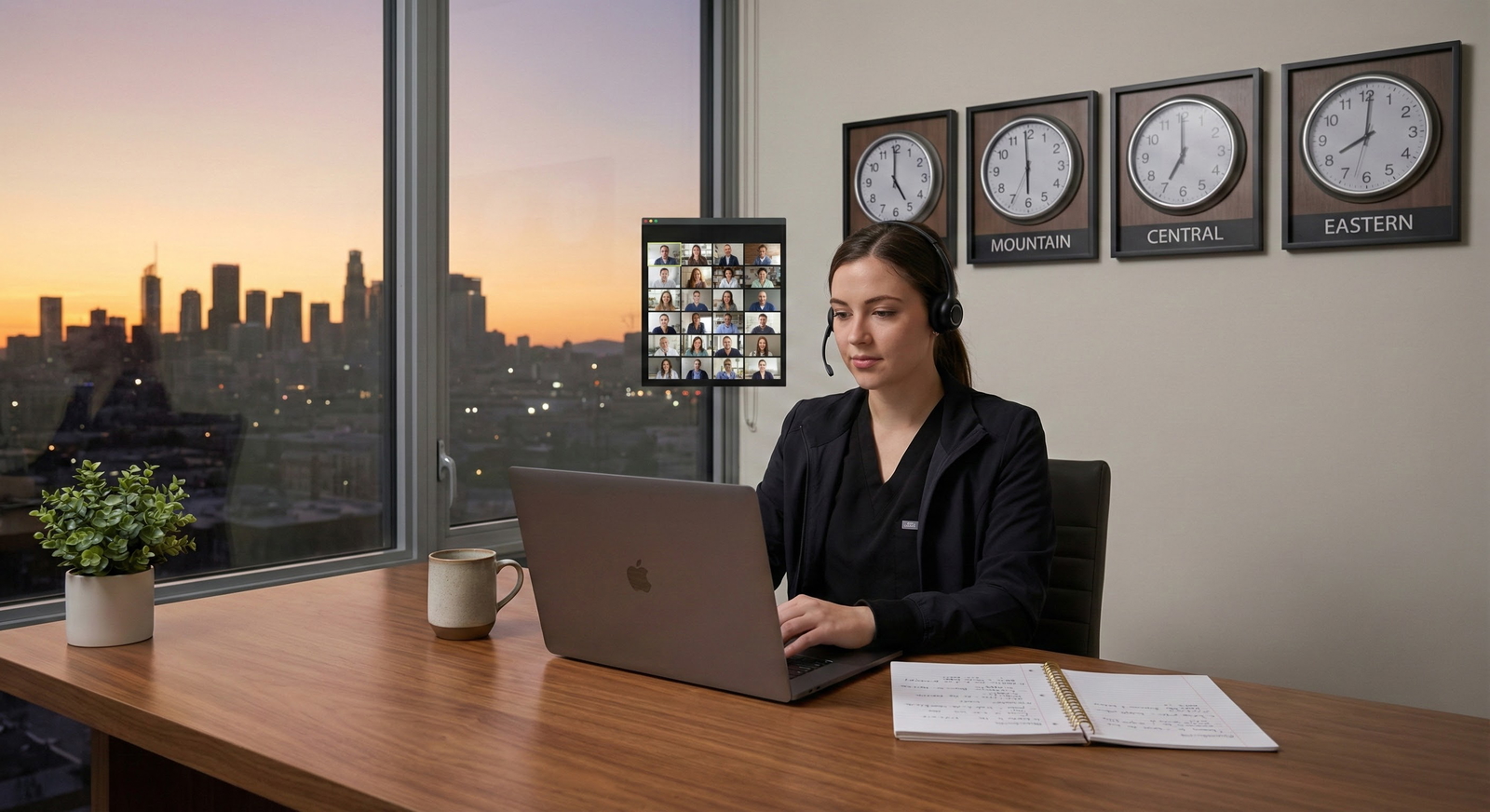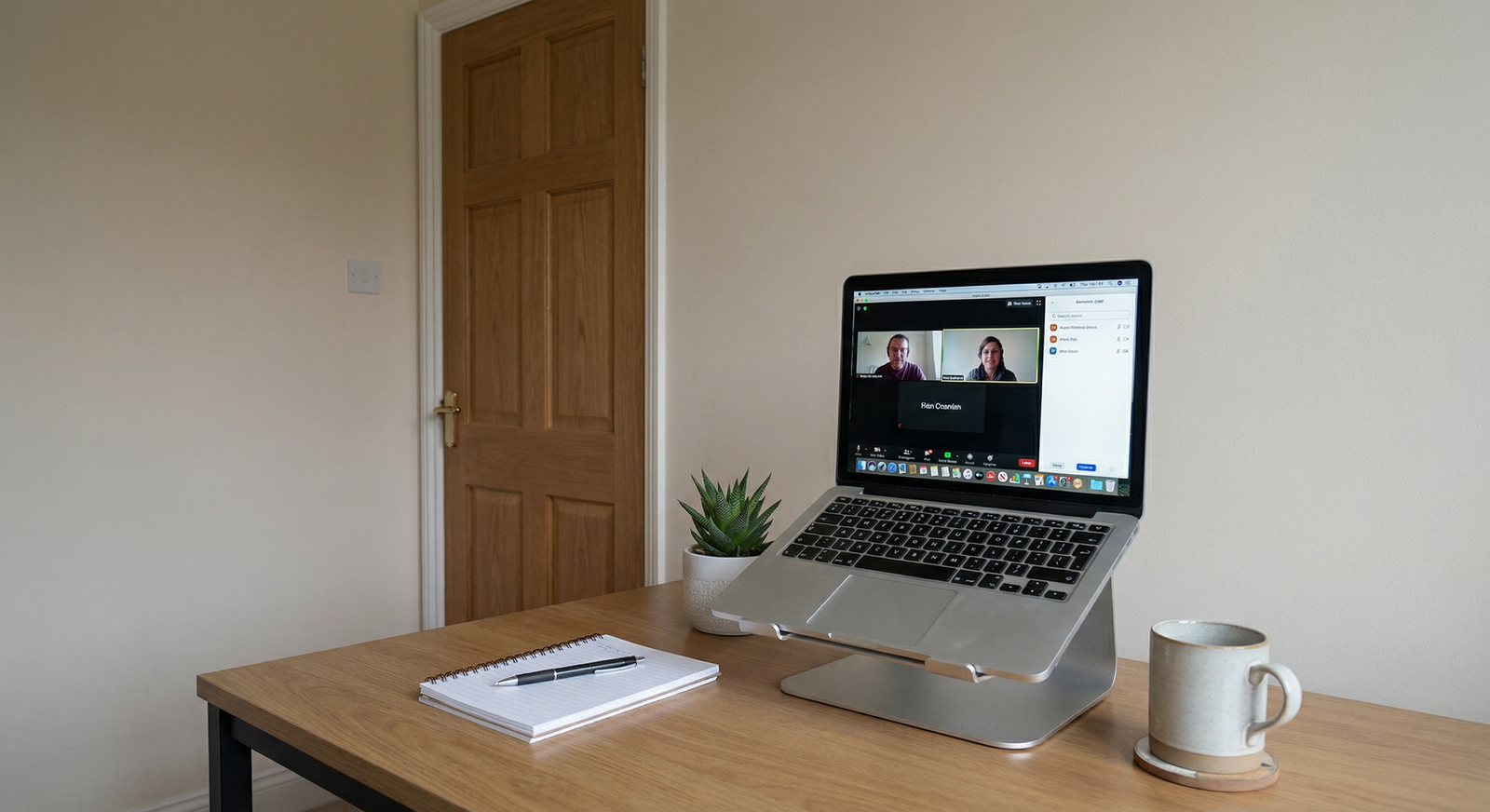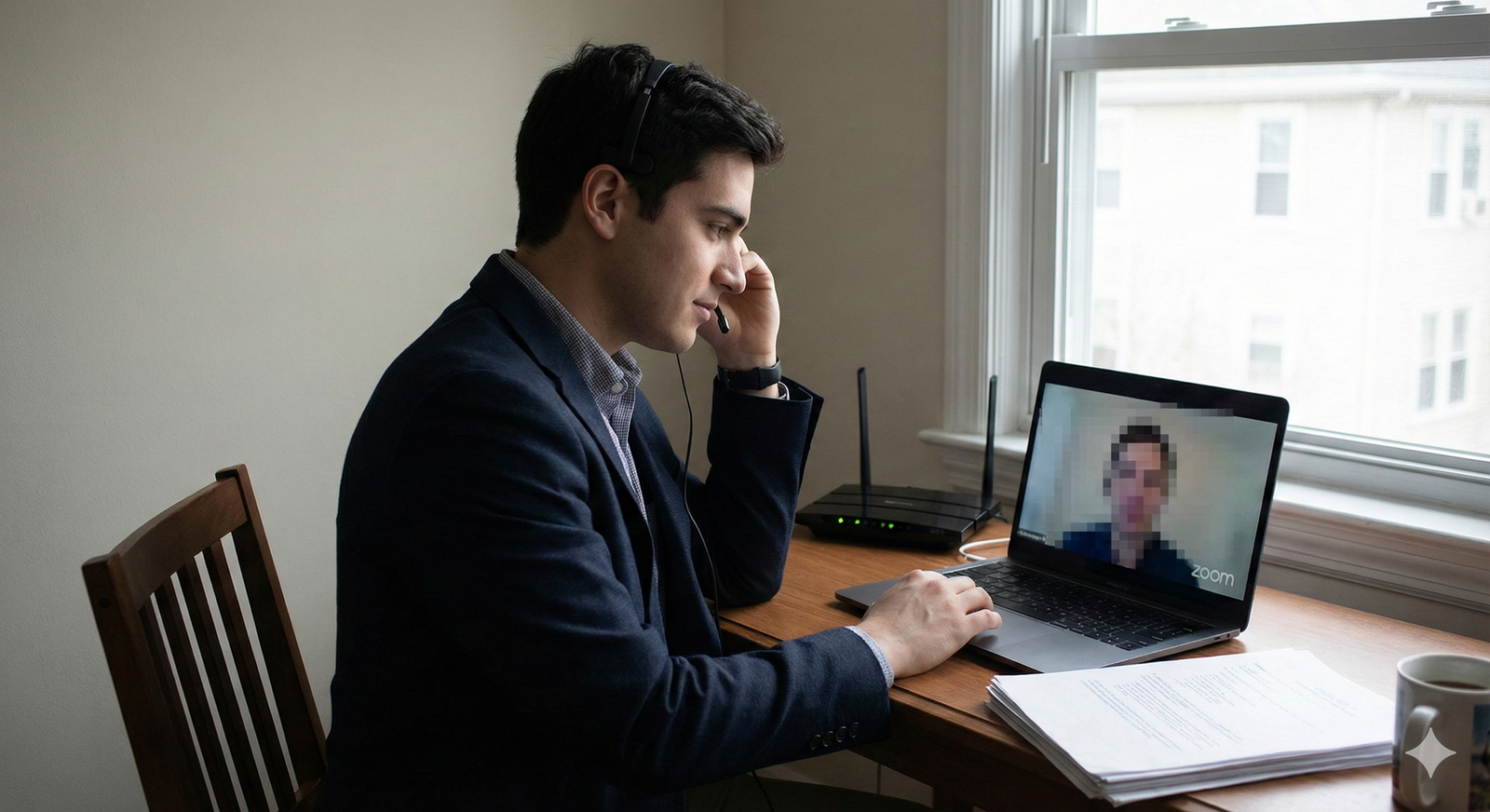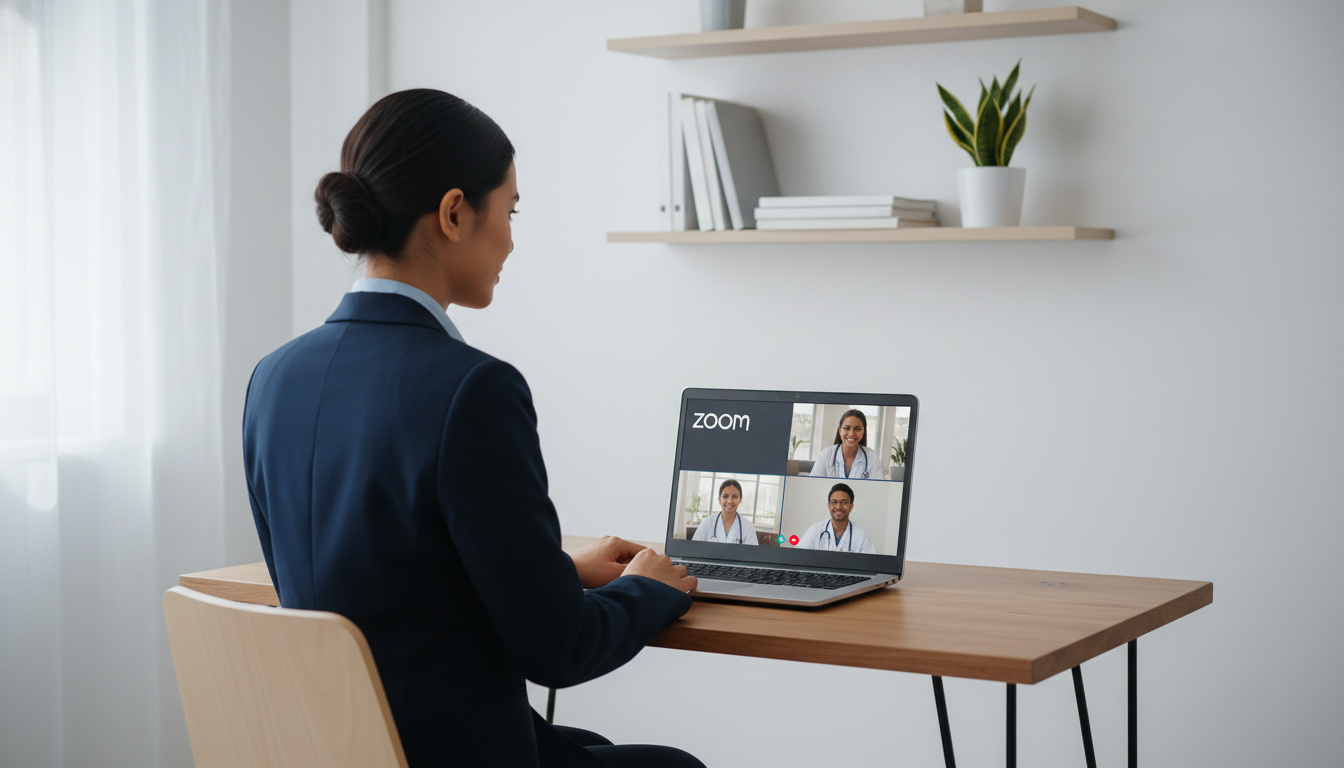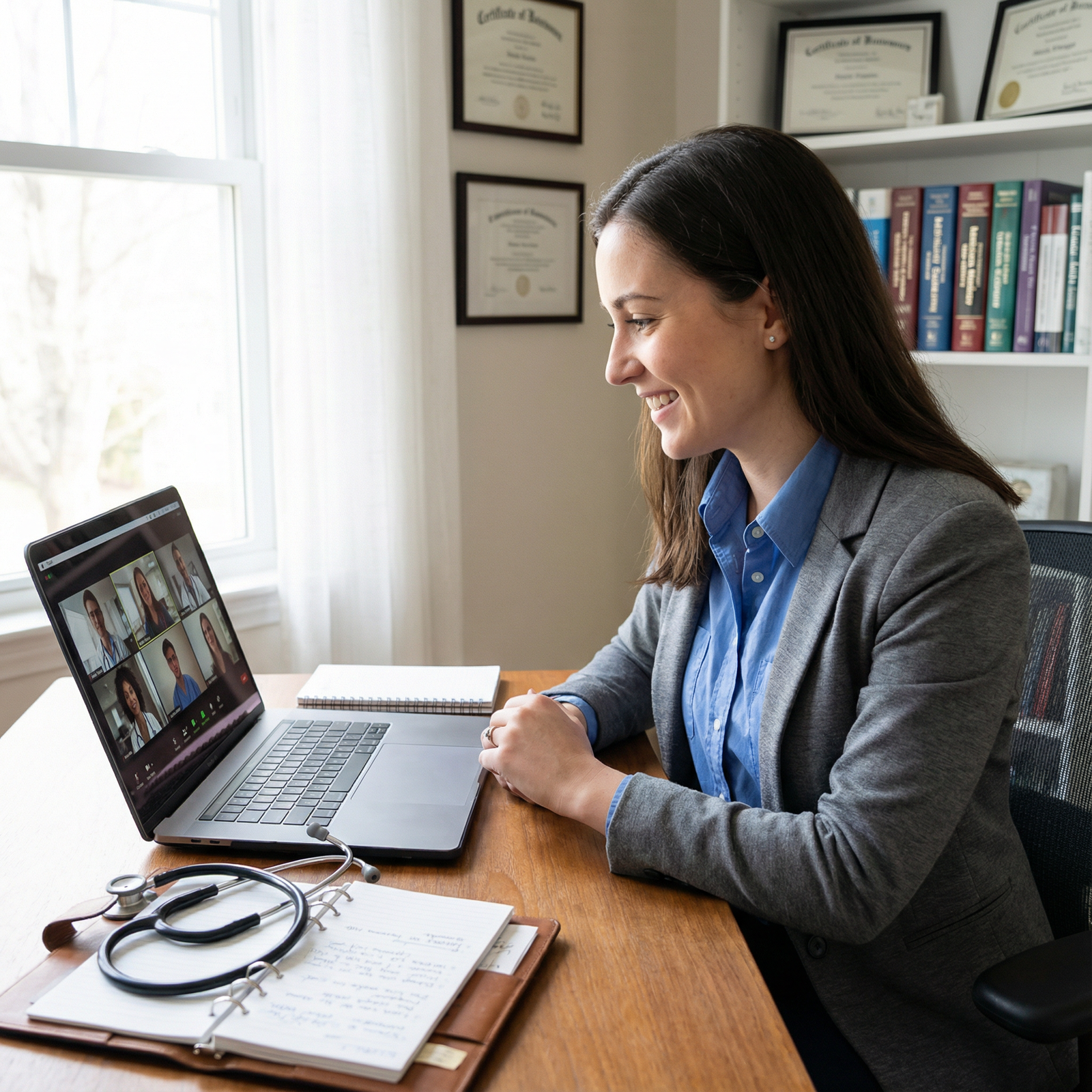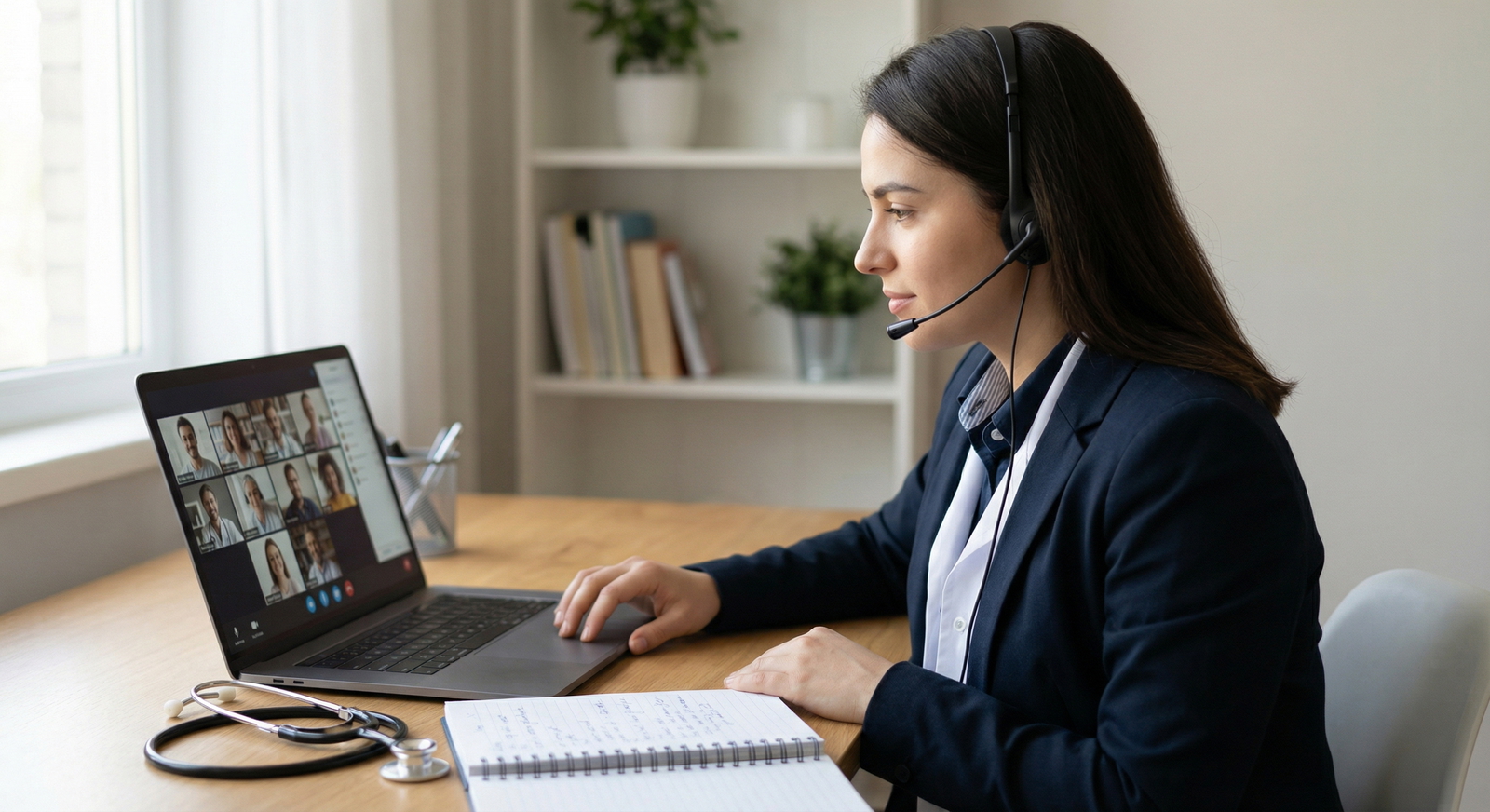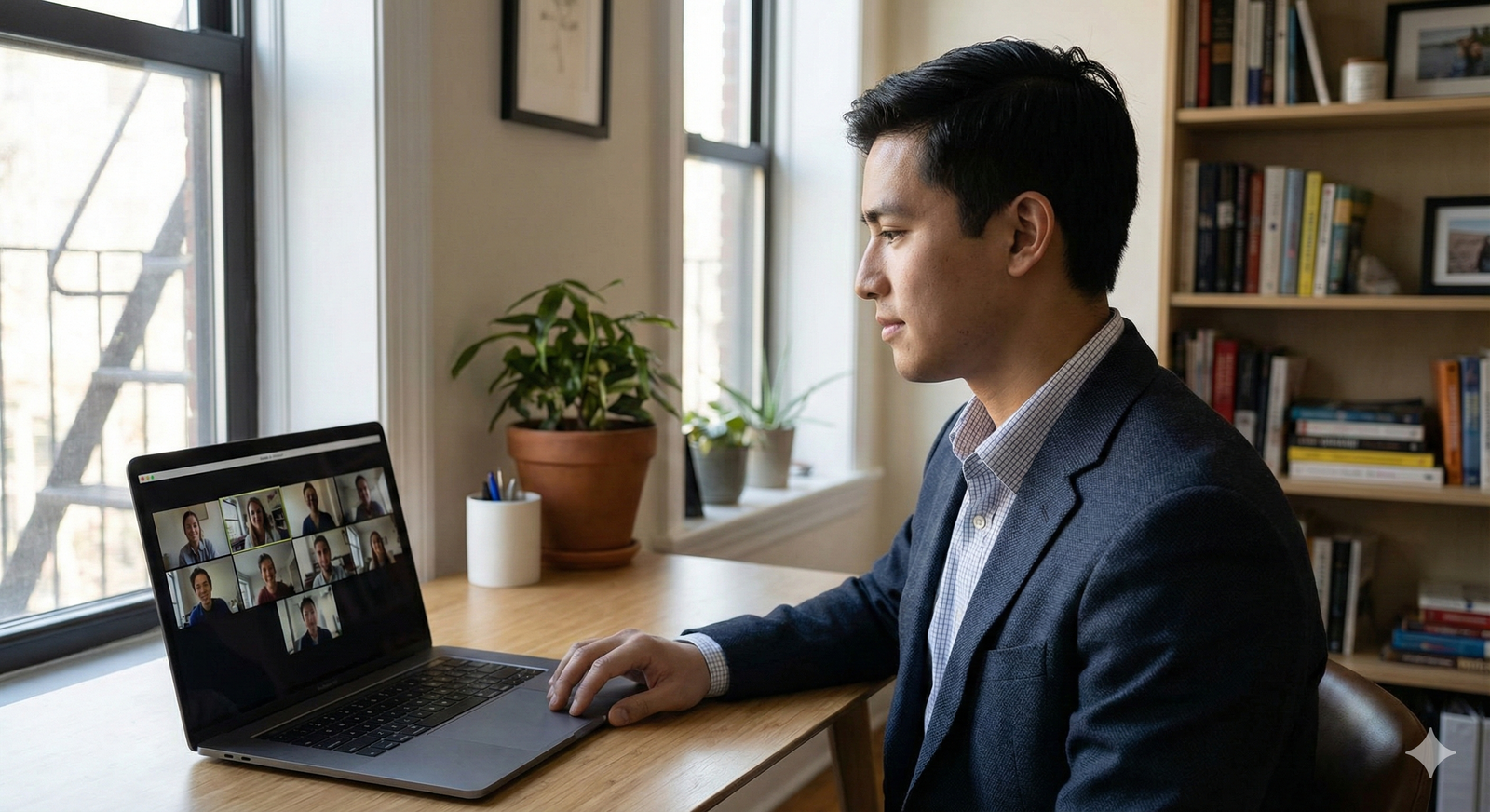

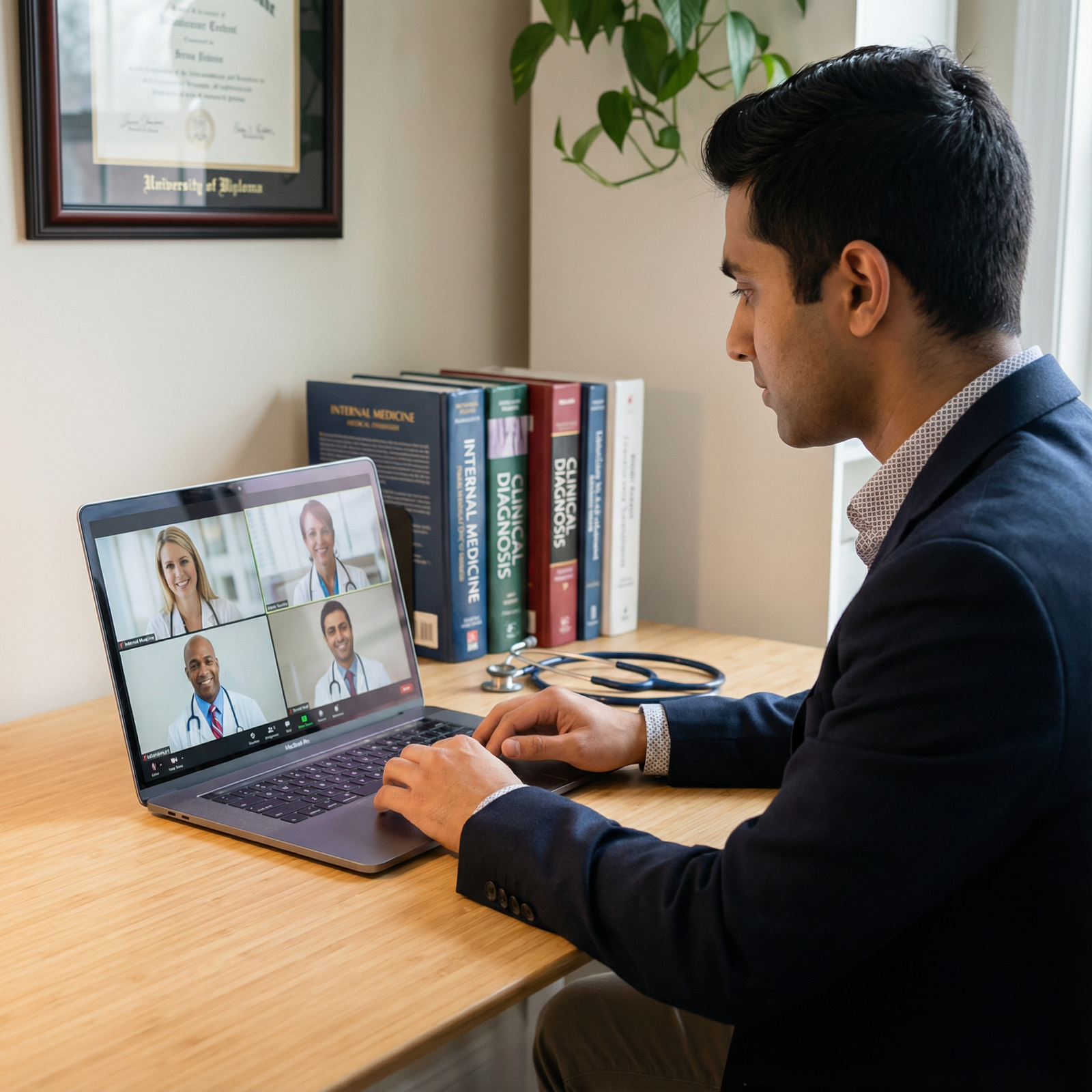
In modern medical education and training, Remote Interviews have become a central part of the residency selection process. Whether driven by the COVID-19 era, cost containment, or broader access to programs, virtual interviews are now standard across many specialties.
This shift offers convenience—but also new challenges. You must now demonstrate professionalism, communication skills, and fit for a program through a screen. This enhanced guide will walk you step-by-step through residency preparation for remote interviews, from technical setup to communication strategies, and help you stand out in a highly competitive environment.
Understanding the Remote Residency Interview Landscape
Why Virtual Residency Interviews Are Here to Stay
Residency programs and applicants alike have recognized the advantages of virtual and hybrid interview formats:
- Reduced cost and time burden
- No flights, hotels, or travel days.
- Easier to schedule multiple interviews within the same week.
- Broader access
- Applicants can interview at programs across the country regardless of financial or geographic constraints.
- Programs can meet a more diverse pool of candidates.
- Operational efficiency
- Programs can streamline interview days with back-to-back virtual sessions and standardized formats.
For you as an applicant, this means:
- You may be able to accept more interviews than in a purely in-person era.
- You must be prepared to perform at your best multiple times across a short period—often from the same room or desk.
Unique Challenges of Remote Interviews
Despite the advantages, remote residency interviews come with specific pitfalls:
- Technology failures (internet dropouts, audio issues, platform glitches)
- Home distractions (roommates, pets, noise, unexpected visitors)
- “Flat” impressions compared to in-person interactions
- Fatigue from staring at a screen for multiple hours or multiple interviews per day
- Harder to read social cues and program culture in a virtual environment
The goal of your residency preparation is to minimize these risks and ensure that the only thing your interviewers notice is your professionalism, communication, and fit for their program.
Technical Preparation: Mastering the Tools of Virtual Communication
Technical readiness is foundational. No matter how strong your application is on paper, poor audio, video, or connectivity can derail the impression you make.
1. Know Your Interview Platform(s)
Residency programs may use Zoom, Microsoft Teams, Webex, Thalamus, or institution-specific platforms. As soon as you receive your invitation:
- Confirm the platform and download the latest version.
- Create or update your account using a professional username.
- Familiarize yourself with core features:
- Mute/unmute
- Turn video on/off
- Screen sharing (if requested)
- Chat function and “raise hand” tool
- How to enter breakout rooms if used for multiple mini-interviews or group sessions
Actionable tip:
Schedule a 10–15 minute mock session with a friend on the same platform and have them evaluate:
- Audio clarity
- Video quality
- Lighting
- How you appear on camera (framing, eye contact, background)
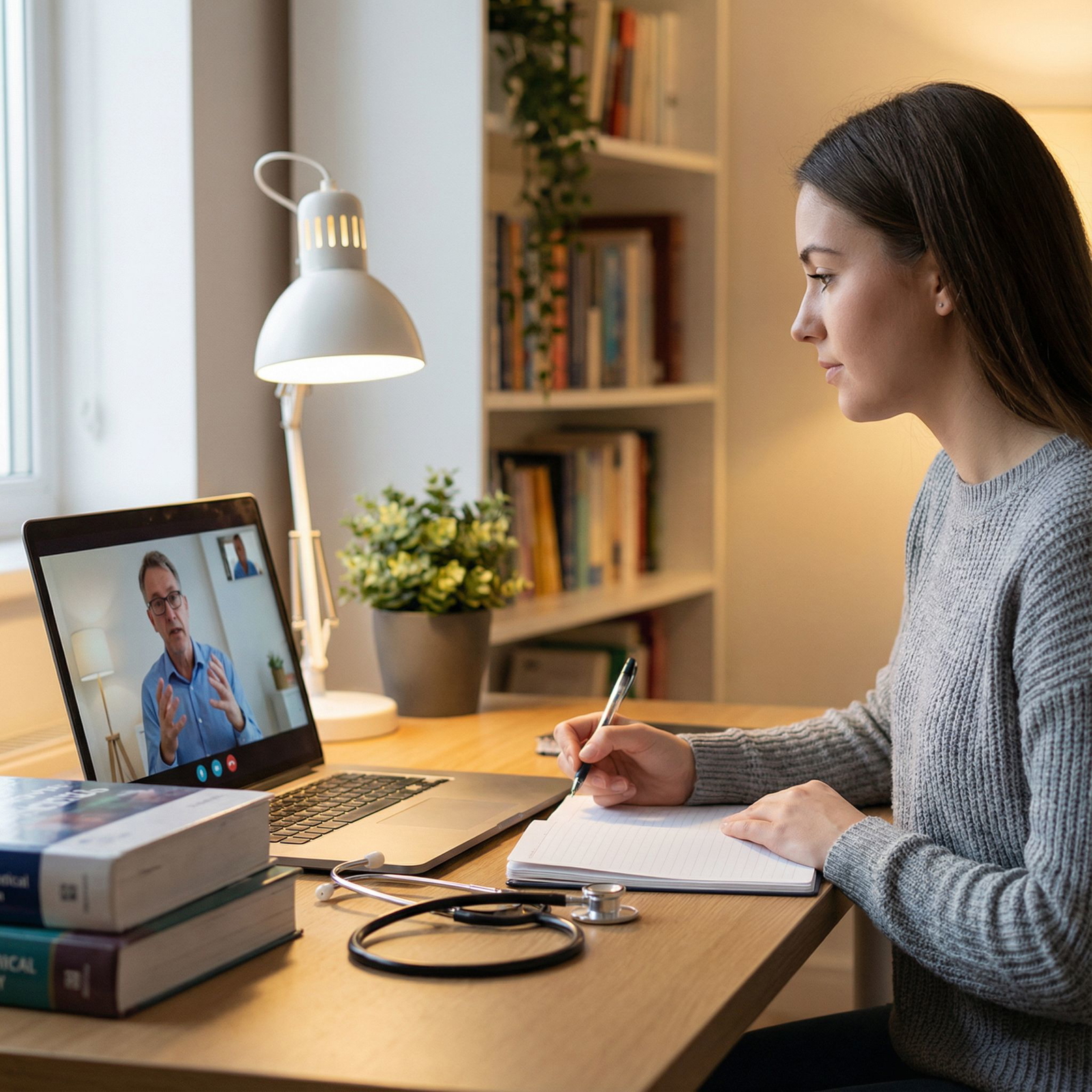
This mock run is a form of virtual communication rehearsal—just as important as practicing interview answers.
2. Optimize Your Hardware and Internet Setup
Your technical environment should support clear, uninterrupted conversation.
Internet Connection
- Use wired Ethernet if possible for stability.
- If using Wi-Fi:
- Position yourself close to the router.
- Ask household members to avoid high-bandwidth activities (streaming, online gaming) during your interview block.
- Test your speed:
- Aim for at least 10 Mbps upload and 10 Mbps download for good video quality.
Audio
Audio quality is often more important than video:
- Use wired or high-quality wireless headphones with a built-in microphone instead of relying on your laptop’s microphone.
- Test for echo or background noise.
- Turn off fans or devices that may hum loudly on the microphone.
Video
- An external HD webcam is preferable if your built-in camera is poor.
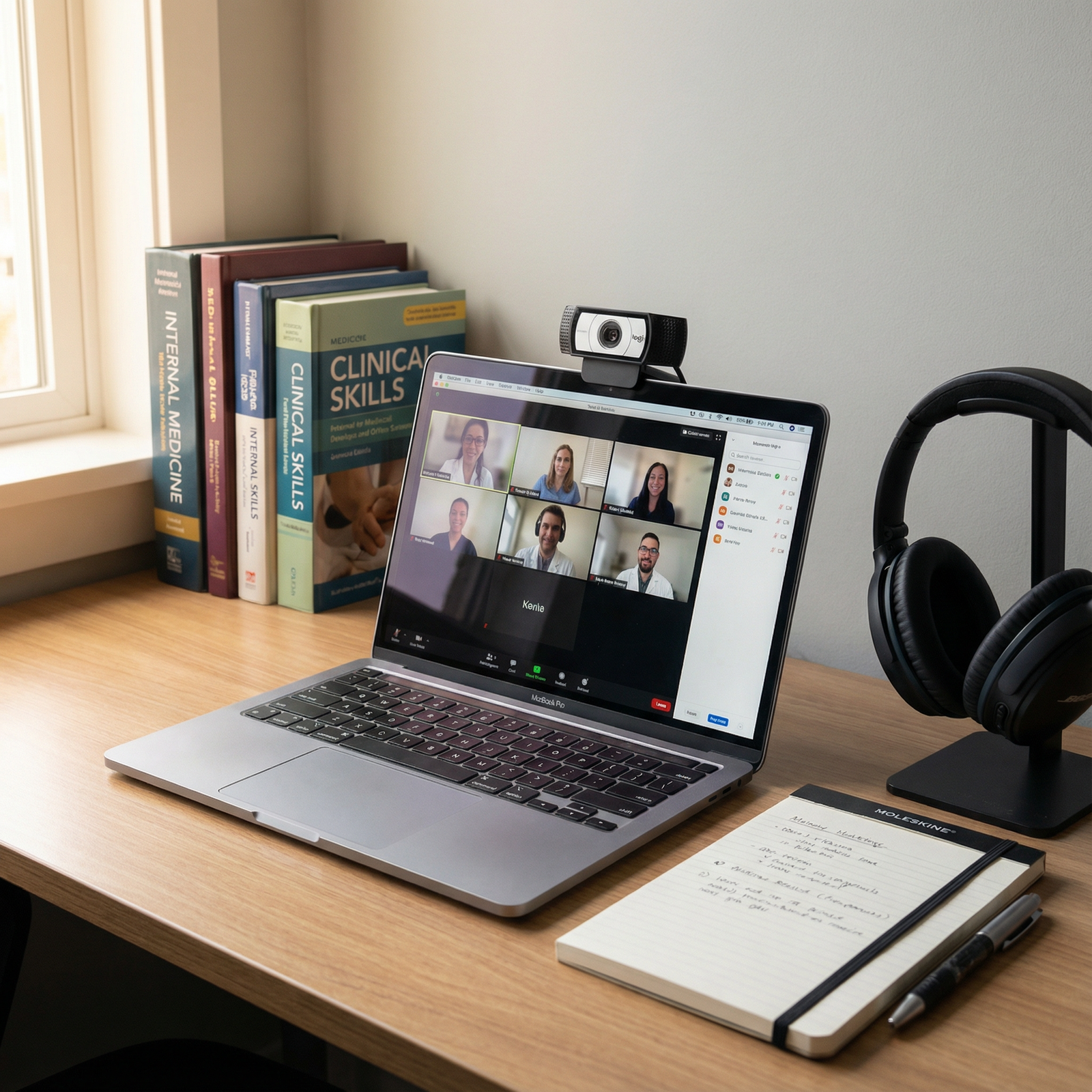
- Position the camera at eye level (use books or a stand to raise your laptop if needed).
- Frame yourself from mid-chest up, with some space above your head—similar to a professional headshot.
Backup Plans
Because technical glitches are common:
- Keep a fully charged backup device (phone or tablet) ready with the interview app installed.
- Have a mobile hotspot or alternative Wi-Fi network available if your primary connection fails.
- Write down:
- Program coordinator’s phone number
- Emergency email
- Meeting link and passcode (on paper or easily accessible offline)
Simply having a backup plan reduces anxiety and helps you stay calm if something goes wrong.
Creating a Professional Interview Environment at Home
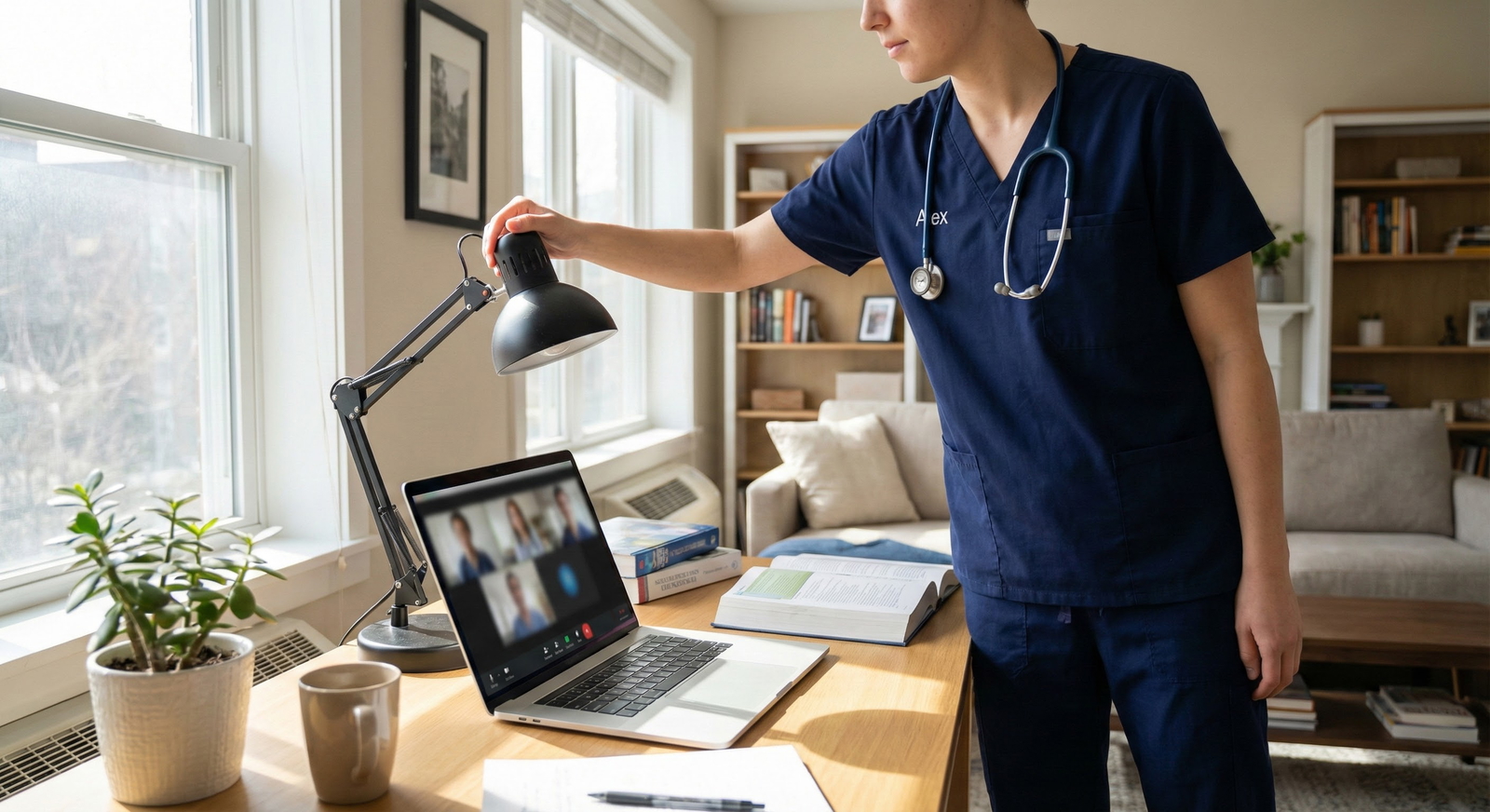
Your environment is now part of your “first impression.” Programs will infer professionalism, organization, and attention to detail from what they see on the screen.
1. Choosing and Preparing Your Interview Space
Quiet and Controlled Space
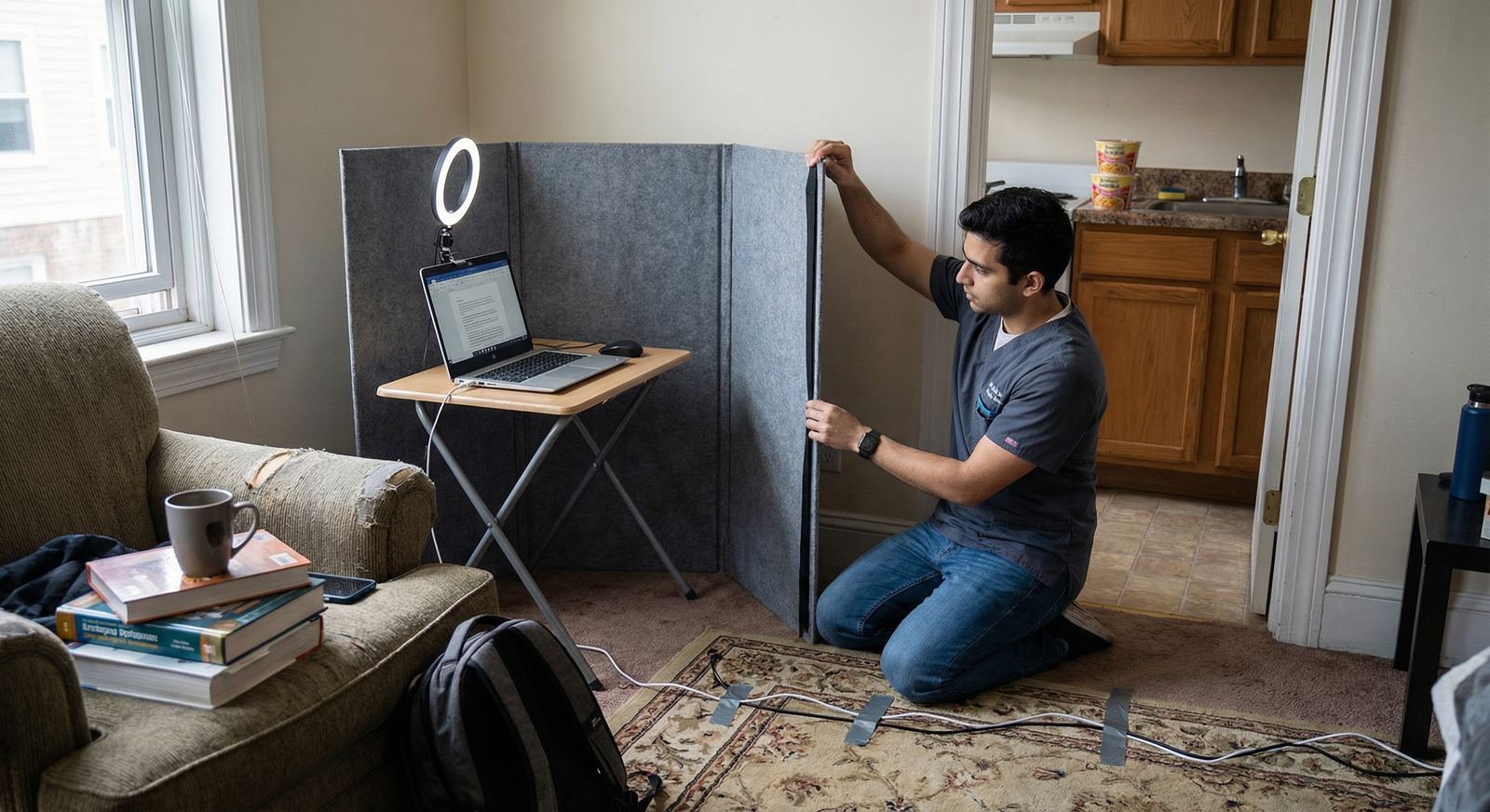
- Choose a separate room with a door if possible.
- Inform roommates, family, or partners of your interview schedule in advance.
- Put a “Do Not Disturb” sign on the door.
- Silence:
- Phone notifications
- Smart speakers (Alexa, Google Home, etc.)
- Computer notifications (email, messaging apps, system sounds)
Background
Aim for a neutral, tidy, and non-distracting background:
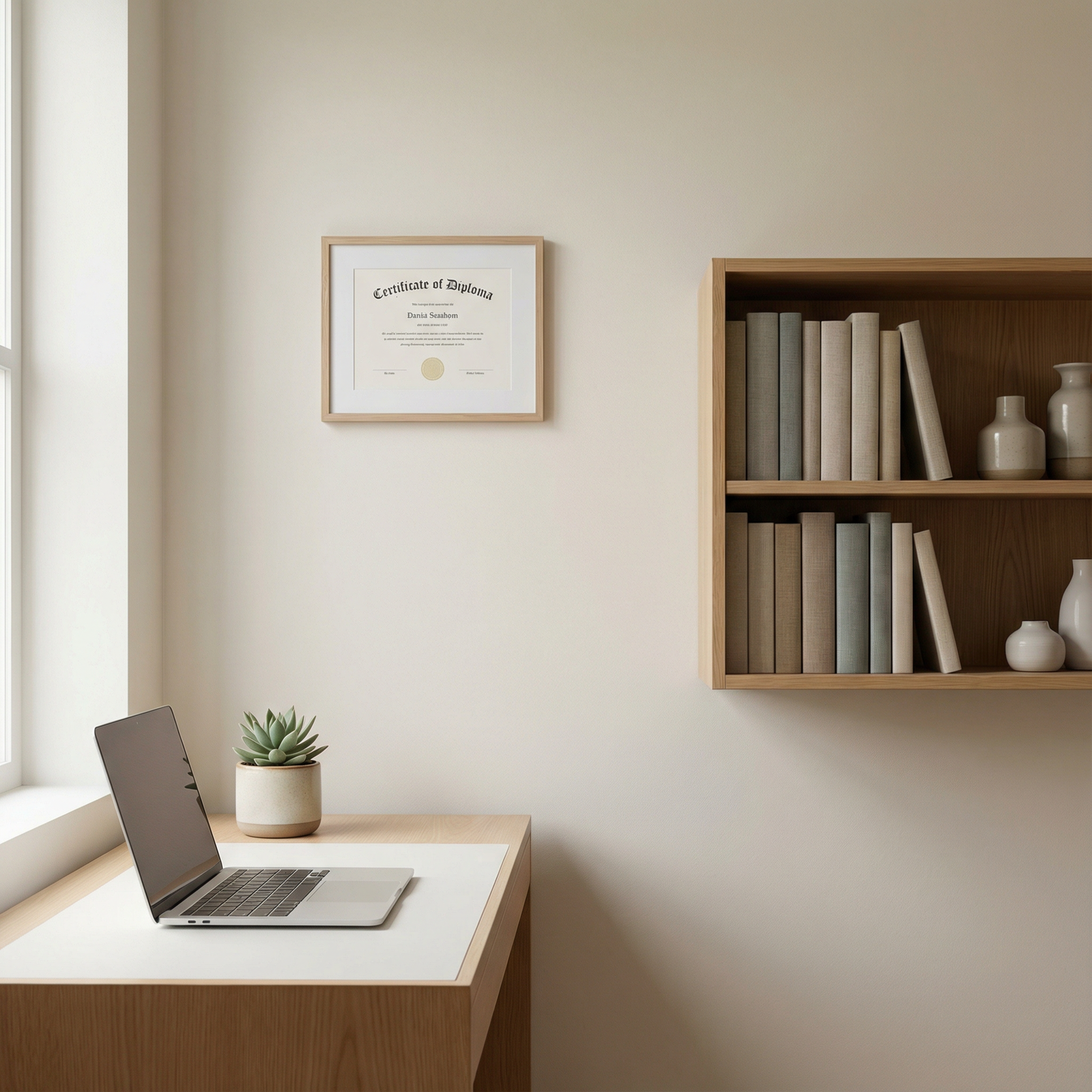
- A plain wall, a simple piece of art, or a neat bookshelf is ideal.
- Remove:
- Piles of laundry
- Cluttered shelves
- Distracting posters or personal photos
- Virtual backgrounds can be acceptable if:
- They are neutral and professional.
- They do not glitch or create odd visual artifacts.
- Your program or institution does not discourage them.
Lighting
Good lighting makes you look engaged and alert:
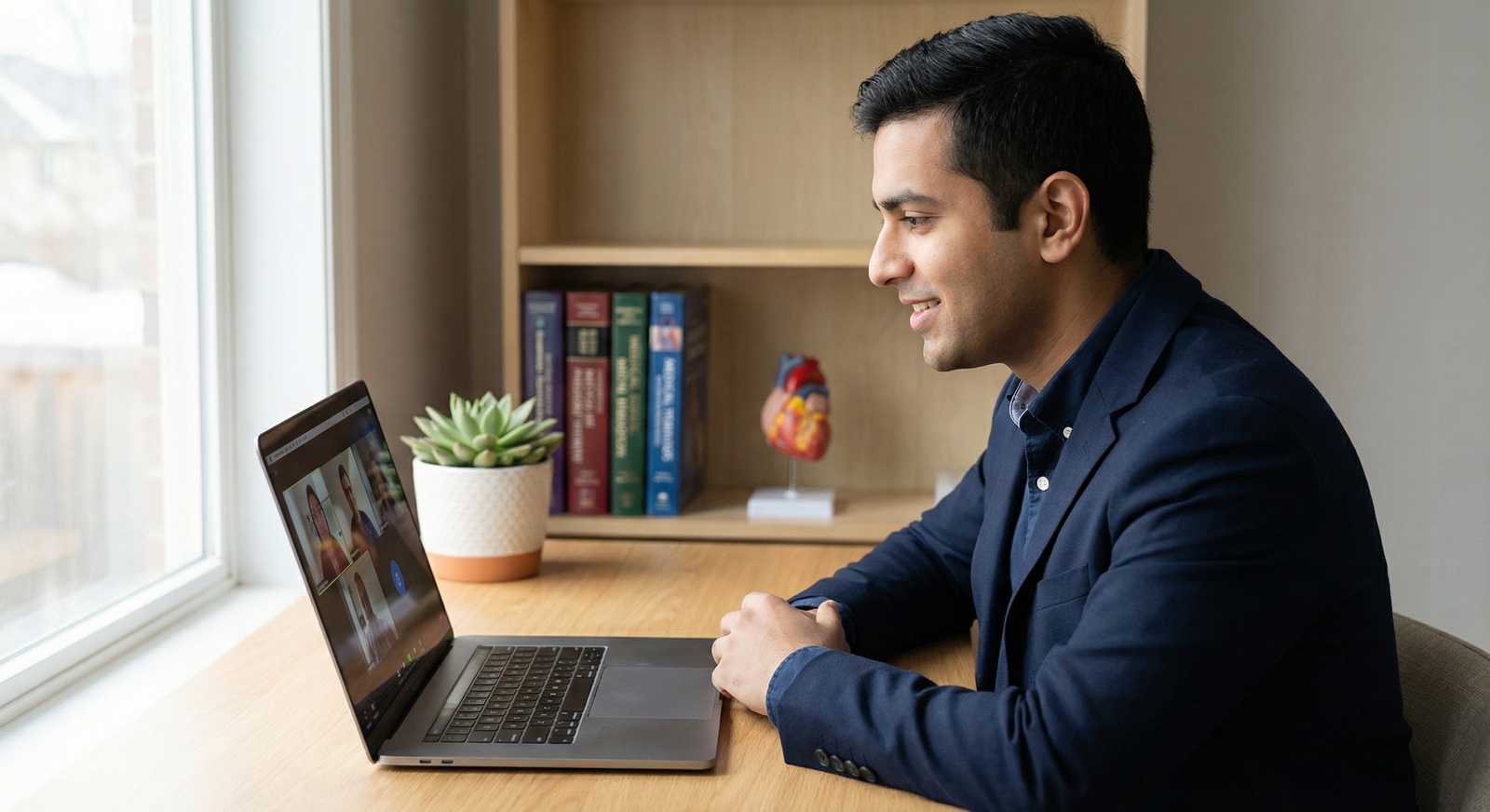
- Face a window with natural light if possible.
- If using lamps:
- Place the light source in front of you, slightly above eye level.
- Avoid strong backlighting that puts your face in shadow.
- Avoid harsh overhead-only lighting.
Test the setup at the same time of day as your interview to see how natural light changes.
2. Professional Attire for Remote Interviews
Dress as you would for an in-person residency interview:
- Top and bottom: Wear full professional attire (not just a dress shirt with sweatpants). You may need to stand during the day.
- Colors and patterns:
- Solid, neutral, or muted colors (navy, black, gray, soft blue) work best.
- Avoid busy patterns or bright neon colors that can distract or pixelate on camera.
- White coats:
- Most programs do not expect or require a white coat.
- Check specialty culture or program guidelines; generally, business-professional attire is enough.
- Accessories:
- Keep jewelry minimal.
- Ensure watches/bracelets don’t clink near the microphone.
Dressing completely, even when off camera, helps your mindset—this is a real interview, not a casual Zoom call.
Preparing Your Content: What You Say and How You Say It
Technical and environmental preparation is only half the equation; the core of residency preparation still lies in your content and self-presentation.
1. Deep-Dive Research on Each Residency Program
Well-prepared applicants stand out in Remote Interviews because they ask informed questions and articulate genuine interest.
For each program, research:
- Mission, values, and vision
- Read the program’s mission statement and diversity, equity, and inclusion (DEI) commitments.
- Identify themes (community service, research excellence, underserved care, etc.).
- Curriculum and training structure
- Call schedule and night float system.
- Inpatient vs. outpatient balance.
- Subspecialty exposure and elective time.
- Faculty and leadership
- Program Director, Associate PDs, key faculty in your areas of interest.
- Research interests or clinical niches that overlap with your background.
- Resident culture and wellness
- Resident testimonials on the website.
- Social media presence, wellness initiatives, retreats, resident-run committees.
- Location-specific features
- Patient population diversity, safety-net hospitals, rural vs. urban care.
Use this information to connect your story to their environment:
- “Your strong emphasis on community engagement and care for underserved populations aligns with my work at [clinic/experience].”
- “I’m particularly excited by your [X rotation or Y track] because of my interest in [subspecialty].”
2. Practicing Common Residency Interview Questions
Prepare structured responses to frequently asked questions, but avoid memorized, robotic scripts.
Core Questions to Practice
- “Tell me about yourself.”
- “Why this specialty?”
- “Why our program?”
- “What are your strengths and weaknesses?”
- “Tell me about a time you faced a conflict on a team.”
- “Describe a clinical challenge you encountered and how you handled it.”
- “How do you handle stress or burnout?”
- “What are your career goals in 5–10 years?”
Use the STAR method (Situation, Task, Action, Result) to answer behavioral questions:
- Situation: Brief context.
- Task: What needed to be done or what your role was.
- Action: What you specifically did.
- Result: Outcome and what you learned.
Example (Conflict on a team):
- Situation: “On my internal medicine rotation, a disagreement arose over the plan for a complex patient…”
- Task: “As the student, I needed to clarify the plan and maintain team cohesion…”
- Action: “I asked to summarize the options, clarified concerns from each team member, and suggested we compare them with updated guidelines…”
- Result: “We agreed on a unified plan, the attending appreciated the concise summary, and I learned how structured communication can de-escalate tension.”
3. Preparing Insightful Questions for Interviewers
Asking thoughtful questions is especially important in virtual interviews, where you cannot tour the hospital or casually chat in hallways.
Plan program-specific questions for:
- Program Director / leadership
- Faculty interviewers
- Residents during social hours or Q&A sessions
Examples:
For Program Leadership
- “How has the program adapted its curriculum based on resident feedback in the last few years?”
- “How does the program support residents pursuing non-traditional paths such as medical education, advocacy, or administration?”
For Faculty
- “What qualities do you see in residents who thrive in this environment?”
- “How do residents get involved in research or quality improvement projects in your division?”
For Residents
- “What surprised you most about this program after you started training here?”
- “How responsive is leadership when residents raise concerns about workload or wellness?”
- “How is the program’s support for board preparation?”
Have your questions written or typed nearby, but don’t read them mechanically. Use them as prompts to guide a natural conversation.
Nonverbal Communication and On-Camera Presence
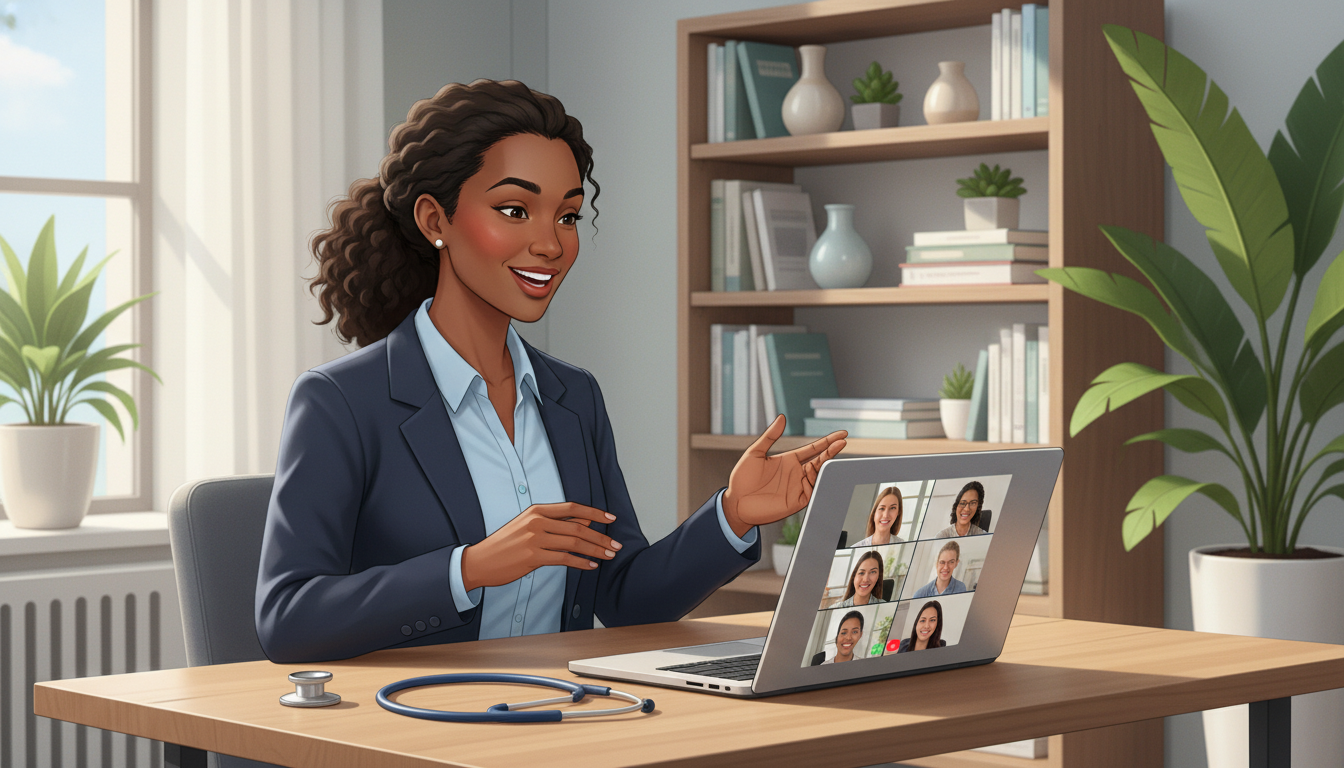
Even through a screen, your body language, tone, and presence strongly influence how interviewers perceive you.
1. On-Screen Body Language
- Eye contact:
- Look at the camera when speaking, not at your image.
- When others are speaking, it’s fine to glance at their video window, but periodically return your gaze to the camera.
- Posture:
- Sit upright, slightly leaning forward to show engagement.
- Avoid slouching or leaning back as if you’re relaxing on a couch.
- Facial expressions:
- Maintain a natural, attentive expression.
- Smile when appropriate; warmth translates even through video.
- Gestures:
- Use natural hand gestures within the frame, but avoid excessive movement.
- Keep your hands generally resting on the desk when not gesturing.
Practice with a mock interview and record yourself. Watch the recording to identify:
- Fidgeting (pen clicking, hair touching, chair swiveling).
- Facial expressions that might appear disengaged (blank stare, frown).
- Any habits that would be distracting on screen.
2. Active Listening in a Virtual Format
Strong virtual communication also involves demonstrating that you are listening:
- Nod occasionally to show understanding.
- Brief verbal acknowledgments (“I see,” “That makes sense”) at natural pauses.
- Do not interrupt—lag can cause accidental talking over others. Leave a short pause before speaking.
- If multiple people are present, address them by name when appropriate:
- “To your point, Dr. Lee…”
- “That’s helpful, Dr. Patel…”
Turn off on-screen distractions:
- Close unrelated browser tabs.
- Turn off email pop-ups and messaging apps.
- Place your phone out of reach and on silent.
Interviewers can sense when your attention isn’t fully on them.
Performing on Interview Day: Strategy and Professionalism
1. Pre-Interview Routine
Treat your virtual interview day like you would an in-person visit:
- Sleep: Aim for 7–8 hours the night before.
- Nutrition: Eat a light, balanced meal before the interview; keep water and a discreet snack (e.g., nuts) nearby for breaks.
- Warm-up:
- Do a brief vocal warmup (read a paragraph aloud).
- Take a few deep breaths or a short stretch to calm nerves.
- Final tech check:
- Restart your computer if needed.
- Close unnecessary programs.
- Confirm your camera and microphone still function within the platform.
Log in to the meeting 10–15 minutes early. This gives you time to:
- Address any last-minute technical issues.
- Read the room’s instructions or chat messages.
- Transition into a focused mindset.
2. Managing Multiple Virtual Interview Days
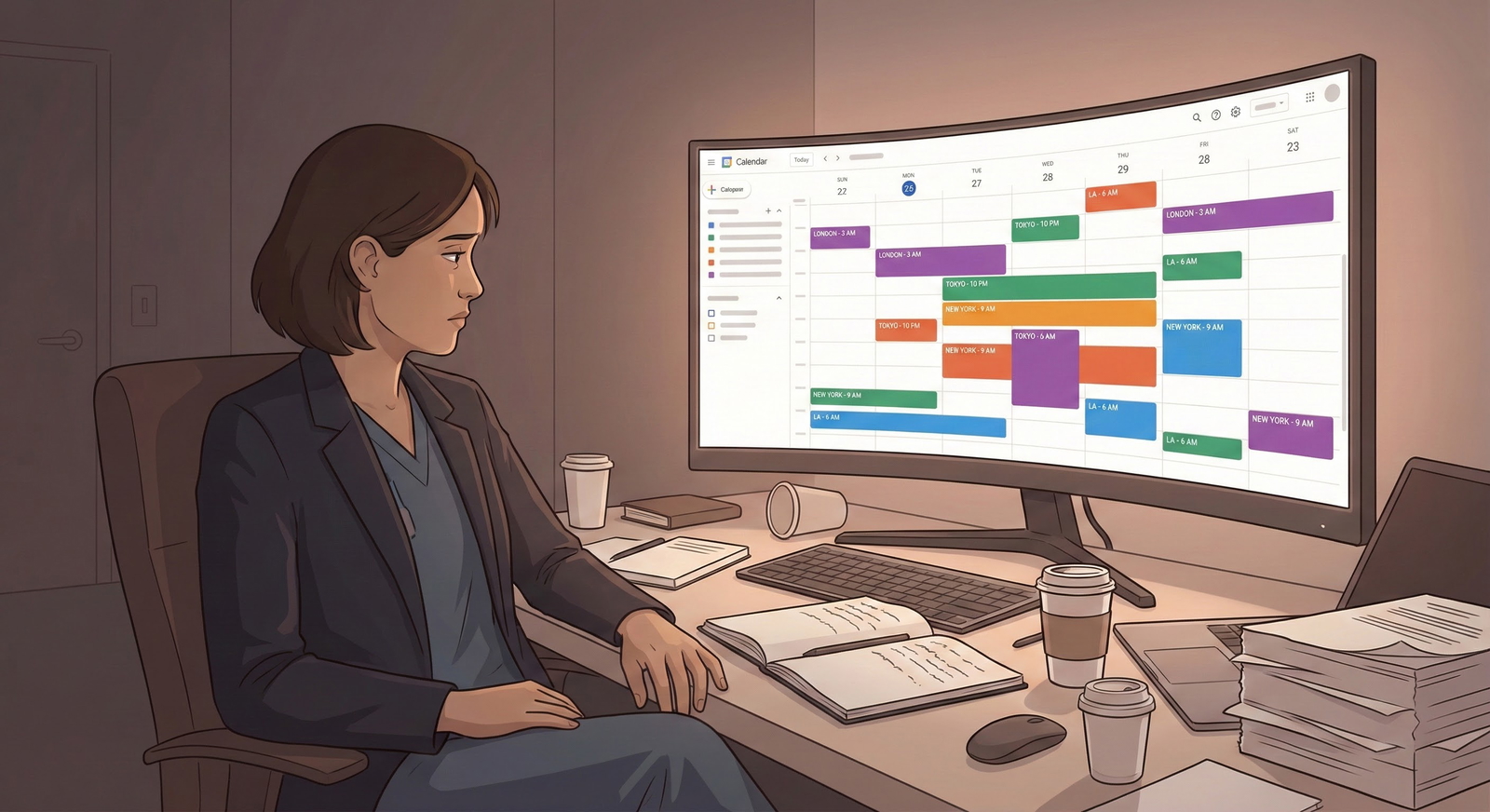
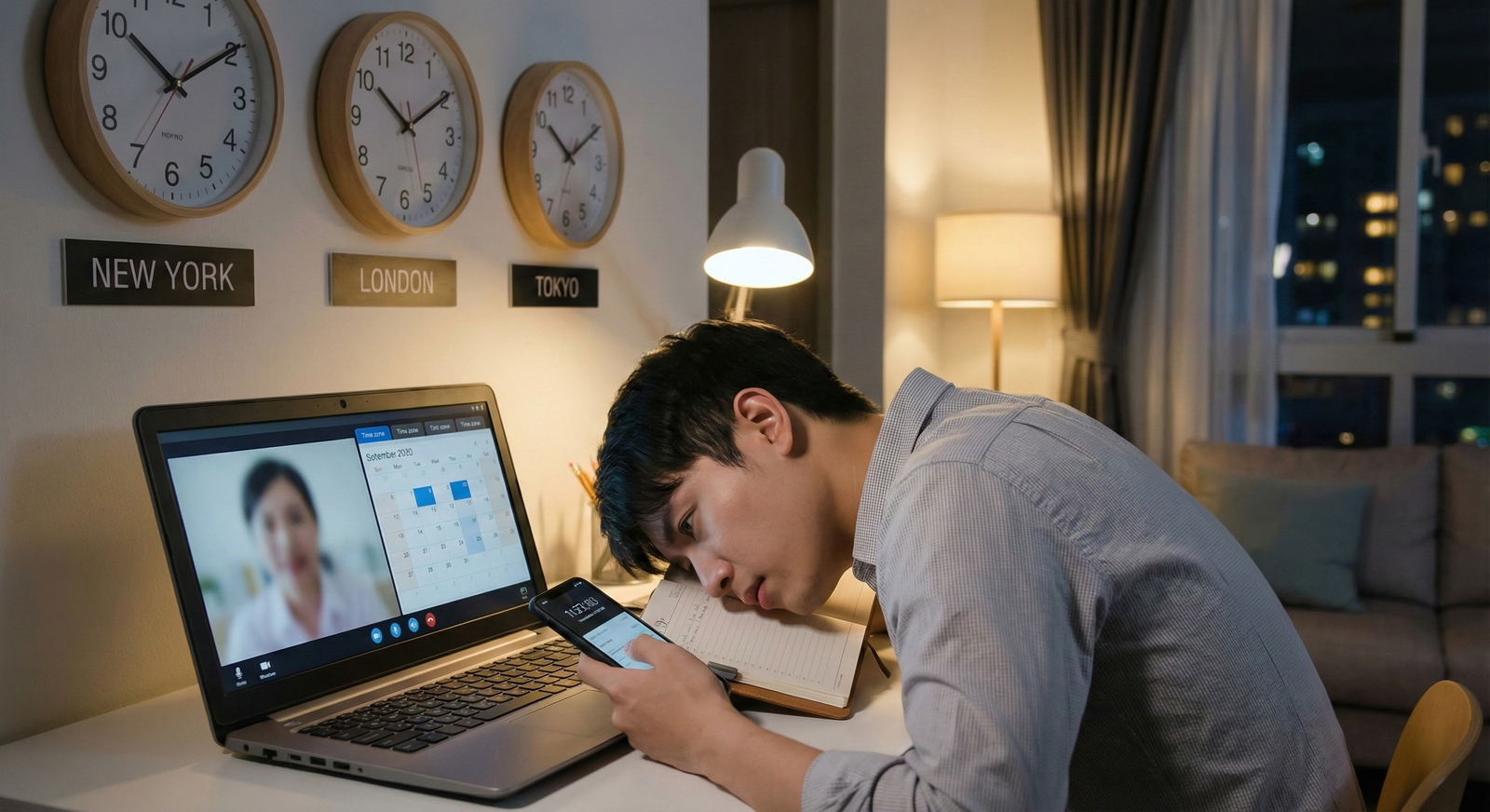
If you have several Remote Interviews scheduled in a week:
- Track details in a simple spreadsheet:
- Program name
- Interview date and time (with time zone)
- Interviewer names and roles
- Key impressions and follow-up points
- Prepare program-specific notes:
- Two or three features you particularly like about each program.
- Two or three questions tailored to that program.
- After each day:
- Immediately jot down reflections before they blur together.
- Note standout residents, faculty, or conversations.
This structure keeps you from mixing up programs and supports more personalized thank-you emails and rank list decisions.
3. Handling Technical Glitches Gracefully
Technical issues will happen at some point. How you respond can actually impress interviewers:
If a glitch occurs:
- Stay calm and composed; take a breath.
- Quickly try basic troubleshooting:
- Leave and rejoin the meeting.
- Switch to backup audio (phone dial-in) if needed.
- If the problem persists:
- Email or call the program coordinator briefly explaining the situation.
- Example:
“I’m currently having unexpected connectivity issues and am working to rejoin the meeting. Thank you for your patience.”
Once reconnected:
- Offer a brief apology and continue naturally.
- Do not dwell on the issue or become flustered.
Programs understand that technology is imperfect; they are more concerned with your professionalism under stress than with the glitch itself.
Post-Interview Etiquette and Strategic Follow-Up
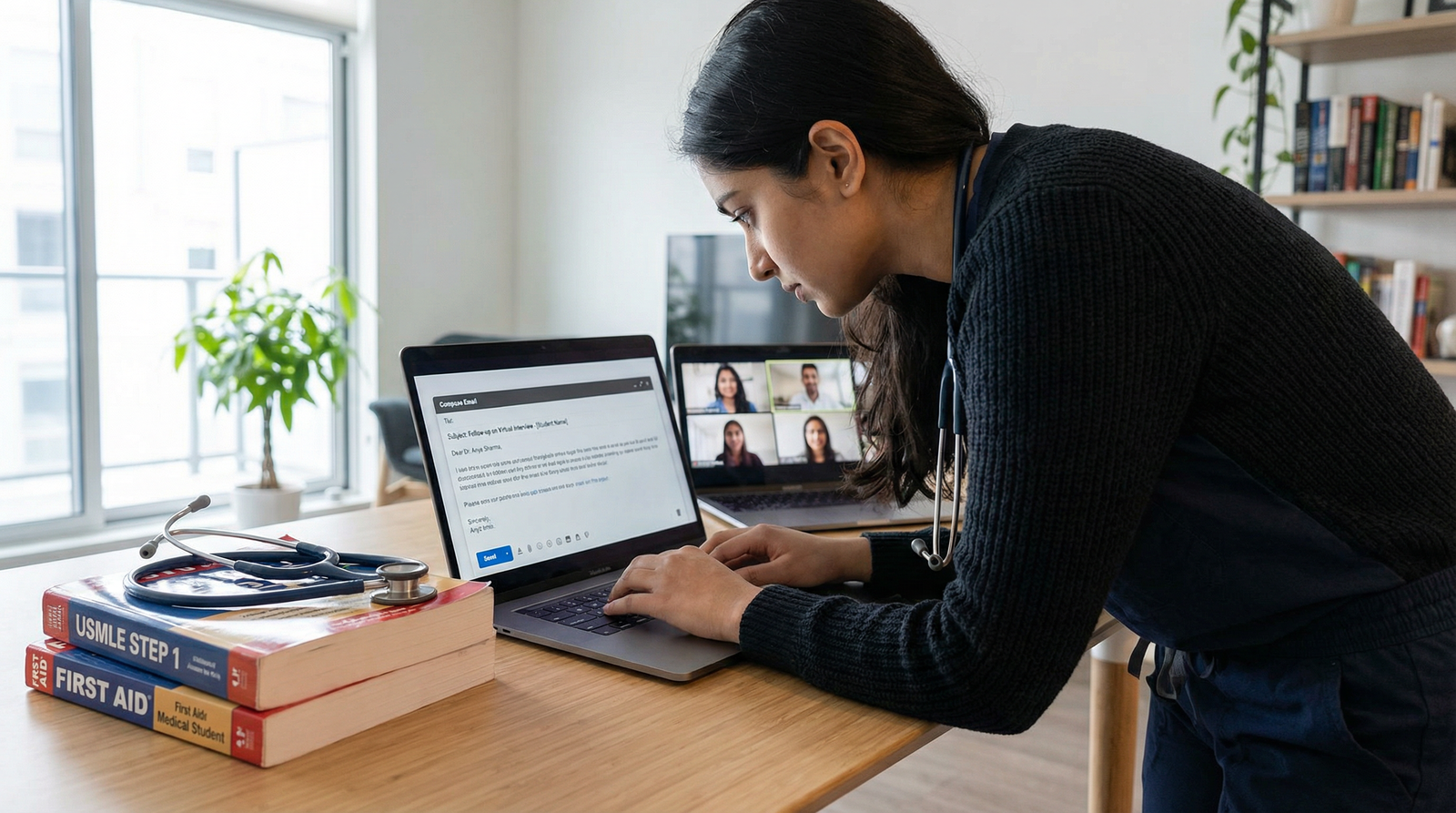
1. Writing Effective Thank-You Emails
Within 24 hours of your interview:
- Send a concise, personalized thank-you email to:
- Each faculty member who interviewed you (if you have their email).
- The program director if you did not meet them directly (optional but helpful).
- The program coordinator (to express appreciation for logistics).
Structure:
- Greeting and gratitude.
- Specific reference to something you discussed.
- Reinforcement of interest in the program.
- Brief closing.
Example:
Dear Dr. Smith,
Thank you for taking the time to speak with me during my virtual interview at [Program Name] yesterday. I especially appreciated our discussion about resident involvement in the community clinic and opportunities to care for underserved patients.
Our conversation reinforced my enthusiasm for [Program Name]’s commitment to both strong clinical training and community engagement. I would be honored to contribute to and learn from your team.
Sincerely,
[Your Name], [AAMC ID or ERAS ID if desired]
Avoid mentioning rank intentions in ways that conflict with NRMP guidelines or program policies.
2. Reflecting and Improving After Each Interview
Use each remote residency interview as a data point for growth:
Immediately after the interview day:
- Write down:
- What questions you struggled with.
- What went particularly well.
- Any feedback or subtle cues you picked up about program culture.
- Note your gut impression of:
- Resident camaraderie.
- Faculty engagement.
- Alignment with your learning style and career goals.
Before your next interview:
- Review your notes and adjust:
- Improve answers that felt incomplete.
- Refine how you tell your story.
- Update or add more targeted questions.
This iterative reflection can markedly improve your performance across a busy virtual interview season.
Frequently Asked Questions About Remote Residency Interviews
1. How should I dress for a remote residency interview?
Dress in full business-professional attire, just as you would for an in-person interview. This usually means:
- Men/masc-presenting: Button-down shirt and tie, with or without a blazer; dress pants.
- Women/femme-presenting: Blouse with blazer, professional dress, or equivalent; avoid low necklines.
- Neutral or muted colors, minimal patterns.
Avoid:
- T-shirts, hoodies, or casual wear.
- Distracting jewelry or accessories.
- Only dressing the visible half of your body—standing unexpectedly can reveal casual clothing and undermine professionalism.
2. What if I experience technical difficulties during the interview?
If you encounter tech issues:
- Stay calm and try quick fixes (reconnect, switch networks, check audio settings).
- Use your backup device or phone dial-in if necessary.
- If you’re disconnected, rejoin as soon as you can and briefly apologize.
- If you cannot reconnect promptly, email or call the program coordinator to explain the issue.
Programs recognize that glitches occur and will generally not penalize you for them, especially if you handle them professionally and calmly.
3. How soon should I follow up after my interview, and what should I say?
Send thank-you emails within 24 hours of your interview. Keep them:
- Short but specific.
- Personalized to each interviewer (mention a topic you discussed).
- Professional and appreciative.
Avoid over-emailing or sending daily updates; one thoughtful email is sufficient unless the program encourages further contact.
4. Is it really necessary to research each residency program before a remote interview?
Yes. In the context of Remote Interviews, research is even more critical because:
- You don’t have in-person tours or informal chats to discover details.
- Interviewers can quickly distinguish between applicants who know the program and those using generic answers.
- Research allows you to:
- Tailor your “Why our program?” answer.
- Ask meaningful, specific questions.
- Demonstrate genuine interest and fit with the program’s mission and culture.
5. How can I stand out in a virtual interview when many applicants look similar on paper?
To stand out in virtual interviews:
- Tell a coherent, authentic narrative about who you are, what you value, and why this specialty and program fit you.
- Use specific examples—not vague statements—to illustrate your strengths, resilience, teamwork, and growth.
- Show that you’ve done your homework on the program and can clearly articulate how you would contribute.
- Demonstrate emotional intelligence: good listening, warm demeanor, professionalism under stress.
- Follow-up thoughtfully and reflect carefully to improve with each interview.
Remote residency interviews are a core part of today’s residency preparation landscape. By combining strong technical setup, a polished virtual environment, thoughtful content, and effective virtual communication skills, you can present the best version of yourself—no matter where you are physically sitting.
Approach each remote interview as both an opportunity to showcase your readiness for residency and a chance to evaluate where you will thrive for the next several years of your training.