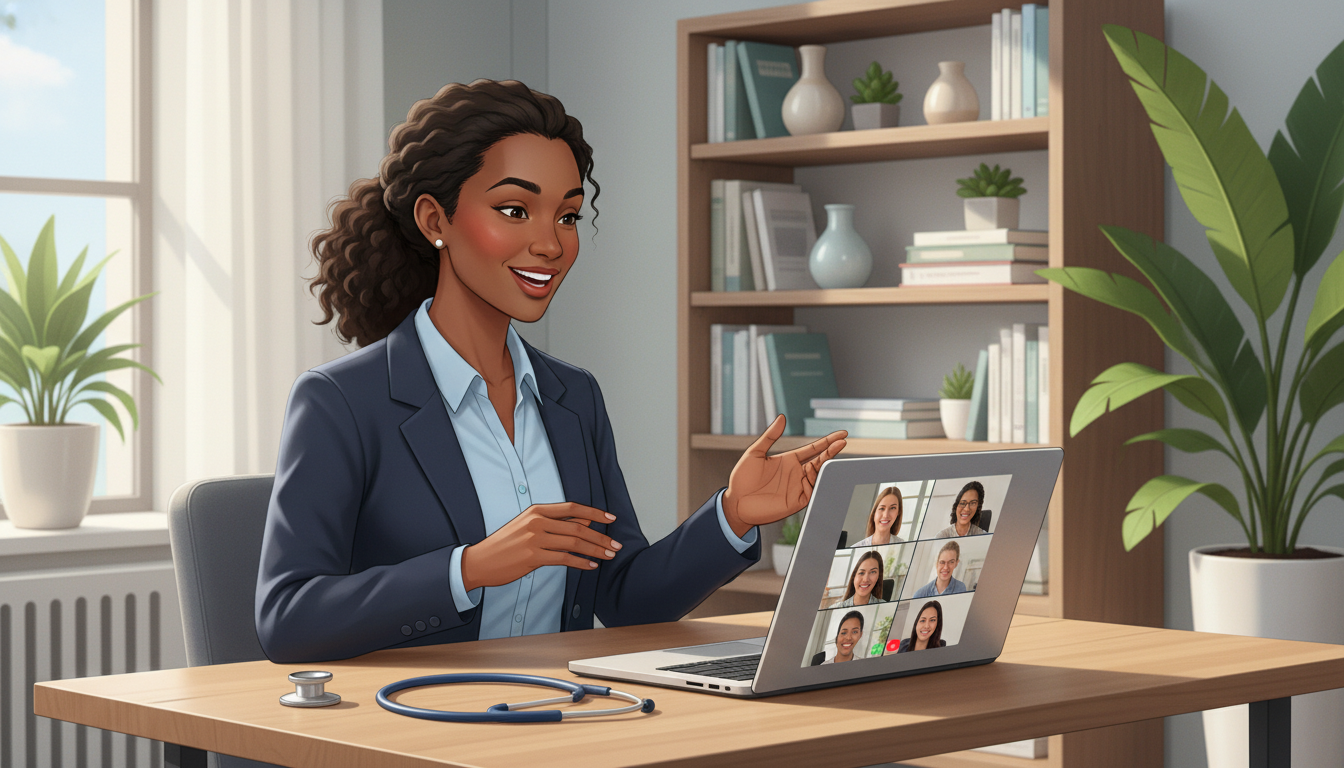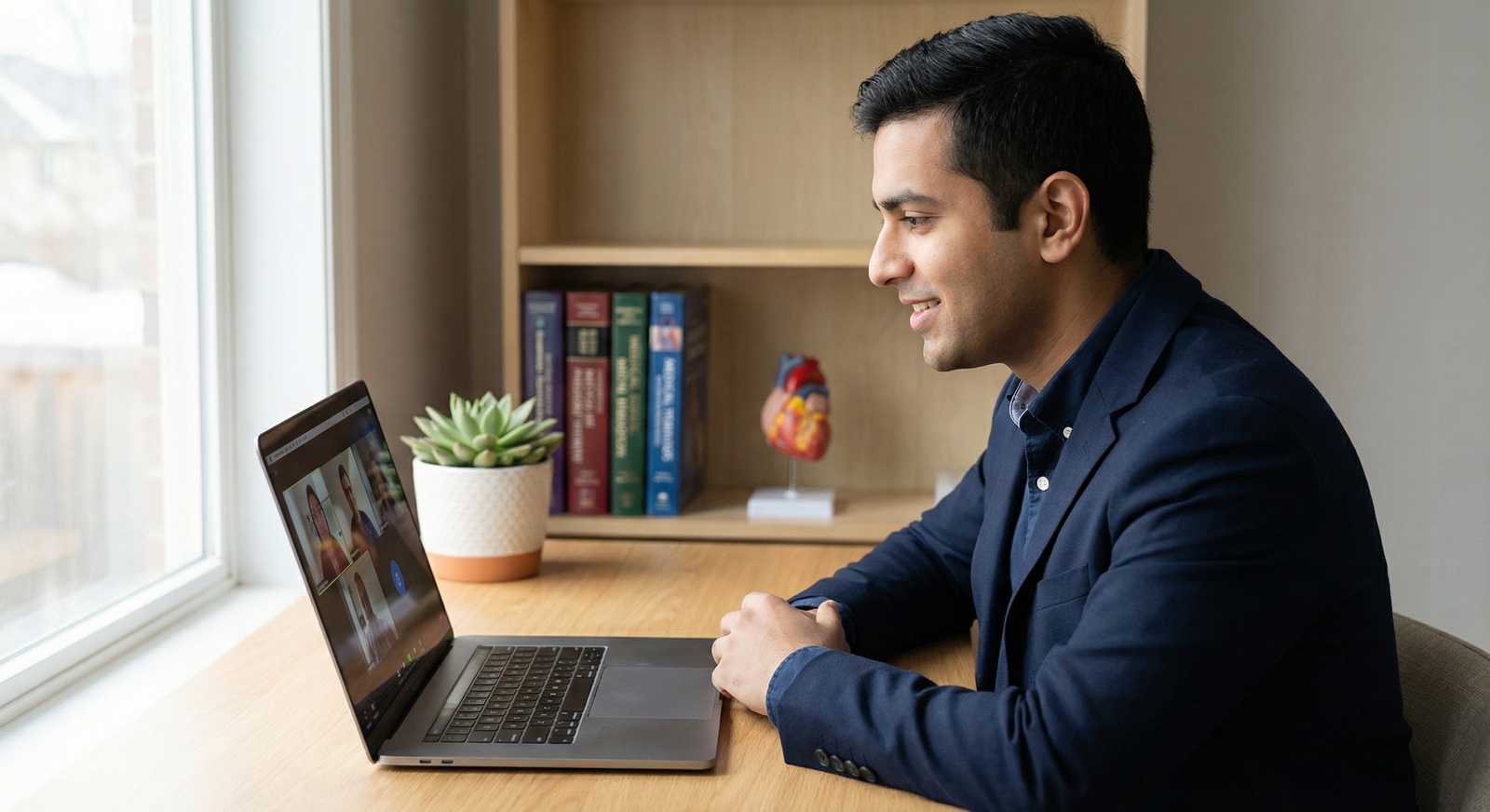

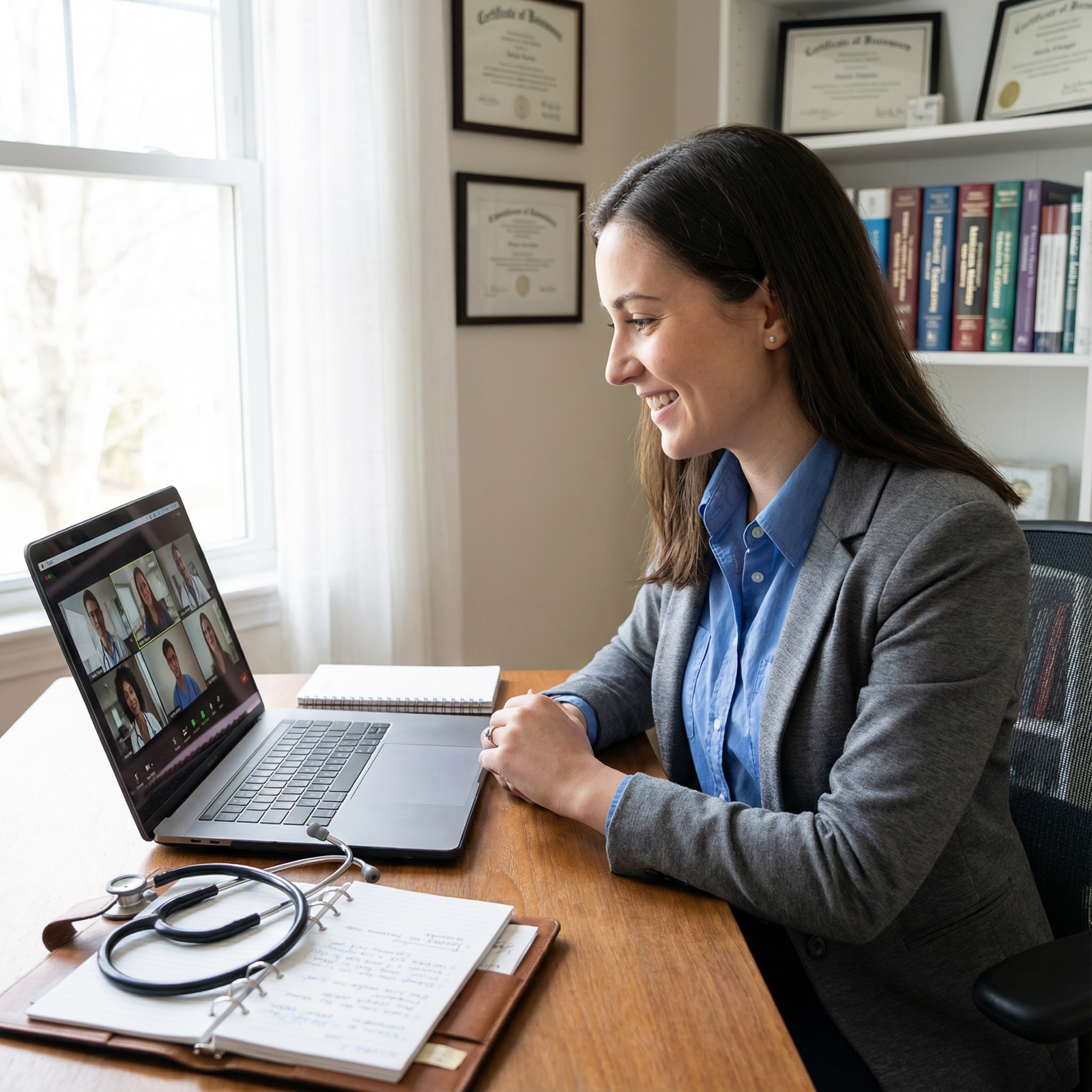
Nailing Your Video Residency Interview: Dos and Don'ts for the Virtual Era
The residency interview is one of the most important milestones in your medical career. It is where your application transitions from paper to person and where programs decide whether you are a good fit for their training environment. As video-based formats have become standard in the Residency Match, mastering the virtual residency interview is now a critical skill for every applicant.
Unlike traditional in-person interviews, video interviews introduce new variables—technology, environment, and on-camera presence—on top of the usual expectations for professionalism, communication, and preparation. The good news: with thoughtful planning and deliberate practice, you can leverage the video format to your advantage.
This guide walks through essential dos and don'ts for your video residency interview, with practical examples and actionable strategies to help you stand out for the right reasons.
Understanding the Shift to Video Residency Interviews
Why Video Interviews Are Here to Stay
Residency programs increasingly use video interviews—either live or asynchronous recorded formats—to:
- Reach applicants across wide geographic regions efficiently
- Reduce travel costs and logistical burden for both applicants and programs
- Standardize aspects of the interview process
- Facilitate equity and accessibility for applicants with financial or personal constraints
For you, this format:
- Removes travel time and expense
- Allows you to interview from a familiar environment
- Gives you more control over your physical setting than an in-person visit
- Requires you to consciously manage your on-screen presence and tech setup
Understanding these dynamics is part of modern Interview Preparation. The format may be virtual, but programs are still assessing your clinical maturity, interpersonal skills, professionalism, and fit for their residency culture.
Live vs. Asynchronous Video Interviews
You may encounter:
- Live video interviews (e.g., via Zoom, Teams, Webex): Real-time conversations with faculty, residents, or panels.
- Asynchronous (recorded) interviews: Pre-set questions where you record your responses within a time limit, often used as a screening tool.
Both require strong communication skills and professional behavior, but live interviews place more emphasis on conversational flow and rapport, while recorded formats test your ability to deliver focused, concise responses without real-time feedback.
Preparation Is Key: Technology, Content, and Mindset
Thorough Interview Preparation is your best defense against avoidable problems and your best strategy for confidence on interview day.
Do: Test and Optimize Your Technology in Advance
At least several days before your Residency Interview, run a full “tech rehearsal”:
Camera
- Use an external webcam if possible for better image quality.
- Frame yourself from mid-chest upward with some space above your head.
- Clean the lens; a smudged camera looks unprofessional.
Microphone and Audio
- Test both your input (microphone) and output (speakers or headphones).
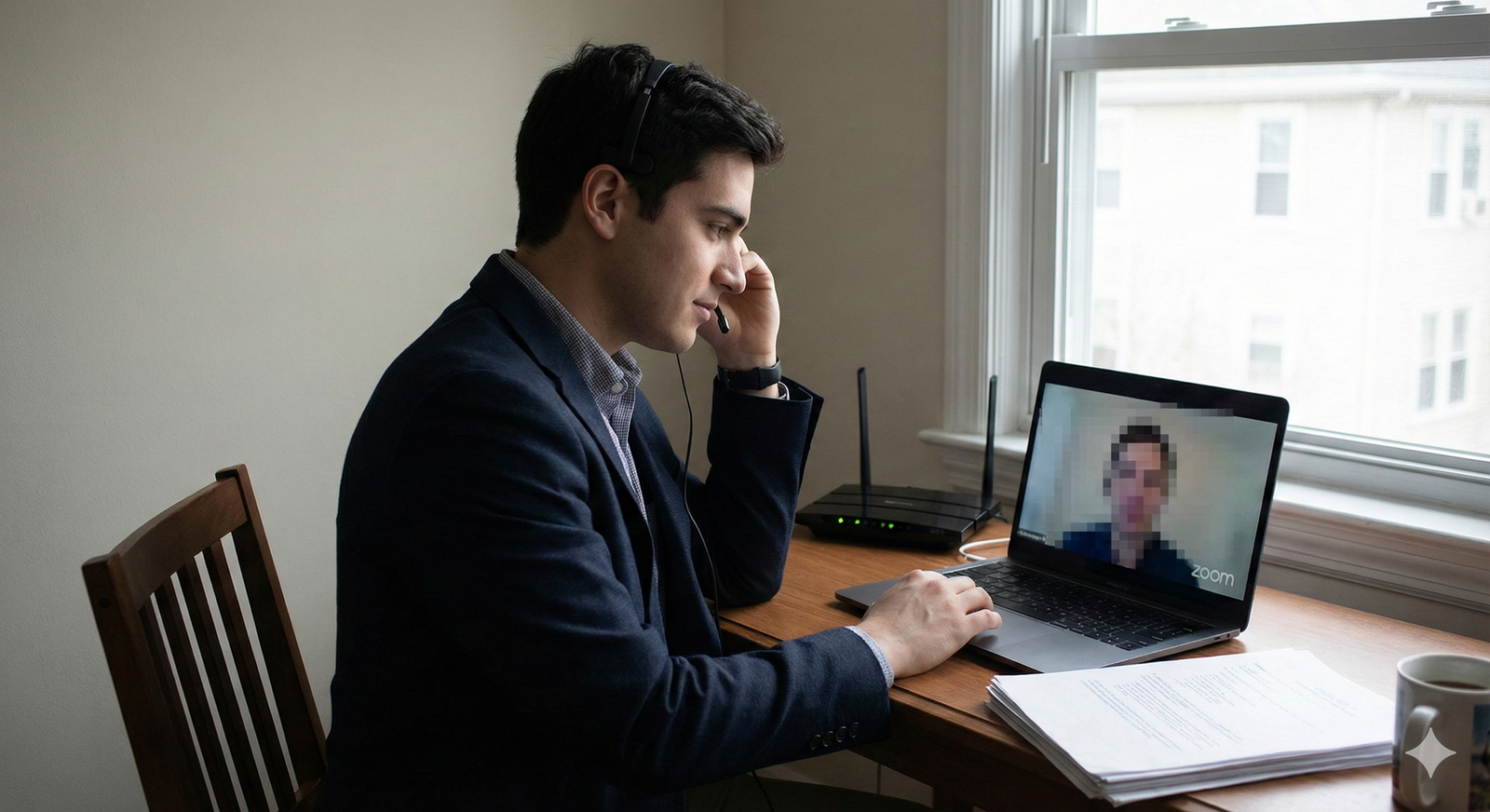
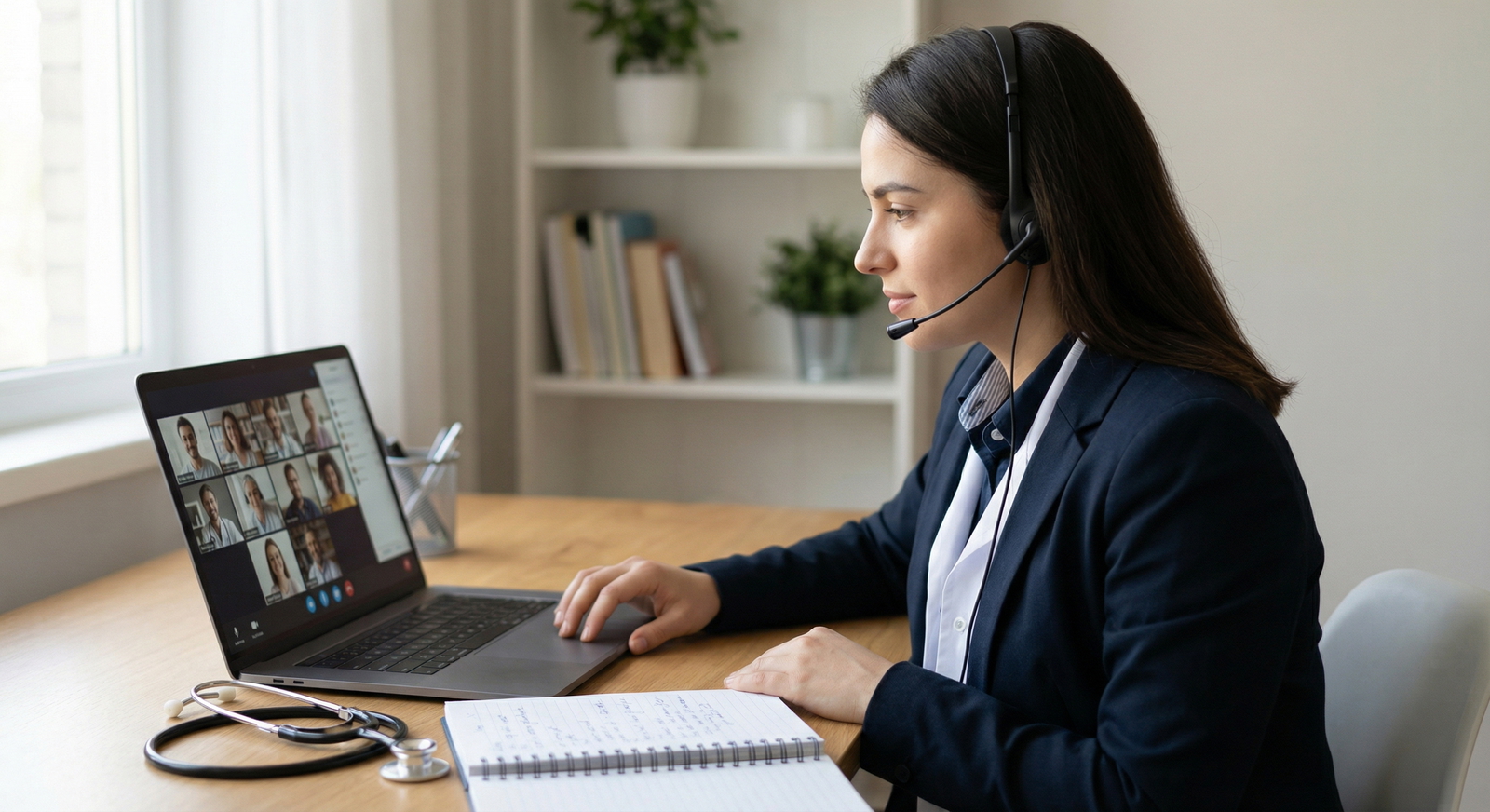
- Consider a headset or dedicated microphone to avoid echo and background noise.
- Record yourself speaking and listen: is your volume steady? Is there static?
Internet Connection
- Aim for a strong, stable connection (ideally wired Ethernet).
- If using Wi-Fi, position yourself close to the router and ask others not to stream or game during your interview time.
- Run a speed test; video platforms generally need 5–10 Mbps upload/download minimum.
Platform Familiarity
- Confirm which platform the program will use (Zoom, Microsoft Teams, Thalamus, Webex, etc.).
- Install any necessary apps and updates on your device.
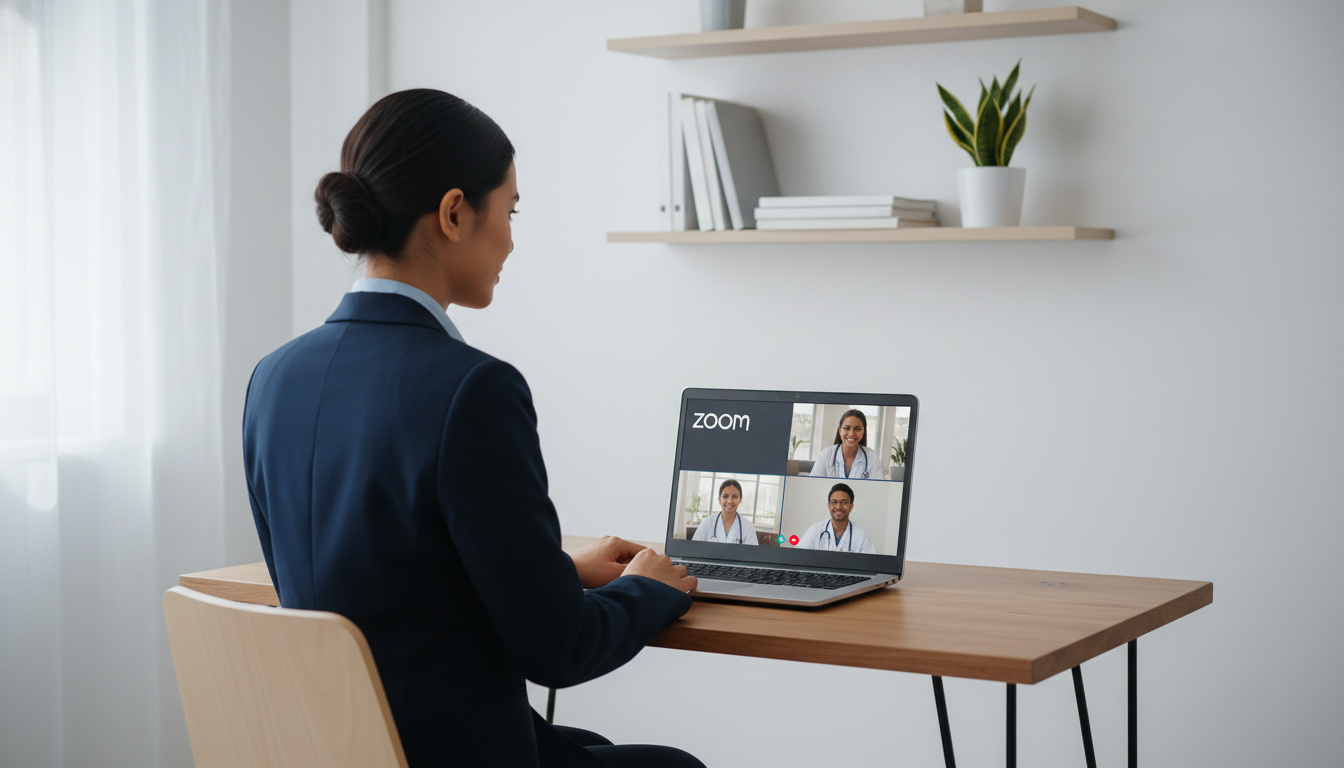
- Practice joining a meeting link, muting/unmuting, turning video on/off, and sharing your screen.
- Create a backup: have the platform installed on a second device (e.g., tablet) if your primary fails.
Don’t: Leave Tech Checks for the Morning of the Interview
Procrastinating tech preparation is one of the most common—and most preventable—mistakes. Last-minute updates, login issues, or audio failures right before the session will spike your stress and distract from your performance.
Instead:
- Do a full dress rehearsal (with outfit, lighting, and background) a few days before.
- Repeat a quick tech check 30–60 minutes before the interview start time.
Presenting a Professional On-Camera Image
Your visual presence on screen is an essential part of perceived Professionalism. Programs infer how you will present yourself to patients, colleagues, and staff from how you appear during the video interview.
Do: Dress as You Would for an In-Person Residency Interview
Treat your video interview like an in-person visit to the hospital:
Attire
- Business professional is the norm.
- Solid or subtle-pattern tops in neutral or muted tones (navy, gray, white, soft pastels) work best.
- Avoid bright white in harsh lighting if it blows out on camera; test this ahead of time.
- Avoid bold busy patterns (loud stripes, tiny checks) that can distort on video.
Suggested Options
- For many applicants: Blazer or suit jacket with a button-up shirt or professional blouse.
- Ties are optional but still common in more traditional programs; choose simple patterns and conservative colors.
- Skirts, dress pants, or suits below the waist should still be professional even if not always visible—you may need to stand up unexpectedly.
Grooming
- Neat hair and facial hair; avoid styles that constantly fall in your face during the interview.
- Minimal, natural-looking makeup if you choose to wear it.
- Subtle jewelry to avoid visual or auditory distractions.
Your goal is to be remembered for your answers and personality, not your outfit.
Don’t: Dress Down Just Because You’re at Home
T-shirts, sweatshirts, hoodies, or gym wear undermine the seriousness of the occasion and send the message that you are not fully invested. Programs expect the same level of professionalism on screen as they would in clinic.
Even if you are interviewing from your living room, you are still in a formal professional setting.
Setting the Scene: Crafting a Professional Environment
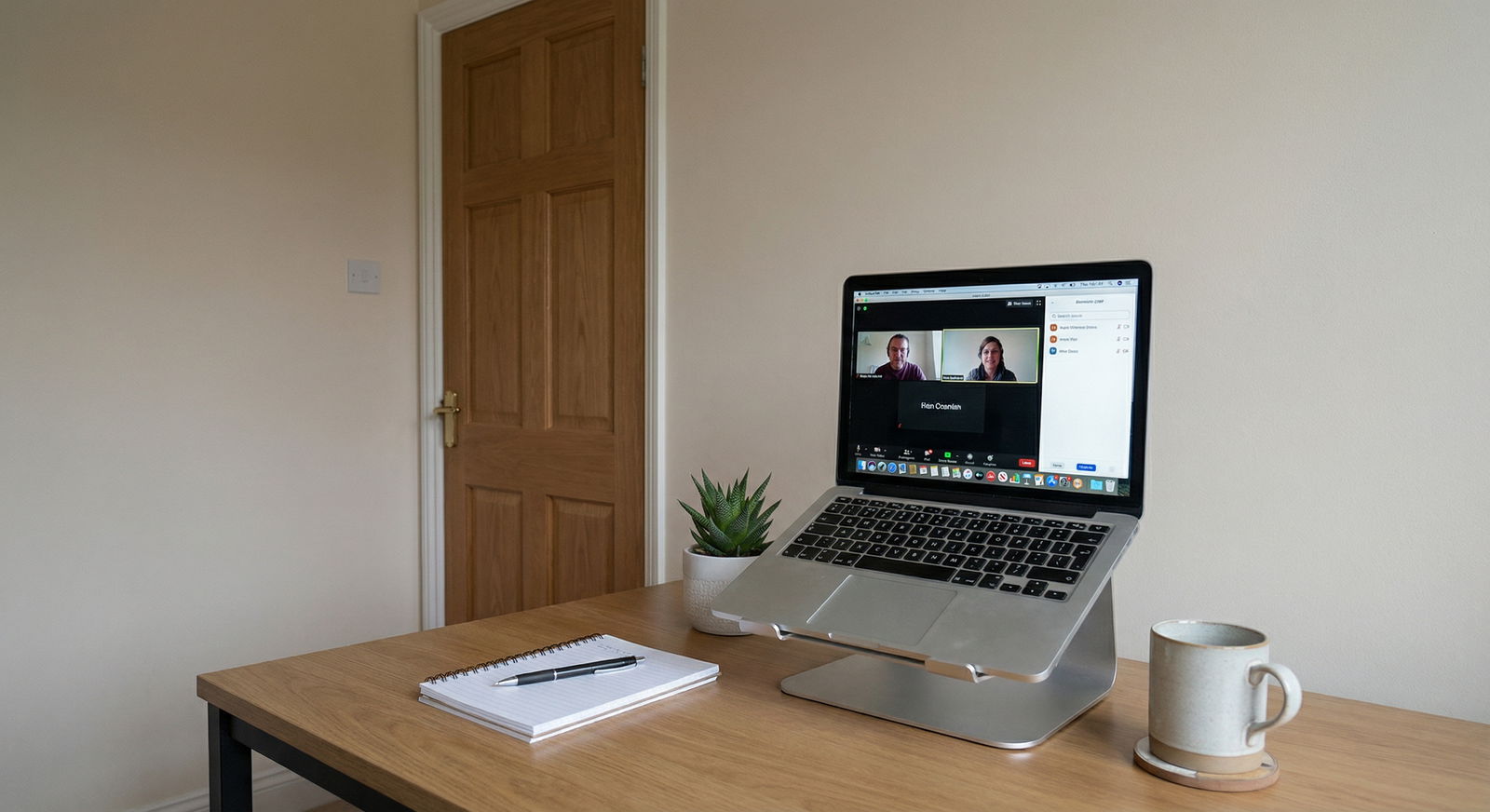
Your surroundings are part of your professional impression. A well-controlled environment shows planning, respect, and attention to detail.
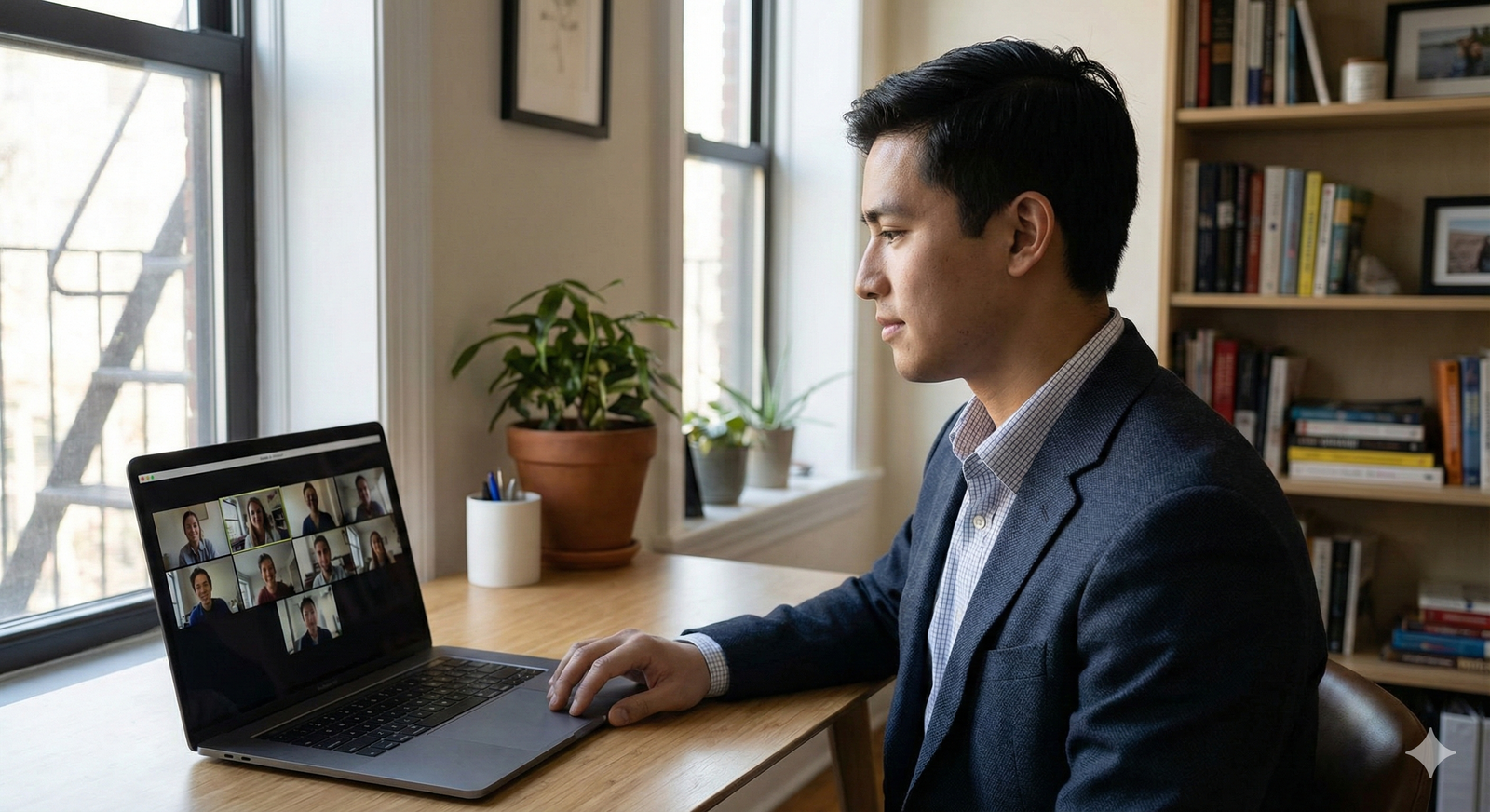
Do: Choose a Quiet, Neutral, Well-Lit Space
Background
- Opt for a simple, clean background: a plain wall, a tidy bookshelf, or a neat office.
- Remove items that may be distracting or unprofessional (laundry piles, posters, political signs).
- Close closet doors and room doors behind you.
Lighting
- Position your main light source in front of you (behind your camera), not behind.
- Natural light from a window can be ideal—sit facing the window, not with it at your back.
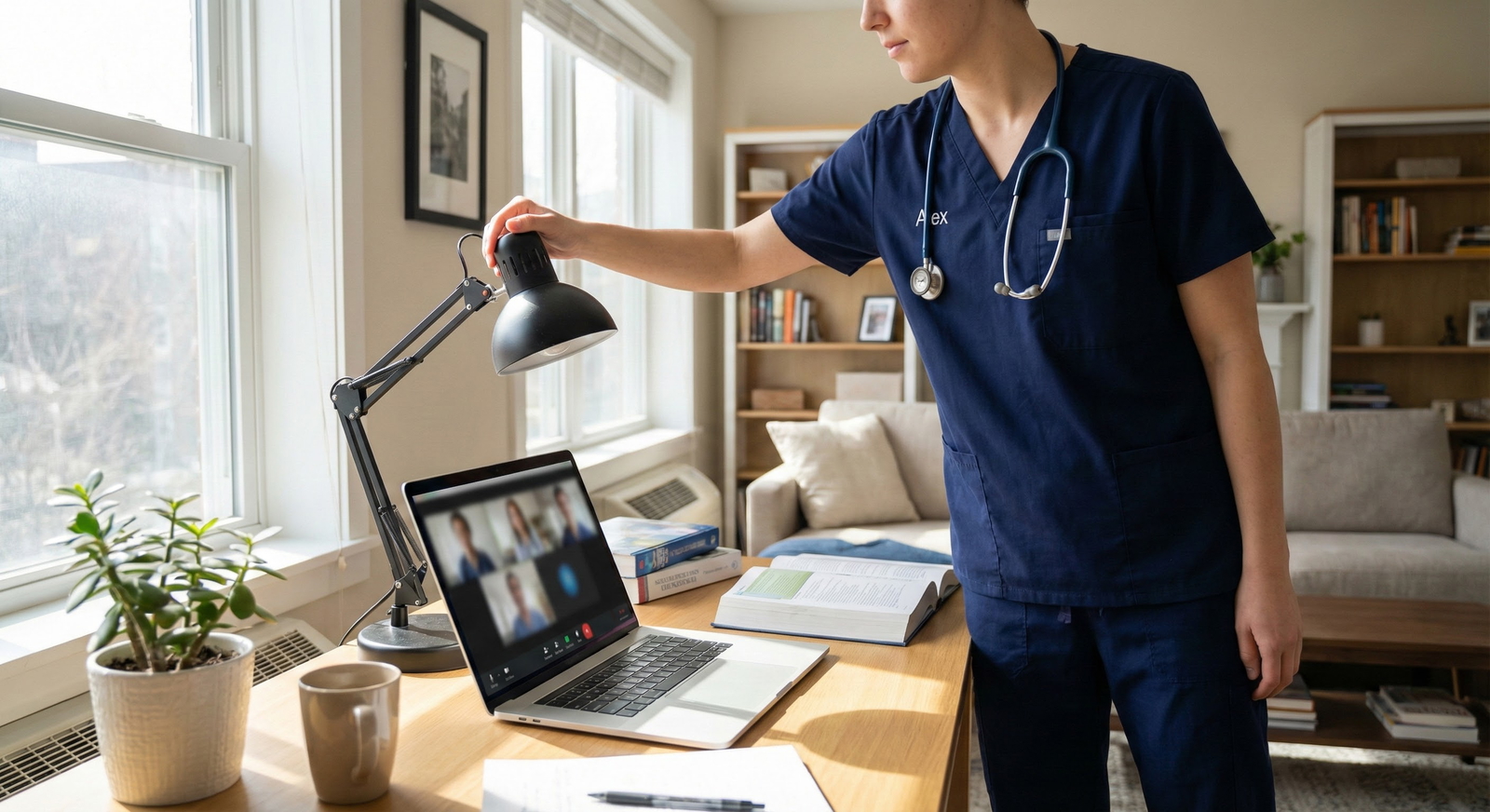
- If needed, add a lamp behind your monitor to brighten your face.
- Avoid strong overhead lighting that casts harsh shadows.
Noise and Privacy
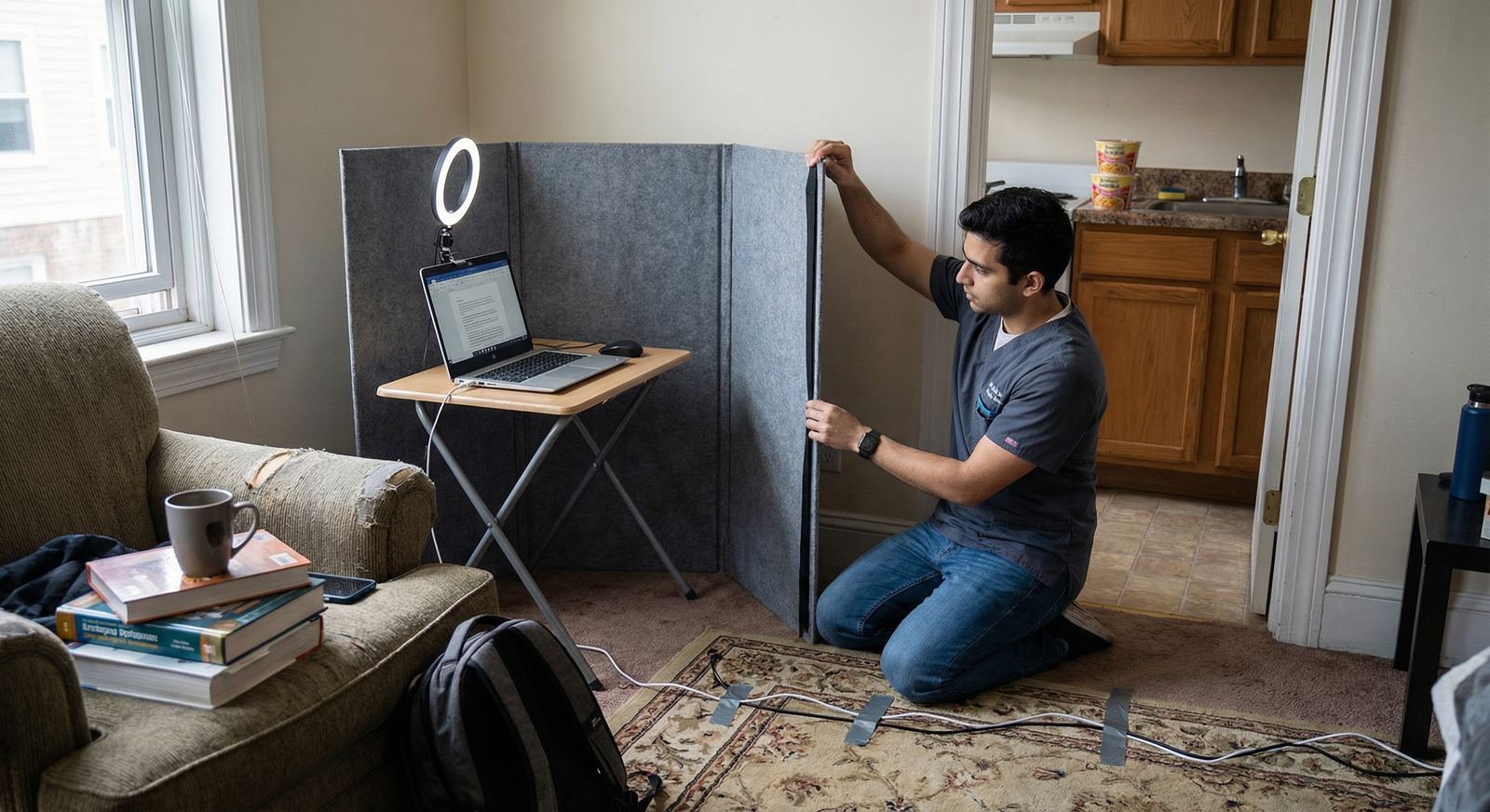
- Choose a room with a door you can close.
- Inform roommates, family, or partners about your interview schedule and ask for quiet.
- Silence phones, smart speakers, and notification sounds on your devices.
- Put a “Do Not Disturb – Interview in Progress” sign on your door if needed.
Camera Position
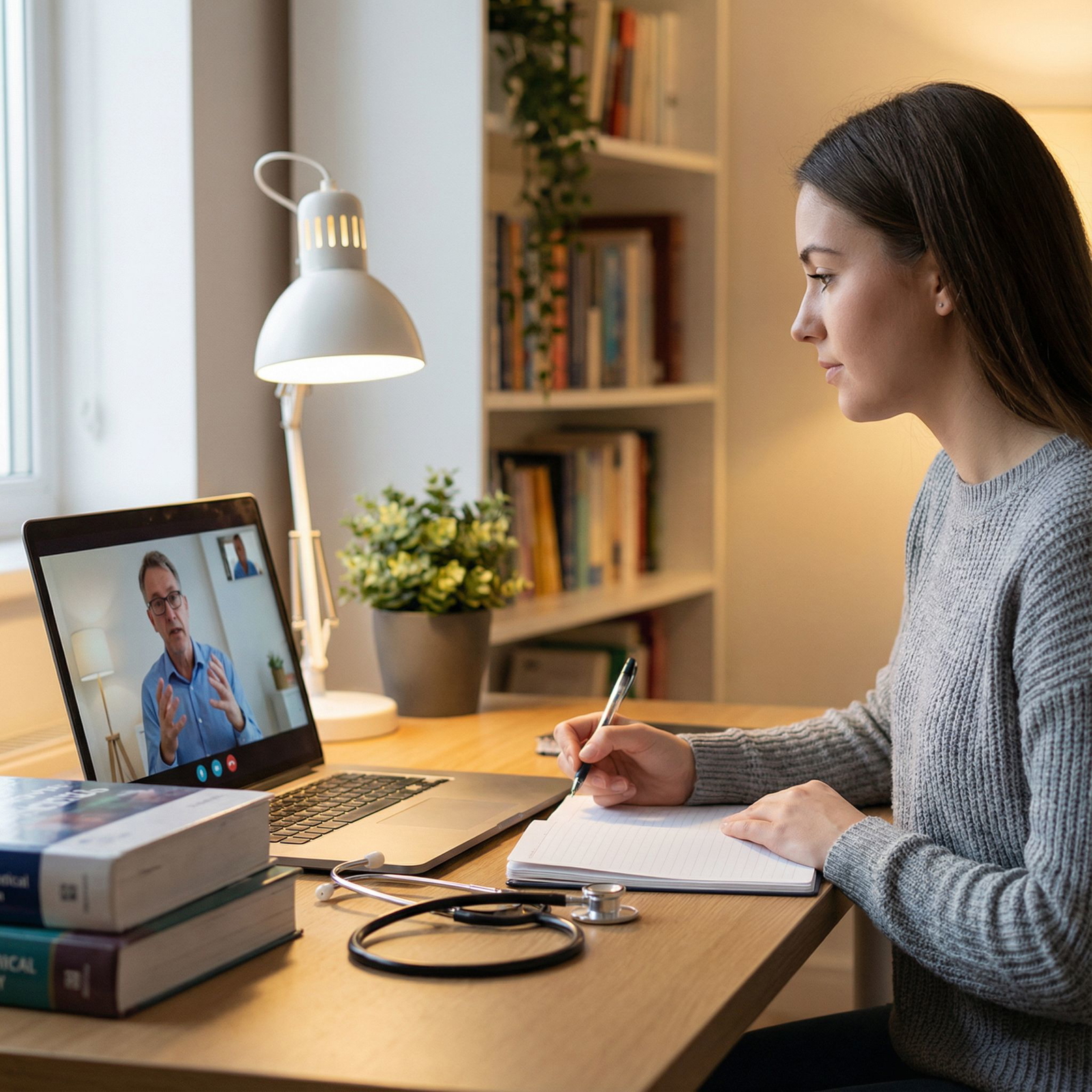
- Elevate your laptop or camera to eye level using books or a stand.
- Center yourself in the frame; you should not be looking down significantly (which can appear disengaged).
Don’t: Conduct the Interview from a Distracting or Noisy Environment
Avoid:
- Coffee shops, public libraries, or hospital call rooms with unpredictable noise
- Sitting on your bed or couch if it makes you slouch or seems informal
- Highly cluttered rooms that convey disorganization
If you absolutely must use a virtual background, choose a simple, non-distracting option and test it beforehand to ensure your image doesn’t flicker or glitch.
Mastering Communication Skills on Video
Your communication style is one of the most heavily evaluated aspects of any Residency Interview. The video format adds some unique challenges—slight delays, lack of full body language, and the temptation to stare at your own image.
Do: Engage Actively and Authentically
Eye Contact
- Look at the camera when speaking rather than at your own video box. This mimics direct eye contact.
- Place a small sticky note or arrow near your camera to remind yourself where to look.
Facial Expression
- Nod, smile appropriately, and show that you are listening.
- Use a relaxed, open expression; avoid looking overly serious or disengaged.
Voice and Pace
- Speak clearly, slightly slower than normal conversation, to accommodate any audio lag.
- Vary your tone and emphasis; a flat monotone can feel less engaged on video.
- Pause briefly before answering to ensure the interviewer has finished speaking.
Active Listening
- Paraphrase or briefly reflect key points: “That’s a great question about team dynamics…”
- Ask follow-up questions that show you heard and processed information.
Two-Way Conversation
- Remember interviews are not oral exams. Ask thoughtful questions about curriculum, mentorship, wellness, and program culture.
- Use the opportunity to assess your own fit with the program.
Don’t: Monopolize the Conversation or Drift into Monologues
Overly long, meandering responses can be more taxing on video. Avoid:
- Talking for several uninterrupted minutes without checking in verbally or visually
- Interrupting or speaking over interviewers (allow an extra beat before you jump in)
- Ignoring non-verbal cues that someone wants to move on
Aim for concise, structured answers of about 1–2 minutes for most questions, with longer responses reserved for complex prompts like “Tell me about yourself” or in-depth clinical scenarios.
Content and Responses: What You Say Matters
Even in a virtual setting, the core substance of your answers is paramount. Interviewers are evaluating not just what you have done, but how you think, communicate, and reflect on your experiences.
Do: Prepare Your Story and Key Themes
Before interview season:
Know Your Application Cold
- Be ready to discuss anything on your CV, ERAS application, and personal statement.
- Revisit research projects, leadership roles, clinical experiences, and volunteer activities.
Develop Your Core Messages
- Why this specialty?
- Why this specific program (or types of programs)?
- What strengths do you bring to a residency team?
- How have you grown from challenges or setbacks?
Practice Common Residency Interview Questions
- “Tell me about yourself.”
- “Why did you choose this specialty?”
- “What are your strengths and areas for growth?”
- “Tell me about a time you handled a difficult patient or team situation.”
- “Describe a failure or mistake and what you learned.”
Use the STAR Technique for Behavioral Questions
- Situation – Briefly set the context
- Task – What needed to be done?
- Action – What did you do specifically?
- Result – What happened and what did you learn?
This structure keeps your answers organized and memorable, which is especially important on video where attention can drift more easily.
Don’t: Memorize Answers Word-for-Word
While preparation is essential, scripted monologues can sound robotic and insincere. Avoid:
- Reading from notes or a second screen while answering; interviewers will notice your eye movements.
- Delivering rehearsed paragraphs that don’t quite fit the question asked.
- Over-relying on the same example for multiple questions.
Instead, practice frameworks and key bullet points, not exact sentences. You want your answers to feel natural, flexible, and conversational.
On-Camera Body Language and Non-Verbal Cues
Even with only your upper body visible, your non-verbal communication sends powerful signals about your confidence and engagement.
Do: Maintain Confident, Open Body Language
- Sit upright with your back supported and both feet on the floor.
- Lean slightly forward to signal interest.
- Keep your hands in a natural position; using them occasionally while speaking is fine, as long as it’s not exaggerated or distracting.
- Keep your shoulders relaxed and avoid repetitive movements (e.g., chair swiveling, pen-clicking).
Don’t: Fixate on Your Own Image or Fidget
- Hide your self-view if the platform allows; this can reduce self-consciousness.
- Avoid touching your face or hair repeatedly.
- Don’t rock in your chair, tap the desk, or swivel—these movements are exaggerated on camera.
If you tend to fidget, place your hands lightly on the desk or in your lap and keep any objects (pens, stress balls) out of the camera’s view.
Professionalism Before, During, and After the Interview
Your professionalism is being assessed from the first email you send to the final thank-you note—and everything in between.
Do: Treat Every Interaction as an Evaluation
Before the Interview
- Respond promptly and politely to all program emails.
- Follow any instructions about naming conventions, time zones, or required documents.
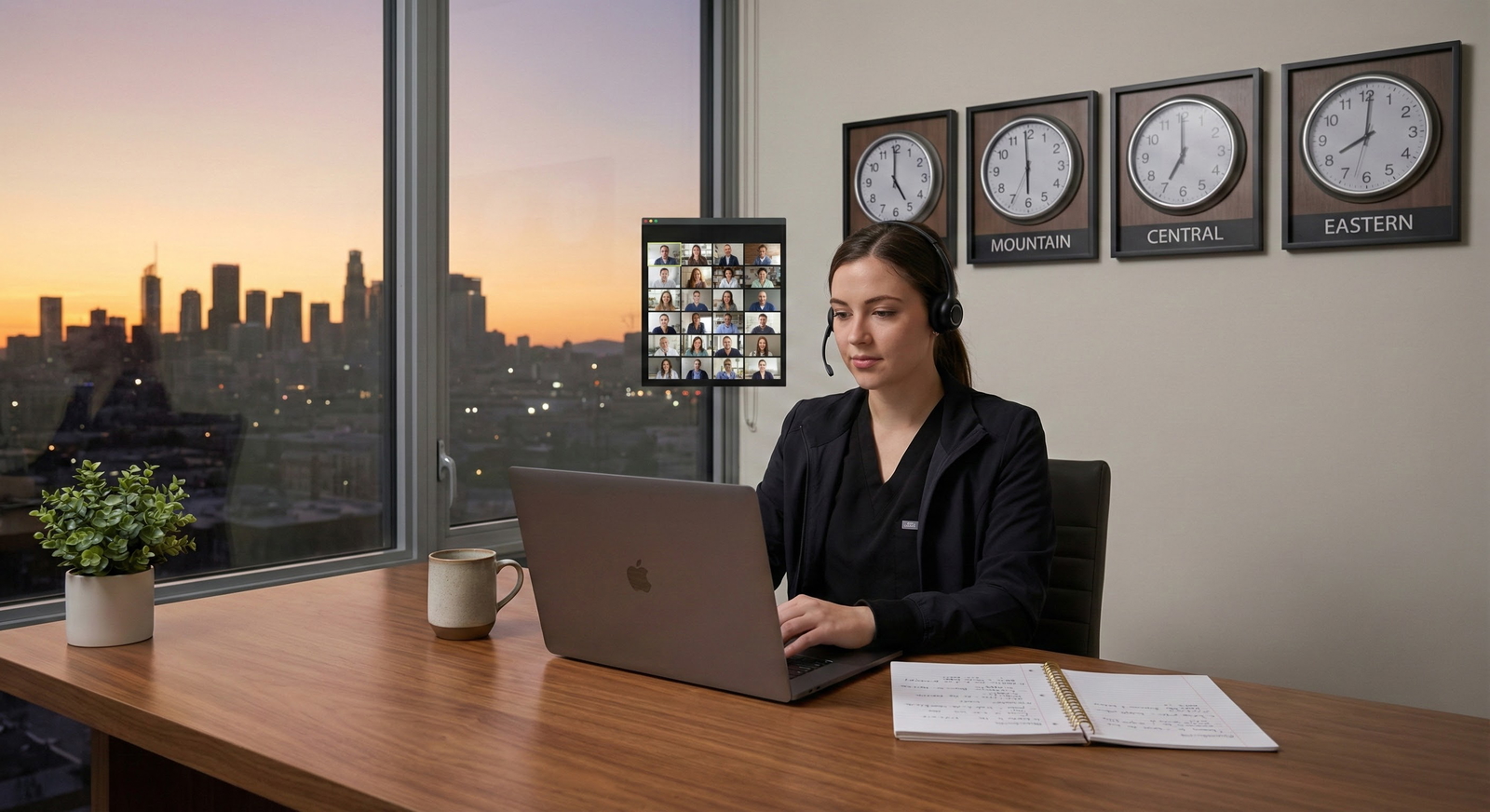
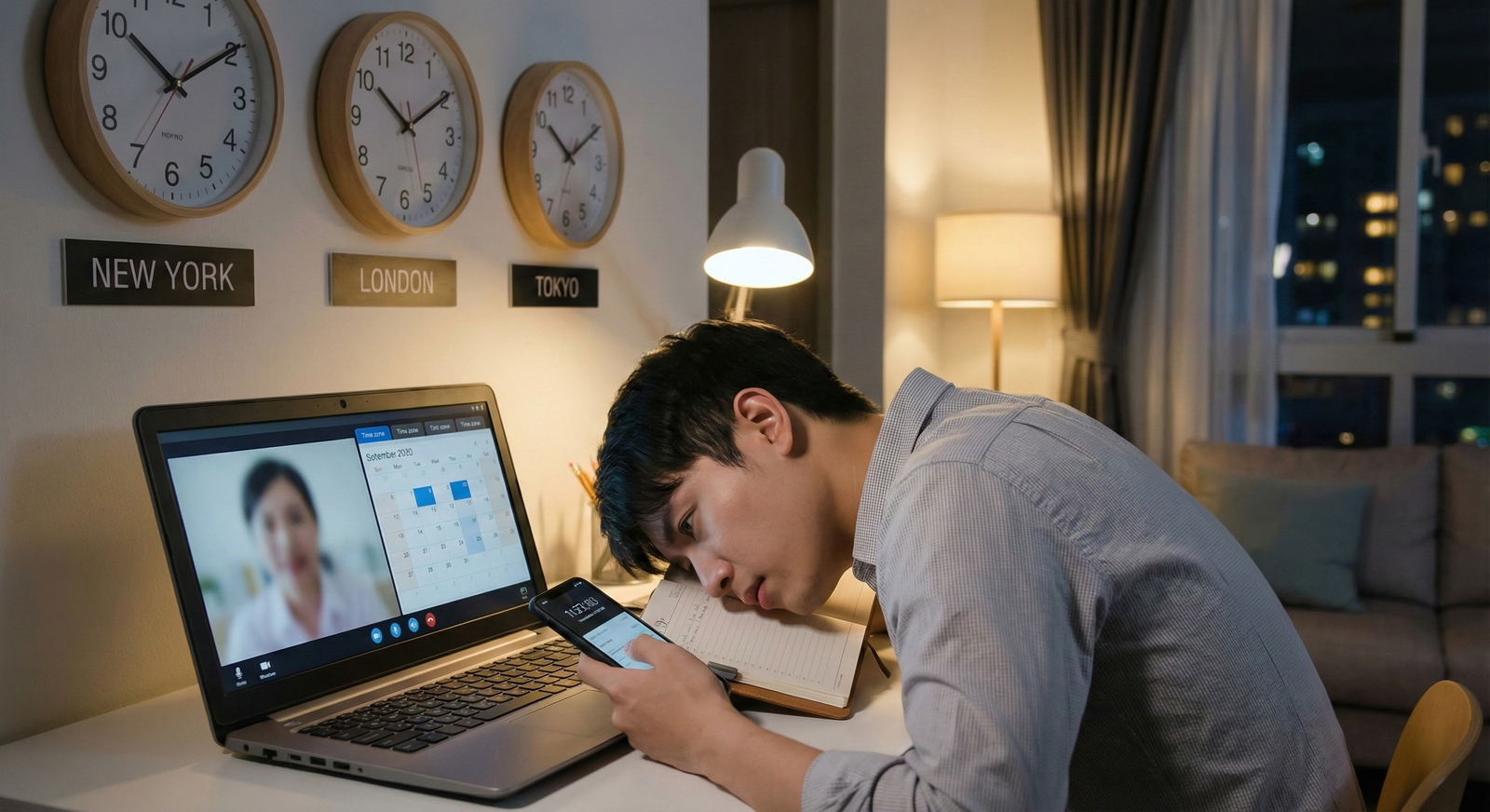
- Confirm your time slot and clarify time zones to avoid late arrivals.
During the Interview
- Log in 10–15 minutes early to troubleshoot last-minute issues.
- Address faculty and residents respectfully; when in doubt, use formal titles first (“Dr. [Last Name]”).
- If you need a brief pause (e.g., to get water, address a sudden noise), ask politely.
After the Interview
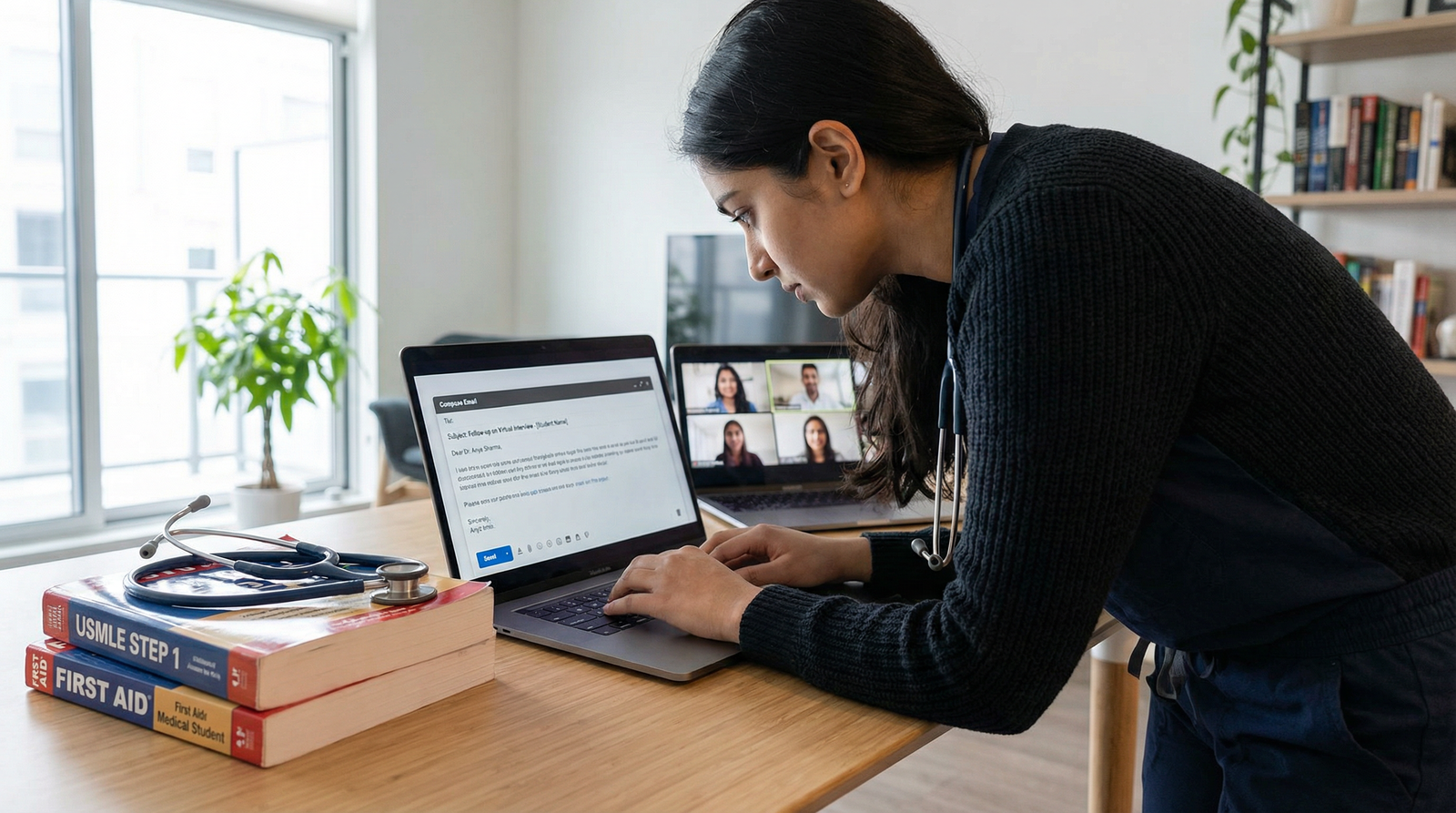
- Send individualized thank-you emails to interviewers within 24–48 hours.
- Reference a specific part of the conversation to show genuine engagement.
- Check spelling, grammar, and names carefully.
Don’t: Forget the Follow-Up or Overstep Boundaries
- Not sending thank-you messages may not automatically disqualify you, but it can signal disinterest or lack of professionalism.
- Avoid sending lengthy, repetitive, or overly frequent communications.
- Do not pressure programs for ranking information, or send inappropriate gifts.
A thoughtful, concise thank-you note is usually sufficient to leave a positive final impression.
Common Mistakes to Avoid in Video Residency Interviews
As you refine your Video Interview Tips strategy, be mindful of these frequent pitfalls:
Inadequate Preparation
- “Winging it” leads to rambling answers and missed opportunities to highlight your unique strengths.
Unmanaged Technical Issues
- While some glitches are inevitable, many can be prevented with early preparation and backups.
Distracting Environment
- Background noise, visible clutter, or frequent interruptions undermine your professionalism.
Low Energy or Flat Affect
- On video, low energy can come across more strongly. Deliberately bring warmth and enthusiasm.
Superficial Program Knowledge
- Failing to research programs makes it difficult to answer, “Why our program?” convincingly.
- Review program websites, curricula, resident bios, and any recent changes or initiatives.
Not Practicing on Camera
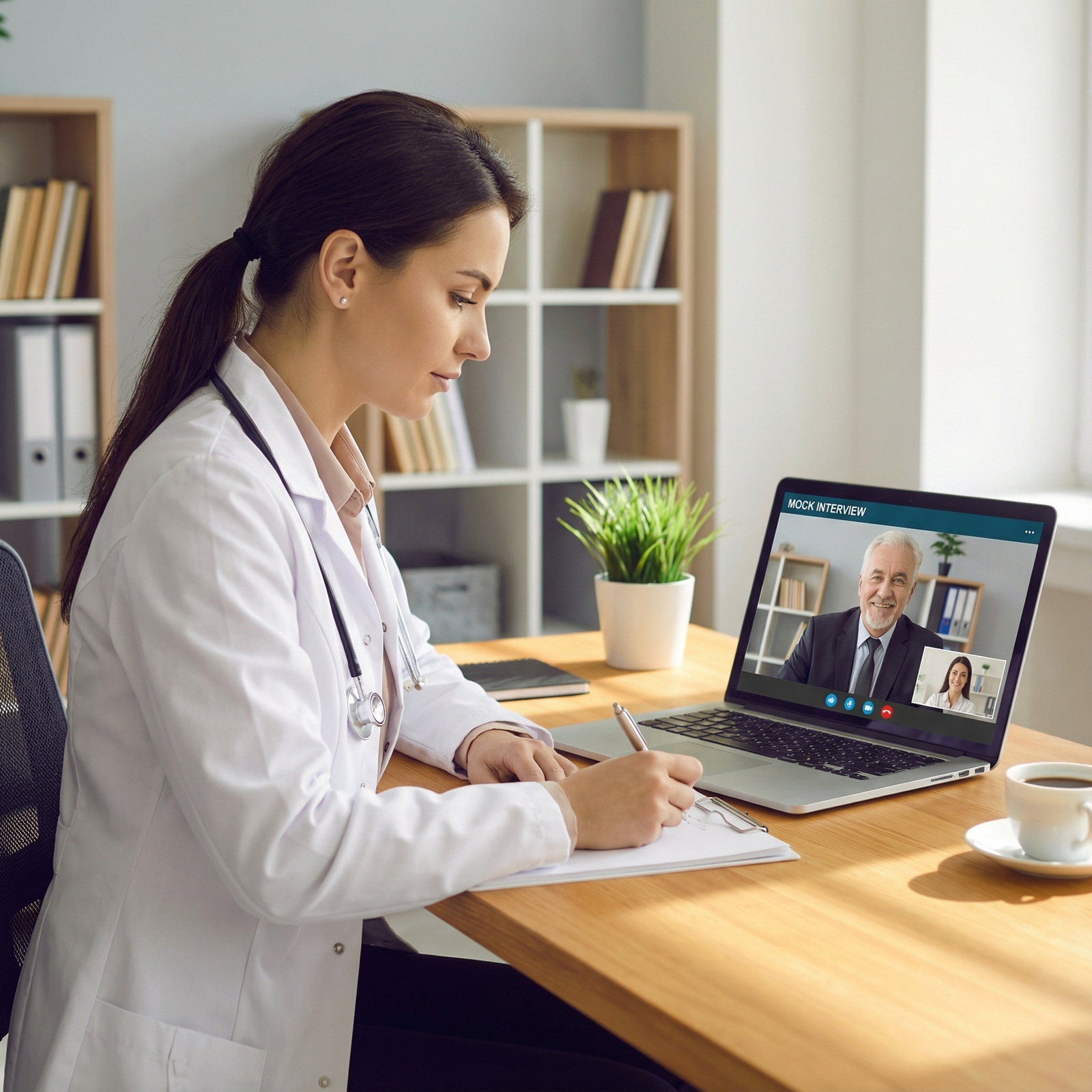
- Many applicants practice content but not delivery. Recording mock interviews is one of the most effective ways to refine your performance.
Handling Technical Difficulties Gracefully
Even with preparation, tech issues sometimes happen. How you respond can actually showcase your professionalism and composure.
If your connection drops
- Rejoin the meeting as soon as you can.
- Briefly apologize and acknowledge the issue without excessive focus:
“I’m sorry, it seems my connection dropped briefly. Thank you for your patience.” - If you cannot reconnect, email the coordinator promptly explaining what happened and expressing your continued interest.
If audio or video glitches
- Politely mention the issue:
“I’m having some difficulty hearing you. Would you mind repeating that last part?” - Turn off video briefly if needed to stabilize the connection, then turn it back on when possible.
- Politely mention the issue:
Staying calm and solution-focused communicates maturity and professionalism—traits every program values.
Frequently Asked Questions About Video Residency Interviews
1. What video platforms are most commonly used for residency interviews, and how should I prepare for them?
Most programs use platforms such as Zoom, Microsoft Teams, Thalamus, Webex, or occasionally Google Meet. Prepare by:
- Creating accounts (if required) and installing apps on your primary and backup devices.
- Testing audio, video, and connection with a friend or mentor using the same platform.
- Learning basic functions: mute/unmute, start/stop video, chat, and screen sharing.
Programs will provide instructions in advance; follow them carefully and reach out early if anything is unclear.
2. How should I handle nervousness or anxiety before and during a video interview?
Anxiety is normal, especially when so much of your Medical Career feels on the line. To manage it:
- Practice mock interviews with advisors, faculty, residents, or peers via video.
- Prepare your environment the night before so you are not rushing.
- Use a pre-interview routine: deep breathing, brief stretching, or a short walk.
- Keep a glass of water, a pen, and a notepad nearby to help ground yourself.
- Remind yourself: programs understand this is a stressful process and are not expecting perfection—just authenticity and professionalism.
3. Where should I place my camera, and does angle really matter?
Yes, camera placement significantly affects how you appear on screen:
- Position the camera at or slightly above eye level to avoid an unflattering “looking down” angle.
- Center your face and upper torso in the frame.
- Sit an arm’s length away from the screen so you’re not too close.
A well-placed camera helps simulate natural eye contact and contributes to a polished, confident presence.
4. How long should my thank-you emails be, and what should they include?
Thank-you emails should be brief, professional, and personalized:
- Aim for 2–3 short paragraphs.
- Thank the interviewer for their time and insights.
- Reference a specific topic or moment from your conversation (e.g., a discussion about mentorship, research, or program culture).
- Reiterate your enthusiasm for the program and how you see yourself fitting there.
Avoid copying and pasting identical messages to all programs; small personal touches matter.
5. Can I use notes during a video residency interview?
Yes, but with caution:
- It’s acceptable to have a few bullet points or questions written on a notepad out of view.
- Glancing down briefly is fine; reading full answers is not.
- Avoid having multiple documents open on your screen—you’ll appear distracted, and your eye movements will reveal that you’re reading.
Use notes as a safety net, not a script.
Video residency interviews are now a core part of the Residency Match and your broader Medical Career journey. By combining strong Interview Preparation, thoughtful attention to environment and technology, and genuine, professional communication, you can turn the virtual format from a source of stress into an opportunity to shine.
Approach each interview as a chance to share who you are—not just what you’ve done—and to discover where you will thrive as a resident physician.