
Residency Life Tech Guide: Tools to Maximize Efficiency and Protect Your Time
Residency is a high-stakes stretch of your medical career: long shifts, complex patients, and constant learning—all while trying to hold on to some semblance of work-life balance. Medical technology and well-chosen productivity tools won’t remove the workload, but they can dramatically reduce friction, streamline routine tasks, and give you back precious hours each week.
This guide walks through practical tech solutions residents actually use on the wards and at home—how to choose them, how to implement them, and how to avoid common pitfalls.
Understanding the Pressure: Why Tech Matters in Residency
The Modern Residency Reality
Across specialties, residents face similar challenges:
Long hours and fatigue
Calls, nights, post-call days, and 6-day weeks can push your total to 60–80+ hours. Without systems, fatigue compounds and efficiency plummets.Heavy documentation demands
Electronic Health Records (EHRs) can be powerful, but they can also be a time sink if you don’t use them efficiently.Relentless learning curve
New guidelines, new attendings, new services every few weeks—plus board exams, in-training exams (ITEs), and specialty milestones.Work-life balance pressures
Maintaining relationships, sleep, exercise, and mental health often feels like an unsolvable equation.
Leveraging modern medical technology and targeted productivity tools isn’t just about being “techy”; it’s about protecting your cognitive bandwidth so you can focus on clinical reasoning, communication, and compassionate care.
Principles for Choosing Tech Tools in Residency
Before downloading every healthcare app that shows up in your feed, filter tools using these criteria:
- Low friction: Setup and daily use should be simple; if it takes more than a few minutes to understand, you likely won’t stick with it.
- Mobile-friendly: You live on your feet; solutions must work on your phone/tablet, not just on a desktop.
- Secure and compliant: For anything involving patient data, HIPAA (or local privacy) compliance is non-negotiable. Avoid storing PHI in personal apps.
- Integrates with existing systems: Where possible, build around your hospital’s EHR and communication systems—not against them.
- Sustainable: You should be able to use the tool through multiple rotations, not just for a single week’s experiment.
1. Mastering Electronic Health Records (EHR) for Speed and Safety
EHRs like Epic, Cerner, Allscripts, Meditech, and others are the backbone of modern clinical care. They can feel cumbersome at first, but once you learn to navigate them strategically, they become powerful allies for efficiency.
Core Benefits of EHR Systems for Residents
- Faster documentation
Smart phrases, templates, and macros can cut your note time in half. - Integrated communication
In-system messaging to nurses, pharmacists, and co-residents streamlines coordination. - Consolidated clinical picture
Labs, imaging, consult notes, trending vitals, and medication lists in one place help with safe, rapid decision-making. - Audit trail and safety checks
Drug interactions, allergy warnings, and trend graphs reduce errors, especially when you’re tired.
Practical EHR Strategies to Save Time
Create smart phrases and templates early
- Build templates for:
- Daily progress notes (by service: ICU, floors, ED)
- Admission H&Ps
- Discharge summaries
- Common consults (e.g., chest pain, syncope, sepsis)
- Include:
- Auto-populated vitals, labs, and medication lists
- Structured assessment/plan sections with standard headers
- Build templates for:
Use keyboard shortcuts and favorites
- Ask senior residents which shortcuts they rely on.
- Add commonly ordered labs, imaging, and meds to “favorites” tabs.
- Save frequently used order sets (e.g., “new CHF admit,” “stroke workup”).
Batch your work strategically
- During prerounds:
- Open all your patient charts in tabs.
- Scan overnight events, labs, and nursing notes.
- After rounds:
- Batch-order labs/imaging for all patients.
- Then batch-document: complete all HPI/interval history sections first, then A/P across patients.
- During prerounds:
Leverage EHR mobile apps (if available)
- Many systems have secure mobile apps for:
- Checking labs on the go
- Reviewing vital signs and images
- Sending secure messages
- This can cut down on repeated trips to the workstation, especially in large hospitals.
- Many systems have secure mobile apps for:
Real-World Example
An internal medicine resident on a busy inpatient service creates:
- A general medicine progress note template with auto-inserted problem list and lab summaries.
- A “CHF admission” order set (IV diuretics, daily weight, strict I/O, BNP, EKG, CXR, echo, sodium/fluid restriction, etc.).
By using these consistently, she cuts her documentation time from 6–7 minutes per note to ~3 minutes—saving nearly an hour per day on a heavy census.

2. Task Management and Digital Organization for Residents
Residency is constant multitasking: patient issues, pages, follow-ups, labs, consults, teaching points. Relying solely on memory or scraps of paper almost guarantees something will slip through.
Task management apps like Todoist, Trello, Asana, Notion, or even a well-configured Apple Reminders or Google Tasks can dramatically reduce mental load.
Why Task Management Tools Matter
- Centralized to-do list
Capture all tasks—patient care, research, personal life—so they’re not all bouncing around your head. - Priority and deadlines
Distinguish “do now” from “must not forget later.” - Visual structure
Boards and checklists help you track progress on complex workflows (e.g., research projects, QI initiatives). - Team collaboration
Great for chief residents, QI teams, or research groups who need shared visibility.
Simple Systems That Work on Busy Rotations
The “One Inbox” rule
- Choose ONE task app to be your master list.
- Everything goes in: pages to follow up, results to recheck, forms to complete, personal errands.
Use tags or projects
- Create categories like:
- “Inpatient – Today”
- “Clinic”
- “Board Study”
- “Research/QI”
- “Personal / Life Admin”
- Quickly filter by context during your day.
- Create categories like:
Daily 5-minute review
- At sign-out or before bed:
- Check off completed tasks.
- Move unfinished tasks to tomorrow or later.
- Add new tasks from your list of sticky notes or cross-cover.
- At sign-out or before bed:
Protect your work-life balance
- Intentionally create tasks for:
- Exercise (e.g., “20-min run after clinic”)
- Social time (e.g., “Call family Sunday afternoon”)
- Administrative life tasks (bills, appointments)
- If it matters, schedule it—don’t assume it will magically fit in.
- Intentionally create tasks for:
Example: Surgical Resident Using Trello
A surgery resident makes a Trello board with lists:
- “Pre-op workup”
- “Cases this week”
- “Post-op follow-up”
- “Clinic follow-ups”
- “Research tasks”
Each card represents a patient or case, with checklists for tasks:
- Consent signed
- Pre-op labs complete
- Imaging reviewed
- Post-op progress note
- Suture removal date
The resident can see at a glance where each case stands, significantly reducing missed details and last-minute scrambling.
3. Medical Reference and Clinical Decision Support Apps
Instant access to accurate information is critical for safe, up-to-date care. Toggling between your memory and a trusted reference is standard, not a sign of weakness.
Common medical reference apps include:
- UpToDate
- DynaMed
- Medscape
- BMJ Best Practice
- MDCalc (for clinical calculators)
- Lexicomp, Micromedex, Epocrates (for drug information)
How Reference Apps Enhance Resident Practice
- Rapid access to guidelines and evidence
Perfect for bedside questions: “What’s the recommended first-line therapy for…?” - Drug dosing and interactions
Especially helpful in renal/hepatic impairment, pediatric dosing, or polypharmacy. - Risk calculators and scoring systems
CHADS-VASc, Wells score, MELD, PERC, and many more at your fingertips. - Continuing education
Many platforms integrate CME/CE credits when you read topics or answer questions.
Best Practices for Using Medical Technology in Clinical Decisions
Bookmark high-yield topics
- Common conditions in your specialty
- Rotations you’re on (e.g., ICU, NICU, ED)
- Frequently referenced algorithms or tables
Use during rounds—strategically
- When cases raise questions, quickly pull up guidelines.
- Offer to look up a dosage or guideline in real time and summarize for the team.
- Avoid zoning out scrolling—stay engaged and focused.
Build “micro-learning” habits
- When you look up something during the day, add it to:
- A note app
- A flashcard deck (see next section)
- This turns clinical questions into durable learning.
- When you look up something during the day, add it to:
Real-World Application
During morning rounds, an intern encounters a new diagnosis of PE and isn’t sure about the outpatient vs. inpatient criteria. She opens MDCalc, inputs the patient’s vitals and risk factors, and quickly references current risk stratification guidelines. With that data, she has a focused conversation with her senior about whether home management is appropriate.
4. Time Blocking, Scheduling, and Protecting Work-Life Balance
Without structure, residency will fill every spare moment with “more work.” Time blocking and smart use of calendars help you purposefully allocate time to what matters most: patient care, study, rest, and your personal life.
Common tools:
- Google Calendar
- Outlook Calendar
- Fantastical
- Built-in iOS/Android calendars
Why Scheduling Tools Matter in Residency Life
- Big-picture view of your week
- See your shifts, clinic days, call nights, and post-call time.
- Dedicated study time
- Plan board prep and reading rather than “fitting it in.”
- Intentional rest and relationships
- Book rest just like you book consults—on your calendar.
Practical Time-Blocking Strategies
Start with non-negotiables
- Enter:
- All shifts and calls
- Clinics
- Conferences/mandatory teaching
- Include commute time if it affects your day.
- Enter:
Add “protected” blocks
- 30–60 min study blocks 3–5 days/week.
- 20–30 min exercise blocks, even if only on lighter days.
- “No work” time—dinner with partner, family call, or time off-screen.
Match tasks with energy levels
- Post-call: lighter tasks (flashcards, low-stress paperwork).
- Days off: more intense board review or research.
- Early morning (if you’re a morning person): reading or mental-heavy tasks.
Use reminders wisely
- Set reminders for:
- Important deadlines (evaluations, credentialing, visa renewals).
- High-value personal tasks (therapy appointments, dentist, birthdays).
- Avoid overusing alerts; too many notifications become noise.
- Set reminders for:
Example
An OB/GYN resident on q4 call:
- Schedules 30 minutes of reading or flashcards on non-call, non-post-call days.
- Blocks 45 minutes twice a week for exercise.
- Commits to one evening per week as “no medicine talk” time with a partner.
Over months, this structure supports both Work-Life Balance and exam performance.
5. Study Aids, Flashcard Apps, and Efficient Learning
Residency doesn’t pause exam requirements. Between in-training exams, board certification, and fellowship applications, you need a structured, low-friction study plan.
Flashcard and spaced repetition apps like:
- Anki
- Quizlet
- Brainscape
- Osmosis, AMBOSS Qbank + notes
are invaluable for long-term retention.
Why Flashcards Work for Residents
- Spaced repetition
Reinforces knowledge just before you’re about to forget it. - Active recall
More powerful than passive reading—critical when time is limited. - Micro-learning
Perfect for 5–10 minute pockets during the day.
Building a Realistic Study System
Start with curated decks (if available)
- Many specialties have popular, vetted decks for boards/ITE.
- Use these as your backbone, then add personal cards from your clinical experiences.
Make high-yield, concise cards
- Focus on:
- Key diagnostic criteria
- First-line treatments
- High-yield differentials
- “Don’t miss” red flags
- Avoid copying entire paragraphs into one card.
- Focus on:
Integrate with your clinical day
- When a case teaches you something new:
- Jot down quick notes
- Convert to cards later (end of day or weekend).
- Do 10–20 cards on the subway, in the cafeteria, or waiting for sign-out.
- When a case teaches you something new:
Consistency > intensity
- Aim for smaller sessions (10–20 min) most days rather than rare 3-hour marathons.
- Use your calendar to block 1–2 dedicated review sessions per week when off service or lighter.
Case Example
A pediatrics resident uses Anki with:
- A standard pediatrics board deck.
- A personal deck labeled “ICU Pearls” with short cards about ventilator settings, inotrope choices, and fluid resuscitation doses.
They review ~30–50 cards per day on their commute and during short breaks, and over months, knowledge gaps shrink without major extra time.
6. Telehealth Platforms and Remote Care in Training
Telehealth tools like Teladoc, Amwell, Doximity Dialer, Zoom for Healthcare, and integrated hospital telemedicine systems are now central to modern healthcare delivery.
As a resident, you may participate in:
- Virtual follow-up visits
- Remote consults
- Video mental health assessments
- Telestroke or tele-ICU discussions
Benefits of Telehealth Technology for Residents
- Greater patient accessibility
- Patients in rural or mobility-limited settings can still follow up reliably.
- Efficient follow-ups
- Medication checks, lab result reviews, and counseling can often be handled virtually.
- Exposure to modern care models
- Telehealth literacy is increasingly expected of new attendings.
Tips for Effective Telehealth Encounters
Prepare your “telehealth workspace”
- Quiet environment.
- Neutral, professional background.
- Stable internet and backup device if available.
Optimize communication
- Speak slightly slower and use clear, simple language.
- Confirm understanding (teach-back) more often—video can miss non-verbal cues.
- Have a system for quickly documenting and ordering labs, meds, and follow-ups.
Know the boundaries
- Be clear about what can and cannot be safely managed virtually.
- Have protocols for sending patients to in-person care or ED when appropriate.
Real-World Example
During a pandemic surge, a family medicine resident spends 2 half-days per week on telehealth follow-ups for chronic disease management (diabetes, HTN, COPD). With standardized note templates and EHR order sets ready, each 20-minute visit stays focused, and documentation is done in real time—preventing a backlog at the end of clinic.
7. Wellness, Mental Health, and Lifestyle Apps for Residents
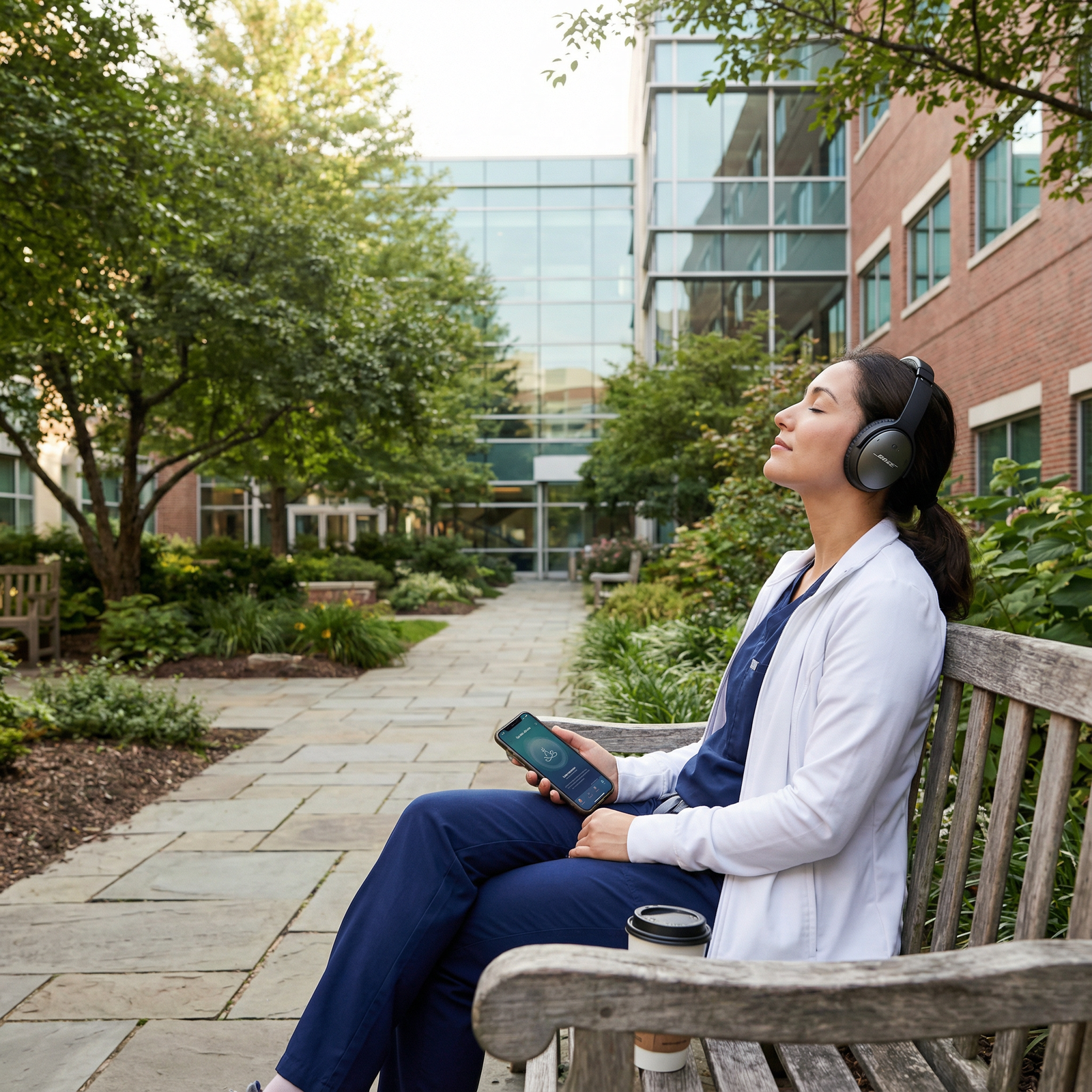
No tech guide for residency is complete without addressing health and wellness apps. Burnout, depression, and anxiety are common in training. Purposeful use of wellness technologies can support your mental and physical health.
Helpful app categories include:
- Mindfulness and stress management: Headspace, Calm, Insight Timer, Ten Percent Happier
- Physical activity and nutrition: MyFitnessPal, Nike Training Club, Apple Health, Fitbit, Strava
- Sleep: Sleep Cycle, CBT-I Coach, Oura (if you use wearables)
- Therapy and support: BetterHelp, Talkspace (where appropriate and affordable)
How Wellness Apps Support Work-Life Balance
- Mindfulness in small doses
5–10 minute guided meditations between shifts or before bed. - Tracking routines and goals
Exercise, steps, and nutrition logs can nudge you toward healthier habits. - Sleep awareness
Recognizing patterns of sleep debt can push you to protect post-call sleep.
Realistic Implementation for Residents
Start tiny
- 3–5 minute daily meditation or breathing exercise.
- 2–3 workout sessions/week, even if just 15–20 minutes at home.
- One “screen-free” hour before bed once or twice a week.
Use stacking
- Pair wellness habits with existing routines:
- 5-minute breathing exercise after sign-out.
- Short walk after lunch.
- 10 push-ups and stretches before showering.
- Pair wellness habits with existing routines:
Measure, don’t obsess
- Use trackers as feedback, not as a source of guilt.
- Focus on trends (improvement over weeks) rather than perfection.
Case Study
An EM resident noticing early burnout installs Headspace and MyFitnessPal:
- Does a 5-minute meditation every post-shift before leaving the hospital parking lot, to “transition” out of work mode.
- Tracks basic nutrition and realizes they’re skipping breakfast and over-caffeinating.
- Makes small adjustments: prepping simple breakfasts on days off and cutting one afternoon coffee.
Over several months, they report better focus on shift and less emotional exhaustion.
Frequently Asked Questions (FAQs)
1. How do I choose the best productivity tools for my residency program?
Start by identifying your main pain points: is it documentation speed, forgetting tasks, studying consistently, or stress and burnout? Then:
- Ask senior residents and chiefs what they actually use.
- Start with one tool in each category at most (e.g., 1 task app, 1 flashcard app).
- Prioritize apps that:
- Are easy to learn
- Work well on your phone
- Don’t conflict with hospital privacy policies
Test a new tool for at least 2 weeks before deciding if it fits.
2. Are there any privacy concerns with using regular apps during residency?
Yes. You must never store identifiable patient information in personal task apps, note apps, or messaging tools that are not explicitly HIPAA-compliant (or compliant with your country’s regulations). Use:
- Hospital-approved secure messaging platforms
- EHR-integrated notes and task systems
- Anonymized references (“Bed 4 CHF pt”) only if your policy permits and no identifiable details are used
When in doubt, ask your program or hospital IT/compliance office.
3. How can I use tech to improve my work-life balance instead of making it worse?
Be intentional about how you use technology:
- Turn off nonessential notifications during sleep and protected time.
- Use calendars to schedule personal commitments, not just work.
- Install wellness or mindfulness apps on your home screen, not just email and EHR shortcuts.
- Periodically audit your screen time and remove or limit apps that drain energy without adding value.
Tech should support boundaries, not constantly breach them.
4. I feel overwhelmed by all these apps. What’s the minimum effective setup?
A simple but powerful tech stack for most residents:
- EHR optimization: A handful of templates and order sets.
- One task manager: Google Tasks or Todoist.
- One study tool: Anki or your preferred Qbank + notes.
- One calendar: Google or Outlook, synced across devices.
- One wellness app: Headspace, Calm, or a basic exercise tracker.
Master these first. You can always layer more tools later if needed.
5. How much time should I spend setting all this up?
Keep setup lean:
- EHR templates: 1–2 hours over your first few weeks (they’ll save dozens of hours later).
- Task app: 20–30 minutes to learn basics and create your categories.
- Flashcards: 30–60 minutes to pick a starter deck, then gradually add cards from daily practice.
- Calendar/time-blocking: 15 minutes weekly to plan your upcoming week.
If a tool takes more time to maintain than it saves, simplify or abandon it.
By strategically using medical technology, productivity tools, and healthcare apps, you can streamline residency tasks, enhance your learning, and protect your Work-Life Balance. The goal isn’t to be constantly “plugged in,” but to design a tech ecosystem that supports your growth as a physician while preserving your well-being.
Pick one or two areas to improve this month—EHR efficiency, task management, or wellness—and build from there. Small, consistent changes in how you use tech can compound into a more sustainable, effective, and fulfilling residency experience.