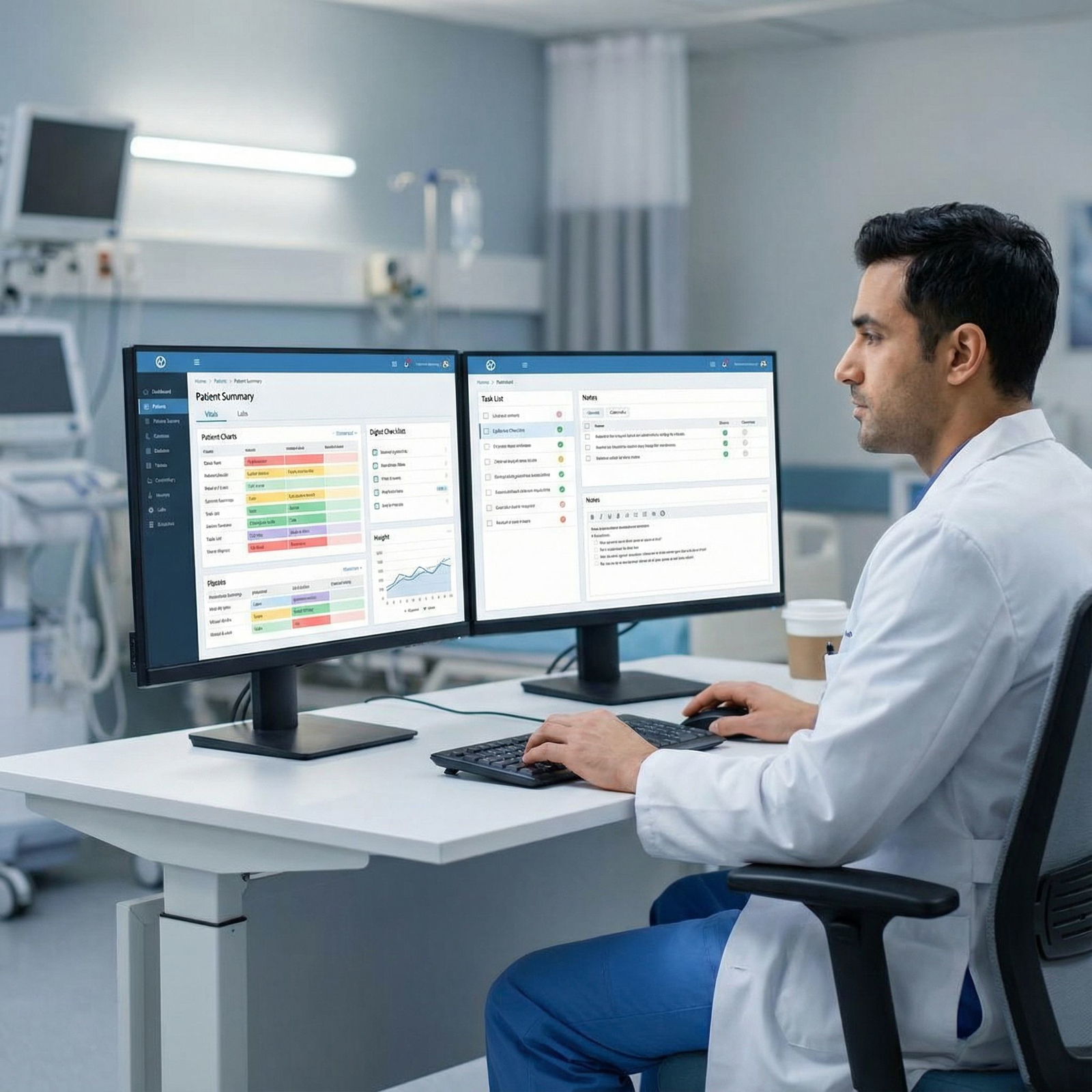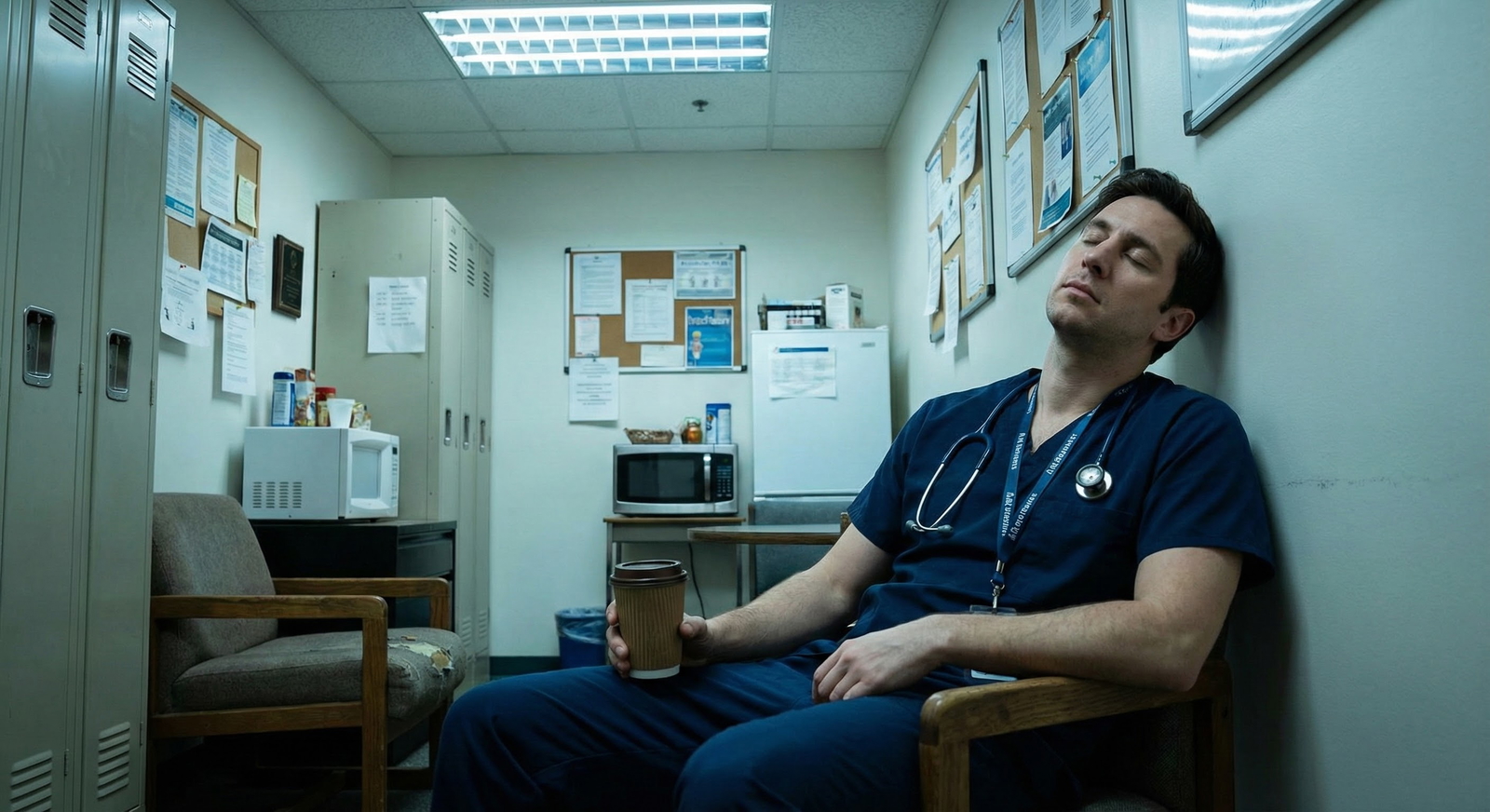


Secrets to a Clean Workspace: Boosting Efficiency in Residency
Residency is one of the most intense and formative phases of medical training. Between long shifts, cross-cover, call nights, documentation pressures, and exams, it can feel like there’s no time left for anything—least of all tidying your desk or resetting a workroom. Yet Workspace Organization is not a trivial detail; it is a powerful, underused Residency Tip for increasing Productivity, reducing cognitive load, and supporting Stress Management throughout your medical training.
A clean, intentional workspace—whether it’s a shared rounding room, a corner of the call room, or your home study area—can:
- Help you think more clearly during complex clinical decisions
- Save precious minutes when time is tight
- Support better infection control and safety
- Reduce daily friction and burnout contributors
- Reinforce your professionalism and team reputation
This guide expands on the original principles and walks you through practical, realistic strategies that fit the realities of residency life.
Why Workspace Organization Matters in Residency
Cognitive and Performance Benefits
In a high-stakes environment like residency, mental bandwidth is everything. A cluttered workspace increases “visual noise,” forcing your brain to process irrelevant information. This quiet drain on your attention can:
- Slow your ability to synthesize data from the EMR, labs, and imaging
- Make it easier to overlook important papers or notes
- Contribute to feeling scattered and behind all day
Conversely, an organized space supports:
- Sharper Focus: Less visual clutter = fewer distractions when reviewing complex cases.
- More Reliable Memory Cues: When everything lives in a consistent place, you rely less on short-term memory to find things.
- Faster Task Switching: You can move from sign-out to notes to patient phone calls without spending mental energy hunting for tools or documents.
Time Savings in a Time-Scarce Life
Residency is essentially a time management stress test. Losing even 5–10 minutes across a shift because you can’t find:
- The right form
- The portable ultrasound gel
- That consult number scribbled on loose paper
…adds up quickly. Multiply that by months of training, and you’re talking hours of wasted time you could have spent debriefing with an attending, reading a guideline, or just eating.
A clean workspace reduces “search time” by making sure:
- Key items live in predictable zones
- Documents are filed, not piled
- Shared supplies are logically labeled and accessible
Emotional Health and Stress Management
A chaotic workspace often mirrors and magnifies an already chaotic day. Piles of charts, scattered sticky notes, and random supplies can create a low-level sense of disorder, which in turn:
- Increases perceived stress
- Undercuts your sense of control
- Makes it harder to “reset” between patients or after difficult encounters
Clearing your space—even briefly—can act as a micro reset for your brain. Many residents describe a “small but real” drop in anxiety when their immediate environment is in order. In the long run, this becomes part of your Stress Management toolkit: a simple, concrete action that makes the environment more manageable when life feels overwhelming.
Professionalism and Team Culture
Your workspace sends a message about how you approach your work:
- A clean, organized desk signals reliability, attention to detail, and respect for shared spaces.
- A perpetually messy area—especially in shared resident rooms or team rooms—can erode trust and subtly affect how colleagues perceive your professionalism.
In clinical settings, patients and families sometimes see your work areas. A tidy, orderly station reassures them that their care is in competent hands.
Building Daily Workspace Habits That Actually Stick
Most residents don’t lack motivation; they lack realistic systems. The goal is not perfection. It’s a set of routines that are small enough to be sustainable, even on a post-call day.
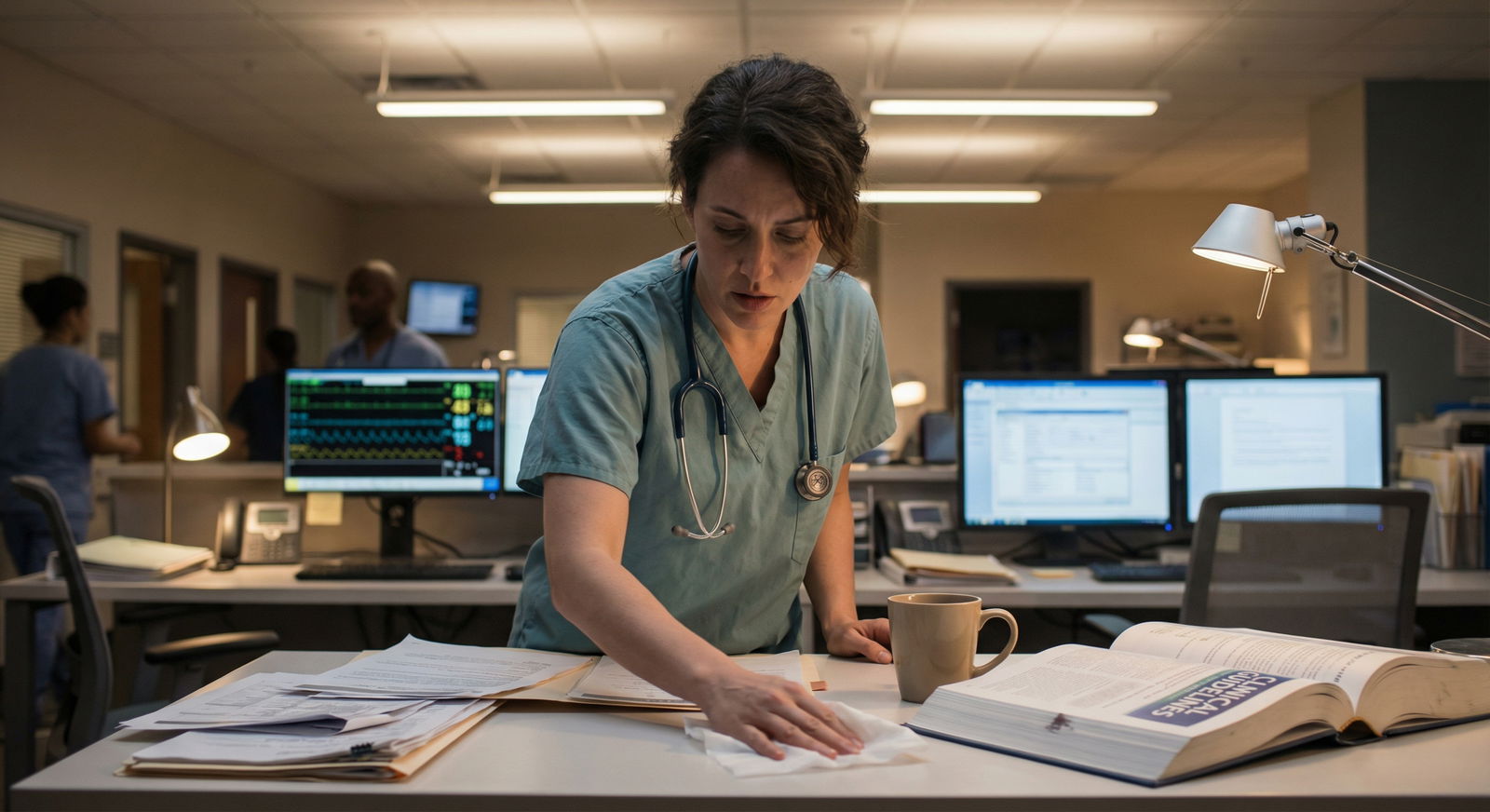
Establish a Micro Daily Reset Routine
Instead of imagining a massive clean-up, aim for a 3–10 minute “micro reset”:
End-of-Shift Checklist (3–7 minutes):
- Return borrowed items (stethoscope, ophthalmoscope, pagers, books) to their spots
- File or recycle loose papers
- Wipe down keyboard, mouse, and desk with appropriate disinfectant
- Log out of EMRs and apps
- Restock any supplies you depleted if it’s your role (e.g., exam gloves, ultrasound gel, printer paper)
Make it a ritual: last thing before sign-out, or last thing before you physically leave the unit. Treat it like brushing your teeth—non-negotiable but quick.
Use “While-You-Wait” Moments
Residency is full of tiny pockets of waiting: for an attending to arrive, for imaging to load, for a nurse to bring meds. Use these micro-moments (30–90 seconds) to:
- Toss obvious trash
- Consolidate a few sticky notes into a single organized to-do list
- Return a couple of stray items to their homes
These tiny efforts prevent clutter from accumulating into a bigger problem that feels insurmountable.
Assign Clear “Homes” for Your Essentials
Decide deliberately where your personal essentials live, so you can find them instantly when under pressure:
Common resident “everyday carry” items:
- Stethoscope
- ID badge and keys
- Penlight, scissors, reflex hammer (if you use them)
- Favorite pens or highlighters
- Small notebook or index cards
- Phone charger or power bank
Create a consistent home for these items at work (a specific pocket, drawer, or bag compartment) and at home (one spot where your bag, keys, and badge always land). This reduces frantic searching when you’re already running late for sign-out or pre-rounds.
Organizing Supplies and Paperwork for Maximum Productivity
Effective Workspace Organization is more than “neatness.” It’s about designing the physical and digital environment so your workflow is smoother, especially when you’re sleep-deprived.
Designate Functional Zones
Even in a tiny shared workstation, think in zones:
Clinical Work Zone:
- Computer, phone, reference books, sign-out sheets
- Keep this area as clutter-free as possible; it’s where you think and document
Paper and Forms Zone:
- Clipboards, pre-printed order sets, consult forms
- Use vertical sorters or trays labeled (e.g., “To Do,” “To Scan/File,” “Completed”)
Personal Zone:
- Bag, water bottle, snacks, hand lotion, lip balm
- Confine these to a single area so personal items don’t creep onto clinical work surfaces
By separating these zones, you reduce mix-ups like misplacing important clinical documents under your lunch container.
Use Simple but High-Yield Organizational Tools
You don’t need fancy gear—just a few smart tools:
- Drawer organizers or small bins: To separate pens, syringes (if appropriate), tape, and other small items
- Vertical file organizers: To keep charts, consult notes, and reference printouts upright and visible
- Clipboards with pockets: For on-the-go paperwork during rounds
- Color-coded folders: Use colors for different services (e.g., red for ICU, blue for clinic, green for research or QI projects)
Keep labels clear and large enough to read at a glance—especially useful during high-stress moments.
Reining in Paper: Go Digital Strategically
Paper tends to multiply in residency. To control it:
Default to digital when allowed:
- Use the EMR and hospital intranet for guidelines and order sets rather than printing everything
- Store key documents (rotation schedules, clinic templates, reference tables) in a secure cloud folder or hospital-approved app
Create a digital “Resident Binder”:
- Keep PDFs of clinical pathways, dosing charts, note templates, and teaching handouts
- Organize by specialty (Cards, ICU, Pediatrics), then by topic
Convert temporary paper to digital notes:
- After rounds, transfer critical points from your rounding sheets into a digital to-do list or EMR sticky notes (if compliant with local policy)
- Then recycle the physical sheets rather than keeping piles “just in case”
This approach preserves key information while preventing your desk from becoming a paper graveyard.
Embracing Minimalism in a High-Demand Environment
Minimalism in residency isn’t about owning almost nothing—it’s about owning and storing only what genuinely serves you.
Keep Only What You Consistently Use
Every few weeks, do a 5–10 minute “inventory” of your workspace:
Ask yourself:
- Have I used this item in the last 2–4 weeks?
- Is it uniquely necessary (or easily replaced if I need it again)?
If not, consider:
- Returning it to central supply
- Giving it to a co-resident who needs it
- Recycling or discarding appropriately
This is especially important for:
- Old sign-out sheets
- Outdated guidelines or protocols
- Random pens/markers that don’t work
- Extra gadgets that sounded useful but never get used
Choose Multi-Function Tools
To reduce clutter in your pockets and workspace:
- Use a smartphone (within institutional policy) for:
- Drug references
- Medical calculators
- Secure messaging and paging apps
- Favor pocket references that cover multiple specialties rather than multiple single-topic booklets
- If you use a tablet, load it with your reference materials instead of carrying multiple print books
Minimalism isn’t about deprivation—it’s about designing your space so that everything in view earns its place.
Smart Storage Solutions in Clinical and Home Workspaces
Residency usually means splitting your time between hospital, clinic, and home. Each environment deserves intentional storage strategies that support your Productivity and well-being.
Vertical and Mobile Storage at Work
In tight hospital environments:
- Use vertical space where possible:
- Wall-mounted file holders for forms and handouts
- Shelves for reference books and shared resources
- Mobile carts or bins for team-based items:
- Rounding cart with commonly used supplies, printed order sets, and extra pens
- Specialty cart (e.g., procedure cart) labeled clearly, so everyone knows where items belong
Ask your chief residents or program leadership if you can pilot small improvements (e.g., adding labels, small organizers) as a low-cost QI project.
Designing an Efficient Home Study Space
Your home base is critical for exam prep, research, and genuine recovery:
Separate “Work” and “Rest” Zones if Possible:
- Even in a studio, face your desk away from your bed or use a small room divider
- Avoid studying in bed to help your brain associate it with rest
Keep a Simple, Clean Desk Surface:
- Laptop or monitor, a notebook, 1–2 pens, and a lamp
- Store other materials (textbooks, binders) on a nearby shelf, not piled on the desk
Use Storage Bins or Boxes:
- One box for rotation-specific materials (e.g., ICU notes that you can store between rotations)
- One for long-term reference materials and exam prep
A clean home workspace supports deeper focus when you finally get a quiet block of time to read or work on scholarly projects.
Deep Cleaning, Safety, and Ergonomics in Medical Training
Cleanliness in medical environments has additional implications beyond aesthetics: infection control, personal safety, and physical health.
Regular Deep Cleaning: A Non-Negotiable Habit
Alongside your daily reset, schedule more thorough cleaning:
Weekly (or every few shifts):
- Disinfect high-touch surfaces: keyboard, mouse, desk, phone, drawer handles
- Clear out old food containers, coffee cups, and snack wrappers
- Check for and discard expired or damaged supplies
- Organize shared shelves and return items to appropriate bins
Monthly (or each new rotation):
- Reassess what lives in your workspace vs. what can be archived or removed
- Clean your stethoscope and frequently used devices according to infection control policies
- Reset your digital workspace: tidy desktop icons, reorganize folders, clear old downloads
Consider making this a team activity—e.g., “first Friday cleanup” in the resident workroom—to build shared ownership.
Health, Safety, and Infection Control
Safe workspace habits protect both you and your patients:
Sharps and Biohazards:
- Never leave sharps on desks or in pockets; use sharps containers immediately
- Follow local protocols for biohazard waste disposal
Spill Management:
- Know where cleaning agents and PPE are stored
- Clean spills promptly, especially in shared areas
Devices and Cross-Contamination:
- Wipe down phones, tablets, and badges regularly
- Avoid placing contaminated items (e.g., blood-stained gloves) anywhere near keyboards or shared equipment
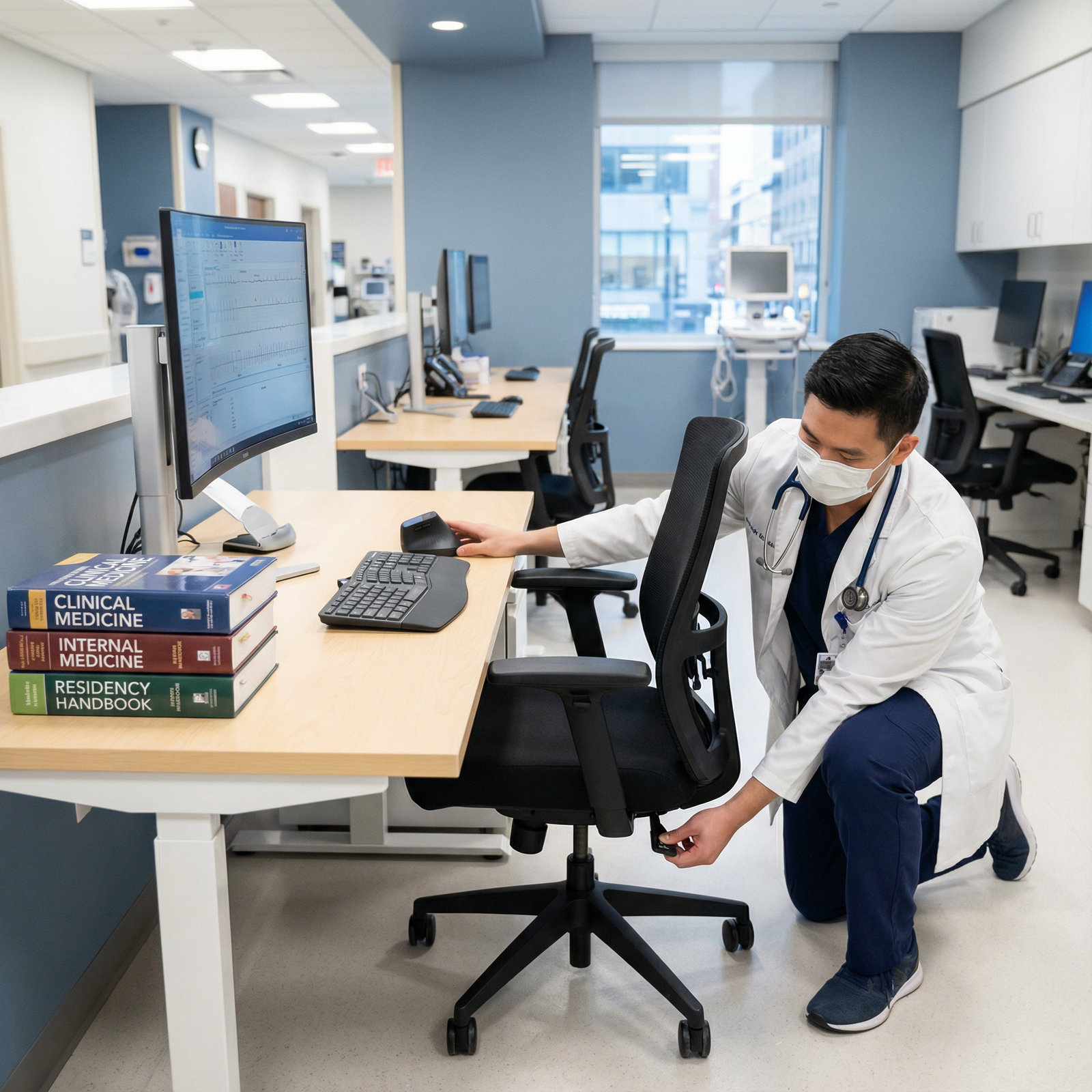
Ergonomic Setup to Prevent Injury and Fatigue
Long hours at the computer can cause musculoskeletal strain that silently erodes your energy and focus. Even minor ergonomic adjustments can help:
- Chair Height:
- Feet flat on the floor
- Knees at about a 90° angle
- Monitor Position:
- Top of the screen at or slightly below eye level
- About an arm’s length away
- Keyboard and Mouse:
- Elbows close to the body and bent at roughly 90°
- Wrists in a neutral (not extended) position
When possible:
- Take 30–60 second stretch breaks every 1–2 hours
- Alternate between sitting and standing workstations if available
- Report or request replacement for obviously broken or unsafe equipment
Using Technology to Amplify Organization and Productivity
Digital organization is as important as physical organization during residency.
Structuring Your Digital Workspace
Treat your computer and mobile device like extensions of your physical desk:
Create a Consistent Folder Hierarchy:
- /Residency
- /Year1, /Year2, /Year3
- /Rotations (e.g., ICU, Cards, ED, Clinic)
- /Projects (research, QI, teaching)
- /Residency
Standardize File Names:
- Include date and topic (e.g., “2025-01-10_ICU_Sepsis_Lecture.pdf”)
- Avoid random file names like “document(7).pdf”
Periodically Archive and Backup:
- Move older but important materials to an archive folder or secure cloud storage
- Ensure compliance with institutional policies about storing any patient-related information (usually prohibited on personal drives)
Leveraging Productivity Apps (Within Policy)
Check your institution’s policies about app use and patient privacy. Within those guardrails, consider:
Task Managers:
- Apps like Todoist, Microsoft To Do, or even simple phone reminders
- Create lists for “Today,” “This Week,” and “Long-Term Projects”
Note Apps:
- OneNote, Notion, or Apple Notes for guidelines, personal pearls, and study notes
- Use tags (e.g., #cardiology, #procedures, #clinic) to quickly find information
Calendar and Time Blocking:
- Use digital calendars to track clinics, didactics, conferences, and exams
- Block time for reading, research, or wellness activities as if they were appointments
Digital structure reduces the chance that important tasks, deadlines, or teaching points get lost in the chaos of daily pages and interruptions.
Creating a Pleasant, Sustainable Environment
A clean workspace is not just about efficiency—it’s also about making your environment more humane amid the grind of residency.
Thoughtful Personalization (Within Reason)
Small touches can make your space feel more supportive:
- A single small plant (if allowed) or a low-maintenance fake plant
- One or two photos of loved ones or a meaningful place
- A simple motivational quote or postcard pinned near your desk
Aim for calm and minimal, not cluttered. The goal is a workspace that makes you exhale when you sit down, not feel overstimulated.
Lighting, Noise, and Comfort
Lighting:
- If your workroom is dim, consider a small desk lamp (if permitted) to reduce eye strain
- At home, prioritize a bright, warm light source near your study area
Noise Management:
- Use noise-canceling headphones in permissible non-clinical areas for deep focus tasks
- Create a “focus playlist” for reading and serious charting
Comfort Tools:
- A refillable water bottle to stay hydrated
- Healthy snacks stored neatly in a dedicated drawer or bag compartment
These small choices help your workspace support—not sabotage—your physical and emotional resilience.
FAQ: Clean Workspace and Efficiency in Residency
Q1: I’m exhausted after every shift. How can I realistically keep my workspace clean?
Focus on a 3–5 minute “shutdown routine” rather than a full clean-up. Toss obvious trash, file or stack papers neatly, return a few items to their homes, and wipe down your workstation. Pair it with something you do anyway (like logging out of the EMR) so it becomes automatic. You’re not aiming for perfection—just a consistent, small reset.
Q2: I share my workroom with many residents. How do I keep it organized when others are messy?
Control what you can: your section of the desk, your personal supplies, and your own habits. Consider:
- Labeling shared bins and shelves clearly
- Proposing a brief monthly “team cleanup” at a resident meeting
- Framing changes as improving everyone’s efficiency and patient care, not as criticism
Over time, a few organized residents can shift the culture of a shared space.
Q3: What are the simplest, high-yield organization tools for residents on a budget?
You can do a lot with very little:
- A small set of stackable trays or a vertical file organizer
- Inexpensive drawer organizers or repurposed small boxes
- A clipboard with pockets for paperwork on rounds
- A basic digital folder system on your laptop/phone
These low-cost tools dramatically reduce paper piles and searching time.
Q4: How can Workspace Organization help with Stress Management and burnout prevention?
A clean, predictable workspace decreases daily friction: you spend less energy searching for items, recreating lost information, or feeling overwhelmed by visual chaos. That sense of order—even in one small part of your environment—can provide a psychological anchor during stressful rotations. It’s not a cure for burnout, but it is a practical, controllable factor that supports your overall resilience and sense of control.
Q5: How do I balance physical and digital organization without feeling like it doubles my work?
Use a “single source of truth” approach for each type of information. For example:
- Clinical references and guidelines → digital only
- Patient-specific notes → EMR only (per institutional policy)
- To-do lists → either one digital app or one physical notebook, but not both
This prevents you from duplicating effort and keeps your systems simple and sustainable.
A clean, intentionally organized workspace is one of the most practical survival strategies in residency. Thoughtful Workspace Organization improves your Productivity, supports better Stress Management, and aligns with the professionalism expected in Medical Training. Start small, be consistent, and let your environment work for you as you navigate the challenges of residency life.