

Why Your Study Environment Matters for USMLE Step 2 Success
Preparing for the USMLE Step 2 (CK and possibly CS-style clinical reasoning assessments in your curriculum) is one of the most demanding phases of medical school. The exam tests not only your medical knowledge but also your clinical judgment and ability to apply information in realistic scenarios. While most students focus heavily on which question bank or textbook to use, your study environment is a powerful but often underestimated tool in your exam preparation strategy.
Your Study Environment is more than where you sit—it is the combination of physical space, digital setup, routines, and habits that either support or undermine effective learning. A carefully designed environment can:
- Reduce cognitive overload and fatigue
- Make it easier to sit down and start studying
- Improve focus, recall, and question bank performance
- Support a sustainable, healthy study schedule over weeks to months
In the high-stakes world of USMLE Step 2 exam preparation, small improvements in productivity and consistency add up. Optimizing your Study Environment is one of the highest-yield “non-content” strategies you can implement.
The Science Behind a High-Performance Study Environment
Understanding why environment matters will help you design one deliberately, rather than by accident.
How Environment Affects Learning and Memory
Research in cognitive psychology and medical education shows that context and surroundings influence how we encode and retrieve information:
Reduced distractions = better working memory
Every notification, sound, or visual clutter pulls attention from the clinical scenario in front of you. Step 2 questions are long, nuanced, and require holding multiple data points in mind. A calmer environment preserves mental bandwidth.Environmental cues aid recall
Studying consistently in one or two reliable locations helps your brain associate those spaces with focused work, making it easier to “switch on” concentration when you sit down.Comfort and ergonomics reduce fatigue
Pain, strain, or poor posture quickly drain your energy and shorten productive study time. Over the 6–10 weeks many students devote to USMLE Step 2, ergonomic improvements matter a lot.Perceived control and order reduce stress
A tidy, intentional Study Environment can lower anxiety and create a sense of control in an otherwise high-pressure period, which is vital for sustained exam preparation.
Environment as a Productivity Tool
Think of your environment as an invisible coach that nudges your behavior:
- A cluttered desk nudges you to procrastinate.
- An open question bank on your screen nudges you to start a block.
- A visible daily study plan next to your workspace nudges you to stay on track.
By designing your Study Environment thoughtfully, you make the desired behavior (sitting down and doing focused USMLE Step 2 work) the path of least resistance.
Core Components of the Ideal Step 2 Study Space
1. Choosing the Right Location: Quiet, Comfortable, and Consistent
Prioritize Quiet and Predictability
For intensive exam preparation, you need a place where you can reliably focus without frequent interruptions.
High-yield options:
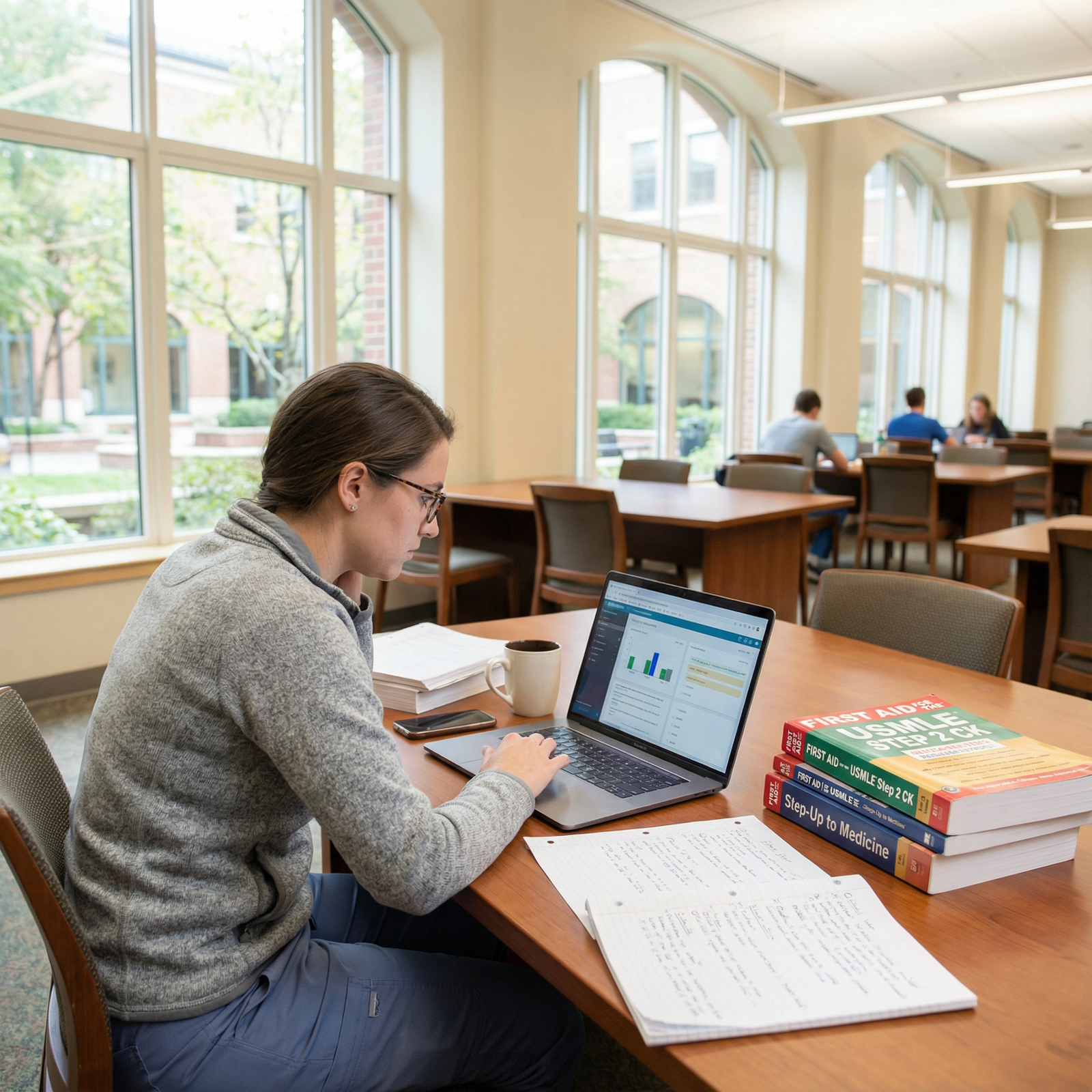
Medical school or hospital library
- Pros: Quiet, academic atmosphere, fewer non-academic distractions, access to resources
- Cons: Limited hours, may be crowded during peak exam seasons
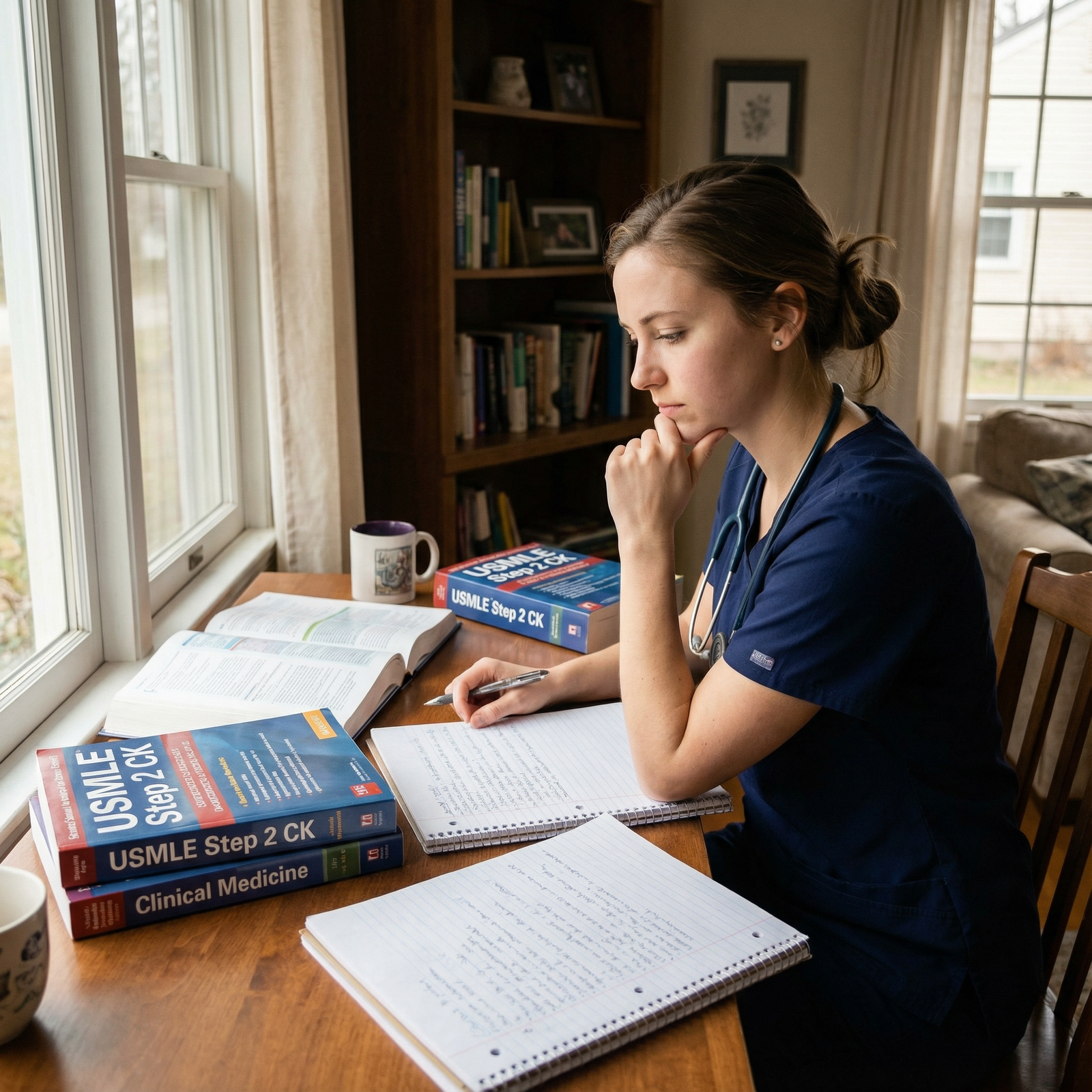
Dedicated home study area
- Pros: Flexible hours, fully customizable, zero commute
- Cons: More temptations (bed, TV, roommates), requires strong boundaries
Campus study rooms or clinical education centers
- Pros: Whiteboards, group space if needed, academic setting
- Cons: Must be reserved, variable noise level
Aim to identify one primary and one backup location (for days when your primary space is unavailable or feels stale).
Comfort and Ergonomics for Long Study Sessions
You will likely be sitting for multiple 60–90-minute blocks each day, simulating USMLE Step 2 test sections. Poor ergonomics can lead to neck pain, back pain, headaches, and reduced productivity.
Key ergonomic tips:
Chair:
- Adjustable height so feet are flat on the floor or on a footrest
- Lumbar support (use a small pillow if needed)
- Armrests at a height that keeps shoulders relaxed
Desk and screen height:
- Screen top roughly at eye level
- Screen about an arm’s length away
- Forearms parallel to the floor when typing
Standing options:
- Consider a sit-stand desk or a stack of sturdy books under your laptop to switch positions a couple of times per day
- Standing for one or two study blocks can reduce back stiffness and sleepiness
2. Light for Alertness and Eye Comfort
Lighting directly affects alertness, visual comfort, and even mood—especially during long exam prep days.
Maximize Natural Light
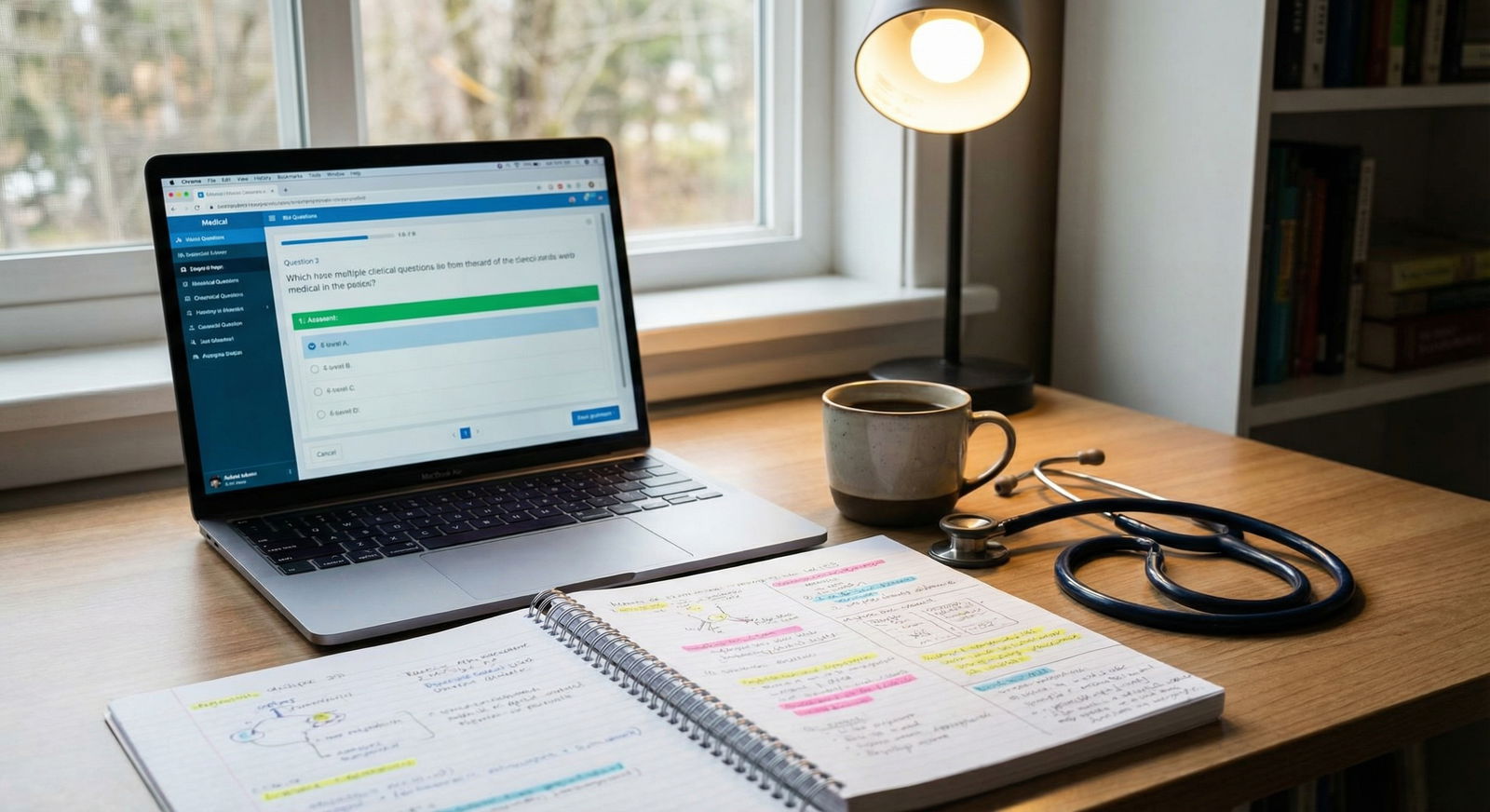
If possible, place your desk near a window:
- Daylight helps regulate circadian rhythms, supporting better sleep and sustained energy.
- Natural light reduces eye strain compared to dim artificial lighting.
If natural light is limited (basement, night shifts, winter months), you can mimic some of its benefits with full-spectrum or daylight LED bulbs.
Use Layered Lighting
Combine:
- Ambient light: Main overhead light to reduce harsh contrasts
- Task light: Adjustable desk lamp directed toward your notes or keyboard
- Screen brightness: Calibrated to match the room brightness—neither too dim nor blinding
Avoid studying in a dark room with only your screen lit; it increases eye strain and fatigue.
3. Organization: A Clear Desk and a Clear Plan
Step 2 covers a huge volume of material across multiple systems. A disorganized Study Environment adds unnecessary friction.
Physical Organization
- Keep only current tasks on your desk (e.g., today’s system or block of questions).
- Store other resources on designated shelves or bins by system (e.g., “Cards,” “Neuro,” “OB/Gyn”).
- Use small containers or drawer organizers for:
- Pens, highlighters, and sticky notes
- Index cards (if you like hand-written flashcards)
- Chargers and cables
Try a simple end-of-day reset routine: spend 5 minutes each night clearing your desk so you start the next day with a clean slate.
Digital Organization for Medical Education Resources
Your digital Study Environment is as important as your physical one:
Folder structure for Step 2:
- /Step2/01 Internal Medicine
- /Step2/02 Surgery
- /Step2/03 Pediatrics
- /Step2/04 OB-Gyn
- /Step2/05 Psychiatry
- /Step2/06 Notes & Schedules
Cloud backup: Use Google Drive, OneDrive, or Dropbox to sync important notes and annotated PDFs so you can access them from campus, hospital, or home.
Note-taking tools:
- OneNote, Notion, or Evernote for system-based organization
- PDF annotators for guidelines and review books
- Tag key topics like “ethics,” “patient safety,” “OB emergencies” for quick retrieval
A clean digital setup makes it easier to return to a topic weeks later when doing final review.
4. Essential Tools and Resources at Arm’s Reach
Optimizing your environment means minimizing unnecessary friction between you and high-yield Step 2 work.
Hardware and Core Tools
- Reliable laptop or tablet with:
- Stable internet or offline access to question banks
- Comfortable keyboard and trackpad/mouse
- Noise-canceling headphones for libraries, shared apartments, or hospital spaces
- Whiteboard or wall calendar for:
- Weekly study schedules
- Tracking completed UWorld blocks
- Visualizing test date countdown
High-Yield USMLE Step 2 Resources in Your Ecosystem
Most students use a combination of:
- Question banks (e.g., UWorld, Amboss) as the backbone of learning
- Review texts or digital outlines (e.g., online Step 2 review resources, internal medicine handbooks) for structured content
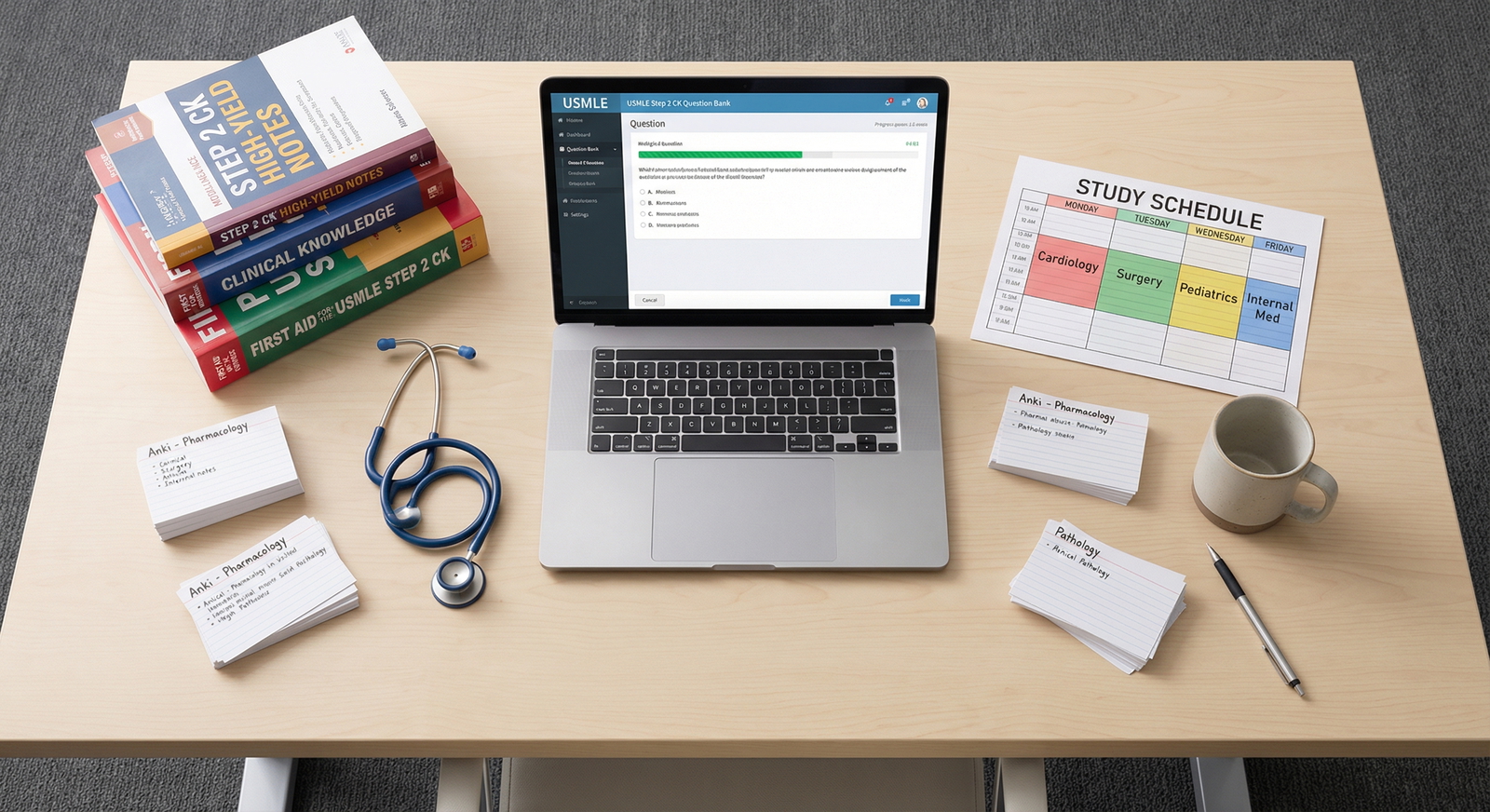
- Anki or spaced repetition apps for memorizing details, guidelines, and algorithms
Design your Study Environment so:
- Your question bank and Anki are one click away.
- Your daily target (e.g., “Two blocks of 40 questions + 200 Anki reviews”) is visible near your desk.
- You can seamlessly move from questions → review explanations → capture key learning points in notes or cards.
5. Eliminating and Controlling Distractions
For USMLE Step 2, depth of focus matters more than sheer hours logged. Protecting your attention is crucial.
Manage Digital Distractions
- Use website and app blockers during study blocks:
- Freedom, Cold Turkey, Forest, or built-in Focus modes
- Silence non-urgent notifications on:
- Messaging apps
- Social media
- Email (consider checking only 1–2 times per day)
Consider keeping your phone:
- Face down, on silent, across the room
- In another room entirely during question blocks
Even seeing your phone can reduce cognitive performance; removing it from sight helps.
Time-Box Your Focus
Structure your study day with intentional work–break cycles:
- Classic Pomodoro: 25 minutes study + 5 minutes break (4 cycles, then a longer 20–30-minute break)
- Modified Step 2 style:
- 60 minutes for one question block → 10–15-minute break
- 45 minutes for reviewing explanations → 10-minute break
During breaks, avoid doom-scrolling. Instead:
- Stand and stretch
- Get water or a light snack
- Do a few shoulder rolls or short walk
Your environment should make these healthy break choices easy (water bottle nearby, standing space available, maybe a yoga mat in the corner).
Creating an Inspiring, Sustainable Atmosphere
A Study Environment that is purely functional can start to feel sterile and draining during an intense exam preparation period. Adding elements of motivation, identity, and calm can help you sustain effort and avoid burnout.
1. Personal Touches That Support Motivation
You want your space to remind you why you are doing this.
Ideas to personalize while staying professional:
Motivational wall with:
- A few quotes that resonate with you (e.g., about patient care, resilience, or growth)
- Your written “Why medicine?” or “Why I want to be a [future specialty]”
- A small print of your dream residency program or city
Visual progress trackers:
- Fill-in charts for UWorld questions completed
- Countdown to exam day
- Checklists of subjects or systems mastered
Seeing progress visually can be extremely motivating on days when you feel stuck.
2. Plants, Scent, and Sound for a Calming Environment
Greenery and Visual Calm
A few small plants or succulents:
- Add life to the space
- May reduce perceived stress and increase satisfaction with your Study Environment
- Require minimal maintenance
Choose low-maintenance options (snake plant, pothos, succulents) if you’re not naturally plant-inclined.
Scent for Focus and Relaxation
Consider gentle aromatherapy, as long as it does not trigger headaches or allergies:
- For alertness: Peppermint, citrus
- For calm: Lavender, chamomile
Use a diffuser or mild room spray; avoid overwhelming scents, especially in shared spaces.
Sound: Silence, White Noise, or Focused Music
Experiment to learn what works best for you:
- Complete silence – ideal for dense reading and complex reasoning
- White noise or ambient sounds – rain sounds, coffee shop noise, or brown noise playlists can mask background distractions
- Instrumental music – classical, lo-fi beats, or movie/game soundtracks with no lyrics
Create ready-made playlists so you’re not searching for music during study time.
Realistic Study Environment Examples for Step 2 Prep
Seeing how other students design their Study Environment can spark useful ideas.
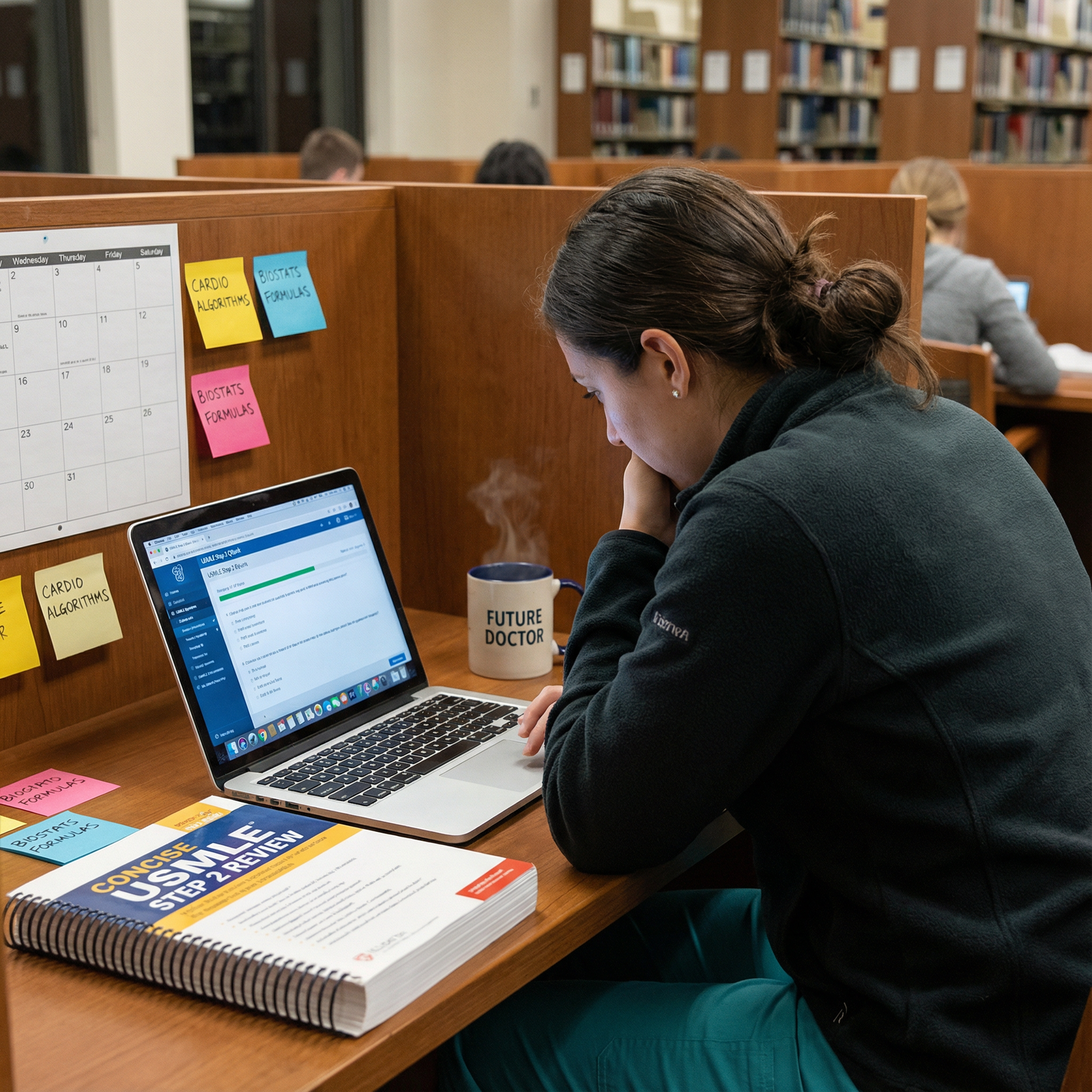
Example 1: The Library Power User
Lisa, a third-year medical student, uses her medical school library as her primary Step 2 hub:
- Arrives at the same carrel by 8:00 AM daily to build a strong routine
- Brings only:
- Laptop
- One review book
- Noise-canceling headphones
- Water bottle and a light snack
Study structure:
- Morning: Two timed question blocks, simulating exam conditions (no phone, no talking, strict timing)
- Afternoon: Review explanations, annotate a condensed digital outline, and complete Anki reviews
- Short walks around the library stacks between blocks to reset her focus
Her environment signals “this is where serious work happens,” and she reserves home for rest and light review.
Example 2: The Optimized Home Office
James, also a third-year, converted a spare bedroom into a dedicated Step 2 Study Environment:
- Invested in:
- Ergonomic chair
- Adjustable sit-stand desk
- Large external monitor to view long question stems comfortably
- Organized space with:
- Shelves labeled by system
- Whiteboard tracking weekly UWorld goals and test date countdown
- Small plants and framed motivational art
He uses:
- Morning blocks (8:30–12:00) for question banks in “exam simulation mode” (browser in full screen, phone in another room)
- Afternoon (1:30–5:00) for content review and Anki, with more flexible posture (sometimes standing, sometimes seated)
The clear boundaries (bedroom = rest, office = Step 2) protect his sleep and reduce burnout.
Example 3: The Hospital-Based Studier
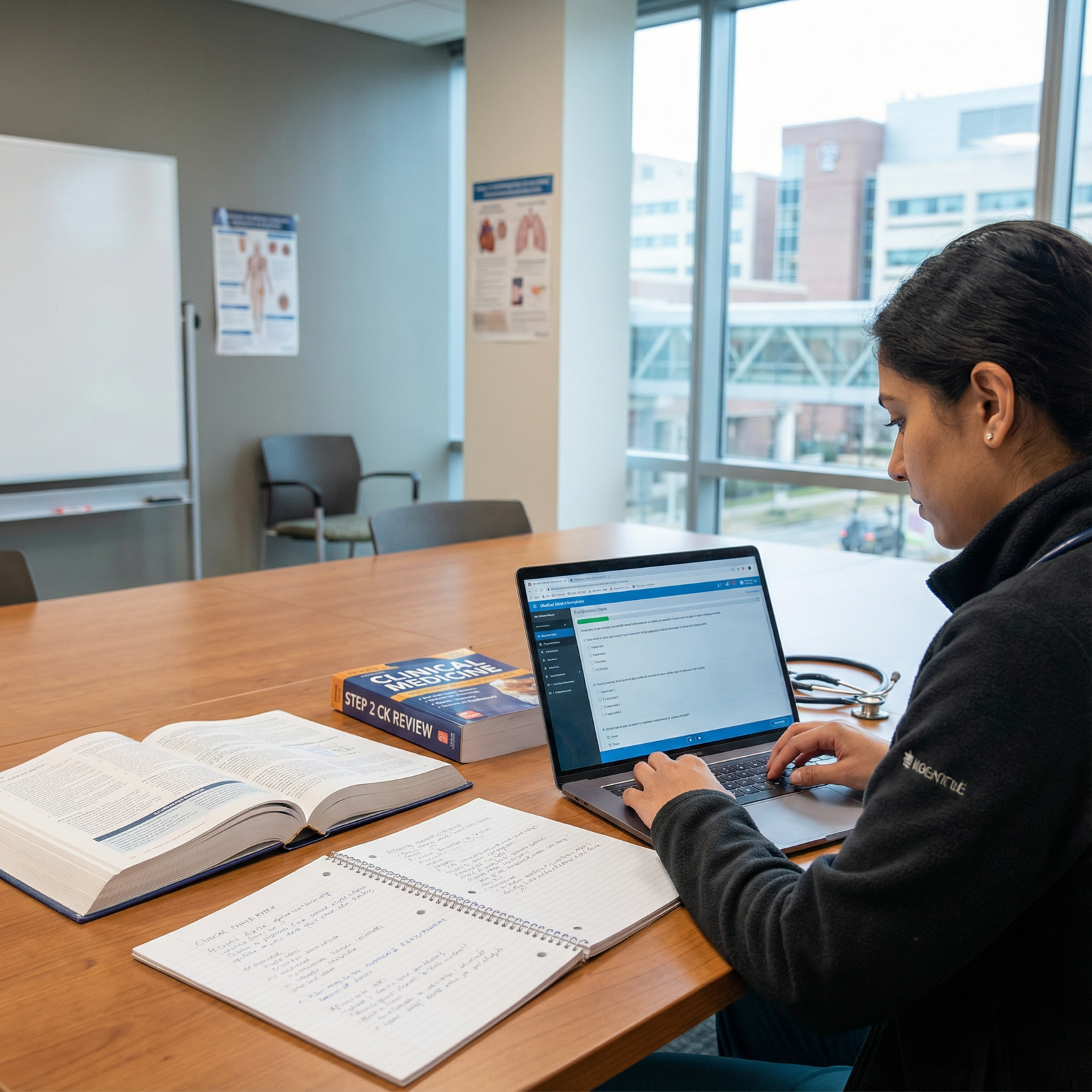
Ayesha is on busy rotations during her Step 2 prep and uses the hospital as part of her environment:
- Studies in a quiet residents’ room or conference room between cases and clinics
- Keeps a small “Step 2 go-bag” with:
- Tablet (offline question bank)
- Noise-canceling earbuds
- Portable charger
- Small notebook with high-yield algorithms
Her environment is flexible and mobile, but she maintains consistency by:
- Always studying in the same hospital wing when possible
- Using the same headphones, playlists, and digital layout to recreate a focused “micro-environment” even in variable settings
This approach is high-yield for students with limited large-block free time.
Putting It All Together: Step-by-Step Plan to Build Your Ideal Study Environment

Use these steps to intentionally design your Study Environment for USMLE Step 2:
Audit your current setup
- Where do you usually study now?
- What consistently derails your focus (noise, phone, people, clutter)?
- How do you feel after 2–3 hours in that space (energized vs. exhausted)?
Choose your primary and backup locations
- Decide your main base (library, home office, campus room)
- Identify a plan B (different floor of the library, coffee shop with headphones, quiet hospital room)
Optimize ergonomics and lighting
- Adjust chair, screen, and desk height
- Add or reposition lamps
- Consider a low-cost lumbar cushion or laptop stand if needed
Declutter and organize
- Clear everything non-essential from your study surface
- Create physical and digital folders for Step 2 material
- Set up a daily 5-minute reset routine
Create focus-protecting systems
- Install website/app blockers on your devices
- Decide on your default study–break cycle (e.g., 60/10)
- Set a visible daily target (e.g., “2 blocks + Anki + 1 hour targeted review”)
Add personal and motivational elements
- One or two plants, a quote, or a small reminder of your future specialty
- A simple whiteboard or calendar with your test date and weekly goals
Test, iterate, and personalize
- Use the environment for 1–2 weeks
- Ask: What still feels distracting or draining? What helps you enter “flow”?
- Adjust seating, noise level, lighting, or scheduling based on honest feedback from yourself
Your “perfect” Study Environment is not a one-time project; it’s something you refine over the course of your exam preparation as you learn what genuinely boosts your productivity.
FAQ: Study Environment and USMLE Step 2 Preparation
Q1: How much does my Study Environment really matter compared to the resources I use?
Your resources (e.g., UWorld, Anki, review texts) are essential, but your Study Environment determines how effectively and consistently you can use them. A poor environment can turn high-yield resources into low-yield study sessions—short, distracted, and stressful. In contrast, an optimized environment supports longer, deeper focus blocks, which is exactly what USMLE Step 2 exam preparation demands.
Q2: Is it better to study for Step 2 at home or at the library?
It depends on your personality, habits, and living situation:
Library may be better if:
- You’re easily tempted by TV, bed, or roommates
- You focus best in a quiet, academic atmosphere
- You like the social accountability of seeing others study
Home may be better if:
- You can create a quiet, dedicated study room
- Your commute is long and drains energy
- You prefer flexible breaks and schedules
Many students use a hybrid approach: library or campus for intense daytime blocks, home for lighter evening review.
Q3: How can I stay motivated in the same Study Environment for weeks or months?
To maintain motivation:
- Use visual progress trackers (e.g., UWorld question counts, checklists)
- Refresh small aspects periodically:
- Rotate motivational quotes
- Rearrange desk items slightly
- Add or change one plant or art piece
- Build small rituals that mark the start of focused work (same playlist, same drink, 2-minute planning session)
These cues help your brain transition into “Step 2 mode” and keep the space from feeling stale.
Q4: What are some quick changes I can make today to improve my Step 2 Study Environment?
You can see immediate benefits from:
- Clearing your desk of everything not needed for today’s tasks
- Adjusting your chair and screen for better posture
- Silencing your phone and placing it out of reach during question blocks
- Setting up a simple daily schedule (e.g., “9–11 AM questions, 1–3 PM review, 4–5 PM Anki”) and posting it near your desk
- Adding one motivational element (quote, plant, or progress chart)
Even modest changes can noticeably improve your focus and endurance.
Q5: How can I balance intense Step 2 preparation with my physical and mental health?
Your environment should support, not sabotage, your well-being:
- Keep water and healthy snacks easily accessible
- Build short movement breaks into your study plan (stretching, short walks)
- Avoid studying in bed to protect your sleep quality
- Maintain at least one non-study activity you genuinely enjoy (exercise, time with friends, a hobby)
A sustainable Study Environment respects your limits and helps you recover between high-intensity study blocks, which ultimately improves exam performance.
An intentional, well-crafted Study Environment will not answer USMLE Step 2 questions for you—but it will make it far easier for you to answer them well. By aligning your physical space, digital tools, and daily routines, you create conditions where focused learning and high-quality exam preparation become your default, not the exception.