
Understanding the Virtual Residency Interview Landscape
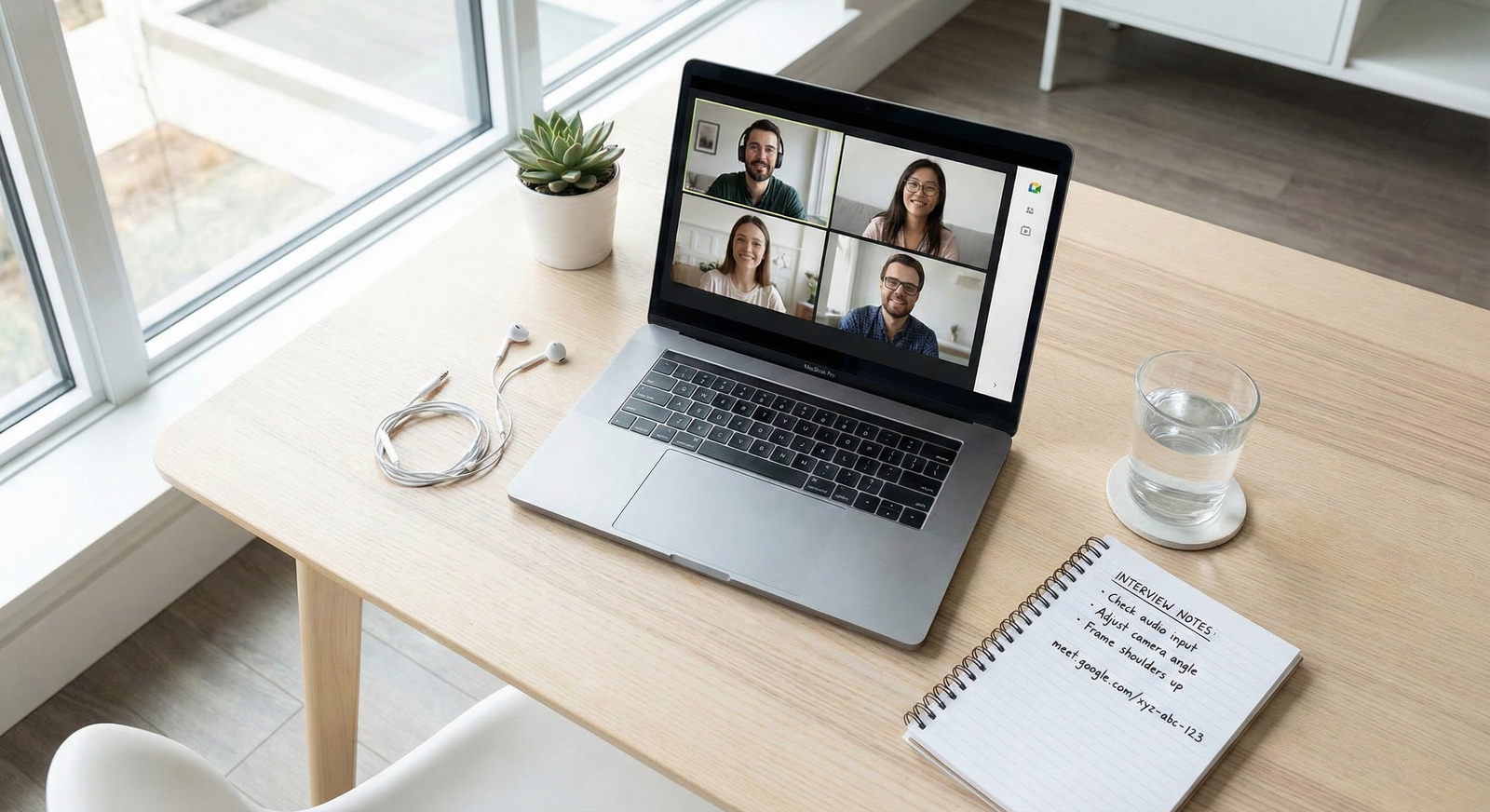
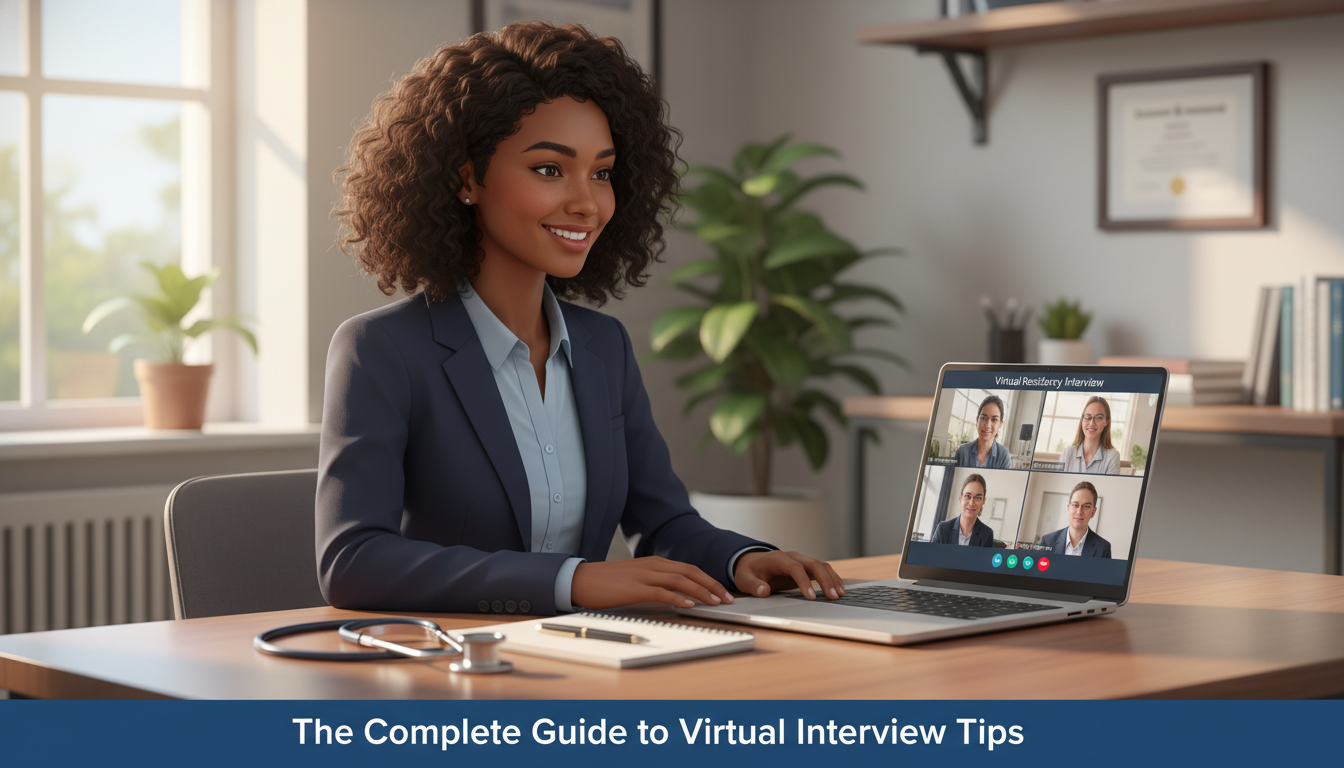
Virtual interviews are now a central part of the residency selection process. Whether you’re meeting programs on Zoom, Microsoft Teams, or Webex, your performance on screen can significantly influence how programs rank you. Knowing virtual residency interview expectations—and how they differ from in-person—will help you stand out for the right reasons.
Key ways virtual interviews change the game:
- First impressions are digital. Programs judge not only what you say but how you present yourself on camera: your background, lighting, sound, and mannerisms.
- Technical reliability matters. Connectivity issues, audio delays, and distractions can subtly (or not so subtly) impact how professional you appear.
- Non-verbal communication is compressed. Without shaking hands or walking around the hospital, much of your impression comes from facial expression, eye contact, and vocal tone.
- Your environment is part of your application. What the interviewer sees and hears from your space becomes part of their perception of you.
The good news: virtual interviews are highly “coachable.” With deliberate online interview preparation, you can control many variables that used to be outside your hands (like travel fatigue, weather, and logistics). This guide focuses on practical, high-yield steps you can implement immediately.
Technical Setup: Your Virtual Interview “Clinic Room”
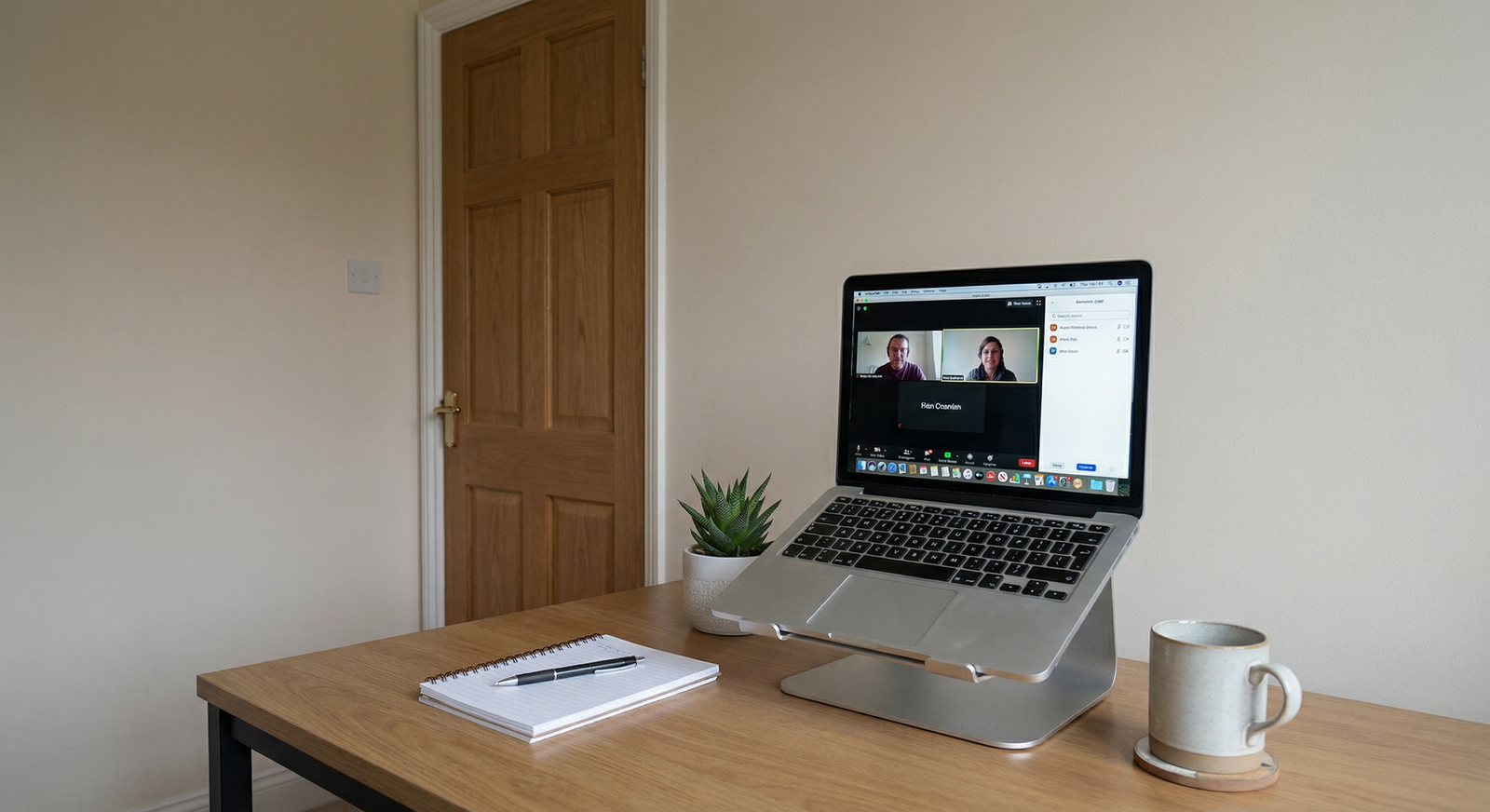
A reliable, professional technical setup is the foundation of a successful virtual residency interview. You do not need expensive equipment, but you do need to be intentional.
Internet, Hardware, and Backup Plans
1. Internet connection
- Use wired Ethernet if possible. It’s more stable than Wi‑Fi.
- If Wi‑Fi is the only option:
- Sit close to the router.
- Ask household members to avoid streaming/gaming during your interview blocks.
- Run a speed test in advance; aim for:
- Download: > 15 Mbps
- Upload: > 5 Mbps
- Have a backup internet plan:
- A phone hotspot with tested speed.
- A secondary location (friend’s apartment, school library, etc.) you can use in an emergency.
2. Computer and audio
- Use a laptop or desktop—avoid interviewing on a phone or tablet unless absolutely necessary.
- Plug in your device to power; never rely on battery alone.
- Audio:
- Prefer wired headphones with an in-line mic or a simple USB headset.
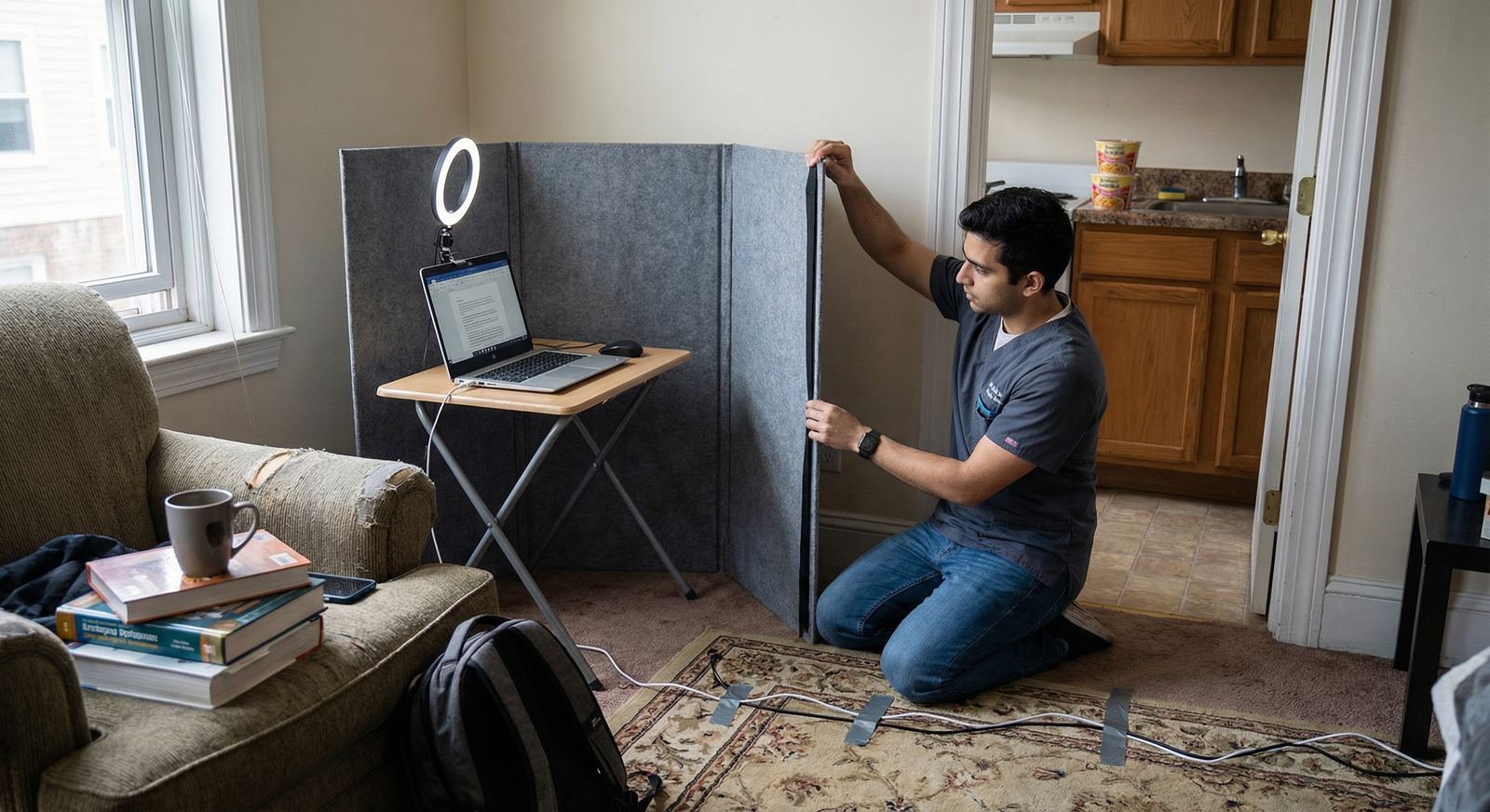
- Avoid using your laptop speakers and built-in mic—they pick up room echo and keyboard noise.
- Test for echo and background noise with a friend before interview day.
3. Camera and framing
- Laptop cameras are usually adequate if you have good lighting.
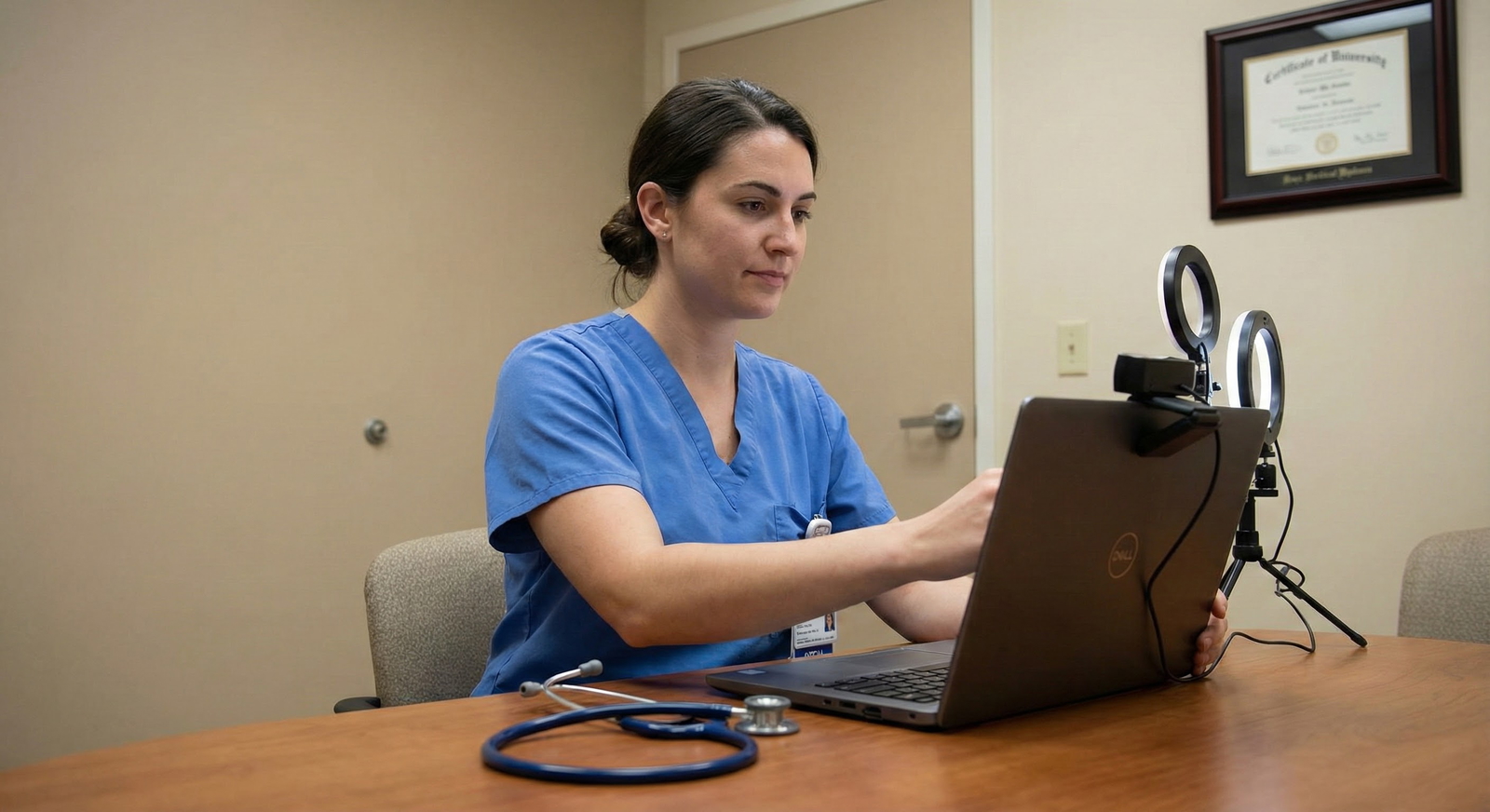
- If your camera is grainy even with good light, consider a basic external USB webcam.
- Camera positioning:
- Place the camera at eye level or slightly above.
- Use books or a stand to raise the laptop if needed.
- Frame yourself from mid‑chest upward, leaving a bit of space above your head.
4. Backup technology plan
Prepare a simple contingency script and steps in case of tech failure:
- If the call drops: immediately log back in to the meeting.
- If you can’t reconnect: email or call the program coordinator using the contact information provided in the invitation.
- Practice saying something like:
“I’m sorry about the technical issue earlier. Thank you for your patience—I’ve switched to my backup connection so we should be set moving forward.”
Software and Platform-Specific Zoom Interview Tips
Most programs use Zoom, but some use Teams, Webex, or proprietary platforms. Treat each platform like a “new clinic EMR”—you must know the basics before going live.
Before interview season:
- Download the newest versions of:
- Zoom
- Microsoft Teams
- Webex
- Any platform mentioned in your invitations
- Create and test an account if needed.
Platform-specific checks (especially for Zoom):
- Display name: Use a professional format: “First Last, MD” or “First Last – Applicant.”
- Profile photo: If visible, make it a simple professional headshot.
- Audio/video settings:
- Disable “Automatically adjust microphone volume” if it causes your voice to cut in and out.
- Enable “HD video” if your connection supports it.
- Virtual background: Avoid if possible; they often glitch around hair and shoulders. If your real background is distracting, choose a neutral, static virtual background (not a beach or coffee shop).
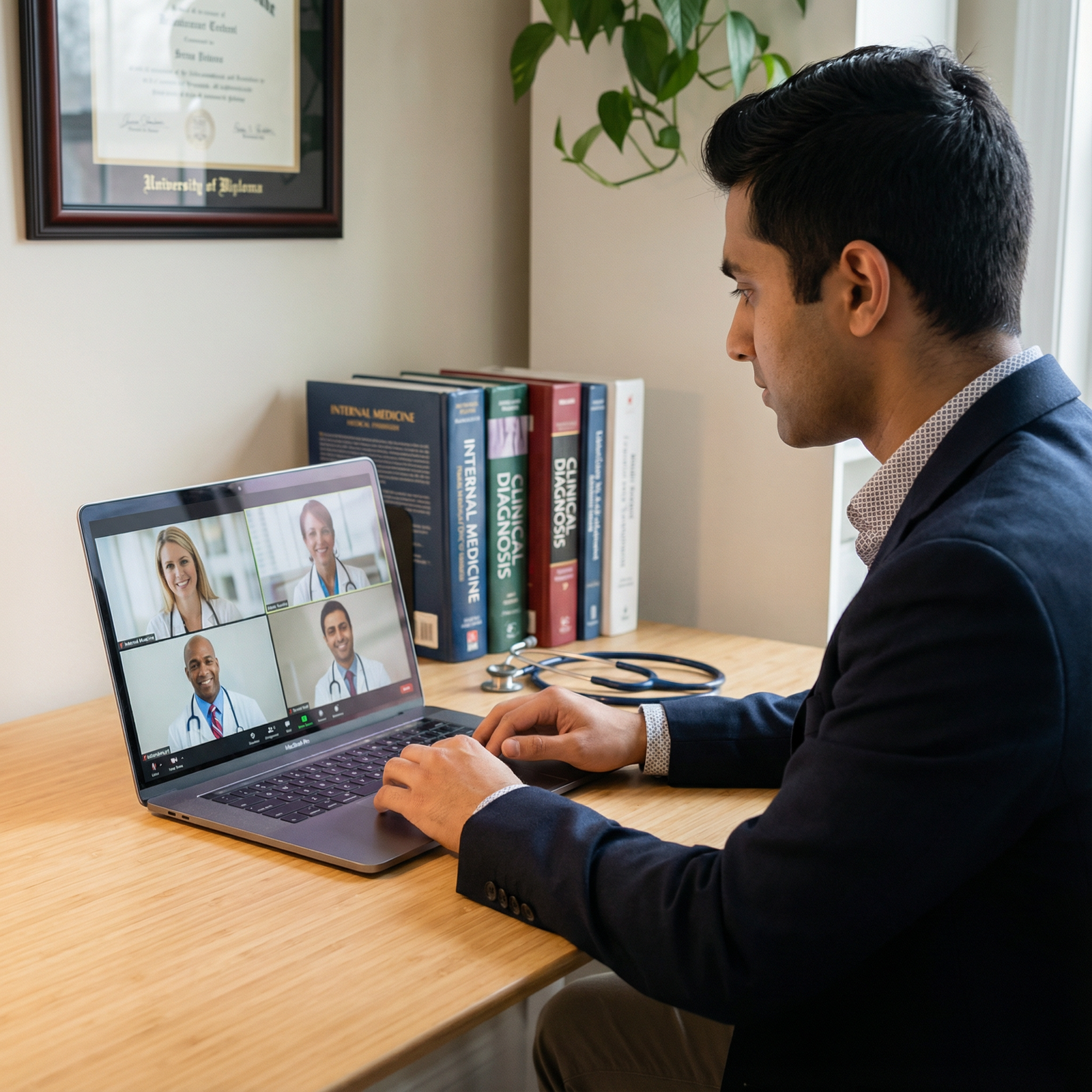
Practice the following Zoom interview tips and equivalents on other platforms:
- Mute/unmute quickly (keyboard shortcuts help).
- Turn video on/off.
- Share your screen (for some pre‑interview sessions).
- Use chat politely and sparingly (e.g., to send a quick thank you to the coordinator during breaks).

Creating a Professional On‑Screen Presence
In a virtual setting, your environment, lighting, and body language function like your “white coat.” They shape how interviewers interpret everything you say.
Lighting and Background: What Programs See
Lighting
Aim for clear, even lighting on your face:
- Best: Natural light from a window directly in front of you or slightly off to one side.
- If you can’t face a window:
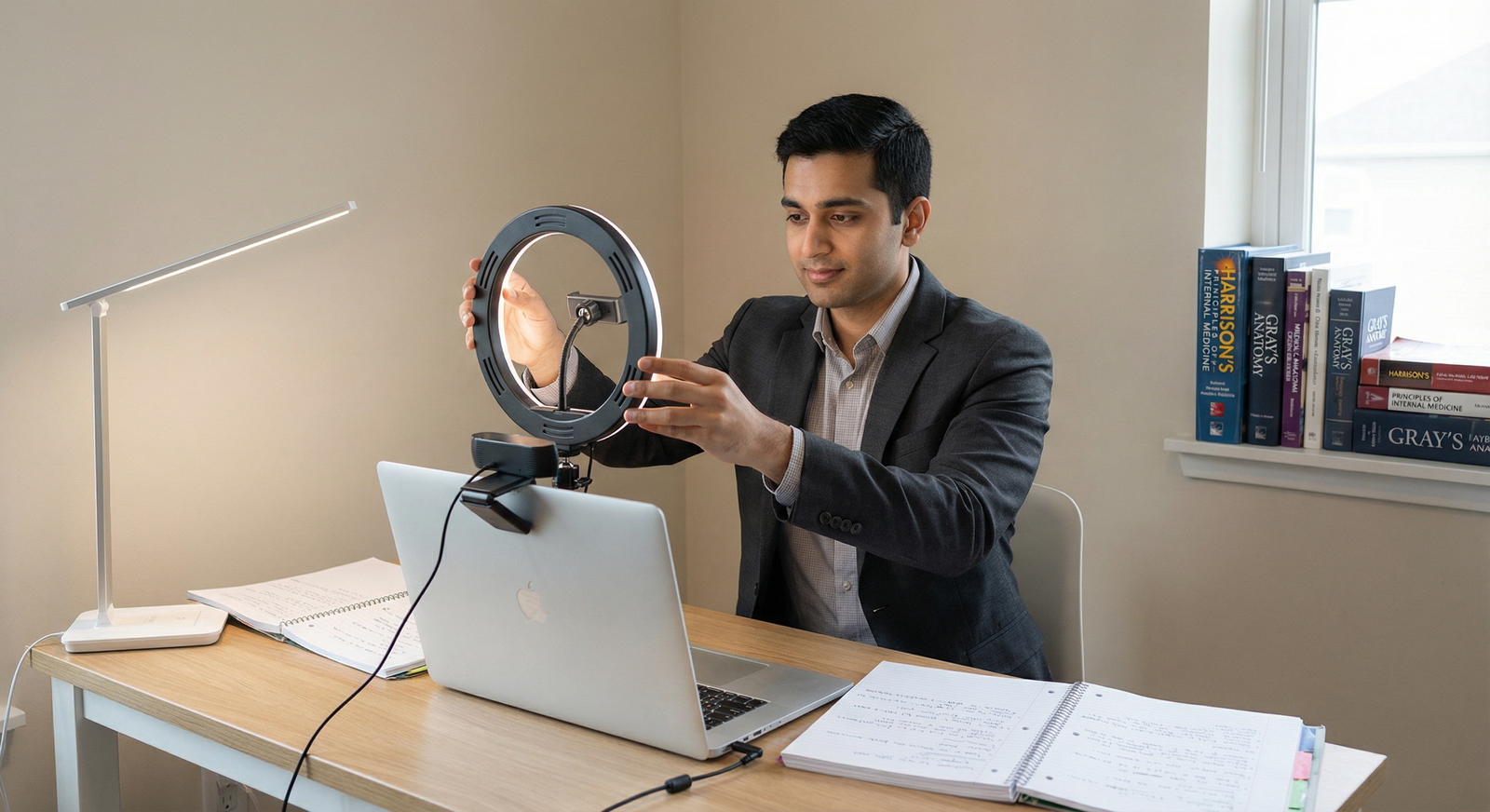
- Use a desk lamp or ring light placed behind the computer, shining toward your face.
- Avoid bright light sources behind you (like windows), which silhouette your face.
- Test lighting on video at the exact time of your interview; morning vs. afternoon light can differ a lot.
Background
Your background should be tidy, calm, and neutral:
- Good options:
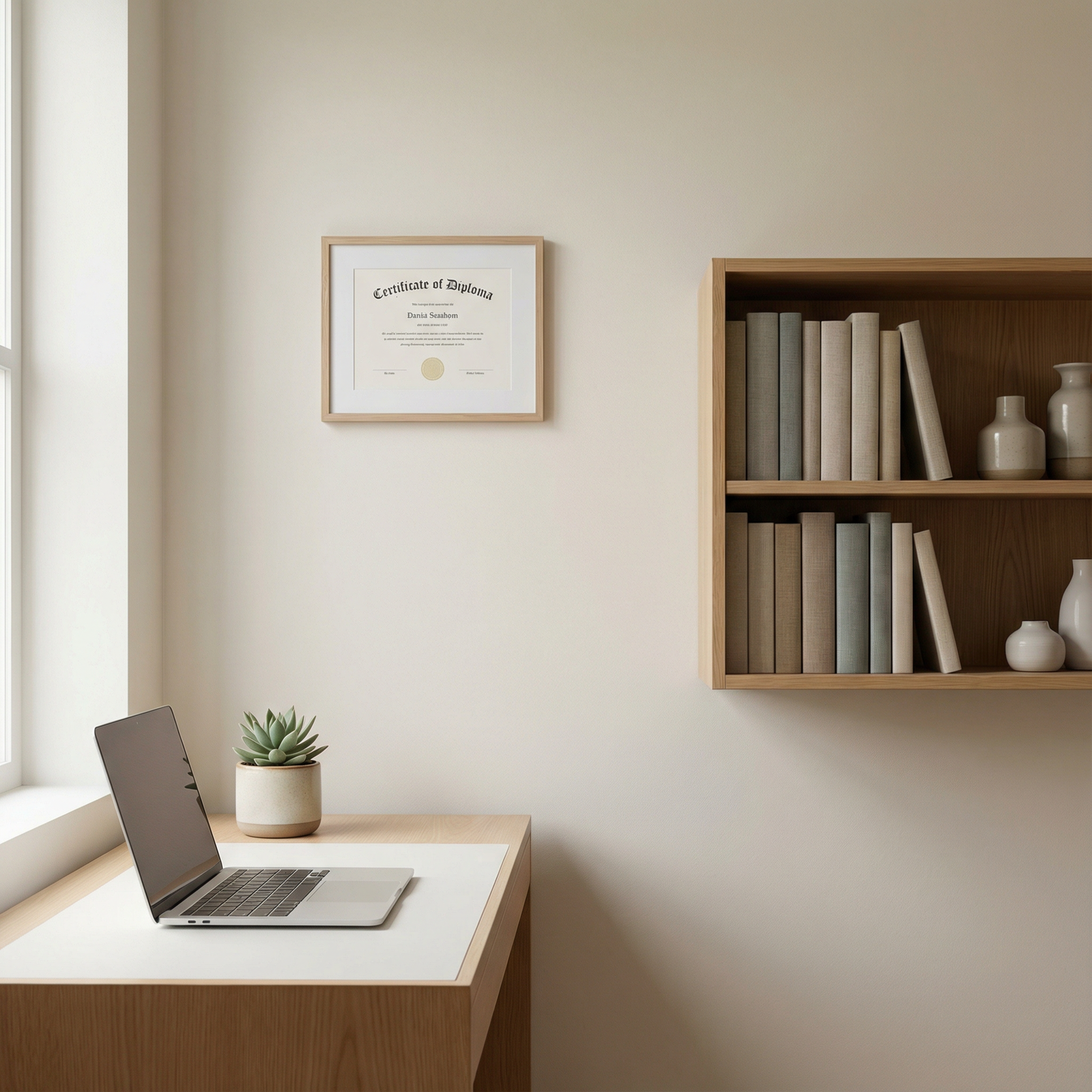
- Plain wall with a framed picture or diploma.
- Simple bookcase with neatly arranged books.
- Minimal, clean home office setup.
- Avoid:
- Visible bed with unmade sheets.
- Cluttered surfaces, laundry, or personal items.
- Distracting posters or anything controversial.
- If space is tight:
- Position yourself closer to the camera so less of the room is visible.
- Use a simple, non-distracting virtual background as a last resort.
Your goal is for the interviewer to forget about your background within 10 seconds and focus entirely on you.
Dress Code and Professional Appearance
Even though you’re at home, this is still a high-stakes professional interview.
General guidelines
- Dress as you would for an in‑person interview:
- Business formal: suit jacket or blazer, collared shirt or conservative blouse.
- Neutral colors (navy, black, gray) photograph best on camera.
- Avoid:
- Busy patterns (can flicker on video).
- Very bright white shirts without a jacket (can blow out under strong light).
- Distracting jewelry or noisy accessories.
Specific tips
- Sit in your full interview outfit at least once on camera:
- Check how colors look.
- Ensure tops aren’t too low‑cut when you’re seated.
- Wear professional bottoms too. You may need to stand up unexpectedly.
- Consider a small amount of makeup or concealer if you normally wear it; camera lighting can wash out features.
- Glasses:
- Adjust angles to reduce glare from lights or windows.
- Move light sources slightly higher or to the side if reflections are strong.
Body Language, Eye Contact, and Voice
In a virtual residency interview, non-verbal communication is compressed onto a small rectangle. Slight adjustments go a long way.
Eye contact
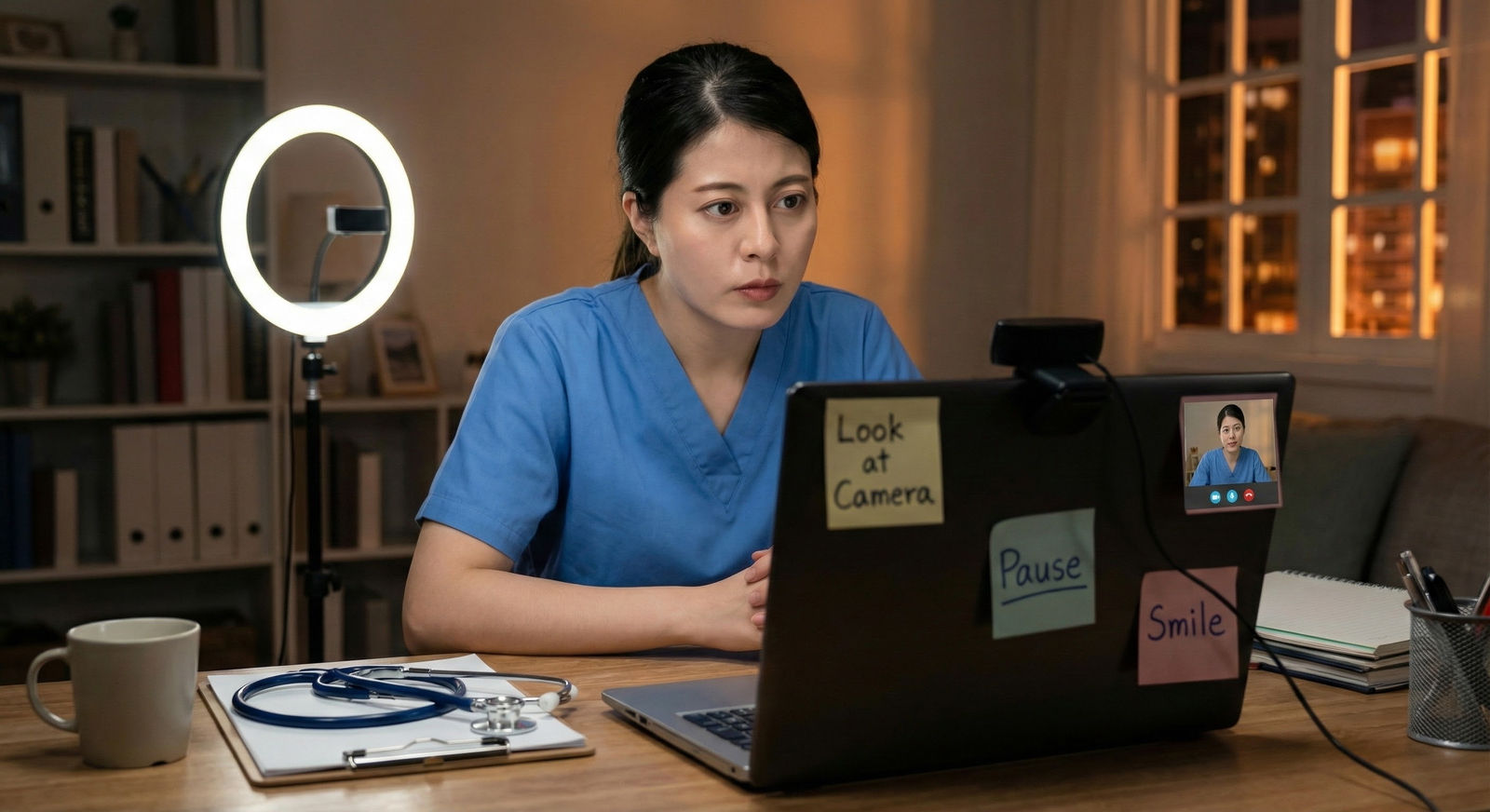
- Look at the camera, not the interviewer’s face on your screen, when speaking.
- An easy trick:
- Drag the video window close to your camera so that glancing at their face looks more like eye contact.
- When listening, it’s fine to look at the interviewer’s video; when you deliver a key point, shift your gaze toward the camera.
Posture and movement
- Sit upright with your back supported and feet grounded.
- Keep your shoulders relaxed but open.
- Use limited, natural hand gestures visible within the frame:
- Raise the camera enough that your hands occasionally enter view, but not so low that you’re looming over the camera.
- Avoid:
- Swiveling or rocking in your chair.
- Fidgeting with pens, jewelry, or your desk.
- Looking repeatedly off-screen (it appears distracted, even if you’re just checking notes).
Voice and pacing
- Speak slightly slower than you would in person.
- Add a small pause after the interviewer finishes before responding to account for lag.
- Vary your tone—enthusiasm translates poorly on low-bandwidth audio, so you may need to sound slightly more expressive than usual.
Practice with a friend and ask them:
- Do I appear engaged and attentive?
- Do I talk too fast or too softly?
- Are my facial expressions consistent with what I’m saying?
Content Preparation: What to Say and How to Practice
Once your technical and visual setup is solid, the rest of your online interview preparation should focus on content: what you say and how you structure it.
Researching Programs in a Virtual Era
You won’t be walking halls or talking to staff in person, so your preparation must fill that gap.
Where to focus your research:
- Program website:
- Size and structure (number of residents per year, tracks, affiliated hospitals).
- Curriculum and rotation schedule.
- Research strengths and unique clinical opportunities.
- Social media:
- Program’s Instagram/X/LinkedIn often show culture and resident life.
- Virtual open houses and Q&A sessions:
- Attend when possible; note faculty names, resident interests, and recurring themes.
- Word of mouth:
- Talk to recent graduates, upper-level residents, or mentors who know the program.
Organize your notes in a spreadsheet or notebook with sections:
- “Why this program?”
- “Questions to ask faculty”
- “Questions to ask residents”
- “Unique features I want to mention in my answers”
Structuring Your Answers: Behavioral and Classic Questions
Most residency interviews follow similar patterns. Strong candidates prepare concise, structured responses while avoiding memorized-sounding monologues.
Common question types:
- Motivation: “Why this specialty?”, “Why our program?”
- Fit and personality: “Tell me about yourself.”
- Challenge and resilience: “Tell me about a time you faced a conflict or failure.”
- Teamwork and communication: “Describe a time you worked in a difficult team situation.”
- Ethics and professionalism: “How would you handle a situation where you disagreed with your attending?”
- Career plans: “Where do you see yourself in 5–10 years?”
Use structured frameworks
For storytelling questions, use STAR (Situation, Task, Action, Result):
- Situation – Brief context.
- Task – Your role and goal.
- Action – What you did.
- Result – The impact (and what you learned).
Example (conflict with a colleague):
- Situation: “During my third-year internal medicine rotation, our team managed a complex patient with multiple admissions for heart failure.”
- Task: “As the student, I was responsible for daily presentations, but another team member and I disagreed on the management plan.”
- Action: “I first clarified our understanding privately, asking them to walk me through their reasoning. I then proposed we jointly discuss both approaches with the resident, emphasizing we wanted the best plan for the patient rather than ‘my idea vs. yours.’”
- Result: “The resident appreciated that we came together and compared the evidence for each approach. We created a blended plan aligned with guidelines, and I learned how early, collaborative communication can prevent small disagreements from becoming team conflicts.”
Practicing for Virtual Delivery
Practice should look as close to the real experience as possible.
1. Solo practice on video
- Record yourself answering:
- “Tell me about yourself.”
- “Why this specialty?”
- “Why our program?”
- Watch for:
- Filler words (“um,” “like,” “you know”).
- Rambling or unclear structure.
- Flat tone or minimal facial expression.
2. Mock interviews with others
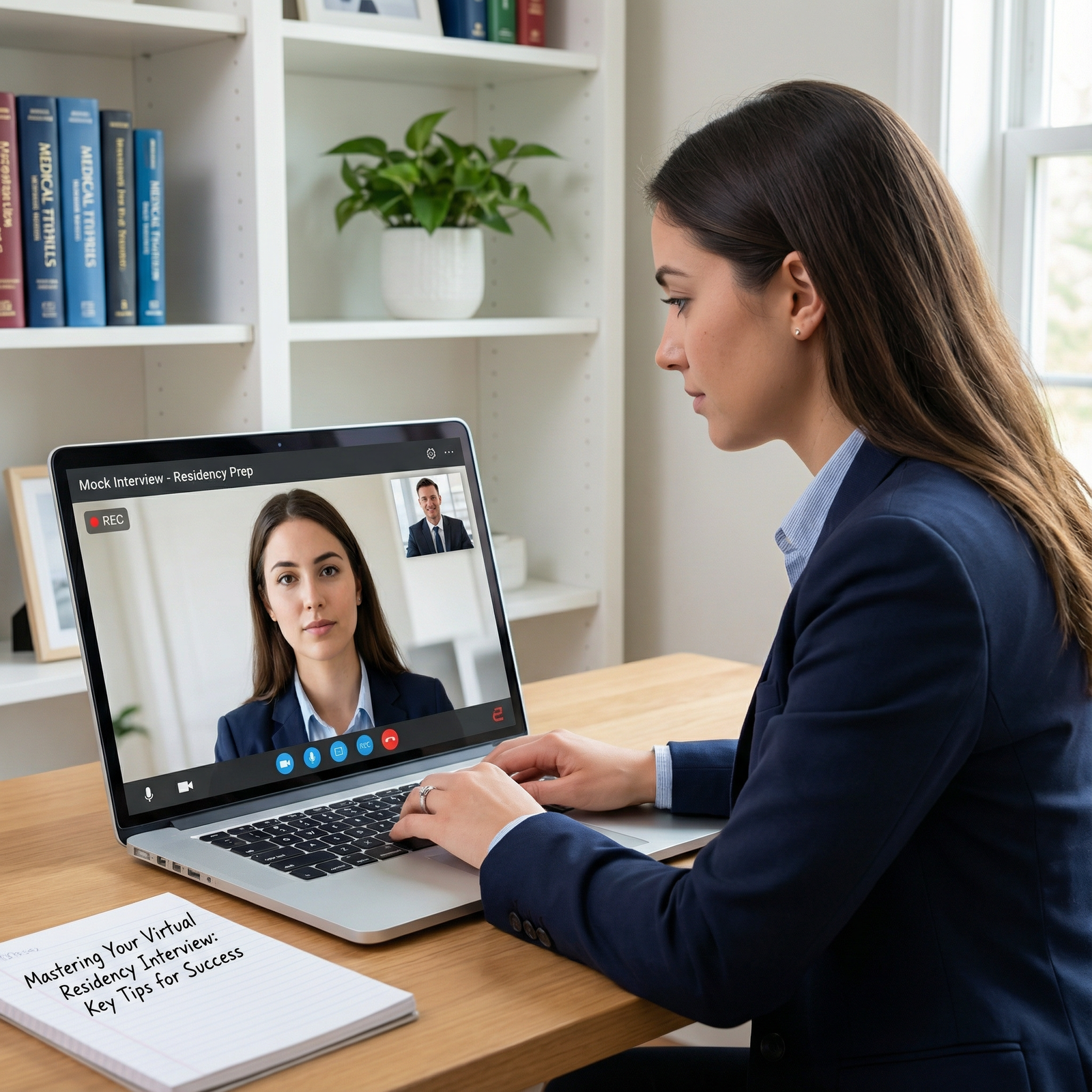
- Ask residents, faculty, or advisors for a virtual mock interview on Zoom.
- Request specific feedback on:
- Clarity and organization of answers.
- On-screen presence (lighting, background, posture).
- Professionalism and warmth.
3. Time management
- Aim for 1–2 minute answers for most questions.
- For complex behavioral questions, 2–3 minutes is acceptable if tightly organized.
- Practice concise, high-yield responses rather than long narratives.
4. Adapting to internet lag
- In practice sessions, simulate brief delays by pausing half a second after the other person finishes.
- Learn phrases that help smooth over mild interruptions:
- “Sorry, I think there was a slight delay—please go ahead.”
- “I may have talked over you; could you repeat that last part?”

On the Day: Execution, Etiquette, and Troubleshooting
The day of your virtual residency interview can be mentally demanding, especially with multiple back-to-back sessions. Treat it like a high-yield clinical shift: prepare, pace yourself, and stay adaptable.
Pre-Interview Routine and Environment Control
Night before
- Confirm:
- Interview times and time zones.
- Meeting links and passwords.
- Contact info for the program coordinator.
- Print or neatly arrange:
- Your CV and ERAS application.
- Bullet-point notes on the program.
- List of questions for faculty and residents.
- Go to bed early; avoid last-minute all-night cramming.
Morning of the interview
- Dress fully in your interview outfit.
- Eat a light, familiar meal; stay hydrated.
- Silence and remove:
- Phone notifications (place your phone out of sight but within reach in case of emergencies).
- Computer notifications (email, messaging apps, calendar pop-ups).
- Prepare your space:
- Close windows, if outside noise is an issue.
- Inform housemates/family of your schedule; put up a “Do Not Disturb” sign if needed.
- Place water, a pen, and notepad nearby.
- Keep tissues within reach but out of frame.
Log in to the platform 15–20 minutes early to avoid last-minute tech issues.
Virtual Interview Etiquette and Professionalism
Joining and introductions
- Join with your camera off and microphone muted (if the platform doesn’t control this), then follow prompts.
- Greet each interviewer with:
- A warm, brief introduction: “Good morning, Dr. Smith, it’s nice to meet you. I’m [Name].”
- A smile and eye contact through the camera.
During the interview
- Stay focused on the screen—avoid checking your phone or other tabs.
- If you need to glance at notes:
- Keep them minimal and placed near the camera so your eyes don’t wander obviously.
- Never read scripted answers; use notes only as prompts.
Handling multi-interviewer panels
- Look at the camera while answering, but occasionally glance at other interviewers’ thumbnails to stay connected.
- Use names when responding to specific questions: “To your question, Dr. Lee…”
When technical issues occur
- If you or the interviewer freezes:
- Wait a few seconds.
- Say calmly, “I think your audio/video cut out for a moment—would you mind repeating the last part?”
- If you’re disconnected:
- Rejoin immediately.
- Offer a brief apology and move on.
Your composure during tech problems is part of the assessment—it shows how you might respond to unexpected clinical disruptions.
Asking Strong Questions in a Virtual Setting
Your questions convey what you value and how thoughtfully you’ve prepared.
Examples for faculty
- “How do residents receive feedback, and how frequently?”
- “What qualities have you seen in residents who thrive in this program?”
- “How has the program adapted teaching and wellness initiatives in the virtual era?”
Examples for residents
- “What surprised you most about training here after you started?”
- “How would you describe the program culture—how do residents support each other?”
- “What does a typical non-clinical day off look like in this city?”
Avoid questions that are easily answered on the website (e.g., “How many residents are in each class?”). Instead, ask for perspectives, experiences, and nuance.
Closing the Interview and Post-Interview Steps
At the end of each interview
- Thank the interviewer specifically:
- “Thank you, Dr. Patel. I really appreciated hearing about the global health opportunities here.”
- Confirm any next steps if the program outlines them.
Between sessions
- Use breaks to:
- Stand, stretch, and rest your eyes from the screen.
- Drink water and have a quick snack if needed.
- Jot down immediate impressions:
- Program culture, strengths, concerns.
- Memorable conversations or people.
- Any follow-up questions you wish you had asked.
After the interview day
- Within 24 hours, consider sending brief, professional thank-you emails to the program director or coordinator (and occasionally to specific interviewers if you had particularly meaningful conversations, depending on program norms).
- Update your program ranking notes while the day is fresh in your mind.
Managing Fatigue, Anxiety, and Multiple Virtual Interviews
Virtual interview season often compresses dozens of interviews into a few weeks. Staying mentally sharp is as important as your content preparation.
Scheduling Strategies
- Avoid stacking more than one full-day interview back-to-back whenever possible.
- If you must do consecutive days:
- Build a buffer day every 3–4 interviews for rest and administrative tasks.
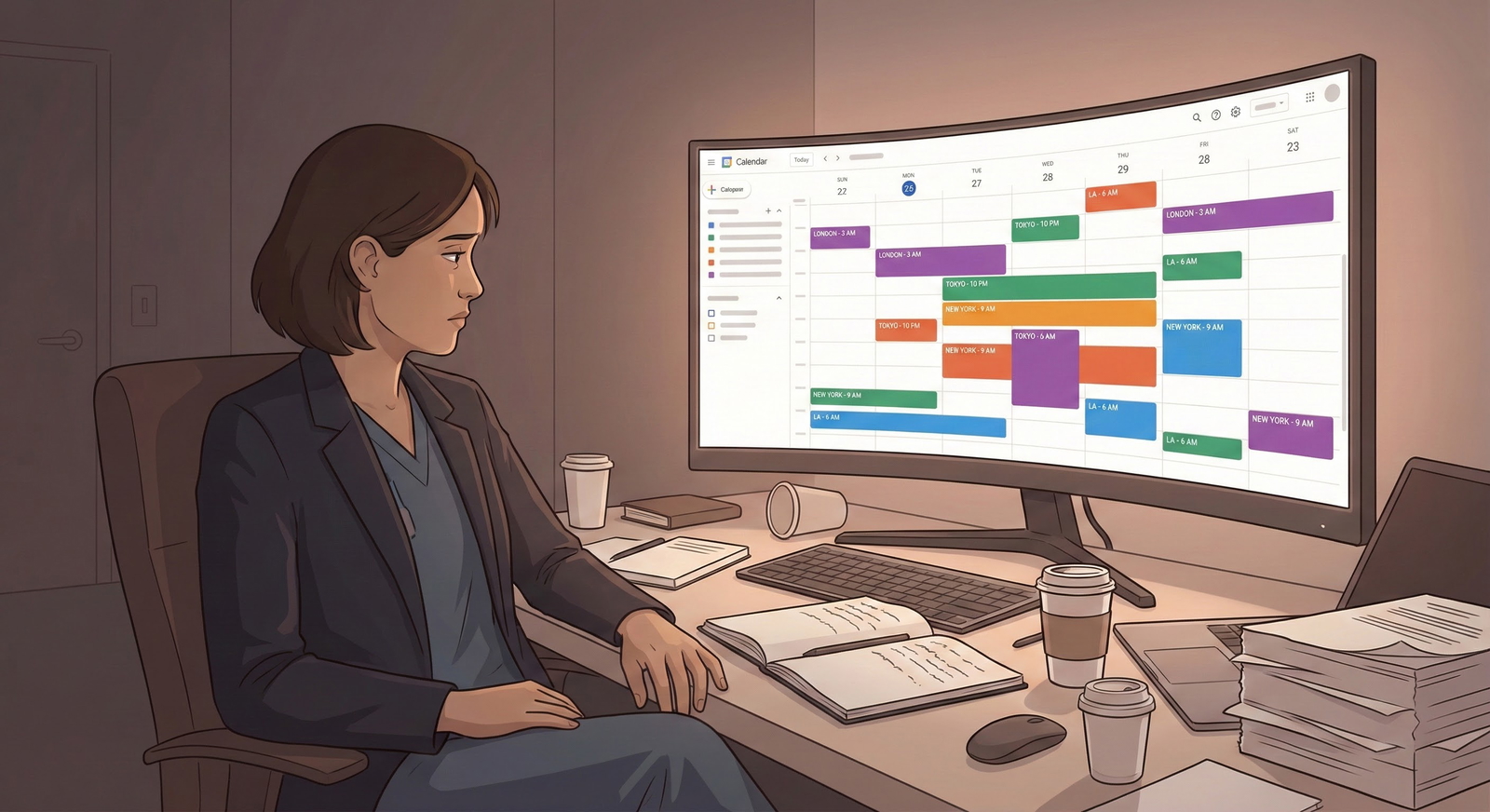
- Consider time zone differences:
- A 7 a.m. East Coast start may feel like 4 a.m. for West Coast applicants; adjust sleep and meals accordingly.
Protecting Your Energy and Focus
- Between interview blocks:
- Do brief, low-effort movement (walk around the room, stretch, simple breathing exercises).
- Limit social media and applicant group chats if they increase anxiety.
- Use a simple grounding routine before each new session:
- Three slow deep breaths.
- Quick reminder of your key strengths and “why” for this specialty.
- One small intention: e.g., “Be curious about this program,” or “Listen deeply.”
Common Pitfalls to Avoid
- Over-reliance on scripts: Leads to robotic answers that don’t adapt to questions.
- Underestimating technical setup: Poor audio or lighting can undermine otherwise strong performance.
- Ignoring time zones and links: Missing or being late to interviews is very difficult to recover from.
- Multitasking during sessions: Even glancing at your phone or email can be obvious on camera.
FAQ: Virtual Residency Interview and Online Interview Preparation
1. How early should I log in for a virtual residency interview?
Aim to join the platform 15–20 minutes early. This gives you time to troubleshoot audio/video, confirm settings, and calm your nerves. If the program uses a waiting room, you’ll simply wait there until they admit you.
2. Is it okay to use a virtual background during Zoom interviews?
Yes, but only if necessary. A real, tidy background generally looks more natural. If you must use a virtual background, choose a simple, neutral option; avoid moving or themed images. Test it in advance to ensure it doesn’t glitch around your head and shoulders.
3. Can I keep notes in front of me during the interview?
You can have brief bullet points (program highlights, question prompts, key experiences), but avoid reading. Overly detailed notes can tempt you to script answers, which looks unnatural on camera. Place notes near the camera so your gaze doesn’t drift far from the screen.
4. How do I show enthusiasm and personality over video without seeming exaggerated?
Focus on clear eye contact with the camera, a natural but slightly more expressive tone of voice, and genuine smiles when appropriate. Nod as you listen, lean slightly forward when engaged, and use moderate hand gestures. Practicing on video and asking for feedback from mentors helps you find the right balance for your style.
By treating each virtual residency interview like a carefully planned clinical encounter—preparing your environment, technology, and communication with the same diligence you bring to patient care—you’ll project professionalism, maturity, and readiness for residency. With thoughtful online interview preparation and deliberate practice of these Zoom interview tips, you’ll be well-positioned to convey who you are and how you’ll contribute to the programs you meet.