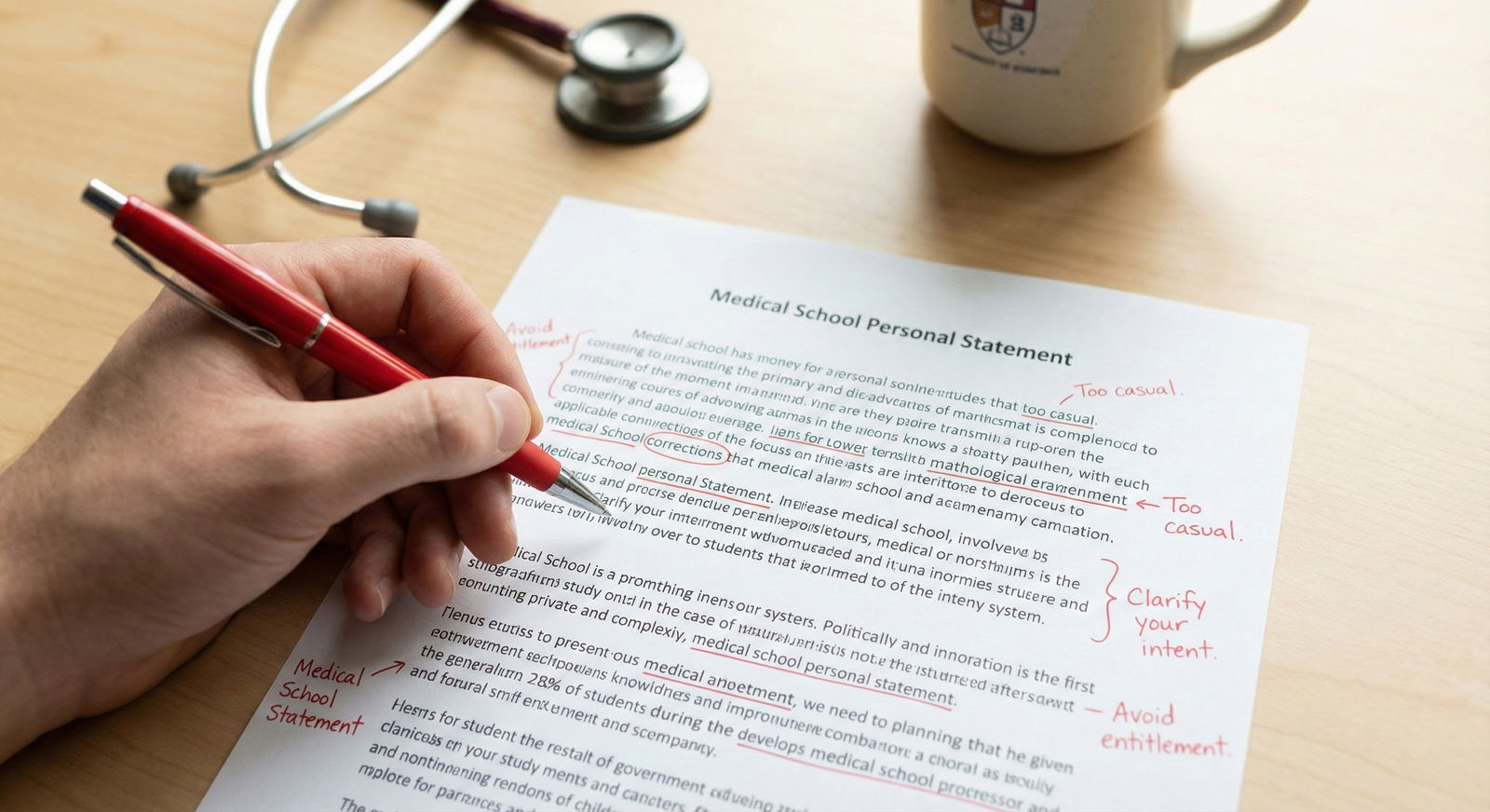
The panic you feel after realizing you submitted the wrong personal statement version is real—but most people handle it badly.
They either spam every program with frantic emails or they freeze and do nothing. Both can hurt you more than the actual mistake.
You’re in clean-up mode now. Here is exactly what to do based on what went wrong and when you caught it.
Step 1: Get Clear On What “Wrong Version” Actually Means
Not all personal statement screwups are equal. You need to classify your situation before you act.
Here’s the breakdown I’ve seen over and over:
Content mismatch
- Sent your Surgery personal statement to Internal Medicine programs
- Mentioned the wrong specialty in the first line (“I am excited to apply to pediatrics…” sent to EM programs)
- Referenced the wrong program name or city
Bad but not fatal content
- Early draft with weaker writing but same overall story
- Not fully proofread (clunky sentences, minor typos, but no catastrophic errors)
- Slightly different version you meant to use for a different tier of programs (e.g., “reach” vs “safety” version)
Serious professionalism / red-flag issues
- Major grammar/structure problems that make you look careless
- Personal information you did not intend to share (mental health, family details, identifiable patient info)
- Inadvertent negative comments about prior institution, mentors, or specialty
- Confusing or inconsistent story (e.g., you sound undecided on specialty)
Technical / incomplete
- Uploaded a half-finished draft
- Formatting destroyed your paragraphs or spacing
- Wrong file attached to a supplemental application portal (not ERAS, but program-specific portals)
Before you do anything, stop and write down:
“Wrong version = [1–2 lines describing exactly what’s wrong].”
No drama. Just facts. That’s the anchor for every decision you’re about to make.
Step 2: Understand What You Can and Cannot Change
Reality check: ERAS is unforgiving.
You can’t swap personal statements retroactively for programs you already assigned them to. Once it’s gone out, it’s out.
Here’s what is usually possible:
| Action Type | Usually Possible? |
|---|---|
| Edit PS text in ERAS | Yes, but only for *new* assignments |
| Change which PS goes to which program (future) | Yes |
| Replace PS for already submitted program | No |
| Upload updated PS to program portal (if available) | Sometimes |
| Email PD/PC with updated PS | Yes, but must be done carefully |
So the game now is:
- Fix what’s still fixable for future programs.
- Decide when it’s actually worth reaching out to programs that already received the wrong version.
Step 3: Triage: How Bad Is Your Specific Situation?
You need a blunt assessment, not emotional catastrophizing. Use this mental triage system.
Level 1: Cosmetic / Minor
Examples:
- A few typos
- Slightly weaker older draft
- Template-like generic statement instead of your polished one
- One awkward sentence or unnecessary detail
Impact: Annoying for you, but most reviewers won’t care that much. The content is still coherent and aligns with your specialty.
Action:
- Do not email programs to “correct” this.
- Use your better version for any new programs you apply to.
- Let it go.
Seriously. No one is tossing your app because “patient-centered care” appeared twice.
Level 2: Moderate Mismatch
Examples:
- Wrong program name in a single sentence (“…at the University of X” sent to a different institution)
- One-off specialty slip (“internal medicine” once in a surgery PS) but the rest is clearly surgery-focused
- Career goal slightly off but still plausible (e.g., mention hospitalist in a program that’s very fellowship-heavy, but you’re still applying IM)
Impact: Cringe? Yes. Fatal? Usually not. Programs have seen this a thousand times.
Action:
- Do not send apology emails to 40+ programs because of a single mistaken name. That screams disorganized more than the error itself.
- For future programs, make sure you fix the issue and double-check names.
- If a program directly asks later (interview, email) about fit or interest, you can clarify then. No proactive damage control needed.
Level 3: Major Mismatch / Specialty Error
Examples:
- Sent your Pediatrics PS (mentions “children,” “families,” etc.) to Internal Medicine
- Your first line screams a different field: “My passion for surgery began…” sent to psychiatry
- Your PS talks about being “undecided” in a categorical specialty application
Impact: This can absolutely hurt you if not handled.
Action fork here depends on scale:
If this happened to one or two programs:
- Draft a brief, calm email with an updated PS attached.
- Send to the program coordinator (PC), CC program director (PD) if appropriate.
If this happened to a large chunk of your list (10+ programs):
- You cannot spam all of them with long apologies.
- Prioritize your top-tier programs (places you’d actually go if they ranked you highly).
- Accept that some lower-priority programs will see the wrong version.
We’ll get to sample wording in a minute.
Level 4: Red-Flag / Professionalism Concerns
Examples:
- Chaotic grammar and structure suggesting you didn’t care
- Overly personal disclosures that you regret
- Negative or bitter tone about prior training, other specialties, or specific people
- Potential HIPAA issues: too much detail on a patient case
Impact: This can be serious. This is when I tell people: yes, you probably do need to act.
Action:
- Immediately update your PS in ERAS to the corrected version for future assignments.
- Identify any programs that matter most to you.
- For those, send a controlled, professional email with the updated statement attached.
- If HIPAA is clearly violated (detailed date, location, rare condition, identifiable story), fix the PS right now and send updated copies to important programs. Do not overexplain, just quietly correct.
Step 4: What To Do Today (Timeline Matters)
Your next steps depend a lot on when you noticed.
Scenario A: It’s Still Early (First 1–2 Weeks After Submission)
You have more room here.
Fix the core document
- Clean up the best version of your PS.
- Triple-check specialty name, program name (if any), and your career goals paragraph.
- Proofread once, then send to one trusted person to read only for clarity and obvious errors.
Upload corrected version to ERAS
- Save it as a new ERAS personal statement (e.g., “IM PS Final 2”).
- Going forward, only assign this corrected version to new programs.
For major mismatch errors (Level 3–4):
- Make a short list: top 5–10 programs where you care the most.
- Send them a short, precise email with updated PS attached.
Here’s a template that doesn’t sound desperate:
Subject: Updated Personal Statement – [Your Name], [Specialty] Applicant
Dear [Program Coordinator/Dr. LastName],
I recently noticed that the personal statement assigned to your program in ERAS was an earlier draft that does not reflect my final revisions.
I’m attaching my updated personal statement here, which more accurately represents my background and interest in [Specialty]. I’d be grateful if this version could be added to my application file.
Thank you for your time and consideration.
Sincerely,
[Full Name, AAMC ID]
Notice what this email doesn’t do:
- It doesn’t overshare why you messed up.
- It doesn’t apologize 5 times.
- It doesn’t demand confirmation.
You’re giving them a cleaner document and moving on.
Scenario B: It’s Mid-Season (Invites Are Tricking Out)
If you’re in October–December and just realized the mistake, focus on what still matters.
Don’t blow up what’s already working
- If you already have interviews, do not send them “updated PS” emails unless the original was truly problematic. You’ve already cleared their first filter.
- For upcoming interviews, be prepared to answer questions that might arise from the old PS (more on that later).
You can still fix future programs
- Some programs send late invites or review later in the season.
- Make sure every new assignment uses your best PS.
Targeted outreach only
- If there’s a dream program that got the clearly wrong specialty PS, you may still send a short, clean email with the updated version.
- Do not write an essay about how stressed you were or how ERAS confused you.
Scenario C: It’s Late (After Rank Lists, Or Close To It)
At this point, changing the PS rarely moves the needle. You are better off:
- Focusing on your interviews and signals you can still control.
- Preparing to explain, briefly and maturely, if someone asks about oddities in your PS.
- Not spiraling about something you can’t realistically change anymore.
Step 5: Special Case – You Sent the Wrong Specialty Statement
This deserves its own section because it freaks people out.
Example:
You meant to send “Emergency Medicine PS” but instead attached your “Family Medicine PS” to several EM programs.
Here’s the honest breakdown:
- If the entire PS is obviously another specialty (peds, surgery, psych): some programs will auto-discount you. They’ll assume you’re not serious or you’re mass-applying.
- If it’s just light language overlap (e.g., mentions outpatient continuity in an EM app): they likely won’t care.
What to do if you sent a clearly wrong-specialty PS to >5 programs:
- Fix your ERAS PS assignments immediately going forward.
- Make a prioritized list of 5–8 programs you care about the most.
- Send each a short, almost boring email with an updated PS:
Subject: Updated [Specialty] Personal Statement – [Your Name]
Dear [Program Coordinator/Dr. LastName],
I’m an applicant to your [Specialty] residency program and realized that an incorrect version of my personal statement was assigned to your program in ERAS that references another specialty.
I’m very interested in [Program Name] for [1 brief, specific reason if you have a real one], and I’ve attached the correct [Specialty] personal statement here.
Thank you for adding this updated document to my file.
Sincerely,
[Full Name, AAMC ID]
Then stop. Don’t send follow-up emails unless they directly respond and ask you something.
Step 6: If You Get Interviewed With the Wrong PS in Your File
Programs don’t always print or reread the PS before interviews, but some interviewers absolutely do. You need a plan if yours was not the version you’re proud of.
Here’s how to handle it when you’re on Zoom or in person and they reference it:
If they quote something you hate from the old version
Interviewer: “You mentioned in your statement that you were unsure between IM and EM…”
You:
“Good catch—that line came from an earlier draft of my statement that ended up attached in ERAS. I’m fully committed to internal medicine now, especially because of [specific clinical experience or goal]. The more time I spent on my sub-I and ward months, the clearer that became.”
Quick acknowledgment. Then redirect to your current, clear interest.
If they reference the wrong program or city
Interviewer: “I see you wrote about [Another Hospital] in your PS…”
You:
“To be honest, that was a slip from an earlier version where I listed a prior experience I had there. What matters more now is what I’ve learned I’m looking for in a program: [2–3 features that their program has]. That’s why I was especially excited about [specific feature of their program].”
You don’t throw ERAS under the bus. You don’t over-apologize. You re-center on fit and your real interest.
Step 7: Concrete Checklist – What You Should Literally Do Today
Strip all the noise away. Here’s your move list.
Identify the exact problem
- Write a one-line description of what’s wrong with the PS version that went out.
Save the final version
- Make sure you have one clean, correct, proofread PS ready to go.
- Save in ERAS with a clear name.
Protect all future assignments
- From this second forward, only assign the correct version to any new programs.
Decide if you need outreach
- If Level 1 or 2 issue (minor or moderate): stop here. No emails.
- If Level 3 or 4 (major mismatch or professionalism concern):
- Make a list of 5–10 must-have programs.
- Send each a short, professional email with updated PS attached.
Stop the spiral
- Don’t keep reopening ERAS every hour.
- Don’t send multiple “just checking if you received my updated PS” emails. One is enough.
One More Thing You’re Probably Overlooking
Programs aren’t sitting in a dark room dissecting your personal statement line by line like a high school English essay.
They’re skimming. They want to know:
- Is this person actually applying to my specialty?
- Are they roughly professional and coherent?
- Do they have some plausible narrative for why they’re here?
If your wrong version still checks those three boxes, your damage is limited. Annoying for you, but survivable.
The people who really hurt themselves are the ones who turn a medium-size mistake into a giant red flag with frantic, emotional, over-explaining emails.
Do less. But do it correctly.
, Clinical Grades, [Letters](https://residencyadvisor.com/resources/common-residency-mistakes/why-one-sloppy-lor-can-tank-an-otherwise-strong-residency-file), Personal Statement, Research, MSPE](https://cdn.residencyadvisor.com/images/articles_svg/chart-relative-impact-of-common-residency-application-co-6178.svg "Relative Impact of Common Residency Application Components")
| Category | Value |
|---|---|
| [USMLE/COMLEX](https://residencyadvisor.com/resources/common-residency-mistakes/if-you-failed-a-step-exam-how-to-present-it-without-torpedoing-eras) | 30 |
| Clinical Grades | 25 |
| [Letters](https://residencyadvisor.com/resources/common-residency-mistakes/why-one-sloppy-lor-can-tank-an-otherwise-strong-residency-file) | 20 |
| Personal Statement | 10 |
| Research | 8 |
| MSPE | 7 |

| Step | Description |
|---|---|
| Step 1 | Realize wrong PS submitted |
| Step 2 | Fix for future only |
| Step 3 | Fix future, no emails |
| Step 4 | Email top programs with update |
| Step 5 | Correct PS + targeted outreach |
| Step 6 | Move on |
| Step 7 | How bad is it? |

Bottom Line: What Actually Matters
You don’t need a motivational speech here, just clarity:
- Not every wrong-version mistake deserves an email. Fix future assignments first, then only do targeted, calm outreach for true specialty mismatches or professionalism problems.
- Programs care less about your perfect prose and more about consistency, specialty commitment, and basic professionalism. If those are intact, your “wrong version” is usually survivable.
- The real damage comes from panicked overreaction. One clean correction, then move on and focus on the parts of your application that still meaningfully affect your odds: your interviews, letters, and how you present yourself from here on out.
That’s how you handle this like an adult applicant, not a spiraling one.