
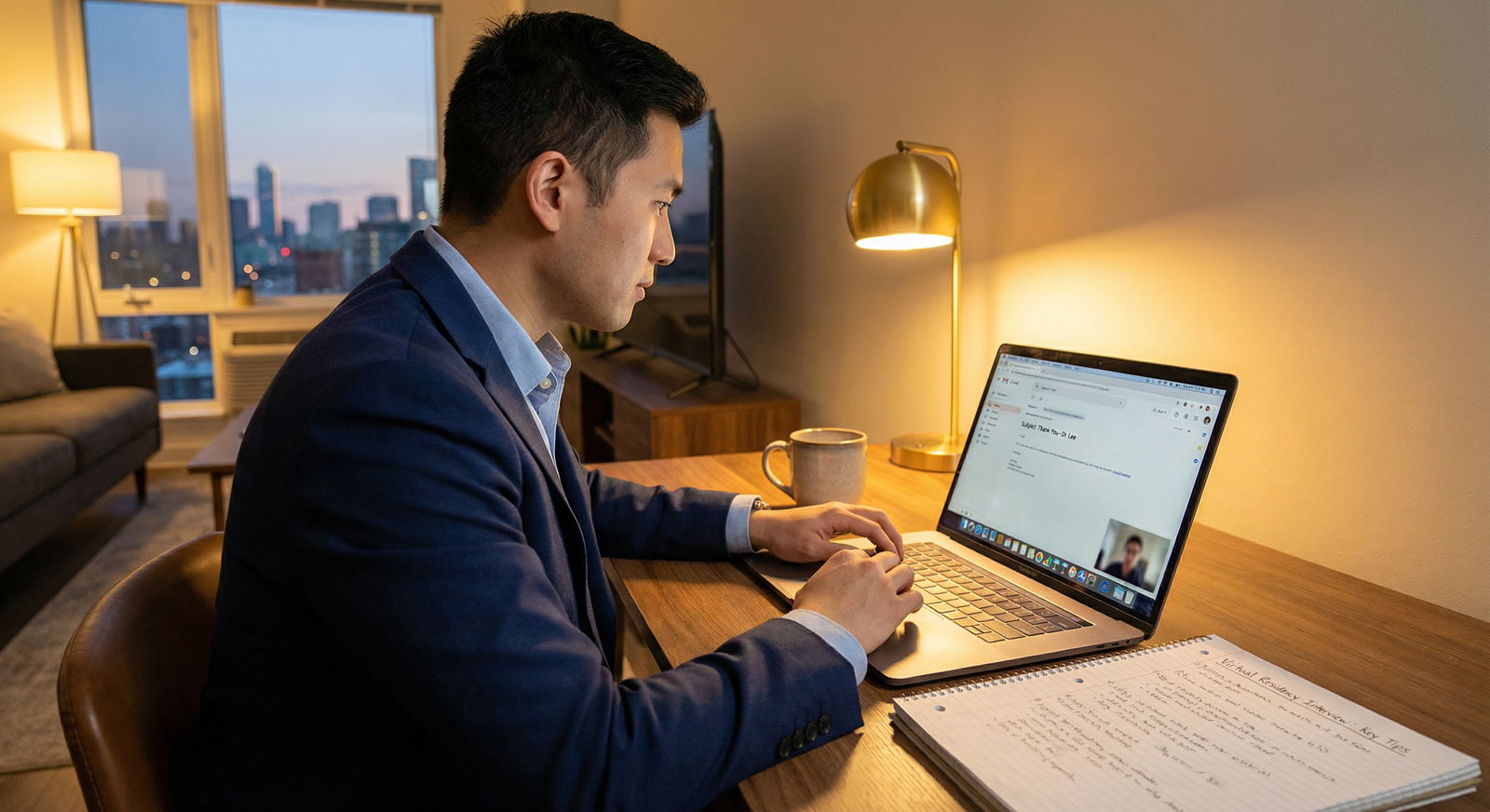
The biggest Zoom interview mistakes aren’t tech glitches. They’re the multitasking disasters you think no one can see.
Let me be blunt: faculty can tell when you’re half-present. Program directors can tell when you’re Googling answers. Residents can tell when you’re checking your phone. And once they sense it, you’re done. Not “slightly dinged.” Done.
You worked years to get here. Do not blow it because you couldn’t stay off Slack for 20 minutes.
This is your mistake-avoidance guide to Zoom interview multitasking — the invisible landmines that quietly kill your chances.
1. The “I Can Totally Listen While I Click Around” Lie
The most dangerous multitasking error? The one you don’t think is multitasking.
“I’m not distracted, I’m just:
- pulling up my CV,
- looking at their website,
- checking the schedule,
- taking notes on my phone.”
No. You’re splitting attention, and it shows.
How faculty actually see it
Here’s what multitasking looks like from their side (because I’ve heard them say this after interviews):
- “His eyes kept darting to the side, like he was watching something else.”
- “She took 3–4 seconds to answer simple questions. Felt like she was reading.”
- “He looked like he was checking messages. Instant no from me.”
They’re not thinking “Maybe the poor applicant is taking notes in OneNote.” They’re thinking “If this is how they act in an interview, how distracted are they going to be on rounds?”
You think:
- “I can quickly look up that faculty name.” They see:
- You breaking eye contact and losing the thread of the conversation.
You think:
- “I’ll just pull up my personal statement to remember that project detail.” They see:
- A weird pause + eye shift + robotic answer = “She’s reading off something.”
The subtle tells that give you away
These are the giveaways that you’re multitasking, even if you swear you’re just “clicking one thing”:
- Eyes tracking horizontally across the screen repeatedly
- Gaze moving down to the keyboard or to your lap too often
- Delayed responses (more than ~1.5–2 seconds) to straightforward questions
- Broken sentence flow: “Yeah so… uh… right… sorry… what was the question again?”
- Your face lighting up slightly when a notification appears (yes, they notice that micro-change)
- Slight head turns to another monitor
If any of that sounds like you on Zoom, you’re already in danger.
How to avoid this mistake
Treat Zoom like you’re in a conference room with them. You wouldn’t:
- Open your laptop and browse UpToDate mid-answer
- Check your phone under the table while they talk
- Read your personal statement line-by-line in front of them
On Zoom, that’s exactly what you’re doing when you multitask.
Do this instead:
- One screen. One active window. Zoom front and center.
- No browser tabs. No open email. No Slack.
- Your CV and PS are printed or open on a separate device out of your eye line if you must reference them. Better: memorize your own experiences.
2. “I’ll Just Have Resources Open” – The Cringe Cheat-Sheet Problem
The second fatal error: loading your screen with “helpful” resources.
Students confess this every year:
- Residency program’s website open
- List of common interview questions
- Draft answers and talking points
- Spreadsheet with faculty names and interests
- Google search ready for “what is this program known for”
You think you’re being prepared. You’re actually sabotaging yourself.
Why this backfires hard
Reading + speaking on Zoom is not subtle. Your brain lags. Your face betrays you.
This is what PDs say:
- “Felt like she was reading from a script. No spontaneity.”
- “He kept glancing down and to the right, answering like he was reciting something.”
- “Her tone was… off. Like she was performing instead of conversing.”
If your answer sounds like:
“That’s a great question. One of the things that drew me to your program is the… emphasis… on… um… resident wellness… and… the breadth of pathology…”
…they will assume you’re reading. And they won’t be impressed.
The “info overload” trap
Another problem: those tabs create cognitive overload. You’re half-listening while your brain scans: “Where’s that research highlight? Where’s that faculty name? Which bullet point was I going to say?”
That 1–2 second “processing” pause? Dead giveaway.
You’re not competing against perfect people. You’re competing against people who sound present and natural. A slightly imperfect but authentic answer beats a scripted, delayed, read-off-screen response every time.
How to set yourself up without looking like a robot
You can prepare smartly without live-crutching:
Use one physical sheet with brief bullets:
- 3 reasons you like the program
- 3 stories: leadership, conflict, failure/growth
- 3 questions you want to ask them
Put it next to the camera, not in your lap
Use keywords only, not full sentences
Practice talking those bullets out loud beforehand
If you must have digital notes, keep them:
- On a small sticky note near your webcam
- In huge font, 3–5 words per line
- Used sparingly, like a reminder, not a script
3. The “Invisible” Phone Problem
Do not underestimate how much your phone can ruin your interview without ever entering the frame.
I’ve seen this play out dozens of times:
- Phone face down next to laptop
- Vibration goes off — you glance
- Notification light blinks — your eyes flick
- You get a call — your hand moves slightly, your facial muscles tighten, your attention vanishes for 3 seconds
From their side, it looks like:
- Sudden loss of focus mid-answer
- Eye movements to somewhere off-screen
- Slight microexpression of “Oh, something’s happening”
And trust me, attendings pick up micro-disrespect faster than you think.
The worst version: actually checking the phone
Yes, people do this:
- Quick WhatsApp check when the interviewer is talking
- Reading a text during a long faculty monologue
- Responding to a page or group chat “real quick”
I’ve heard attendings say afterward:
- “Her phone was going off the entire time.”
- “He was clearly distracted by something else—dealbreaker.”
They don’t know if it’s family, group chat, or fantasy football. They do not care. All they see is: “Not fully present in a professional setting.”
How to neutralize your phone as a threat
Do this every interview morning:
Set your phone to:
- Do Not Disturb
- Or airplane mode for the actual interview block
Physically move it:
- In another room
- Or zipped in a bag behind you
If you’re truly on-call or have an unavoidable situation:
- Email the program before interview day explaining briefly
- At the very start of the interview say calmly:
“I want to mention I’m technically on backup call today for X. My phone is on silent, but if I have to briefly respond to a true emergency, I apologize in advance.”
Then you better only touch it if the hospital is literally calling you.
4. Multitasking with Chat, Email, and Notifications
Zoom’s chat box is not your friend during interviews.
Another common mistake:
- DM’ing other applicants
- Watching for messages from the coordinator
- Checking your email “between interviews” and forgetting to fully close it again
Or worse:
- Notification banners from Outlook, iMessage, Teams, Slack, WhatsApp popping up while you’re on screen.
Those little pop-ups? They shift your attention for a fraction of a second. Your eyes move. Your expression changes. You break connection.
How it looks on their end
You might think:
- “I just glanced at the chat, no big deal.”
They see:
- You suddenly looking away when they’re asking a question
- Your attention split while they’re answering your question about mentorship or call schedule
It’s like checking your watch while someone’s talking to you. Technically quick. Socially loud.
Turn your environment into “interview-only mode”
Before you join the Zoom link:
Fully quit:
- Email client (Outlook, Gmail tab)
- Slack/Teams/Discord
- Messages apps on desktop
Turn on:
- Focus mode / Do Not Disturb on your computer
- Disable notification banners temporarily
Close everything except:
- Zoom
- Maybe a simple text-editing app if you’ll jot notes during breaks — but minimize it during actual interviews
Remember: they don’t see your notifications. They see your face reacting to invisible stimuli. That’s how you get quietly flagged as “distracted.”
5. Trying to “Use the Time Efficiently” Between Interview Blocks
This one is sneaky.
Long virtual interview day. You have:
- A 15-minute “break” between faculty
- 10 minutes between a resident panel and the next room
- A “waiting room” time while others finish
You get clever:
- Answer some emails
- Review another program’s website
- Send a quick text
- Check overnight labs from your rotation
- Scroll through group chats about how the interview’s going
Then you get pulled into the next breakout room. Your brain’s still in your inbox.
Result:
- You’re mentally off for the first couple minutes
- Your tone is a little rushed or flat
- Your answer to “Tell me about yourself” comes out weirdly mechanical
Faculty notice that mismatch: “She seemed tired and disengaged.” That’s often code for “She came in with zero mental reset and sounded like she didn’t want to be there.”
Use breaks as recovery, not productivity
You’re not weak for protecting your bandwidth. You’re smart.
During breaks:
- Stand up, stretch, walk 2 minutes
- Sip water
- Take 3–5 slow breaths
- Glance at your one-page notes
- Reset your facial muscles (yes, actually relax your jaw and forehead)
Do not:
- Open email
- Start another task
- Scroll social media
- Flip to studying or working on something else
You want your brain in “conversation mode,” not “switching tasks every 30 seconds” mode.
6. The Second Screen Disaster
Extra monitors are fantastic for productivity. They’re poison for interviews if you don’t lock them down.
Here’s the trap:
- Monitor 1: Zoom
- Monitor 2: Program notes, Google, EMR, messages, or even just a blank browser that becomes very tempting
You tell yourself:
- “I’ll just glance at that faculty name.”
- “I’ll just confirm that research detail.”
- “I’ll keep the schedule open over here.”
What they see:
- Your gaze kept pulling to the side
- You never really looked at the camera
- There was this sense you were “watching something else”
If your eyes are consistently not near the camera, it feels like talking to someone who stares over your shoulder the whole time. Irritating and disconnecting.
How to avoid second-screen traps
Option 1 (best):
Unplug the second monitor entirely for interview day.
Option 2 (if you really need it for technical reasons):
- Turn the second monitor off physically
- Force Zoom onto your main screen
- Put the Zoom window directly below your camera
- Do not open anything on the second screen during the actual interviews
If you catch yourself glancing sideways during practice, that’s your warning: your setup is already hurting you.
7. The Fake “Engaged But Actually Distracted” Body Language
Some applicants train themselves to “look engaged” — nodding, smiling — while their brain is somewhere else.
Interviewers can feel the mismatch.
Signs you’re faking engagement while multitasking:
- Over-nodding without actually responding meaningfully
- Saying “Yeah, yeah, that’s great” to complex explanations
- Laughing half a second late at jokes
- Asking a question they just answered 60 seconds ago
Residents especially roast this in debriefs:
- “He asked about call schedule right after I explained it for 5 minutes.”
- “She looked like she was trying to appear super engaged but her actual answers were thin.”
That’s classic “surface engagement, divided attention.”
Anchor yourself back into the conversation
Instead of multitasking to reduce anxiety, do the opposite:
Repeat part of the question out loud:
“So you’re asking about how I handle conflict on the team…”
Refer back to what they said:
“You mentioned earlier that interns get early autonomy in the ICU—that actually connects to something I valued on my sub-I…”
Ask one follow-up question that builds on their answer, not a new topic:
“You talked about faculty being approachable—do you feel that’s true across all services, or mainly on certain rotations?”
You can’t do this well if you’re multitasking. Which is exactly why it’s such a strong positive signal when you are fully present.
8. Thinking “They Can’t See Me Right Now” When They Actually Can
One more landmine: assuming you’re off-camera or not being watched.
Common scenarios:
- You’re in a “waiting room” and forget your camera and mic are still active
- You think breakout rotations haven’t started yet
- You assume the resident social is “informal” and doesn’t really count
- You believe your square is too small for anyone to notice your side activities
Then you:
- Check your phone repeatedly
- Text on your laptop
- Scroll another website
- Look exhausted, slumped, clearly tuned out
News flash: people absolutely talk about this afterward.
- “She looked bored and annoyed any time it wasn’t her 1-on-1.”
- “He kept texting during the resident Q&A; not a good look.”
Resident socials absolutely affect how they rank you. If you’re visibly multitasking, they will remember.
9. A Simple “No-Multitask” Setup That Actually Works
Here’s a clean, low-risk setup that avoids almost all these errors.

| Step | Description |
|---|---|
| Step 1 | Start Interview Day Prep |
| Step 2 | Disable phone & notifications |
| Step 3 | Unplug extra monitors |
| Step 4 | Close all apps except Zoom |
| Step 5 | Place one-page notes near camera |
| Step 6 | Join Zoom 10-15 min early |
| Step 7 | Interviews: Zoom only on screen |
| Step 8 | Breaks: stand, water, breathe |
Set it up this way:
- Laptop or single monitor only
- Zoom full-screen, centered under your camera
- One-page physical notes just above or beside the camera
- Phone off or in another room
- All other apps closed, Do Not Disturb on
- Breaks used for physical/mental reset, not productivity
Is it overkill? Maybe. But it completely removes the temptation to self-sabotage.
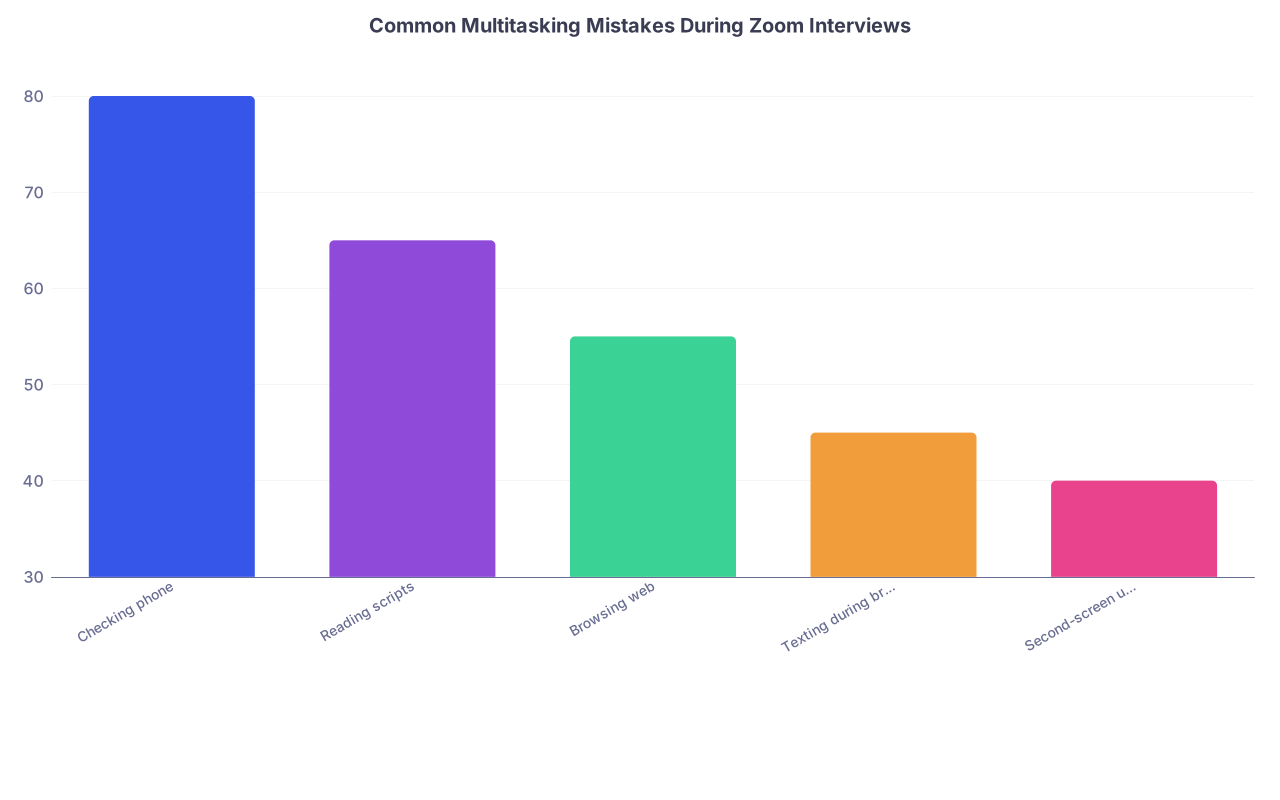
| Category | Value |
|---|---|
| Checking phone | 80 |
| Reading scripts | 65 |
| Browsing web | 55 |
| Texting during breaks | 45 |
| Second-screen use | 40 |
10. Practice: Catch Your Own Tells Before They Do
You will underestimate how obvious your multitasking tells are. Everyone does.
So you need to see yourself the way they’ll see you.
Run a brutal self-audit
Record a mock interview on Zoom with:
- A friend asking actual behavioral questions
- Or yourself reading questions and then answering
While answering:
- Keep your notes or browser open like you plan to on interview day
- Try doing the things you “think you can get away with”
Then watch the recording like a PD:
- Count how many times your eyes shift
- Notice micro-pauses before answers
- Listen for “scripted” tone vs conversational
- Watch your face when you get a message or think of checking something
You will probably cringe. Good. That’s the point. Fix it now, not during your real interview.
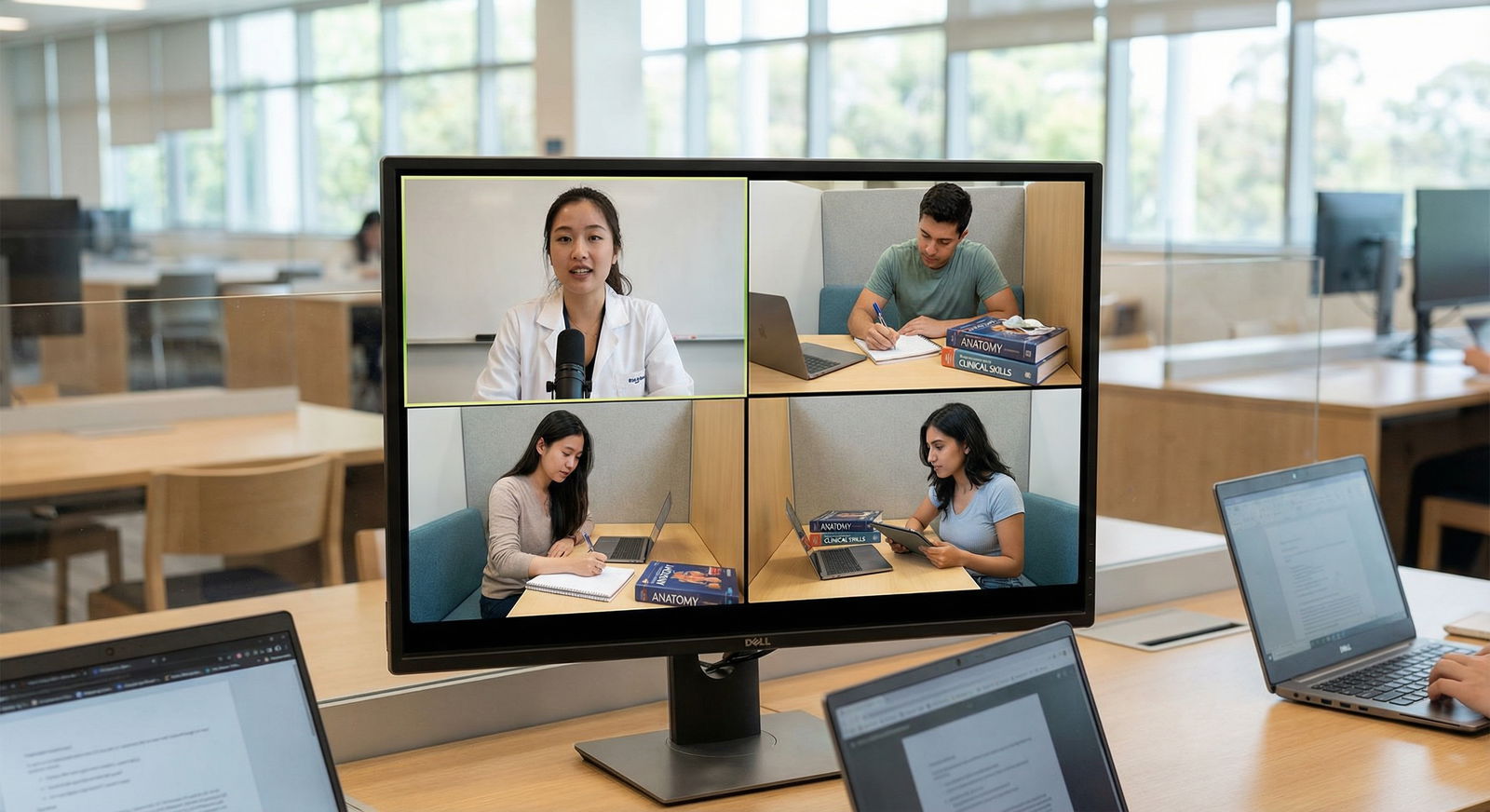
11. The Only Multitasking That’s Actually Safe
There are exactly two things you can “multi-task” during a Zoom interview that won’t hurt you:
Listening and note-taking – if:
- Notes are very brief
- You write physically (pen and paper)
- You keep your eyes mostly up and just glance down occasionally
- You don’t write while you’re talking
Listening and monitoring time – if:
- The clock is small and near your camera
- You glance quickly, not full-on turning away
- You’re not clearly anxious about the schedule
Everything else? Stop kidding yourself. You’re not multitasking. You’re just being less present.
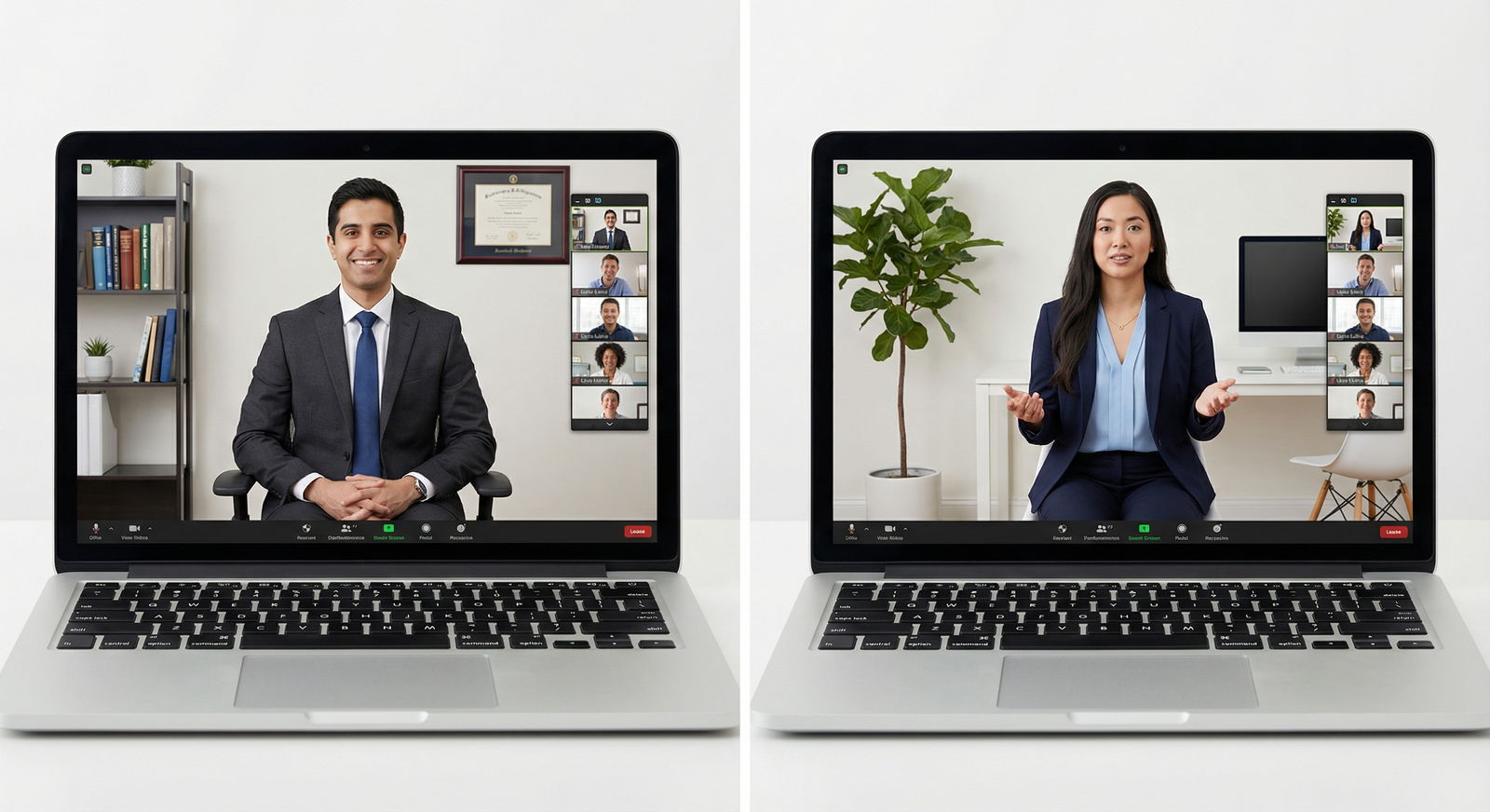
12. Remember What’s Actually at Stake
This is not just about “looking professional on Zoom.”
Programs are deciding:
- Who they trust with their patients
- Who they want on their team at 3 a.m.
- Who will pay attention when they’re getting sign-out or critical instructions
If you cannot stay present for a 20–30 minute conversation from your own apartment, what does that signal about you in a chaotic ICU, on cross-cover, in family meetings?
They won’t articulate it that harshly. But the gut feeling is there. And it shows up on the rank list.

The Bottom Line: Don’t Be Your Own red flag
Keep this tight in your mind:
- Multitasking on Zoom is not invisible. Your eyes, pauses, and tone betray you.
- Cheat-sheets, second screens, and phone “peeks” make you sound less authentic, not more prepared.
- Your safest move is radical simplicity: one screen, Zoom only, fully present, breaks used to reset — not to “get things done.”
You already did the hard part to earn the interview. Do not let avoidable multitasking habits quietly take you off someone’s rank list.



